Car Photos Without the Driveway in the Paintwork
Remove your own reflection from the door panel, neutralise a cluttered background and tame glare on glass — while leaving the vehicle itself exactly as it is.
1K: 1 credit · 2K: 6 credits · 4K: 10 credits · Trial previews have a watermark. See credit packs
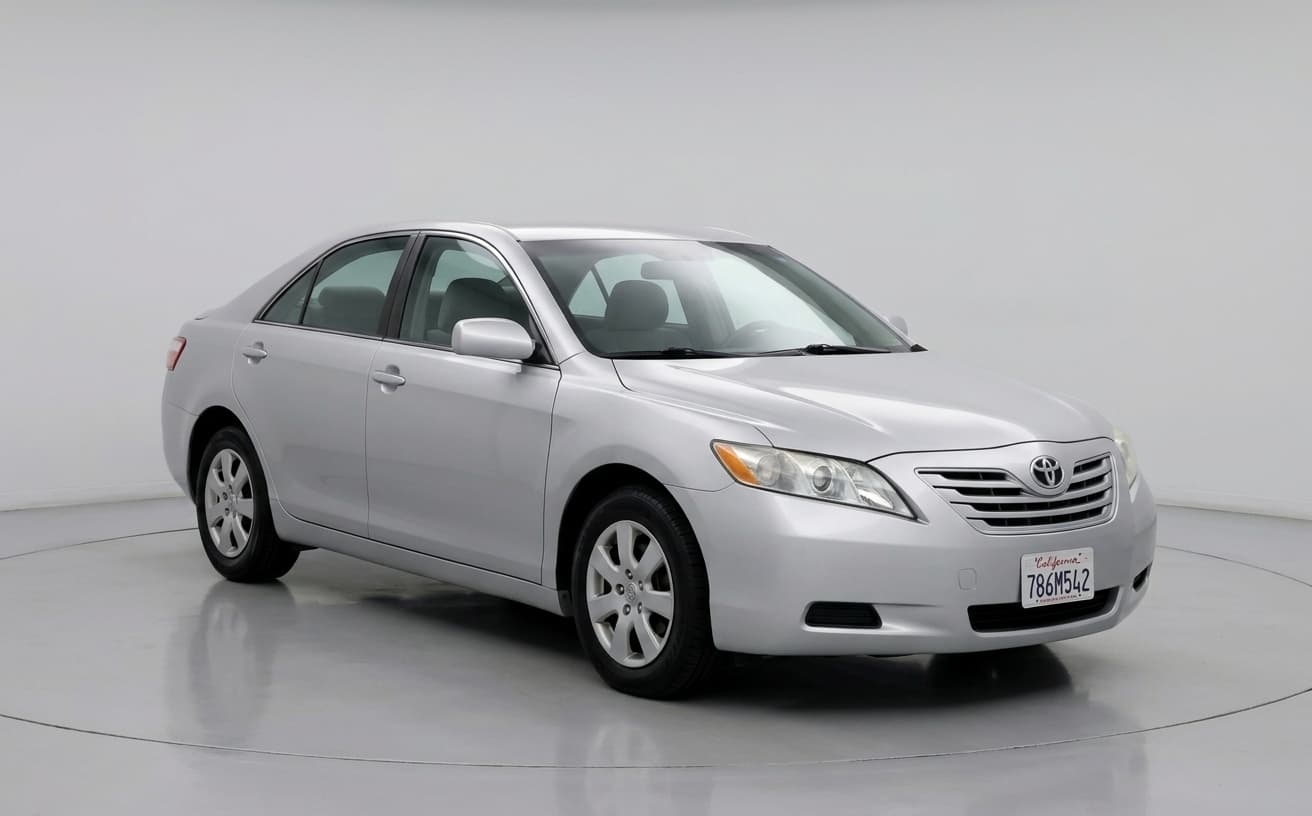
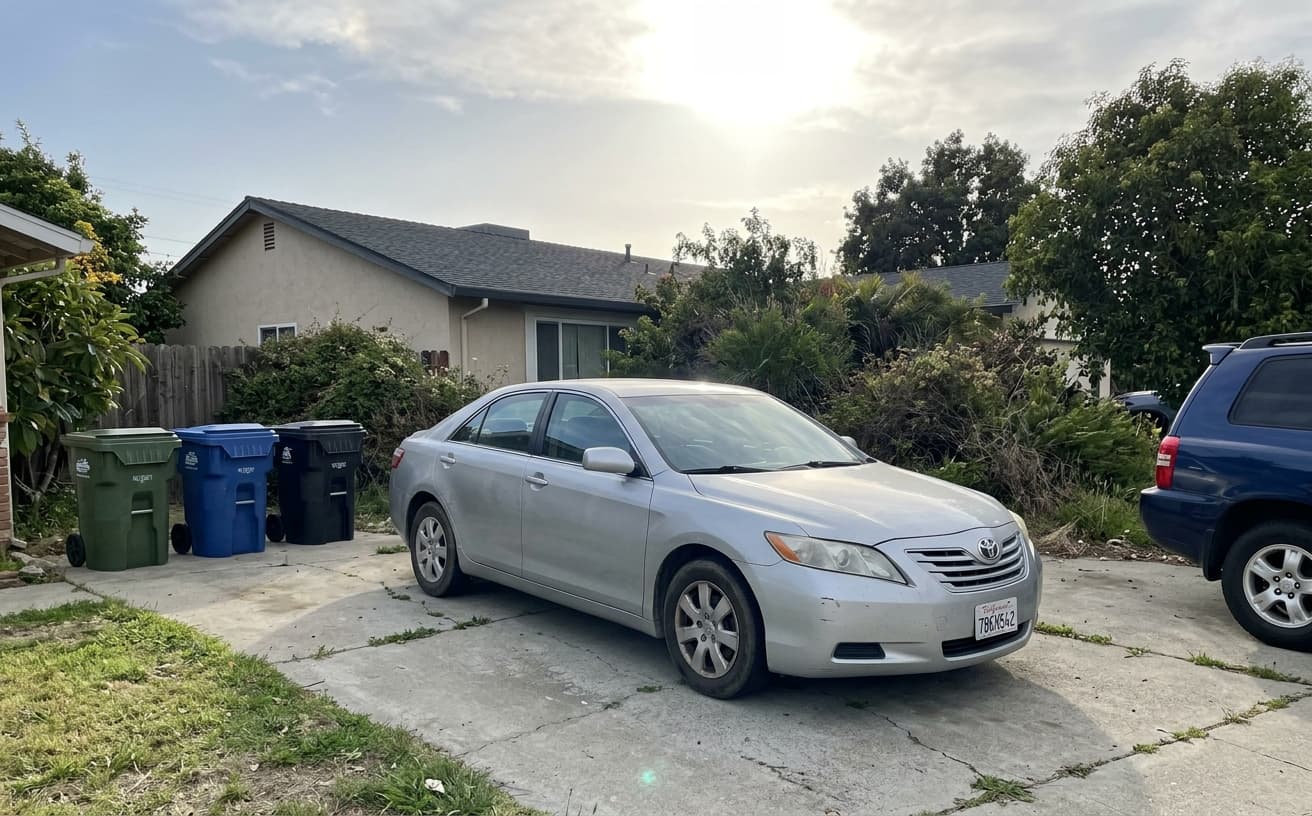
Loading photo editor…
Buyers Judge the Seller Before They Judge the Car
A dirty car, glare across the glass and a cluttered driveway make a listing look rushed, and buyers read that as a seller who cut corners elsewhere. Professional automotive photography runs $150–$300 a vehicle. This cleans up the things that are artefacts of the shoot — reflections, background clutter, exposure, dirt on the paint — and leaves the car itself, damage included, exactly as a buyer will find it.
What Can You Fix
Professional car photo editing for any listing
Remove Dirt & Spots
Clean dust, mud, bird droppings, water spots automatically
Fix Glare & Reflections
Remove windshield glare, window reflections, shine
Studio Backgrounds
Replace messy driveways with professional studio backdrops
Blur License Plates
Automatically detect and blur plates for privacy
Real Results Gallery
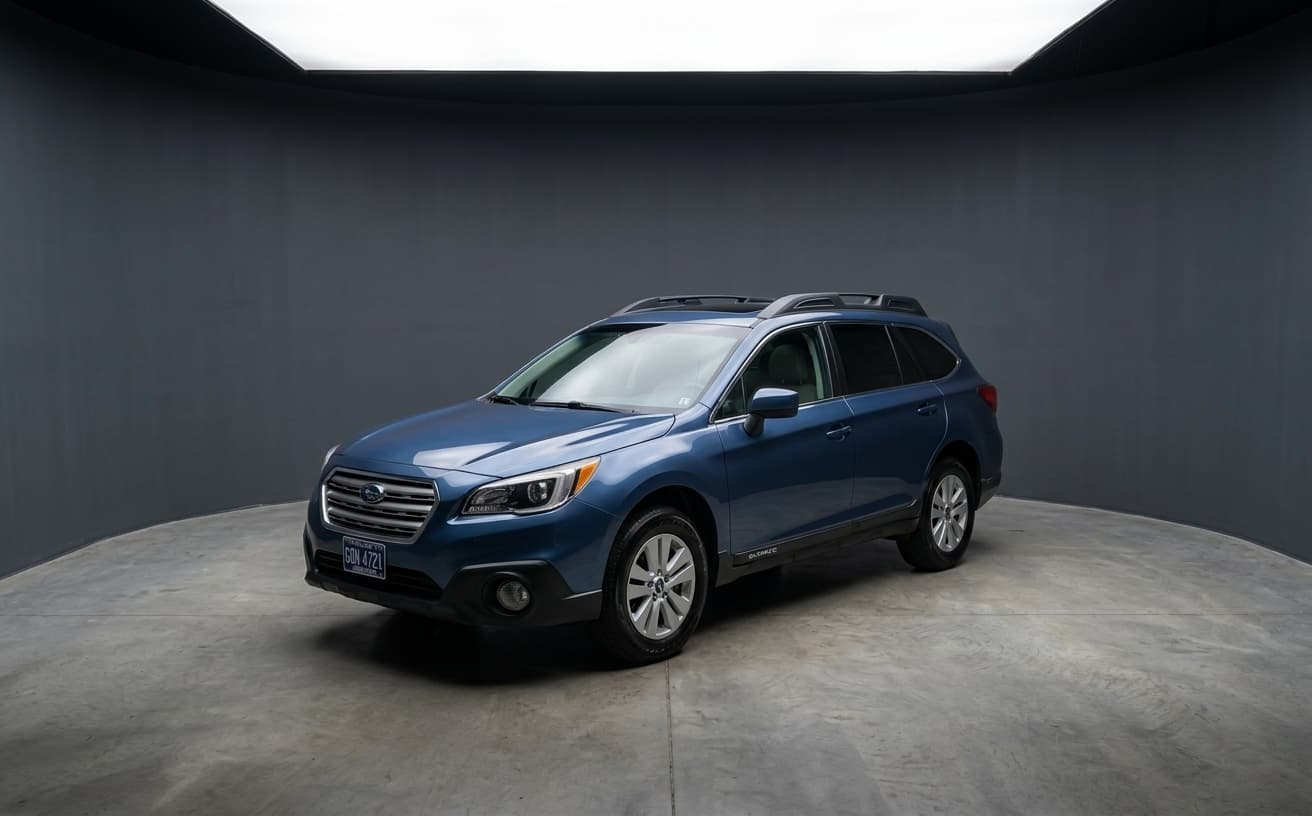
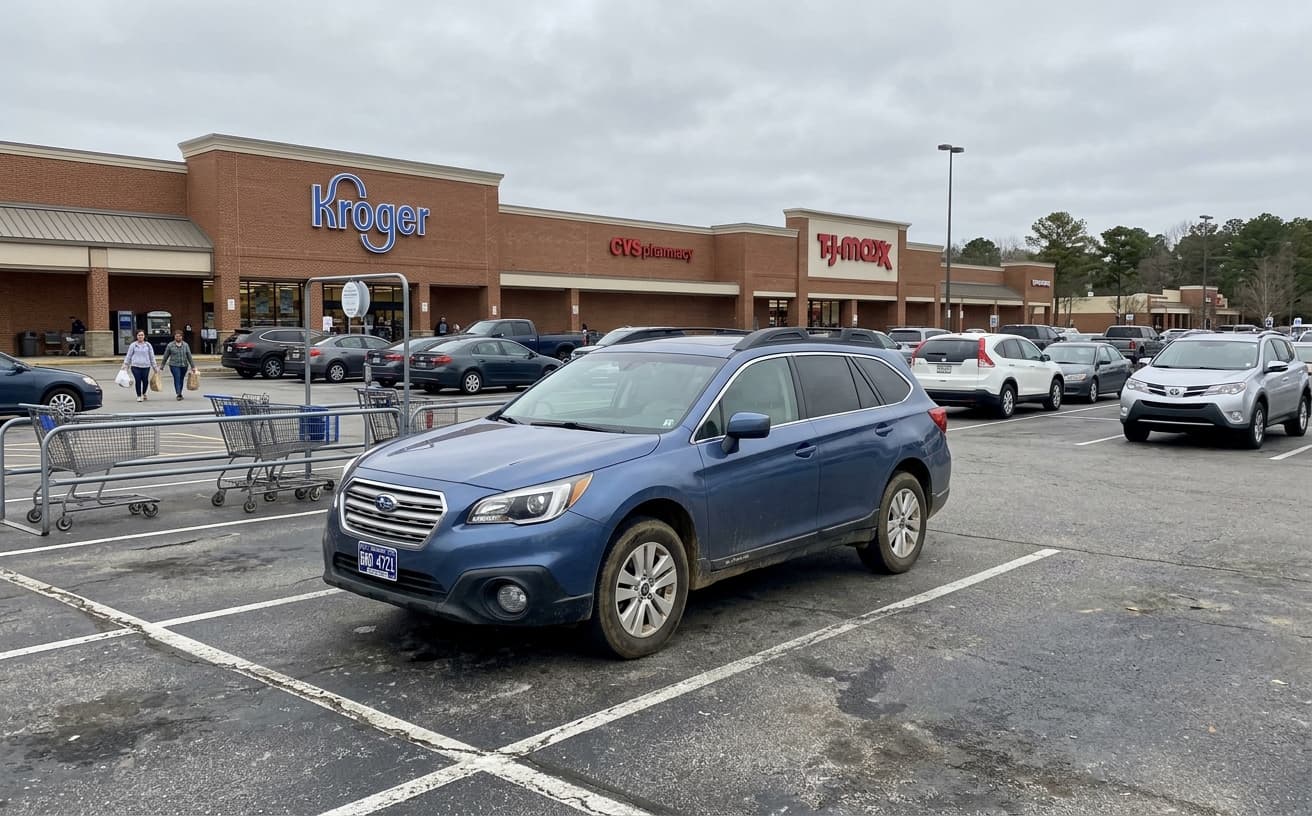
See how AI transforms photos with professional editing
Professional AI Editing
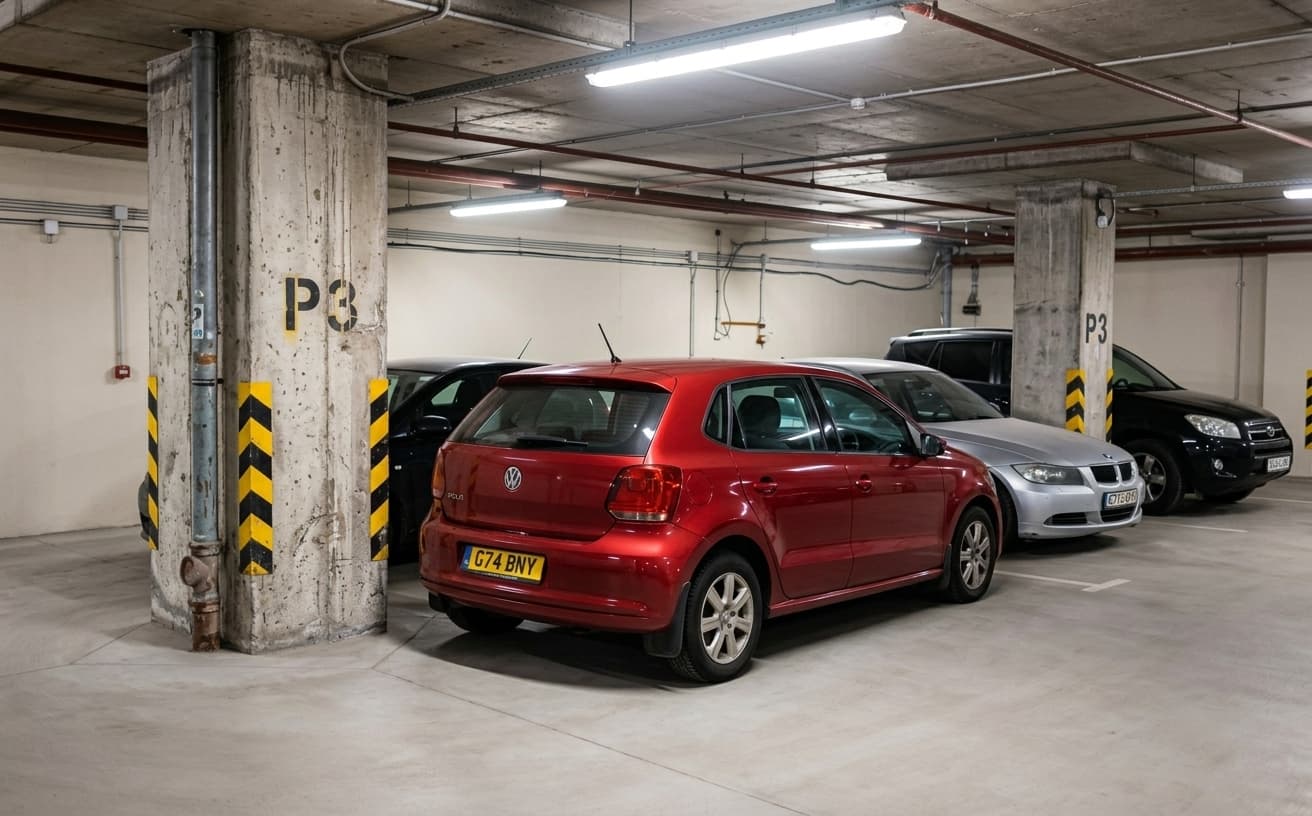
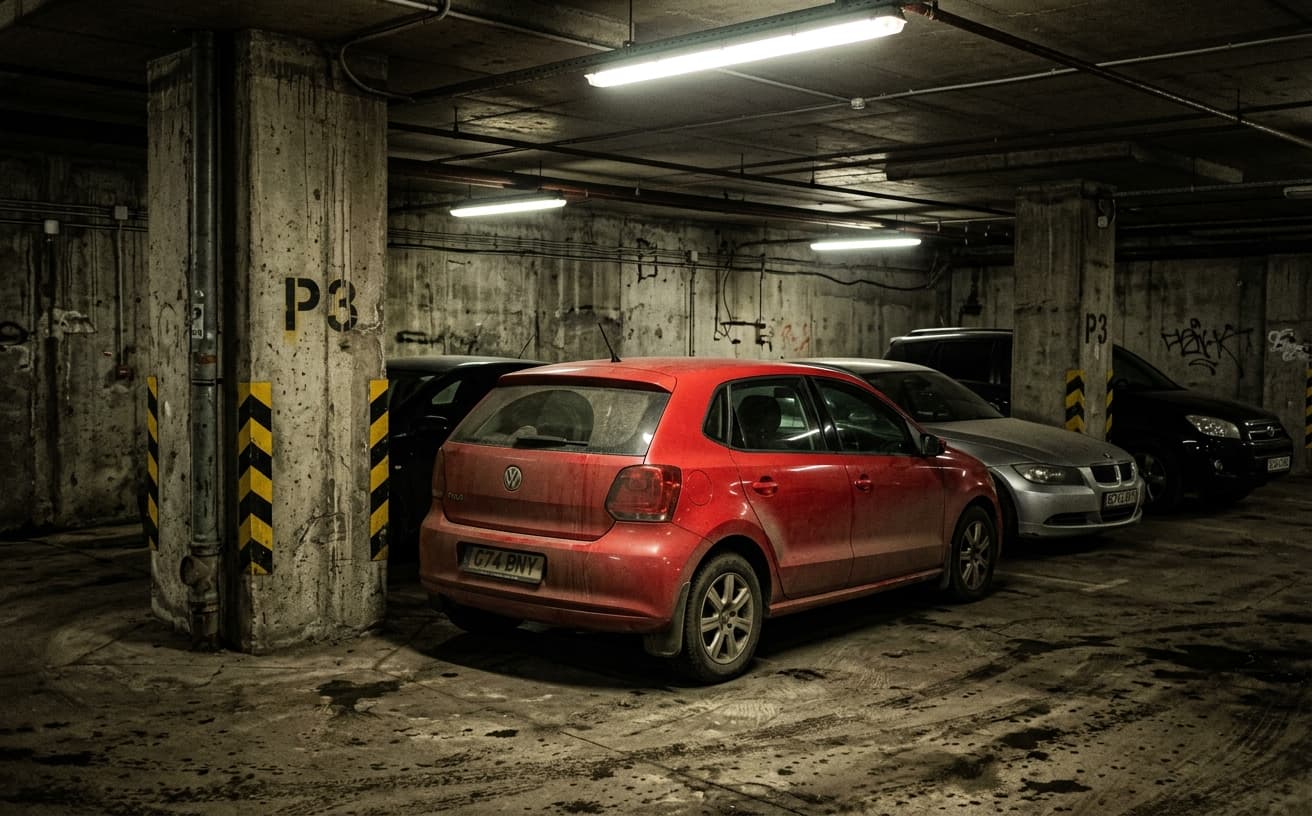
Compare the original and edited image
Natural Results
Check edges, lighting, and fine details
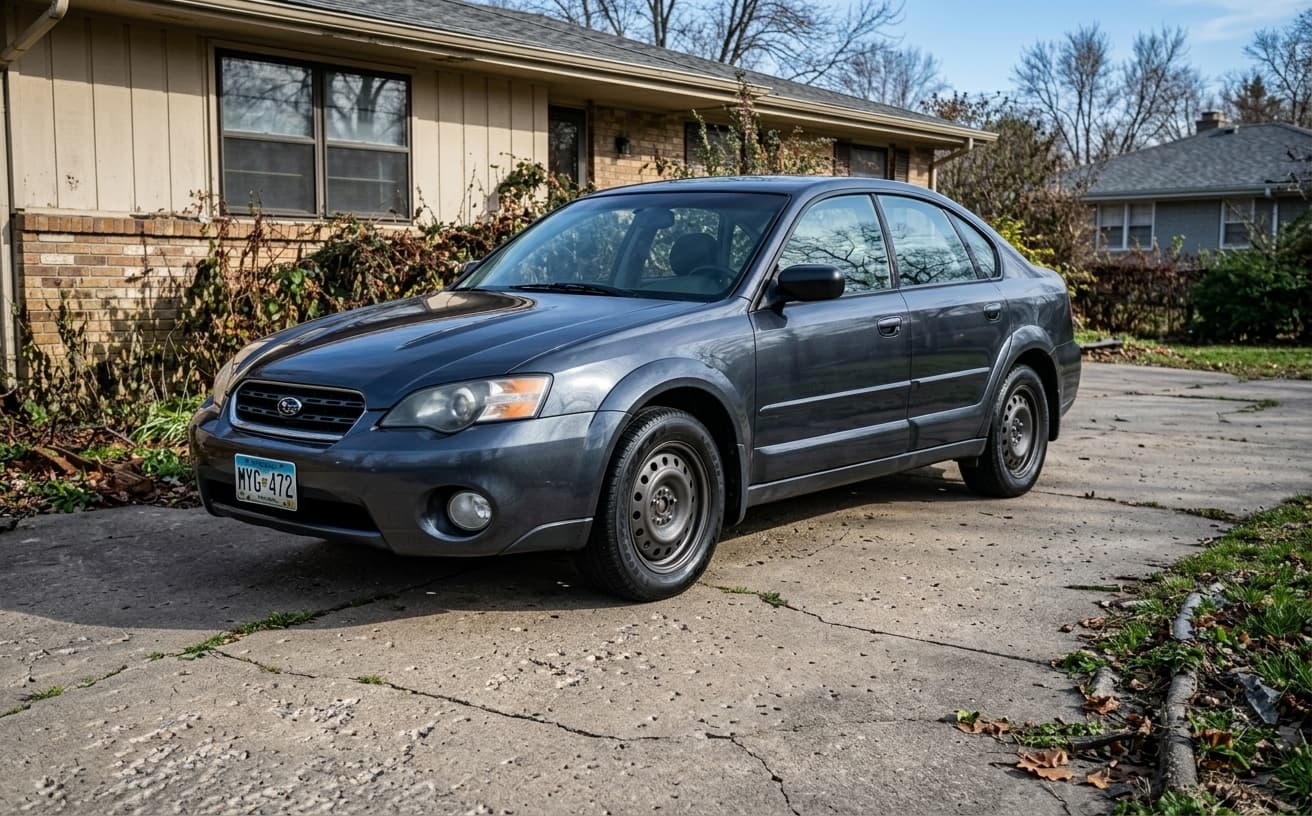
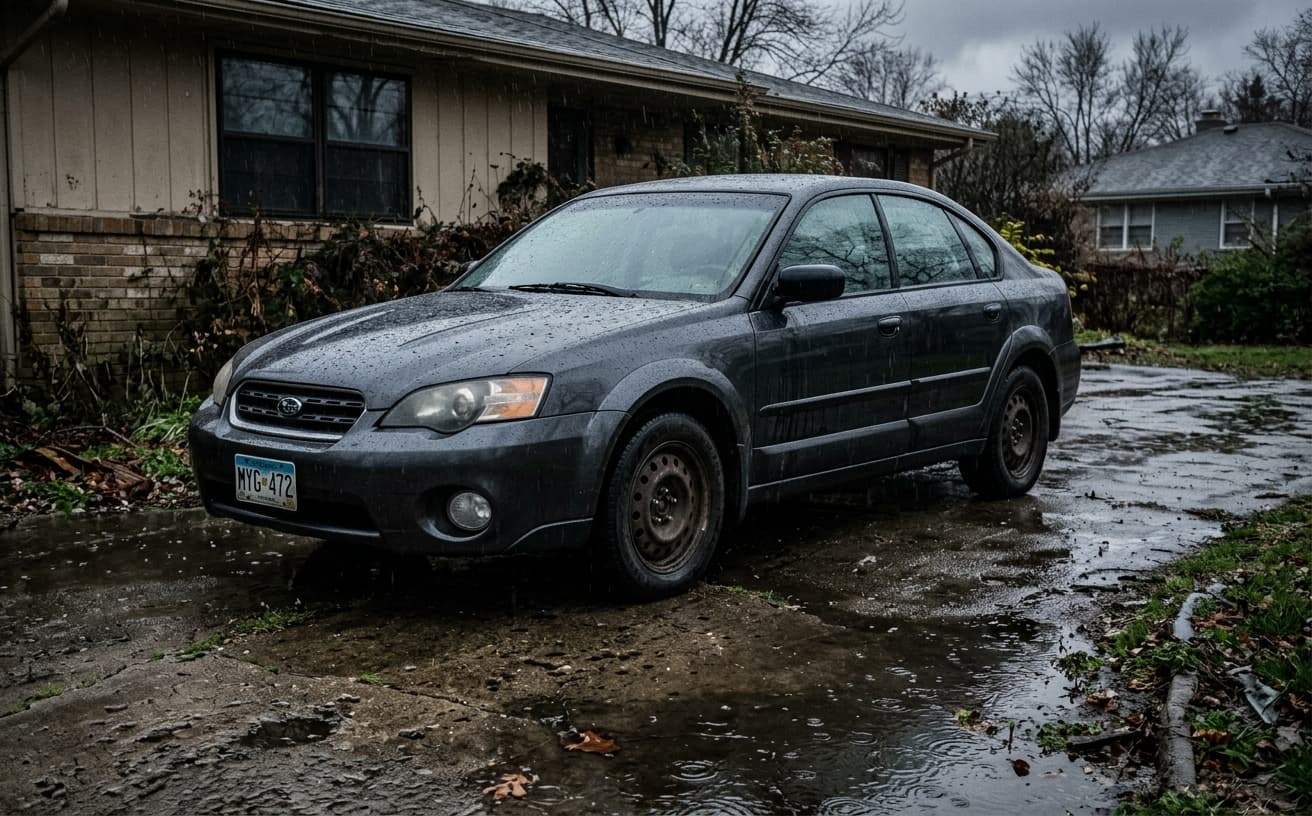
AI Transformation
AI-powered enhancement
Premium Quality
Review the result before downloading
How to Edit Car Photos for Professional Listings
Dealership photos in 3 clicks
Upload Car Photo
Any photo—driveway, street, parking lot. Works with all angles.
AI Enhances
Removes dirt, fixes lighting, blurs plates, adds background.
Download & List
Get professional photos ready for any listing platform.
Why Dealers & Sellers Choose Our Tool
Professional results without professional costs
A practical way to review your edit
Keep your original and check the generated image before you use it.
Start with one photo
Choose a clear source image and describe one specific change. A focused request makes the result easier to compare with your original.
Review the important details
Compare paint, body panels, wheels, badges and visible condition with the original. Keep the vehicle represented accurately in your listing.
Choose the result before exporting
Each AI edit uses 1 credit at 1K. Your first credit is free after signup and email verification. Free exports have a watermark; paid credits unlock watermark-free exports.
Questions & answers
How do I edit car photos for a listing?
Upload the shot, describe what should go — your reflection in the door, the bins behind the car, the glare across the windscreen — and download the result. Most listings need reflection removal and a background clean-up and nothing else.
What does car photo editing cost?
One edited photo is one credit. Packs run 30 for $7, 75 for $15, 200 for $30 and 500 for $60 — between 23 and 12 cents a photo. A free account gets one credit after email confirmation and its exports carry a small weezard.app mark; any paid pack removes it.
Can I edit a whole dealership inventory at once?
You can upload several photos together and apply the same treatment across them, which is the point for a lot — consistency across the inventory matters more to a scrolling buyer than any single photo looking exceptional.
Can it remove reflections and glare from car paint?
Yes, and this is the highest-value edit for most listings. The thing to watch is over-correction: the bodyline highlights on a car are what communicate its shape, so stripping every reflection leaves a flat silhouette that looks wrong.
Is editing car photos honest?
Cleaning backgrounds, reflections and glare is presentation. Removing a scratch, a dent or mismatched paint on a replaced panel is concealment of a material fact — it creates real legal exposure and guarantees a bad viewing. Clean the surroundings, never the damage.
What background works best for car listings?
It depends who is selling. Dealers benefit from a clean studio white or grey because it matches the catalogue look buyers expect from a business. Private sellers do better keeping a plausible real setting — a studio-perfect private listing reads as dealer-flipped and buyers get suspicious.
How should I shoot the car to make editing easier?
Overcast light or open shade, never direct midday sun — harsh sun creates the reflections that are hardest to fix. Park away from walls, other cars and anything with a strong colour. Shoot exteriors first, interiors with doors open, engine bay last.
What size should car listing photos be?
Different platforms crop differently — AutoTrader displays 4:3, Facebook Marketplace crops square, Craigslist keeps your ratio but compresses hard. Centre the vehicle and leave margin on all sides so nothing important sits where a crop will take it.
Will editing change the car’s colour?
It should not, and that is deliberate. Colour is a material fact a buyer will check in person, so the edits here target reflections, backgrounds and glare rather than the paint itself. If a result comes back with the colour shifted, run it again rather than publishing it.
Physics and Psychology of Car Listing Photography
A car is functionally a curved mirror wrapped around a product. Every photograph captures the reflection of whatever is around the vehicle at the shoot — the photographer’s silhouette, the building behind them, power lines, parked neighbors, trash cans. These reflections are invisible when you glance at the car in person because your brain filters them; they are impossible to ignore in a 1500-pixel listing thumbnail because the brain has nothing else to anchor on.
Reflection removal is the single highest-leverage edit for private-seller listings. Shot on a driveway with the photographer reflected in the door panel, the listing reads as "amateur, rushed, probably hiding something." Same car, same driveway, with the reflections cleaned up — the listing reads as "considered, cared-for." Nothing about the car changed; the signal the buyer receives completely changed.
For dealer operations, consistency matters more than any single photo. A lot with 80 vehicles photographed across two months will have light that varies by hour, background clutter that shifts daily, and wildly different white balances as weather changed. Buyers scrolling through inventory see this as chaos even if each individual photo is fine. Background replacement and color-standardization normalize the lot so the inventory reads as a coherent catalog rather than 80 disconnected shots.
Glare is the counterintuitive problem. It looks like it is "making the car look shiny" but actually destroys the exact bodyline highlights buyers are scanning for. A Porsche without its door-panel crease lines is just a shape; the highlights are the product. Glare removal tuned specifically for automotive paint preserves the highlights that sell the car while killing the diffuse glare that flattens everything.
Background neutralization deserves nuance. Dealers often want pure white studio backgrounds because that is the luxury-catalog look. Private sellers benefit more from keeping a plausible real-world setting (clean driveway, neutral parking lot) because buyers are slightly suspicious of studio-perfect private listings — it reads as dealer-flipped. Match the edit to the sales context.
The ethical floor: photo editing should reveal the car honestly, not hide problems. A scratch on the fender, a dent in the door, unmatched paint on a replacement panel — these are material facts a buyer needs to see. Removing them from photos creates lemon-law and fraud exposure and, more practically, guarantees bad reviews when the buyer arrives. Clean backgrounds and clean reflections; do not clean damage.
Per-platform sizing matters. AutoTrader crops to 4:3 at display time; Facebook Marketplace crops square; Craigslist respects your upload aspect ratio but compresses aggressively. A single 16:9 hero image gets cropped differently on each, meaning whatever you put in the outer edges may disappear. Center the vehicle, leave breathing room on all sides, and export at each platform’s native aspect for listings where placement matters.
Process order for the most common workflow: shoot exterior in shade or overcast (harsh sun creates the worst reflections), interior with all doors open and lights on, engine bay last. Run reflection removal and background cleanup on the exterior set; run glare reduction on the interior set; light the engine bay shot lightly because over-editing engine bays reads as cover-up.
What editing costs is worth stating plainly, because automotive photo editing is usually quoted per vehicle by outsourced studios and the per-photo number is buried. One edited photo is one credit. Packs run 30 for $7, 75 for $15, 200 for $30 and 500 for $60 — between 23 and 12 cents a photo. A free account gets one credit after email confirmation and its exports carry a small weezard.app mark; any paid pack removes it. For a private seller with eight photos of one car, that is under two dollars. For a dealer running forty cars a month at six photos each, the 500-pack covers roughly two months.
The single most common mistake is editing the wrong thing. Sellers reach for brightness and saturation because those sliders are obvious, and end up with a car whose colour no longer matches reality — which produces an awkward moment at the viewing and, for dealers, a genuine misrepresentation problem. The edits that actually move a listing are subtractive: remove the photographer from the door panel, remove the wheelie bin from the driveway, remove the glare hiding the interior. Leave the paint alone.
Interior shots need the opposite treatment from exteriors. Outside, you are fighting reflections; inside, you are fighting dynamic range — windows blow out to white while the footwells go black. Shoot interiors with the doors open and the dome light on, then lift the shadows rather than pulling the highlights, because recovered window detail looks synthetic and buyers notice it faster than they notice dark carpet.
For a dealer lot, consistency beats quality on any individual photo. Forty vehicles shot over two months will vary in light, background and white balance, and a buyer scrolling the inventory reads that variation as disorganisation even when each photo is fine on its own. Standardising the background across the lot is worth more than making any one car look spectacular, and it is the main argument for editing inventory in batches rather than one car at a time.
A word on number plates. Blurring or replacing the plate is standard practice for dealers and sensible for private sellers, since a plate is enough to look up a vehicle’s history and, in some markets, its owner. It is cosmetic, not deceptive — unlike editing out damage, which is neither.
Next step
Related AI photo tools
Choose the tool that matches your next photo edit.
Remove reflections and glare
The photographer, the building behind them, and the power lines — out of the paint.
Put the car on a studio background
Swap the driveway or lot for a clean sweep, with wheels and mirrors cut out intact.
Remove objects from the shot
Clear bins, cones, and other cars out of the frame before replacing the background.
AI photo editor online
The general editor when the listing shot also needs enhancement or colour work.
AI background changer
The unrestricted version if you want something other than a studio sweep.
Ready to Transform Your Photos?
Try an edit on your own photo and inspect the result before downloading.
1 free credit after signup and verification • No card required