AI Photo Enhancer
Change backgrounds, restore old photos, remove objects.
One AI workspace for every photo job: studio-quality background swap, scratch-and-fade restoration, distraction removal, and upscaling. Drop a photo, get results in seconds.

Smart Photo Restoration
Bring old and damaged photos back to life with our advanced AI restoration technology. Remove scratches, fix tears, and enhance faded colors automatically.
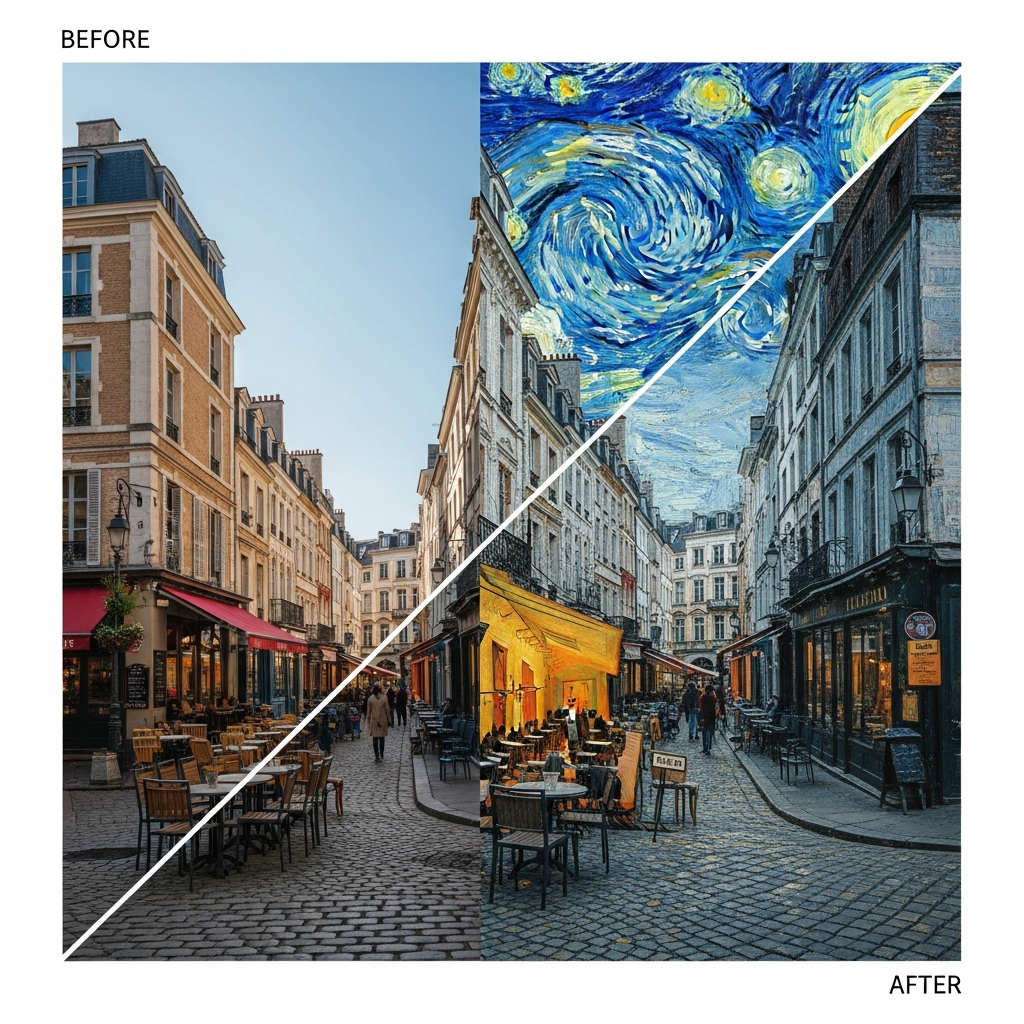
Artistic Style Transfer
Transform your photos into stunning artwork with AI-powered style transfer. Apply famous painting styles or create unique artistic effects.
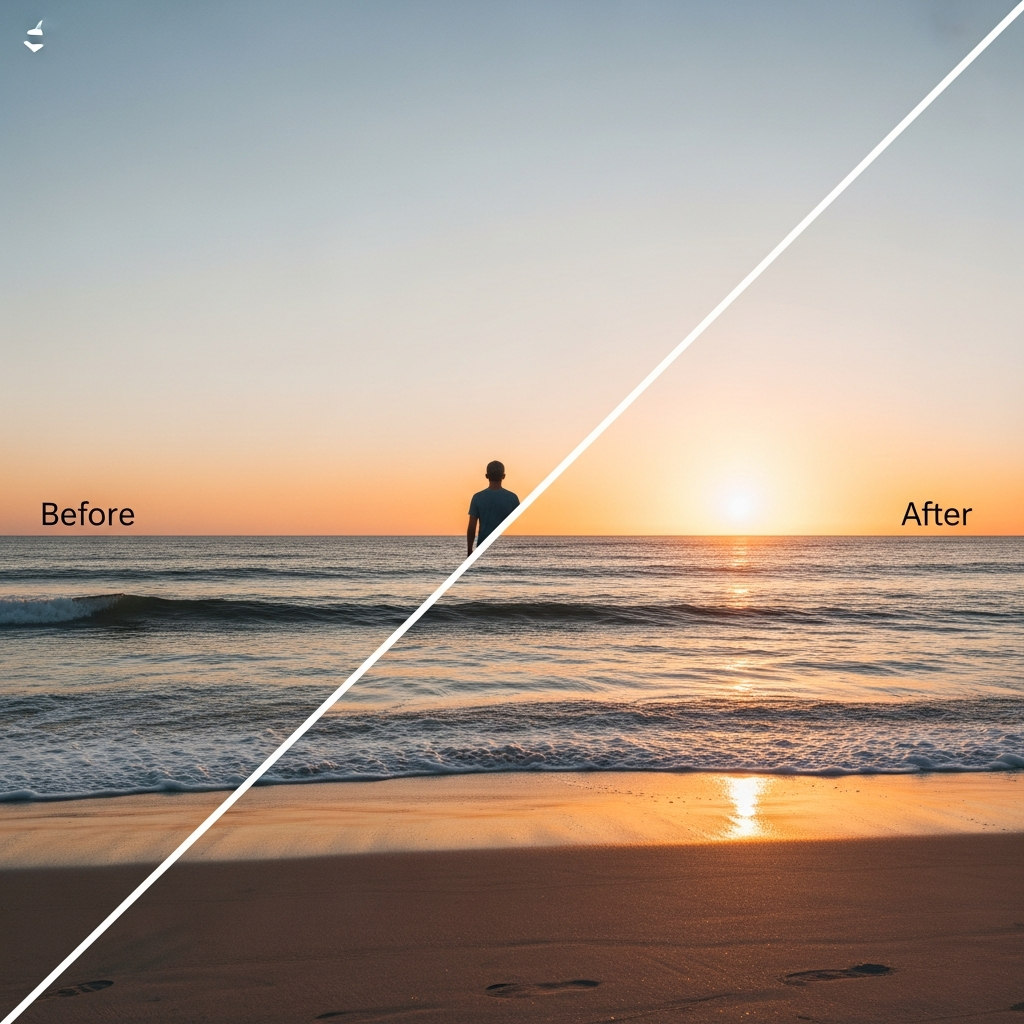
Intelligent Object Removal
Remove unwanted objects, people, or blemishes from your photos seamlessly. Our AI fills in the background naturally.
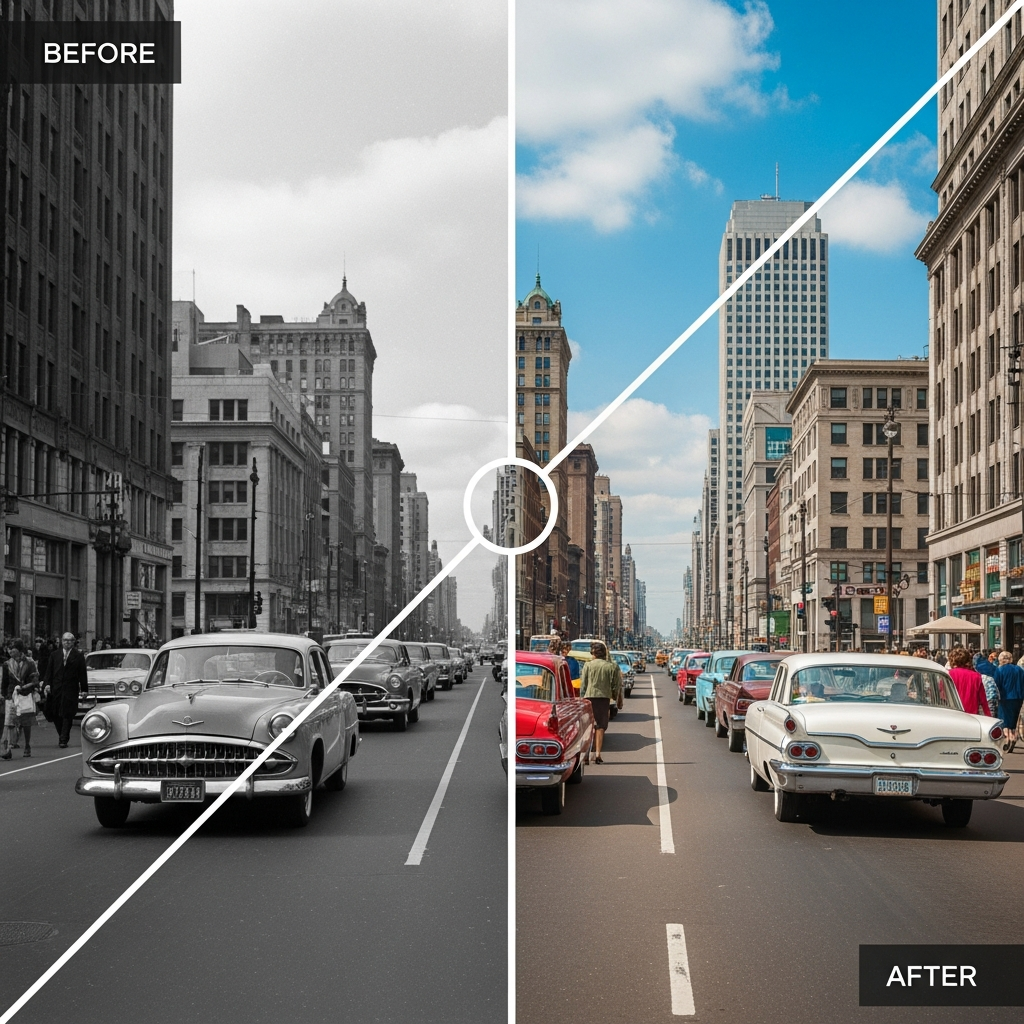
Photo Colorization
Generate a colorized version of a black-and-white photo. Compare faces and other important details with the original.
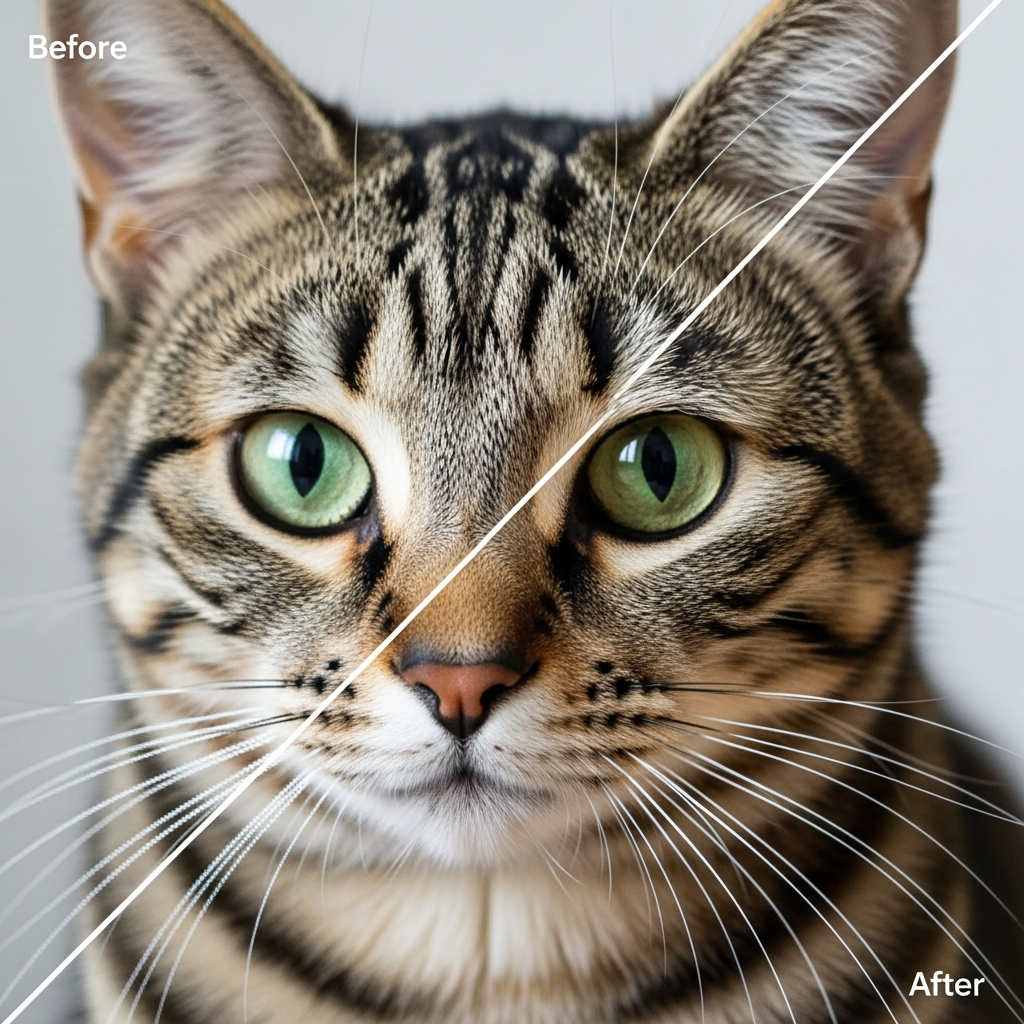
Image Upscaling
Enhance image resolution and quality using advanced AI algorithms that intelligently add detail and sharpness.
AI photo enhancement for everyday editing tasks
Weezard AI is an online AI photo enhancer built around the jobs people actually open a photo editor to do: swapping a background, erasing a distraction, repairing an old scan, or pushing a soft photo to a sharp, print-ready result. 1 trial credit after signup and email verification, no credit card — keep going on a paid plan when you need more.
Most-used tools
- Change background of a photo online — replace any background with white studio, transparent PNG, sky, beach, custom scene, or a brand color in one click.
- AI image upscaler — increase resolution up to 4x, recover detail, and clear compression artifacts on photos too small to print.
- Virtual try-on — change clothes in a photo — swap shirts, dresses, jackets, or a whole outfit onto your own picture, fit following your pose.
- Put a white background on pictures — pure #FFFFFF output for Amazon, Etsy, Shopify product photos. Keeps contact shadow.
- Restore old photos with AI — repair scratches, tears, fading, and color shifts on inherited family photos and scans.
- Remove objects from photos — delete photobombers, trash, wires, signs, and vehicles without leaving a smudge.
- Remove text from image — erase watermarks, date stamps, captions, logos, packaging text.
- Expand any image (AI outpainting) — extend a photo beyond its original frame to fit 16:9, 9:16, 1:1, or any aspect ratio.
- AI photo editor online — edit, enhance, restore, and clean photos in one browser workspace.
- Background removal — clean transparent PNG cutouts for product shots and avatars.
Why use Weezard AI for photo editing
- 1 trial credit after signup and email verification — no card required. Trial exports include a watermark.
- Clean, watermark-free exports on any paid credit pack — free edits carry a small weezard.app mark.
- Results in seconds, not minutes — most jobs finish in 5–15 seconds.
- Studio-quality output — the same models used on 5,700+ real customer photos.
- Purpose-built workflows for real estate, Airbnb, automotive, portraits, and family archives — not one generic slider.
Who Weezard AI is for
Real estate agents staging listings, Airbnb hosts refreshing photos, car dealers cleaning lot shots, photographers batching client work, families restoring heirloom scans, and anyone who needs a AI photo enhancer that does not compromise on quality.
Explore tools by use case
- Real Estate — Virtual staging, decluttering, sky swaps, and more listing-photo tools.
- Airbnb & Rentals — Declutter occupied units, refresh listings, build before/after galleries.
- Automotive — Reflection removal, studio backgrounds, and dealer lot cleanup.
- Portrait & Social — LinkedIn headshots, dating profiles, social-media-ready portraits.
- Restaurant & Food — Menu photo cleanup and delivery-app-ready food backgrounds.
- Archive & Family — Colorize old photos and restore damaged heritage archives.
- General Tools — Background change, object removal, restoration, style looks.
Frequently asked questions
How does the Weezard AI trial work?
Weezard AI uses paid credits. New accounts receive 1 trial credit after signup and email verification, with no card required. Trial exports include a watermark; paid credits unlock watermark-free exports.
What can I edit with Weezard AI?
Change photo backgrounds, restore old or damaged photos, remove objects and watermarks, upscale image quality, colorize black-and-white photos, and apply style looks — all in one browser workspace.
How do I change a photo background?
Drop a photo into the editor, type "change background to studio white" (or any scene you want), and click Make Magic. AI edits cost 1 credit at 1K, 6 credits at 2K or 10 credits at 4K. New accounts receive 1 trial credit after signup and email verification.
How fast is it?
Processing time depends on the image and the requested edit. Choose 1K for 1 credit, 2K for 6 credits or 4K for 10 credits.
Does Weezard add watermarks?
Free edits export with a small weezard.app mark in the corner. Any paid credit pack or Pro plan removes it — every export is then a clean, full-resolution PNG or JPG.