Background Removal & Replacement That Looks Natural
Remove backgrounds instantly or replace them with AI that automatically matches lighting, shadows, and perspective for realistic results.

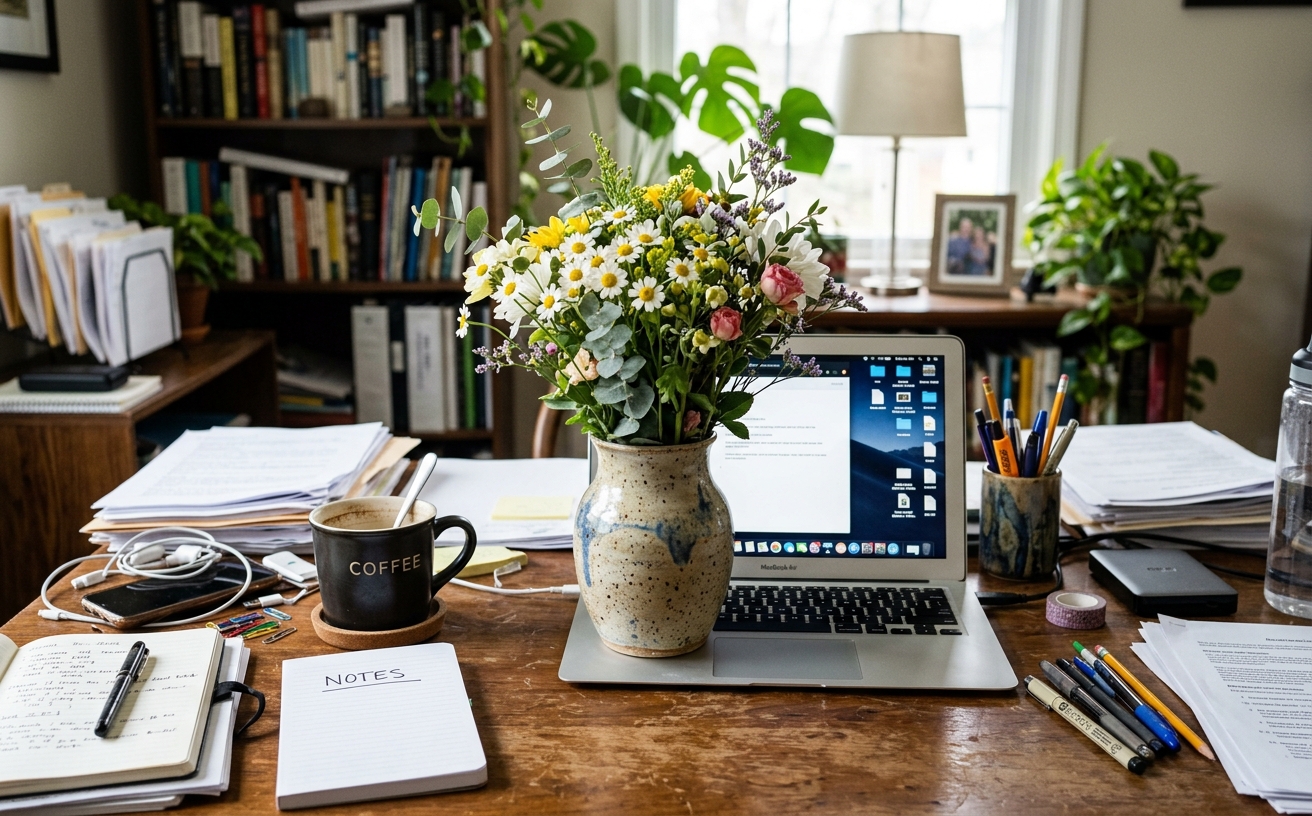
Drag & Drop Your Photo Photos
Drop multiple images here or click to browse
Supports JPG, PNG, WEBP - Process up to 50 images at once
Natural Background Changes in Seconds
Most background removers leave harsh edges or can't match lighting when replacing. Our AI understands scene lighting, perspective, and depth to create natural-looking composites automatically. Perfect for product photos, portraits, or creative edits.
Background Editing Use Cases
Remove or replace backgrounds for any purpose
Product Photos
Clean white backgrounds or lifestyle scenes for e-commerce
Portrait Editing
Professional headshots with studio or office backgrounds
Creative Composites
Place subjects in any environment with realistic lighting
Social Media
Eye-catching backgrounds for Instagram, LinkedIn, profiles
Real Results Gallery
See how AI transforms photos with professional editing
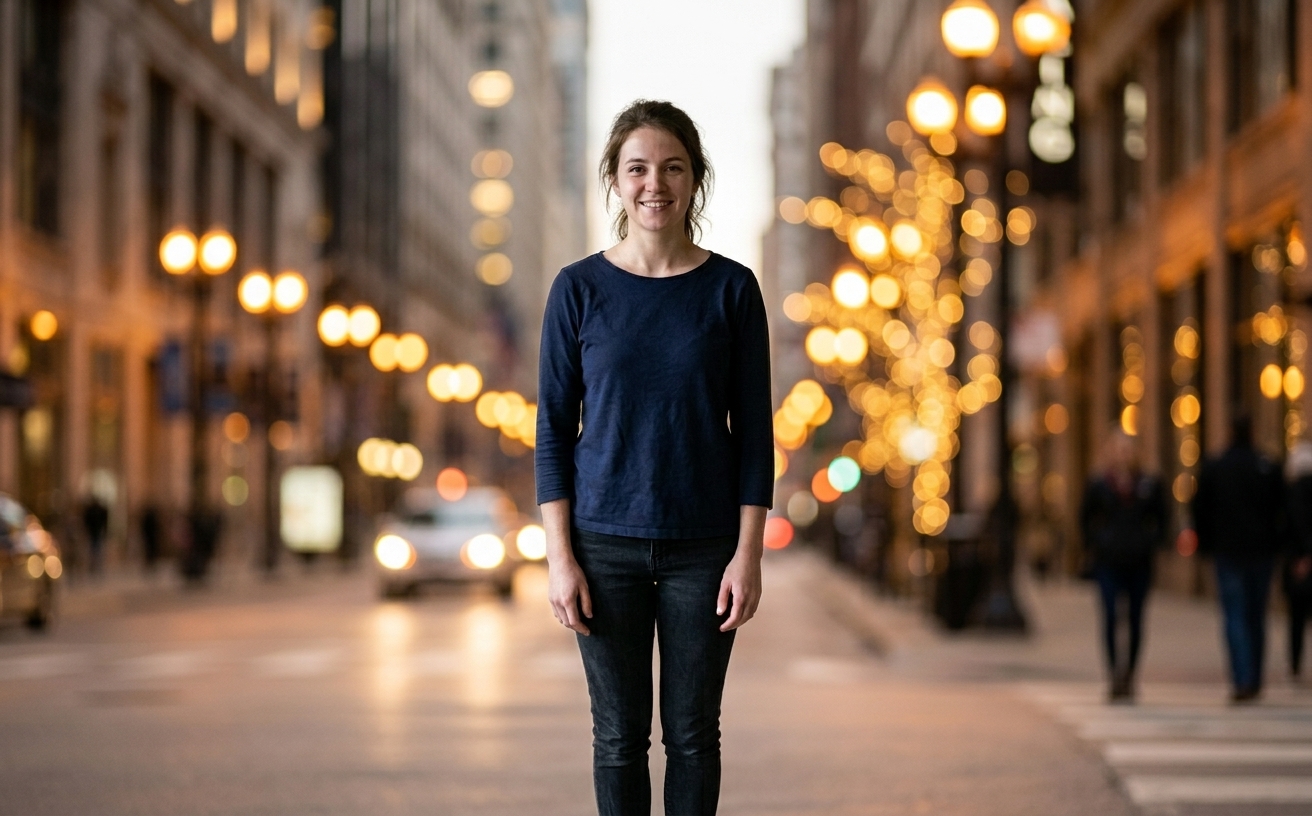
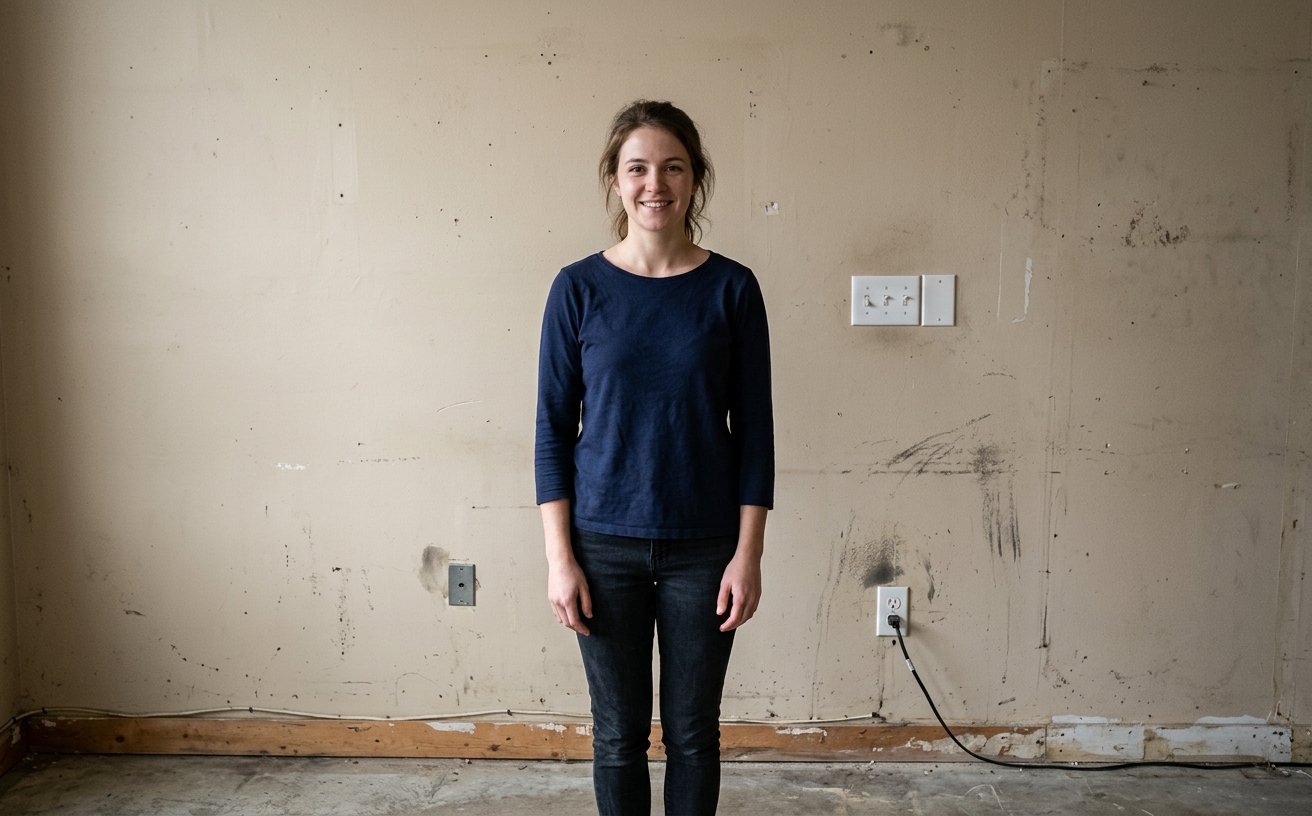
Professional AI Editing
Processed in under 10 seconds
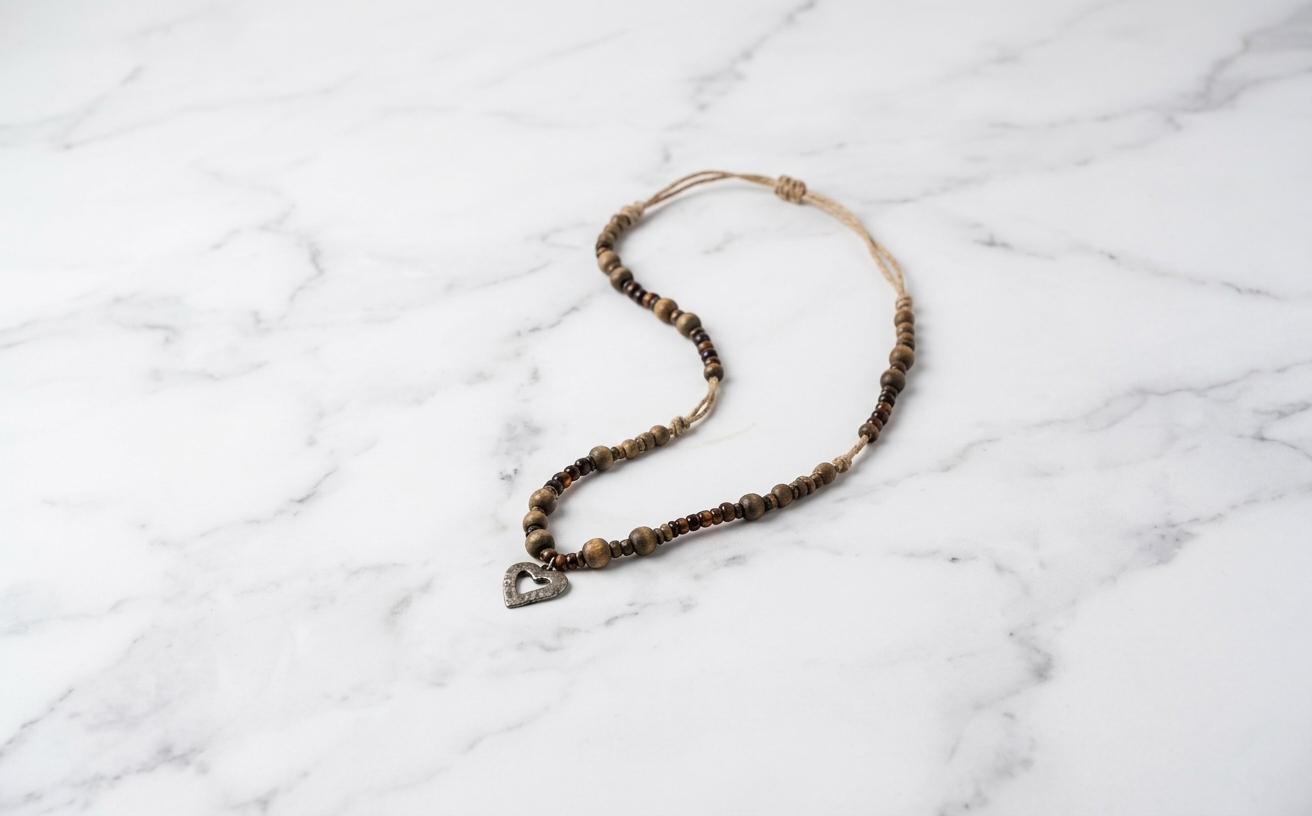
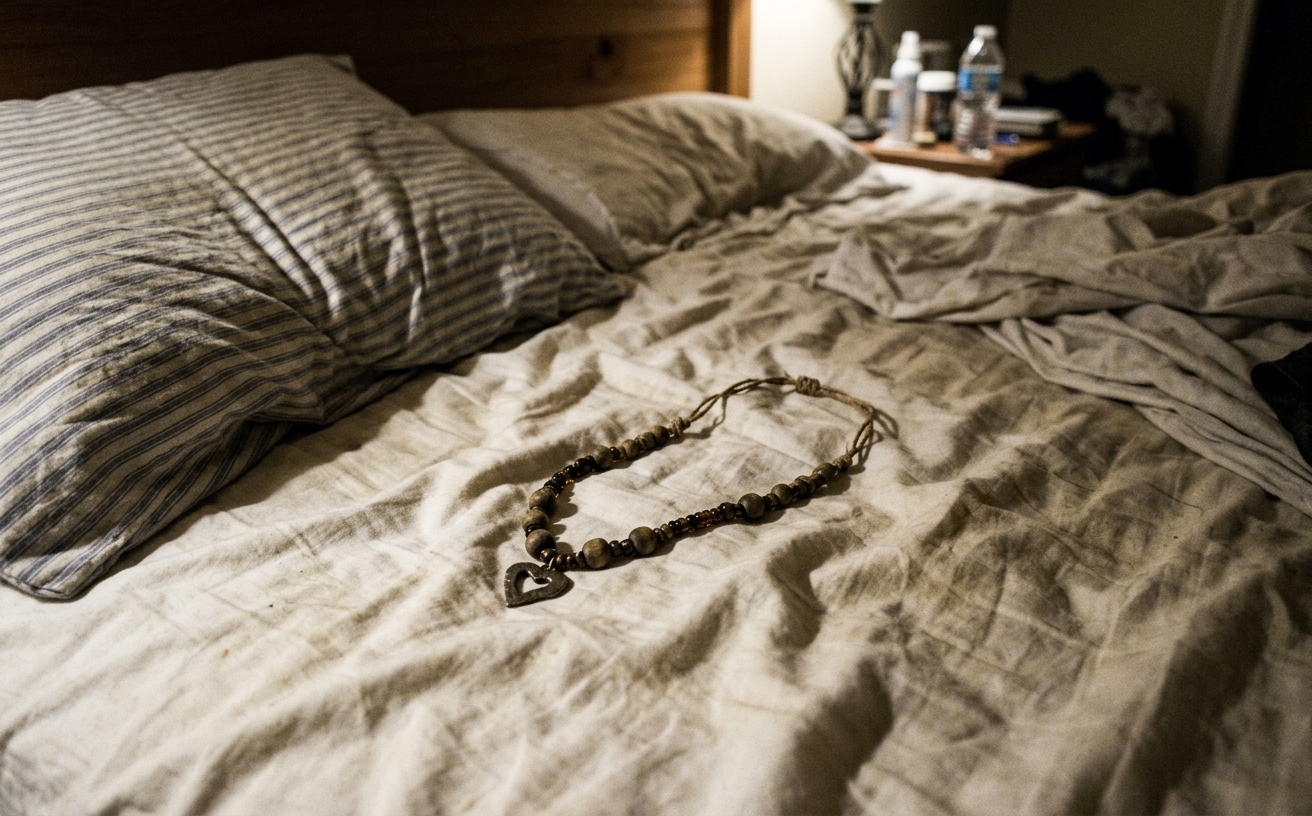
Natural Results
Scene-preserving technology
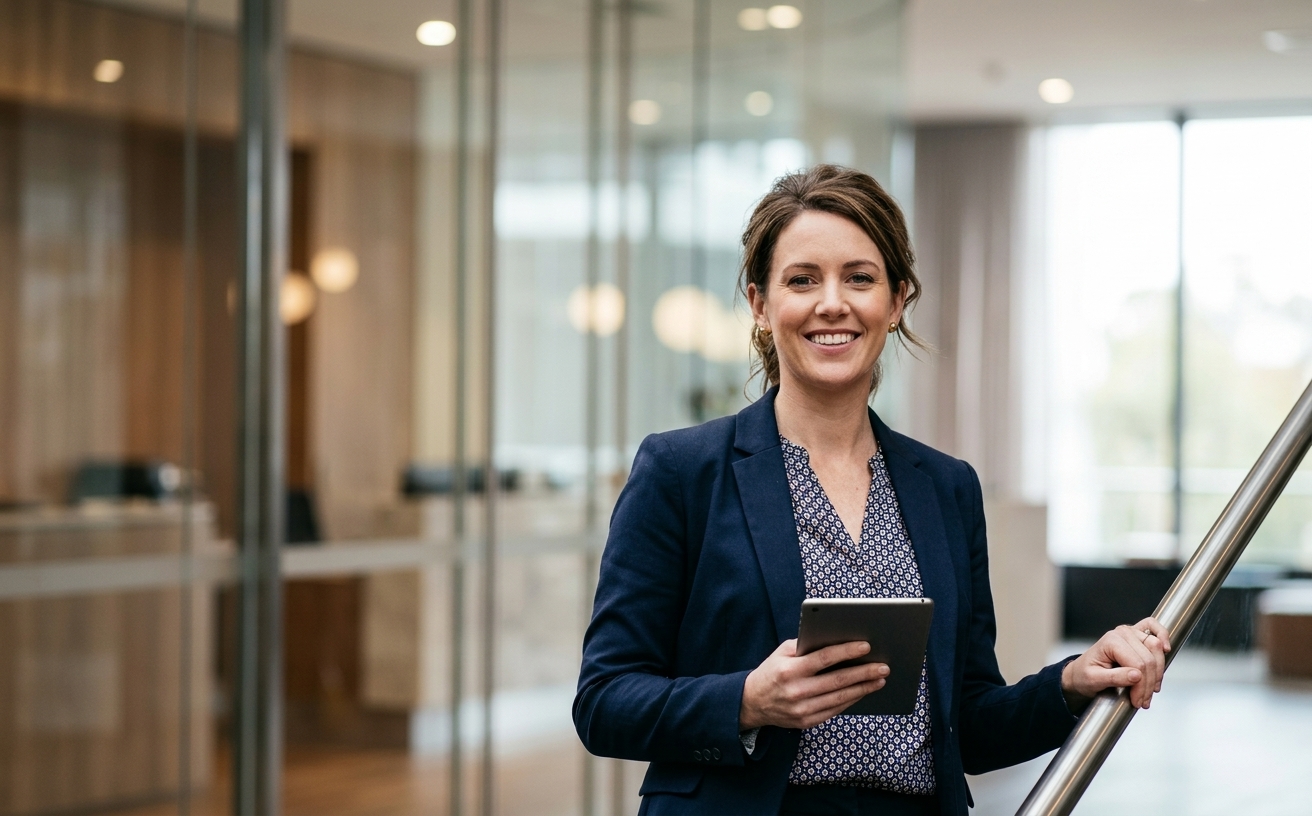
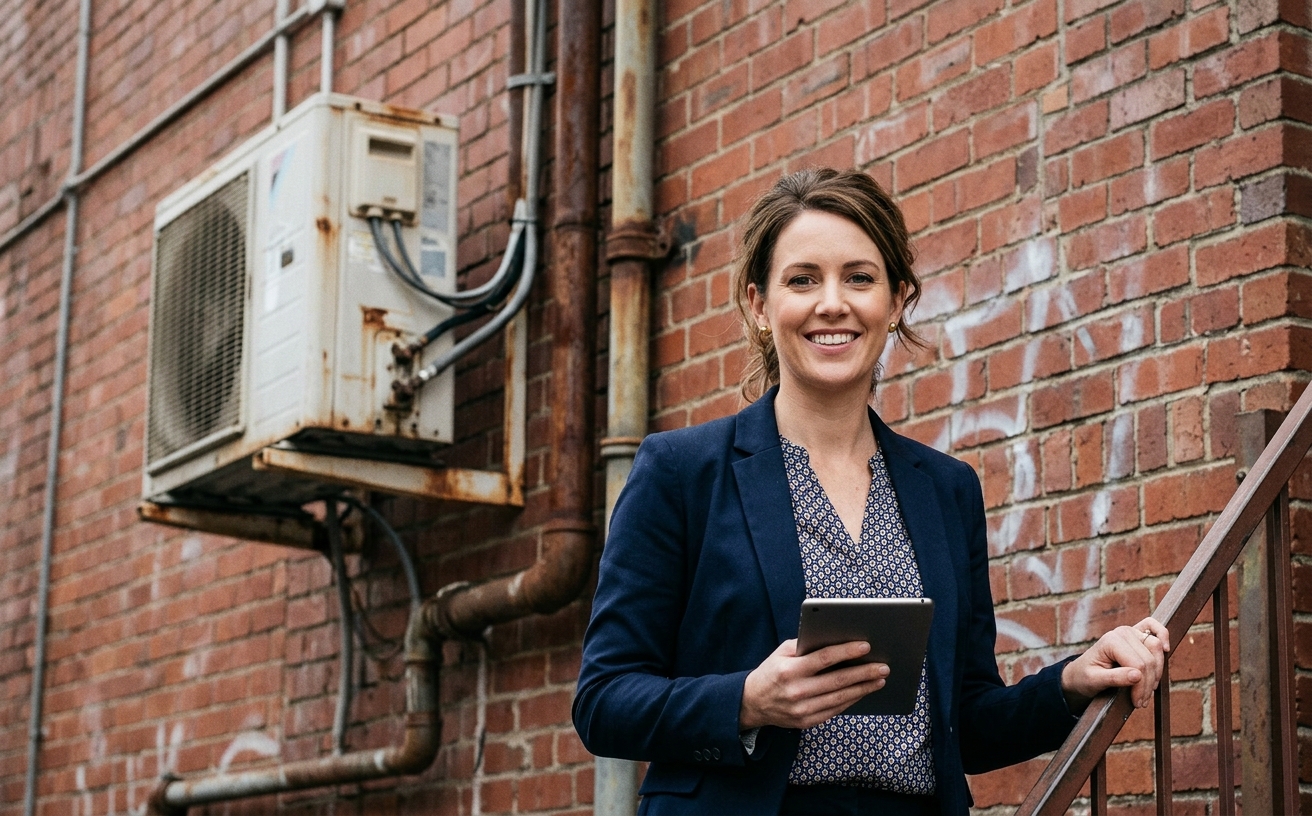
Instant Transformation
AI-powered enhancement
Premium Quality
Detail-preserving AI
How to Remove and Replace Photo Backgrounds
Professional background editing made simple
Upload Photo
AI automatically detects and separates the subject from background.
Choose Background
Remove completely, use solid color, or select replacement scene.
Auto-Adjust & Download
AI matches lighting automatically. Download in any format.
Advanced Background Technology
Beyond simple background removal
Testimonials
What our users are saying
Simplify project planning, streamline collaboration, and boost productivity all with Weezard AI photo editing solution
Professional photo editing made simple
Weezard AI delivers studio-quality results without the complexity. Whether I'm removing objects or enhancing lighting, the results are consistently impressive and save me hours.

Martin Johnson
Photographer
The quality and speed are unmatched
I process hundreds of photos weekly and Weezard AI handles everything beautifully. Fast processing, professional results, and intuitive tools. It's become indispensable to my business.

James Patterson
Visual Content Creator
Best AI photo editor I've used
The combination of power and ease of use is perfect. I can enhance, restore, or completely transform photos in minutes. The results look natural and professional every time.

Emily Rodriguez
Creative Professional
Questions & answers
How does the free trial work?
You get 1 free credit when you sign up, so you can run a real edit before paying. Each AI processing operation uses 1 credit at 1K, 2 at 2K, and 4 at 4K. No credit card required for the trial.
How is it different from traditional software?
Our AI-powered tools work in the cloud, requiring no downloads or installations. Results are faster and more accurate than traditional photo editing software.
What happens to the photos I upload?
They are sent to our AI providers for processing and returned to your browser. We do not save your images to your account: the only thing kept is the text of the edit and its settings, so you can see what you ran. Nothing is shared or resold.
How does billing work?
Credits, not seats. One edit costs 1 credit at 1K, 2 at 2K and 4 at 4K. A credit pack is a one-off purchase and its credits sit in your balance until you use them. Pro is $30 a month and tops your balance back up to 250 credits at each renewal, keeping anything above that which you bought separately. If a Pro subscription ends, the remaining balance is cleared with it, so spend it before you cancel.
Do you recommend pay as you go or prepaid credits?
If you edit a listing or a shoot now and then, a credit pack is simpler and cheaper: $7 for 30, $15 for 75, $30 for 200, $60 for 500. If you are editing every week, Pro at $30 a month gives 250 credits per cycle, which is the better rate at that volume.
Scene-Consistent Background Replacement Technology
Product photographers spend hours setting up background lighting and backdrops. Background replacement achieves the same result post-capture without studio equipment.
The technology separates foreground subjects from backgrounds with edge precision that maintains details like hair strands and transparent elements. After separation, you can apply any background—solid colors for e-commerce, environmental contexts for lifestyle shots, or custom branded backgrounds for marketing consistency.
Why edge quality matters: Poor background removal creates obvious halos and rough edges that scream "bad Photoshop." Quality removal maintains natural edges and adapts to semi-transparent elements like glass or fabric, producing results that look naturally photographed rather than composited.
Darren sells outdoor gear and needed product photos with both clean white backgrounds (for his website) and outdoor environmental backgrounds (for social media). Previously he photographed each product twice in different setups. After using background replacement, he photographs once with optimal product lighting, then generates multiple background variations from that single photo.
When replacement looks artificial: Lighting direction and quality must match between subject and new background. A subject lit from the left placed on a background lit from the right looks wrong even if technically clean. Pay attention to lighting consistency for realistic composites.
Test background replacement on your most challenging products first—those with complex edges or transparent elements—to verify the technology meets your quality standards.
Next step
Related AI photo tools
Continue with the closest Weezard workflow so searchers can move from one editing intent to the next without leaving the tool cluster.
AI background changer
The main workflow for replacing a photo background — white, studio, transparent, or custom.
Put it on a white background
Marketplace-ready #FFFFFF with the contact shadow kept.
AI background change prompts
30 copy-paste prompts by photo type, each with the subject-preservation clause.
Ready to Transform Your Photos?
Join thousands of professionals who trust Weezard AI for professional photo editing
1 free edit, no card required • Professional results guaranteed