Bring Old Black & White Photos to Life with Realistic Colors
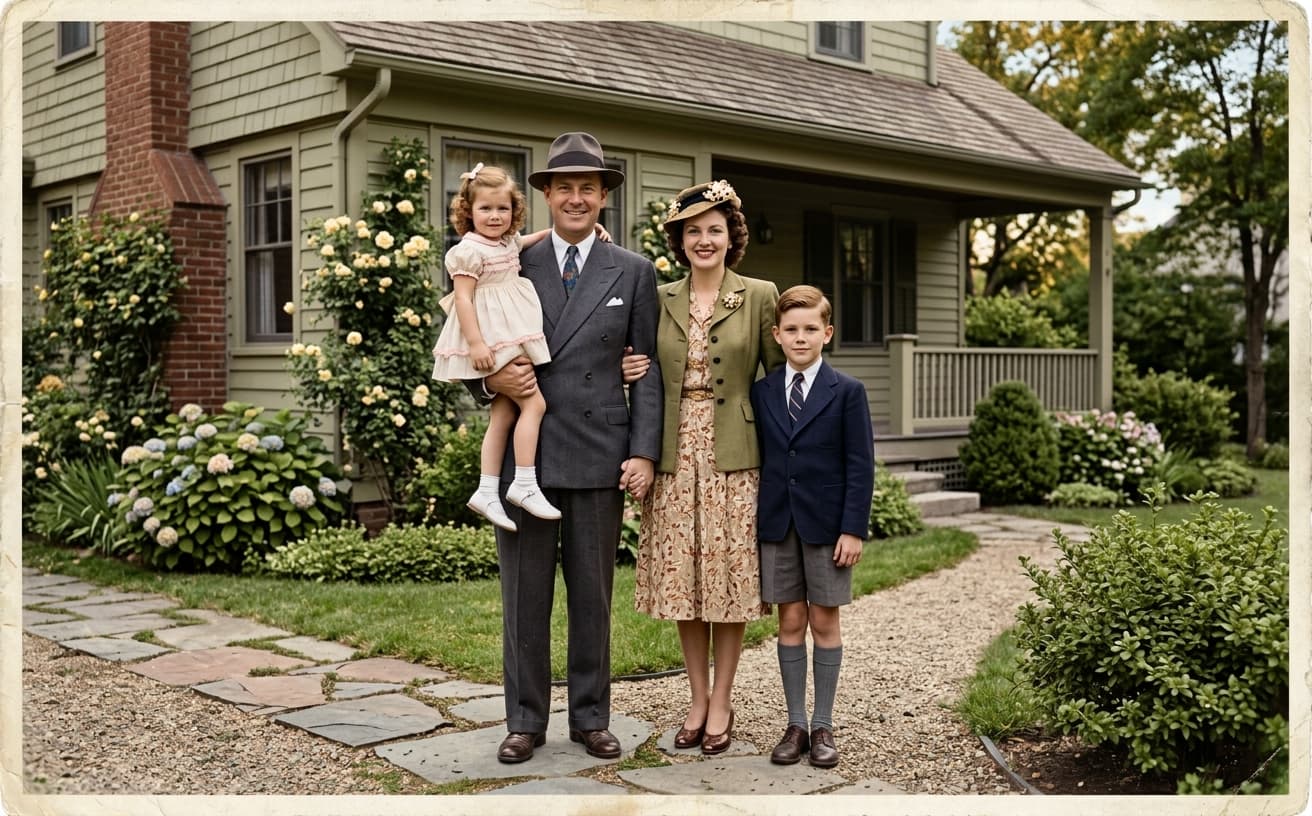
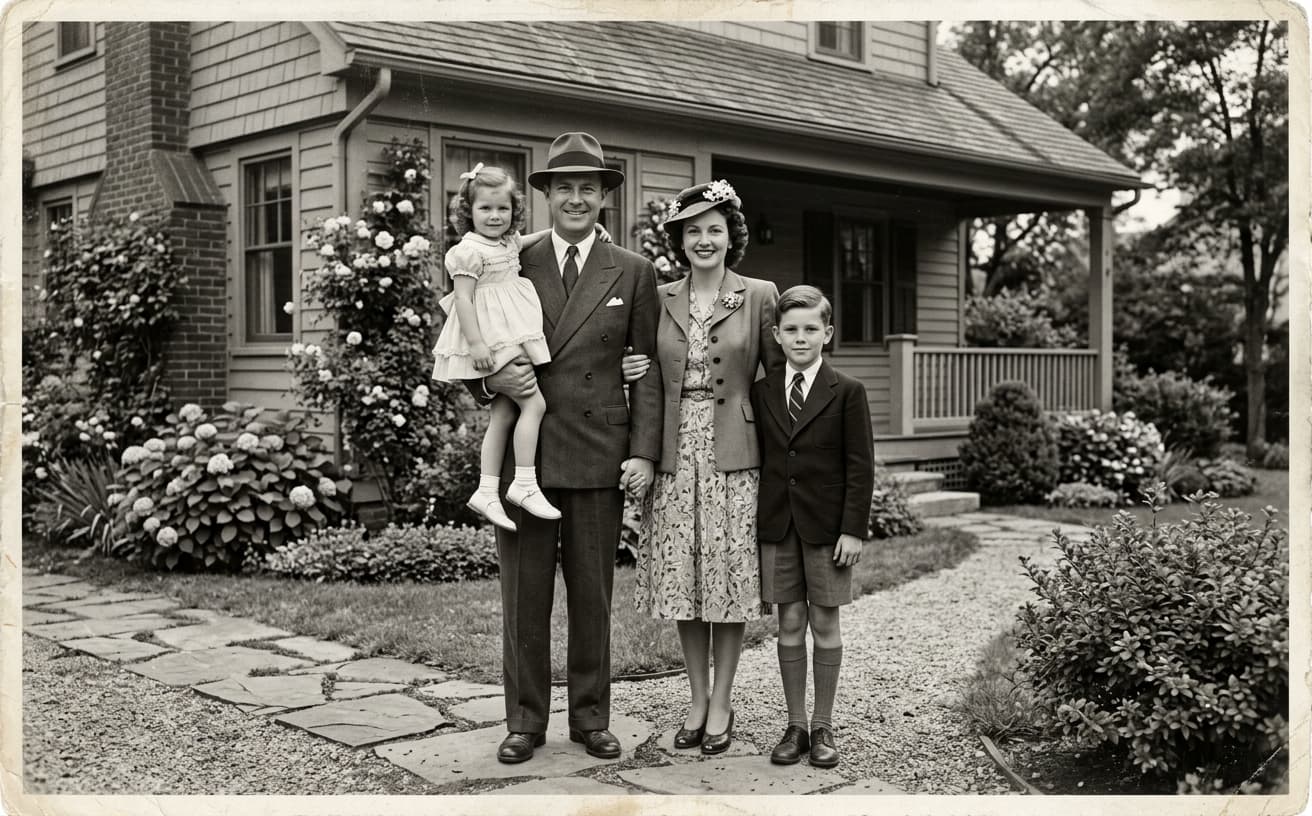
AI adds historically accurate, natural-looking colors to black & white photos. See your grandparents' wedding in color. Make history feel alive and personal.
1K: 1 credit · 2K: 6 credits · 4K: 10 credits · Trial previews have a watermark. See credit packs
Opening photo editor…
See Family History in Living Color
Black & white family photos feel distant and historical. You can't see what colors your grandmother's dress was, what your childhood home actually looked like. Professional colorization costs $50-200 per photo and takes days. Our AI adds realistic, historically accurate colors instantly—clothing, environments, skin tones—bringing family memories to life.
Colorization Features
Bring the past to life
Clothing & Fashion
Historically accurate colors for period clothing
Environments
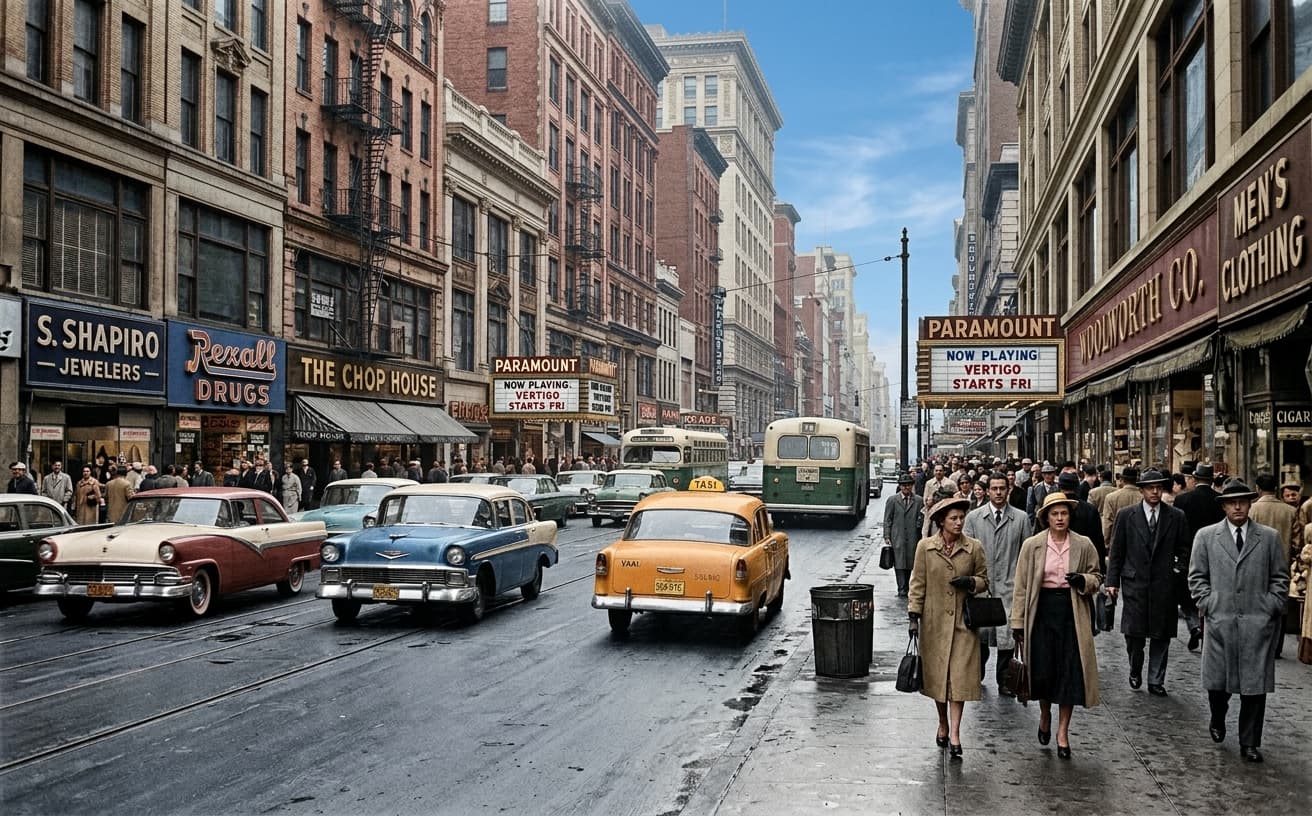
Natural colors for buildings, landscapes, interiors
Portraits
Realistic skin tones, eye colors, hair colors
Objects & Details
Accurate colors for cars, furniture, everyday items
Real Results Gallery
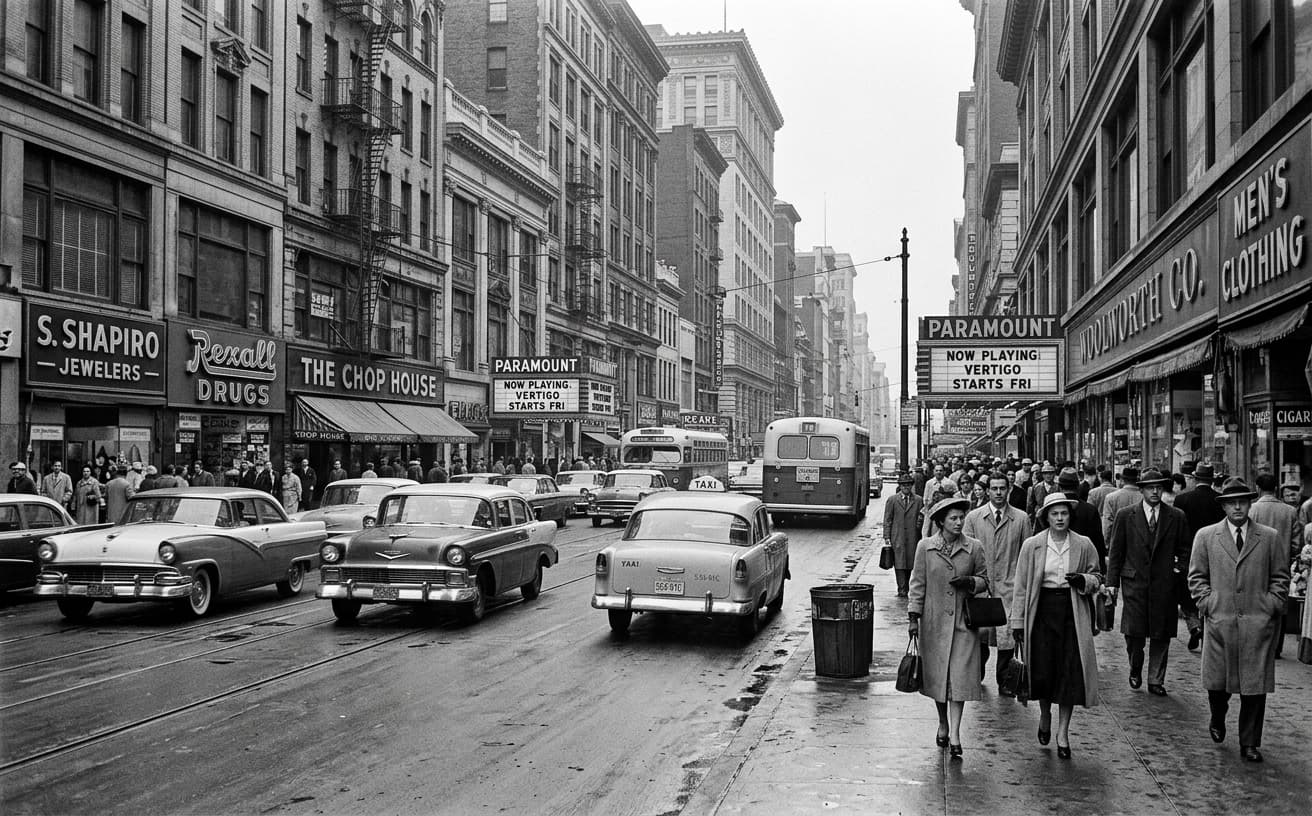
See how AI transforms photos with professional editing
Professional AI Editing
Compare the original and edited image
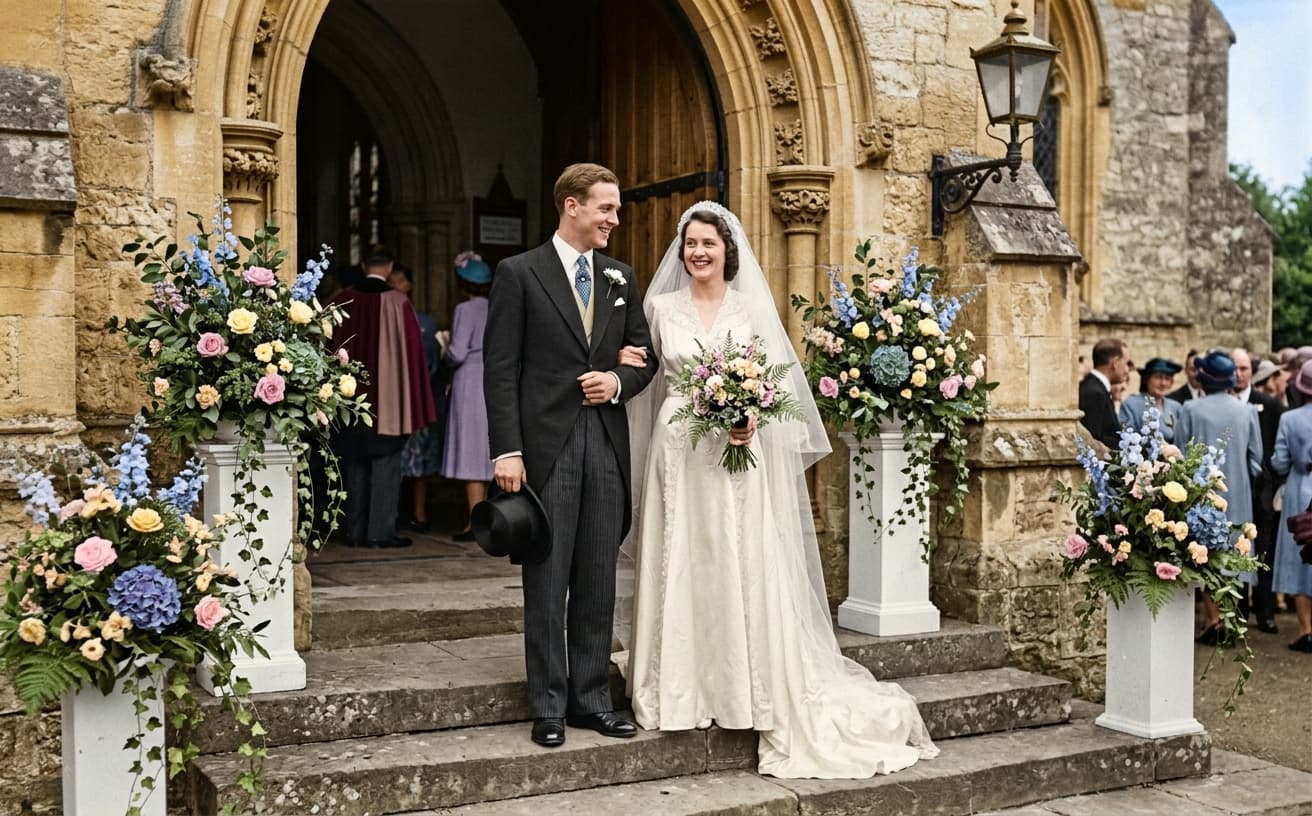
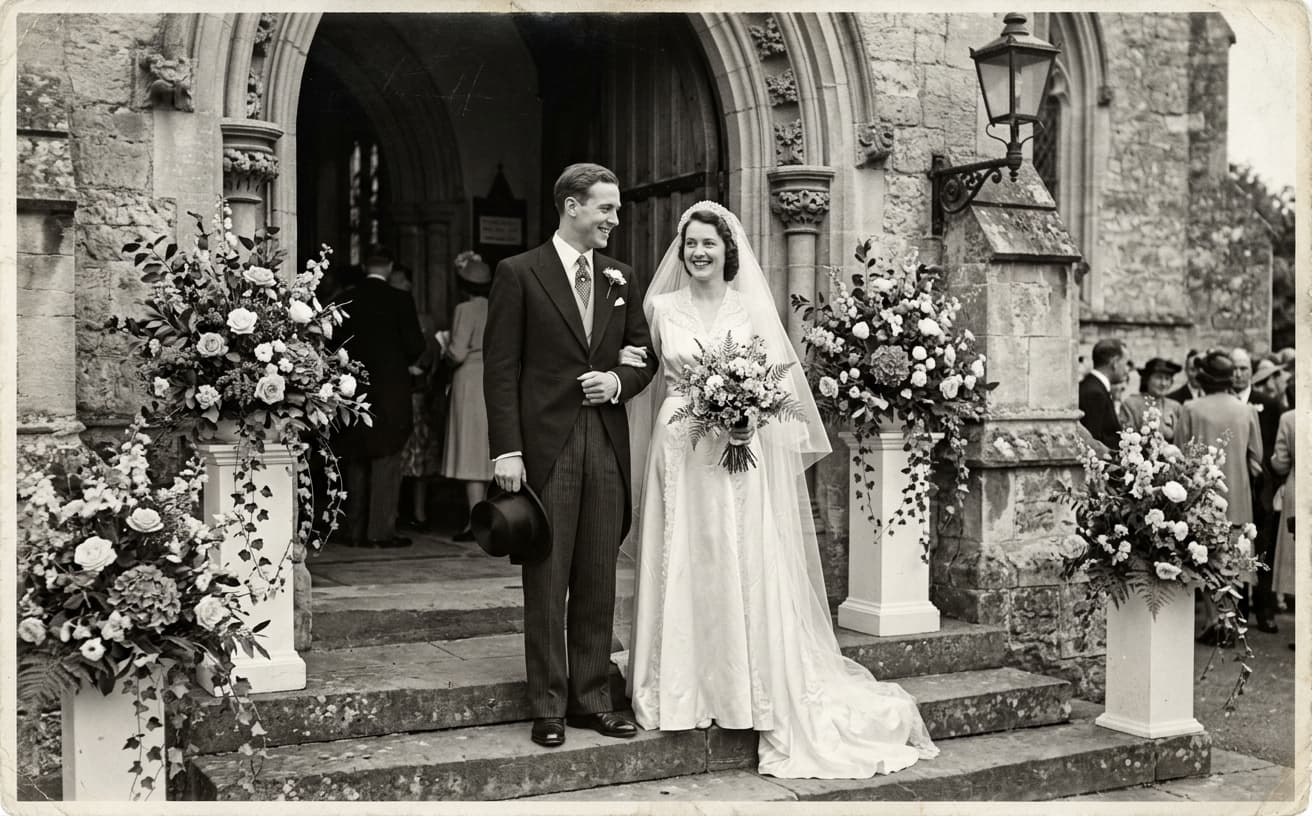
Natural Results
Check edges, lighting, and fine details
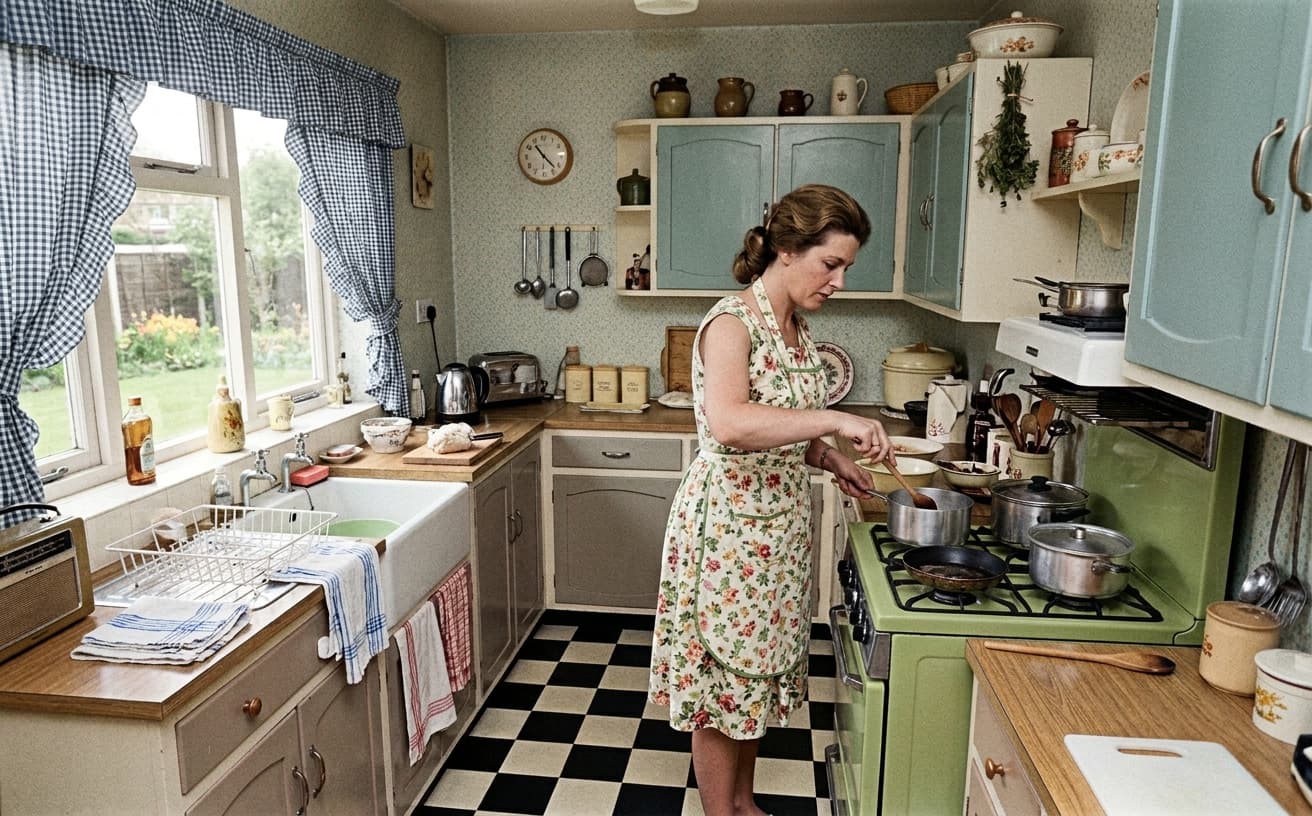
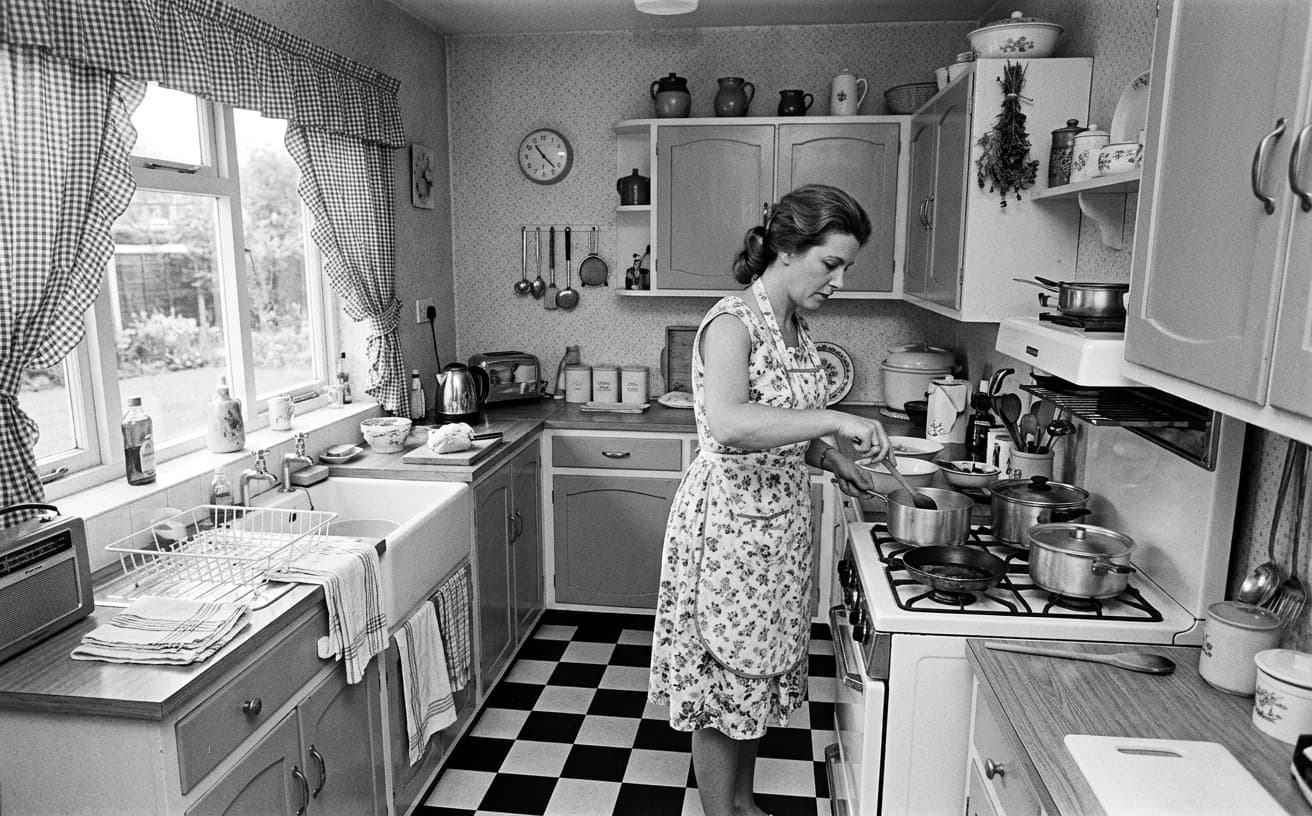
AI Transformation
AI-powered enhancement
Premium Quality
Review the result before downloading
How to Colorize Black and White Photos with AI
Realistic colors in 3 steps
Upload B&W Photo
Scan or photograph old black & white prints and upload.
AI Colorizes
AI analyzes context and adds historically accurate realistic colors.
Download Colorized
Get beautifully colorized photo showing history in living color.
Why Colorize Old Photos
Emotional connection to family history
A practical way to review your edit
Keep your original and check the generated image before you use it.
Start with one photo
Choose a clear source image and describe one specific change. A focused request makes the result easier to compare with your original.
Review the important details
Compare faces, lettering, edges and other important details with the original. AI can change parts of an image you asked it to preserve.
Choose the result before exporting
Each AI edit uses 1 credit at 1K. Your first credit is free after signup and email verification. Free exports have a watermark; paid credits unlock watermark-free exports.
Questions & answers
How does the free trial work?
You get 1 free credit when you sign up, so you can run a real edit before paying. AI processing costs 1 credit at 1K, 6 credits at 2K or 10 credits at 4K. No credit card required for the trial.
How is it different from traditional software?
Our AI-powered tools work in the cloud, requiring no downloads or installations. Results are faster and more accurate than traditional photo editing software.
What happens to the photos I upload?
They are sent to our AI providers for processing and returned to your browser. We do not save your images to your account: the only thing kept is the text of the edit and its settings, so you can see what you ran. Nothing is shared or resold.
How does billing work?
Credits, not seats. One edit costs 1 credit at 1K, 6 credits at 2K or 10 credits at 4K. A credit pack is a one-off purchase and its credits sit in your balance until you use them. Pro is $30 a month and tops your balance back up to 250 credits at each renewal, keeping anything above that which you bought separately. If a Pro subscription ends, the remaining balance is cleared with it, so spend it before you cancel.
Do you recommend pay as you go or prepaid credits?
If you edit a listing or a shoot now and then, a credit pack is simpler and cheaper: $7 for 30, $15 for 75, $30 for 200, $60 for 500. If you are editing every week, Pro at $30 a month gives 250 credits per cycle, which is the better rate at that volume.
Colorization as Interpretation: A Practical Guide
Every colorized photograph is a guess. The original black-and-white image contains no color information — the AI is inferring from context clues (era, clothing type, skin tone ranges, known lighting conditions) what the scene probably looked like. That inference is often beautiful and often wrong in small ways. Understanding this changes how you use the tool.
For family photographs, the goal is emotional connection, not historical accuracy. Younger relatives engage with colored portraits in ways they never engage with grayscale — the photos move from "distant archival artifact" to "this is a real person who existed in a real room." This is the core use case and the one the tool is tuned for: plausible skin tones, period-appropriate fabric colors, conservative guesses when the AI is uncertain.
For historical research or academic contexts, colorization is the wrong tool. Museums preserve original black-and-white prints precisely because color was not part of the photographic record. A colorized version of a WWI trench photograph is an artist’s interpretation, not a primary source, and should be labeled that way. Use colorization alongside originals, never as a replacement.
The technical limits worth knowing: faces in full light colorize reliably. Faces in shadow, partially occluded, or photographed against bright windows produce less confident results — the AI has less information to work with, so skin tones may drift pink or sallow. If a specific face matters (a grandfather nobody remembers in color), try two or three passes and compare. Small variations reveal the AI’s uncertainty; picking the most plausible is a human judgment.
Period accuracy is strongest for 1930s–1970s American and European photographs because the training data is densest there. Pre-1920 photos often colorize with subtle anachronisms (synthetic dye colors that did not exist yet); mid-century photographs hit a sweet spot; post-1980 photos frequently already had color versions that the AI may accidentally converge toward.
Uniforms, military decorations, and specific flags are common failure points. The AI has seen many uniforms and will apply "generic khaki" or "generic navy" even when the actual unit wore something distinctive. If your photograph involves identifiable military or ceremonial context, verify colors against reference sources before calling the output finished.
Damaged originals are a stacked problem. Cracks, silver-mirroring, and emulsion loss all confuse the colorizer — it tries to assign color to damage that should just be reconstructed as the underlying surface. Repair damage first (our restoration tools run before colorization), then colorize. This two-pass approach produces much cleaner final images than trying both at once.
Practical workflow for a family archive: scan at 600 DPI minimum, repair obvious damage, colorize one test image to calibrate expectations, then run the rest. Keep originals filed alongside the colorized versions. Label colorized versions clearly in file metadata so future viewers know they are interpretations, not recovered truth. The goal is a richer family archive, not a falsified one.
Related restoration workflows
Colorization is one part of a full photo restoration. If the photo also has scratches, fading, or physical damage, run AI Restore Old Photos first to repair the surface, then colorize the cleaned version. For multi-generation family archives specifically — the kind where labeling and organization matter as much as the edits themselves — see Restore Family Photos, which covers the archiving angle alongside restoration.
Next step
Related AI photo tools
Choose the tool that matches your next photo edit.
Restore the print first
Colour on top of creases and scratches just makes the damage easier to see.
AI photo restoration
The general tool underneath: scratches, fading, and scan damage.
Expand the image canvas
Rebuild a torn or trimmed edge instead of cropping the print tighter.
AI photo editor online
Continue with exposure and detail once the colour pass is done.
Ready to Transform Your Photos?
Try an edit on your own photo and inspect the result before downloading.
1 free credit after signup and verification • No card required