Professional Food Backgrounds for Delivery Apps
Replace kitchen backgrounds with marble, wood, slate, or custom surfaces. Create consistent, professional presentation across your entire menu for DoorDash, UberEats, and delivery platforms.
1K: 1 credit · 2K: 6 credits · 4K: 10 credits · Trial previews have a watermark. See credit packs
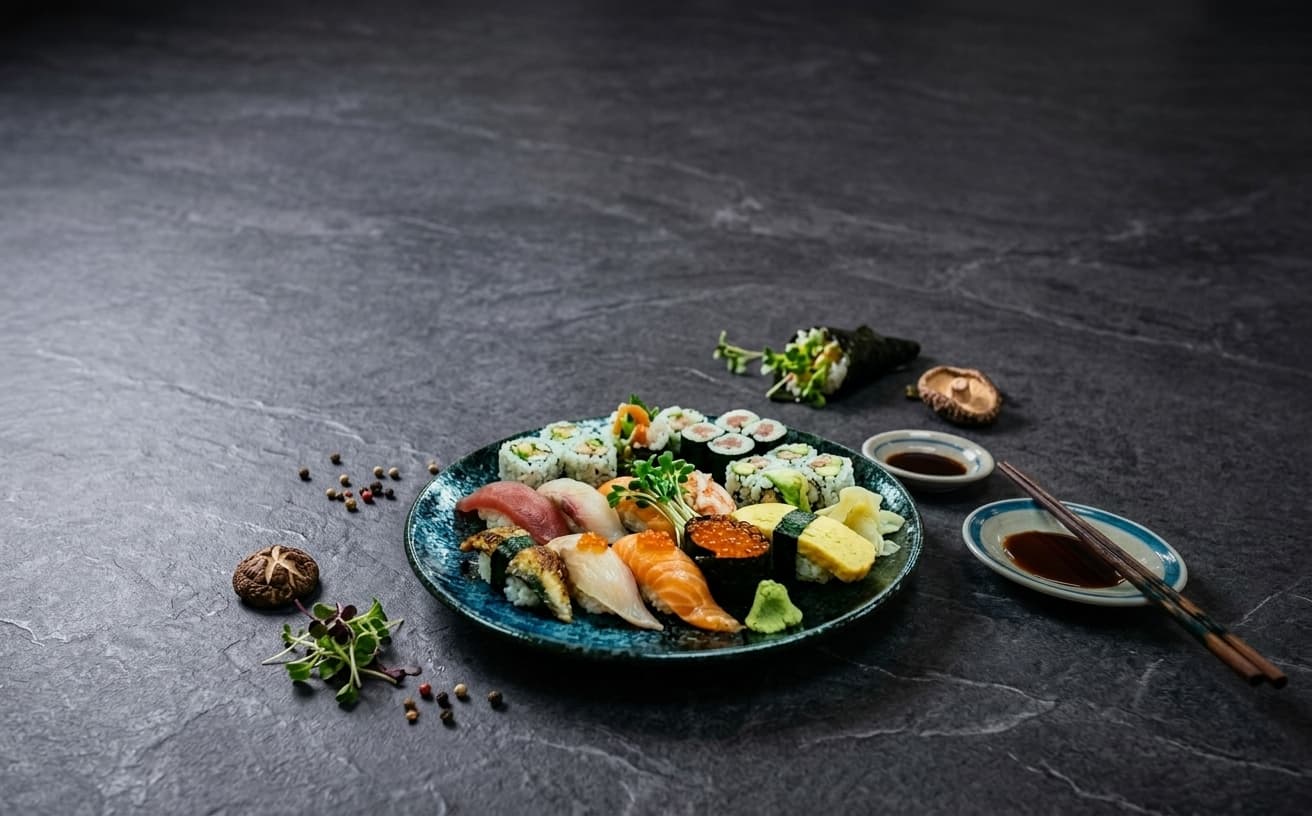
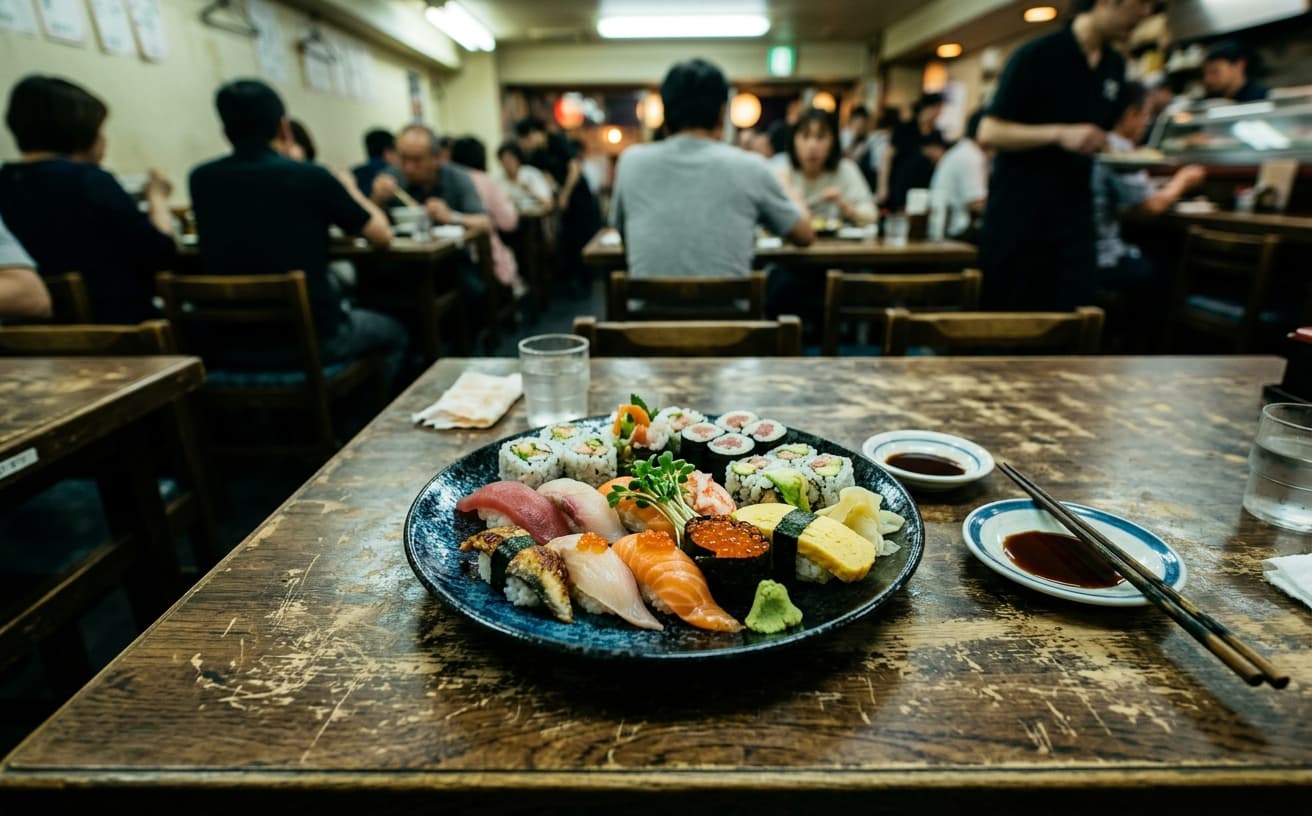
Loading photo editor…
Consistent Professional Backgrounds Increase Orders 25%
Inconsistent backgrounds make menus look unprofessional. Delivery customers trust consistent, clean presentation. Our AI replaces any background with professional surfaces—marble, wood, slate, custom—creating unified menu presentation that builds trust and increases orders across all delivery platforms.
Background Options
Perfect surfaces for every cuisine
Marble
Clean, upscale marble for fine dining
Wood
Warm rustic wood for comfort food
Slate
Modern dark slate for contemporary dishes
Custom
Brand colors, patterns, custom surfaces
Real Results Gallery
See how AI transforms photos with professional editing
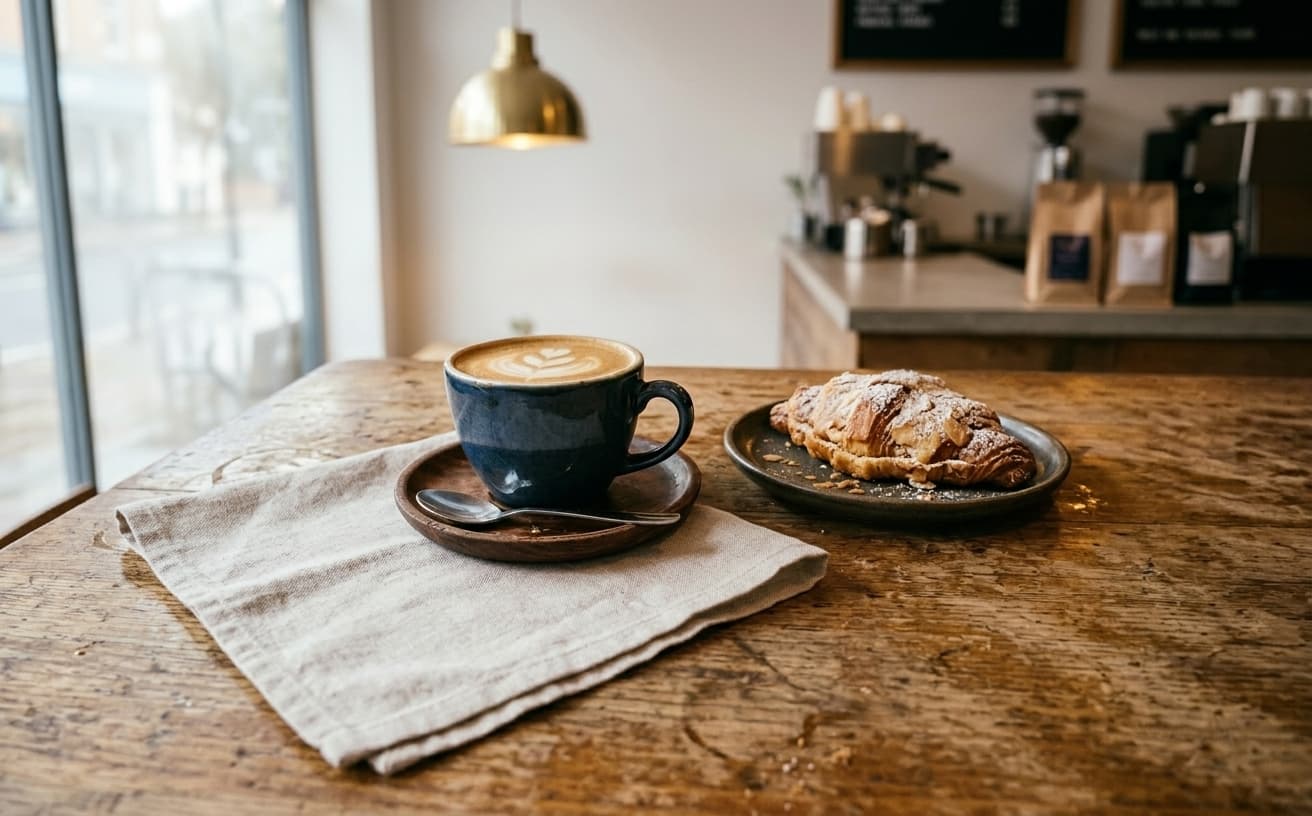
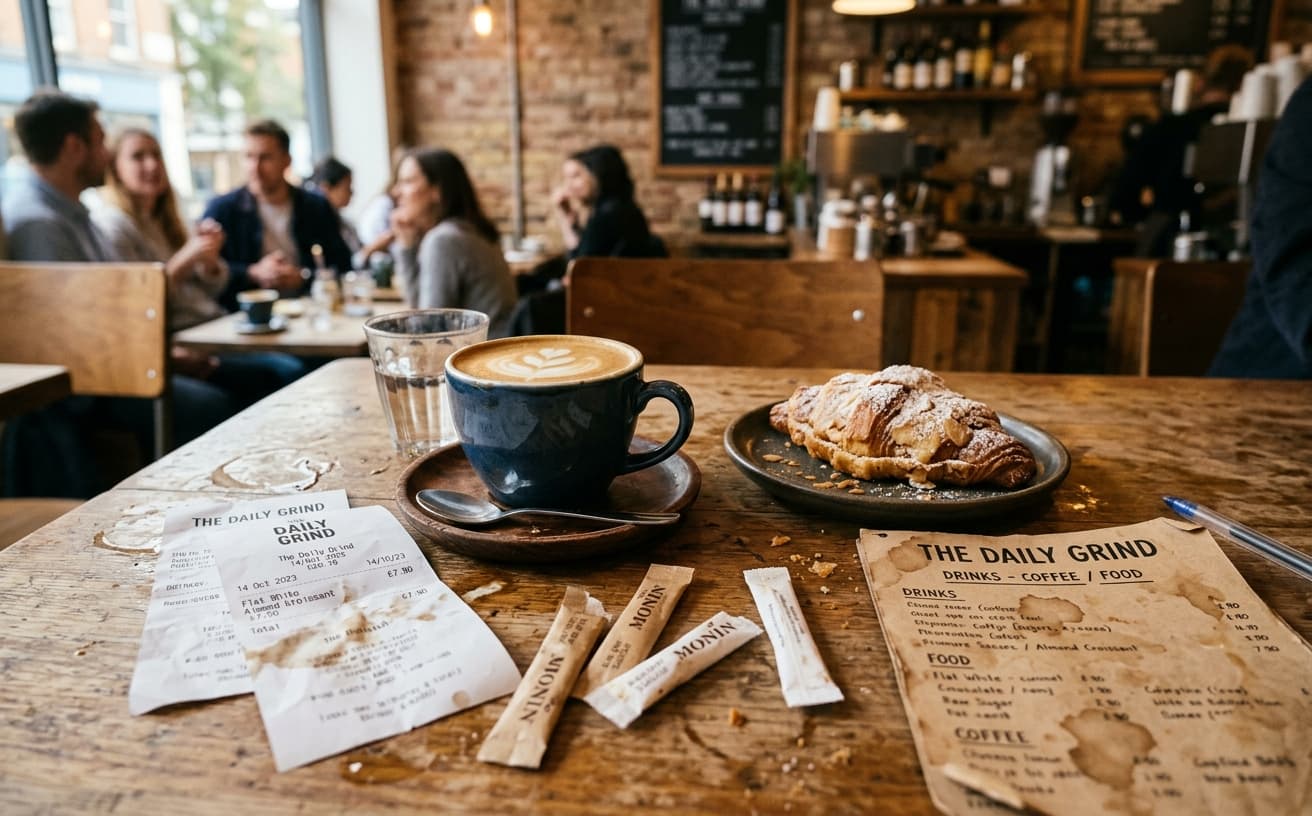
Professional AI Editing
Compare the original and edited image
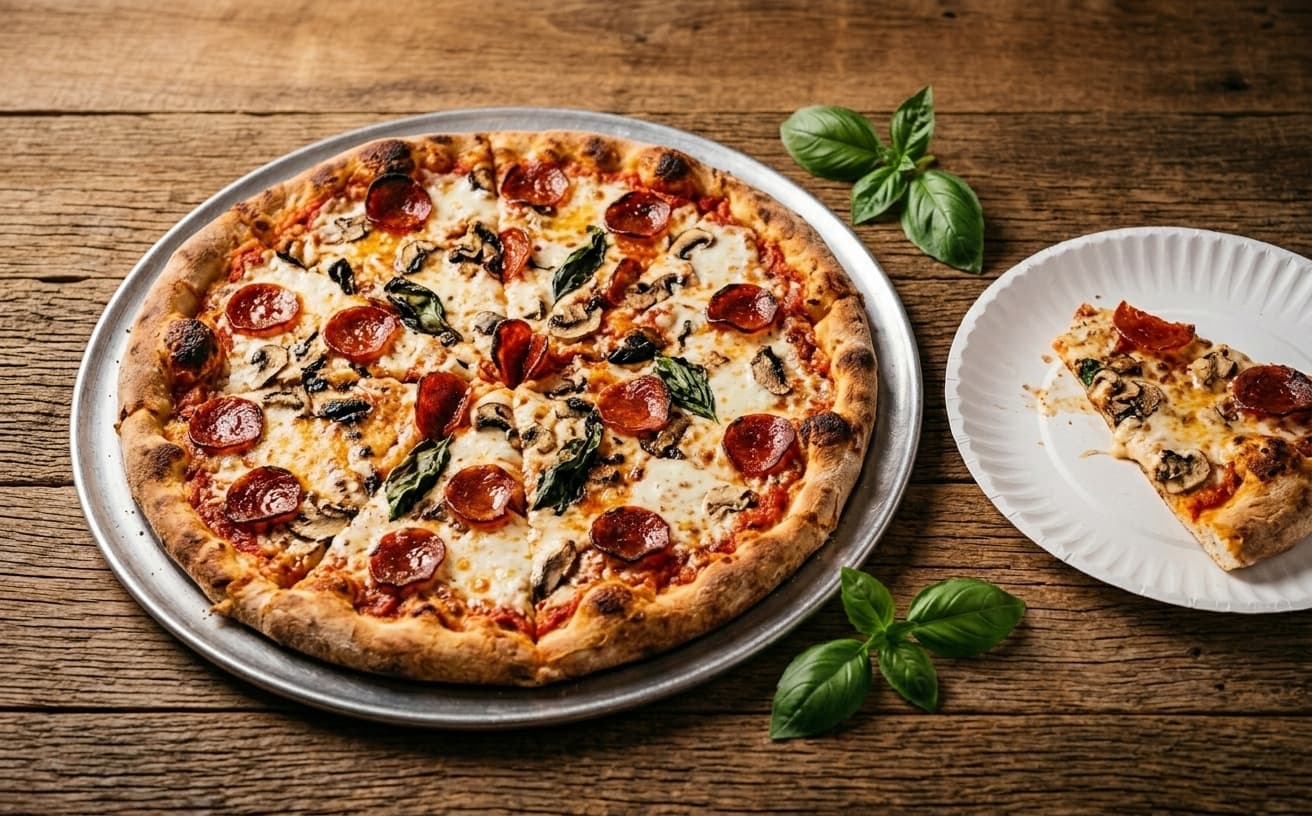
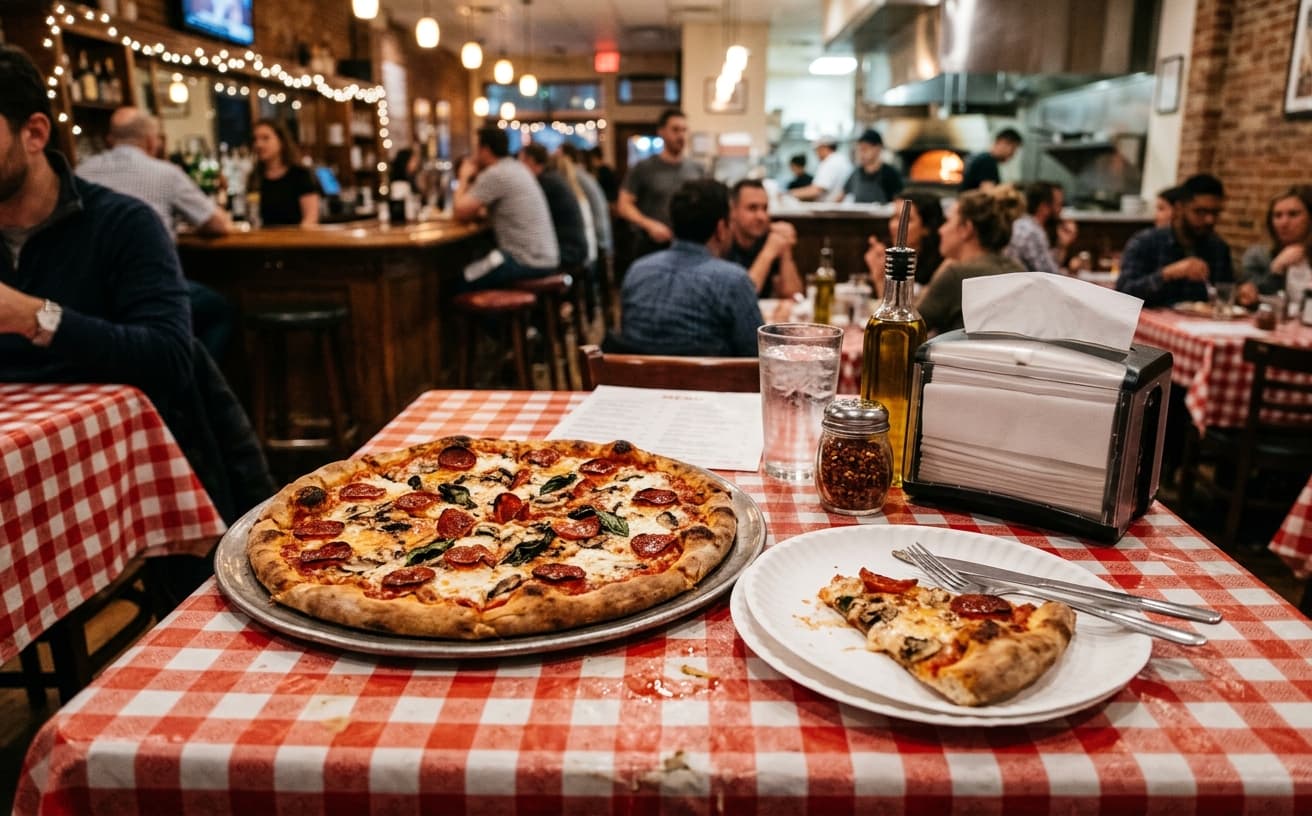
Natural Results
Check edges, lighting, and fine details
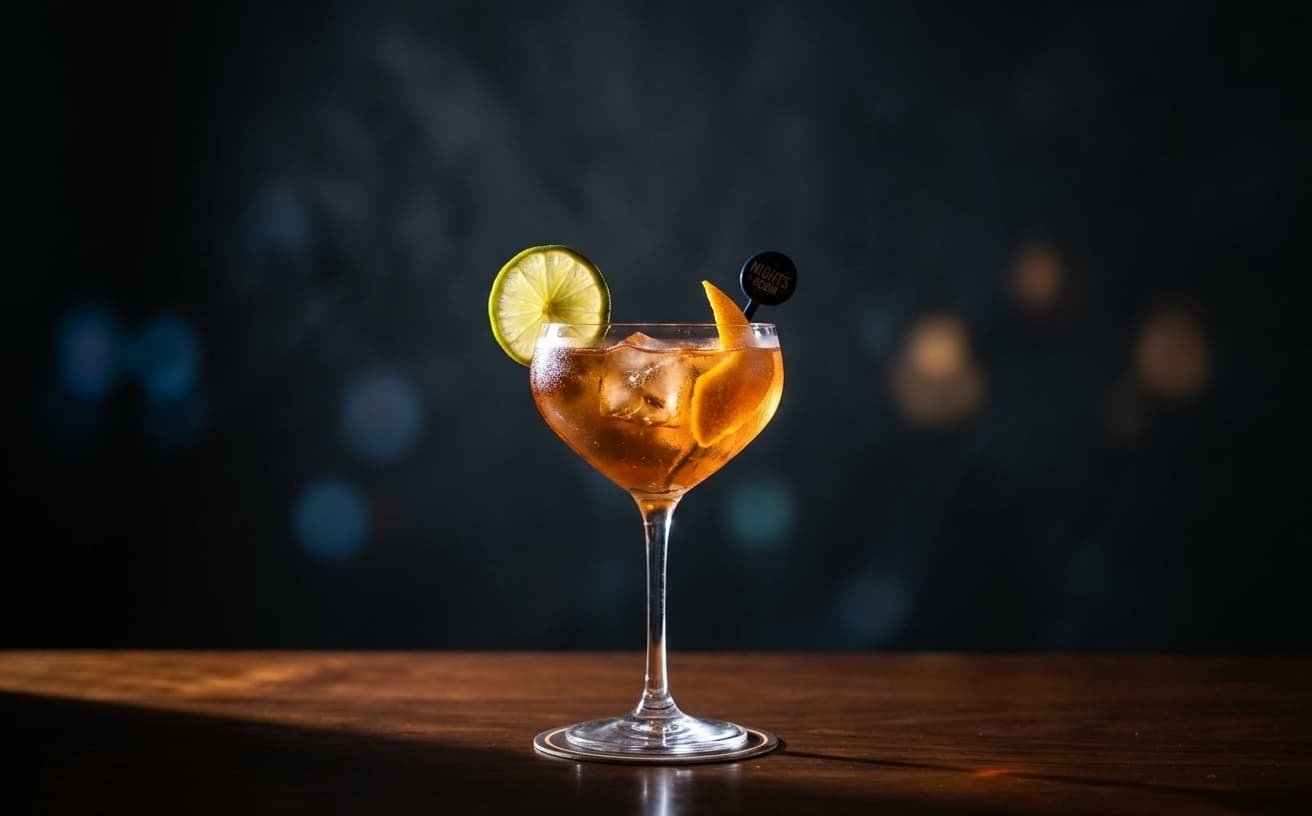
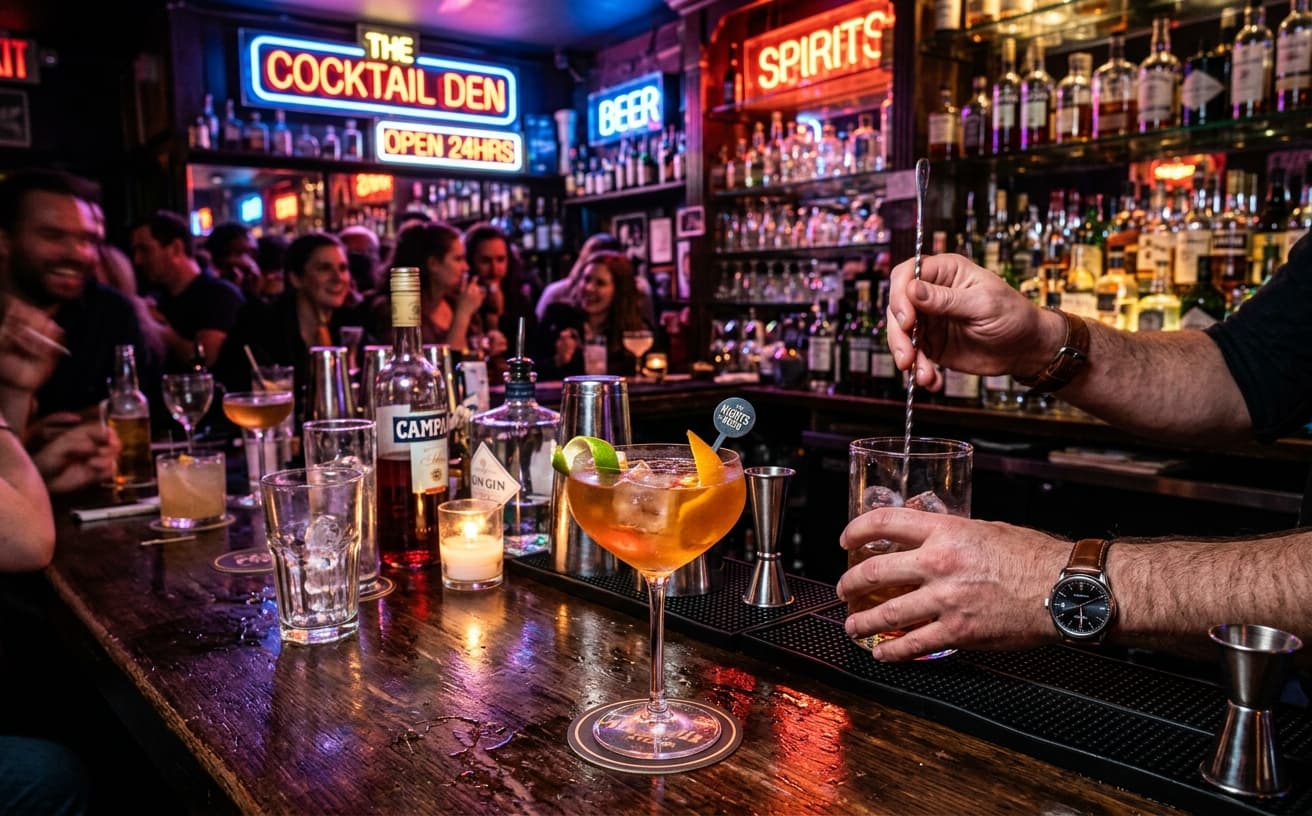
AI Transformation
AI-powered enhancement
Premium Quality
Review the result before downloading
How to Replace Food Photo Backgrounds Professionally
Delivery-ready photos instantly
Upload Menu Photos
Any food photos—kitchen, existing menu, phone shots.
Choose Background
Select marble, wood, slate, or upload custom surface.
Download All
Professional, consistent photos for all platforms.
Platform-Ready Benefits
Optimized for delivery success
A practical way to review your edit
Keep your original and check the generated image before you use it.
Start with one photo
Choose a clear source image and describe one specific change. A focused request makes the result easier to compare with your original.
Review the important details
Compare faces, lettering, edges and other important details with the original. AI can change parts of an image you asked it to preserve.
Choose the result before exporting
Each AI edit uses 1 credit at 1K. Your first credit is free after signup and email verification. Free exports have a watermark; paid credits unlock watermark-free exports.
Questions & answers
How does the free trial work?
You get 1 free credit when you sign up, so you can run a real edit before paying. AI processing costs 1 credit at 1K, 6 credits at 2K or 10 credits at 4K. No credit card required for the trial.
How is it different from traditional software?
Our AI-powered tools work in the cloud, requiring no downloads or installations. Results are faster and more accurate than traditional photo editing software.
What happens to the photos I upload?
They are sent to our AI providers for processing and returned to your browser. We do not save your images to your account: the only thing kept is the text of the edit and its settings, so you can see what you ran. Nothing is shared or resold.
How does billing work?
Credits, not seats. One edit costs 1 credit at 1K, 6 credits at 2K or 10 credits at 4K. A credit pack is a one-off purchase and its credits sit in your balance until you use them. Pro is $30 a month and tops your balance back up to 250 credits at each renewal, keeping anything above that which you bought separately. If a Pro subscription ends, the remaining balance is cleared with it, so spend it before you cancel.
Do you recommend pay as you go or prepaid credits?
If you edit a listing or a shoot now and then, a credit pack is simpler and cheaper: $7 for 30, $15 for 75, $30 for 200, $60 for 500. If you are editing every week, Pro at $30 a month gives 250 credits per cycle, which is the better rate at that volume.
Optimized Food Photography for Delivery Platforms
Restaurant and kitchen backgrounds in food photos create visual context but often include clutter, branding, or elements that distract from the food itself.
Background replacement isolates the food and places it on clean, neutral backgrounds that work across all delivery platforms. This standardization creates professional, catalog-like presentation that puts focus entirely on the menu item.
Why uniformity matters: When your menu shows 20 items photographed in different locations with different lighting and backgrounds, it looks disorganized. Consistent backgrounds across all items create a cohesive menu that signals professional operation.
Marcus owns a burger concept operating in food halls. His menu photos included visible background elements from different food hall locations—inconsistent branding and lighting. After standardizing all food photos with clean white backgrounds, customer feedback specifically mentioned "clean menu" and "professional presentation," and average order values increased as customers added more items per order.
When context matters more: For restaurants where ambiance is part of the brand (upscale dining, cultural cuisine, farm-to-table concepts), showing food in context might strengthen brand perception more than isolated clean backgrounds. A rustic wood table might reinforce a farm-fresh positioning better than a white backdrop.
Optimize photos for your highest-profit items first—desserts, sides, and add-ons that customers order impulsively based on visual appeal.
Next step
Related AI photo tools
Choose the tool that matches your next photo edit.
Clean up the dish first
A new background behind a cluttered plate does not fix the plate.
AI background changer
The general background swap for anything that is not a menu shot.
Put it on a white background
What most delivery platforms want for a menu thumbnail.
AI photo editor online
Continue with colour and lighting once the background is settled.
Ready to Transform Your Photos?
Try an edit on your own photo and inspect the result before downloading.
1 free credit after signup and verification • No card required