AI Photo Editor Online
Edit photos with AI in your browser. Remove objects, change backgrounds, enhance images and restore old pictures. Sign up for one free credit; email verification required. No download or card needed.
1K: 1 credit · 2K: 6 credits · 4K: 10 credits · Trial previews have a watermark. See credit packs
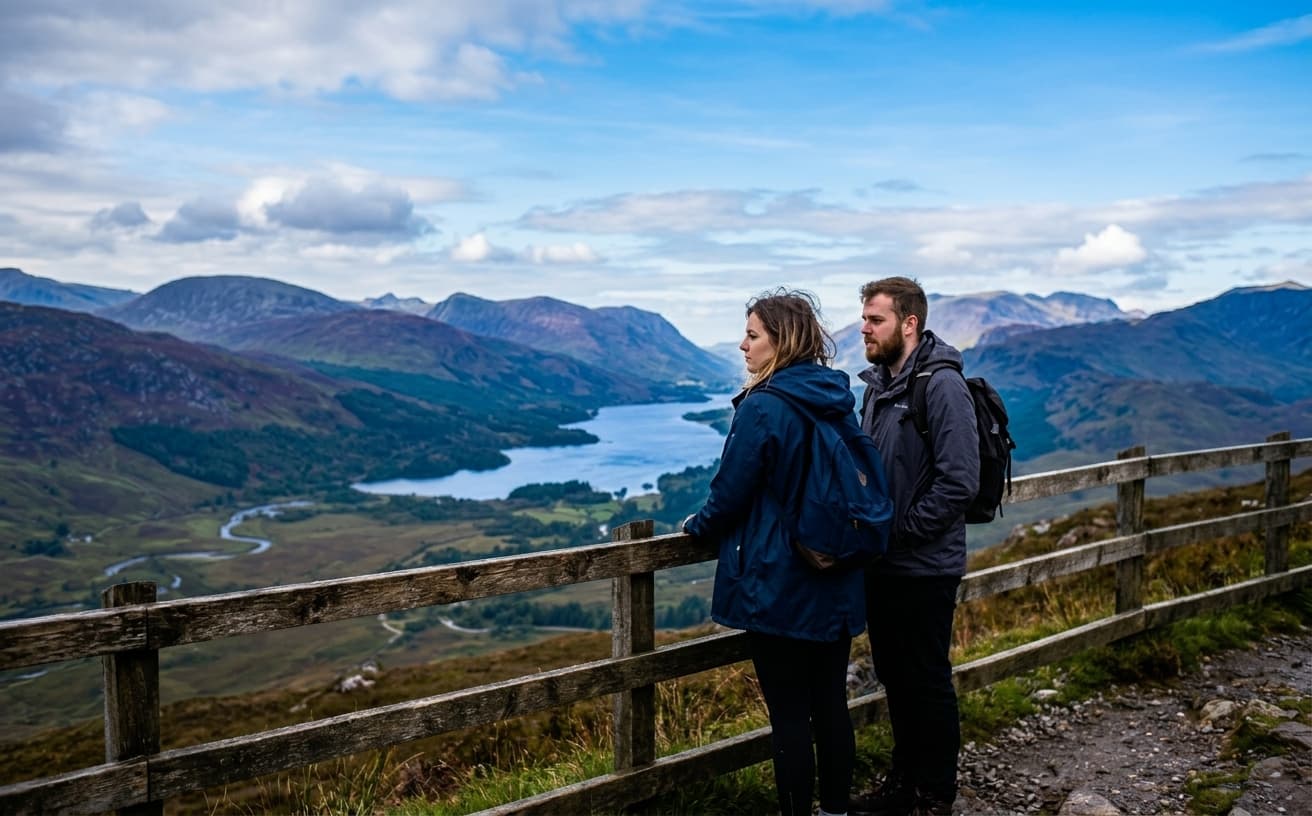
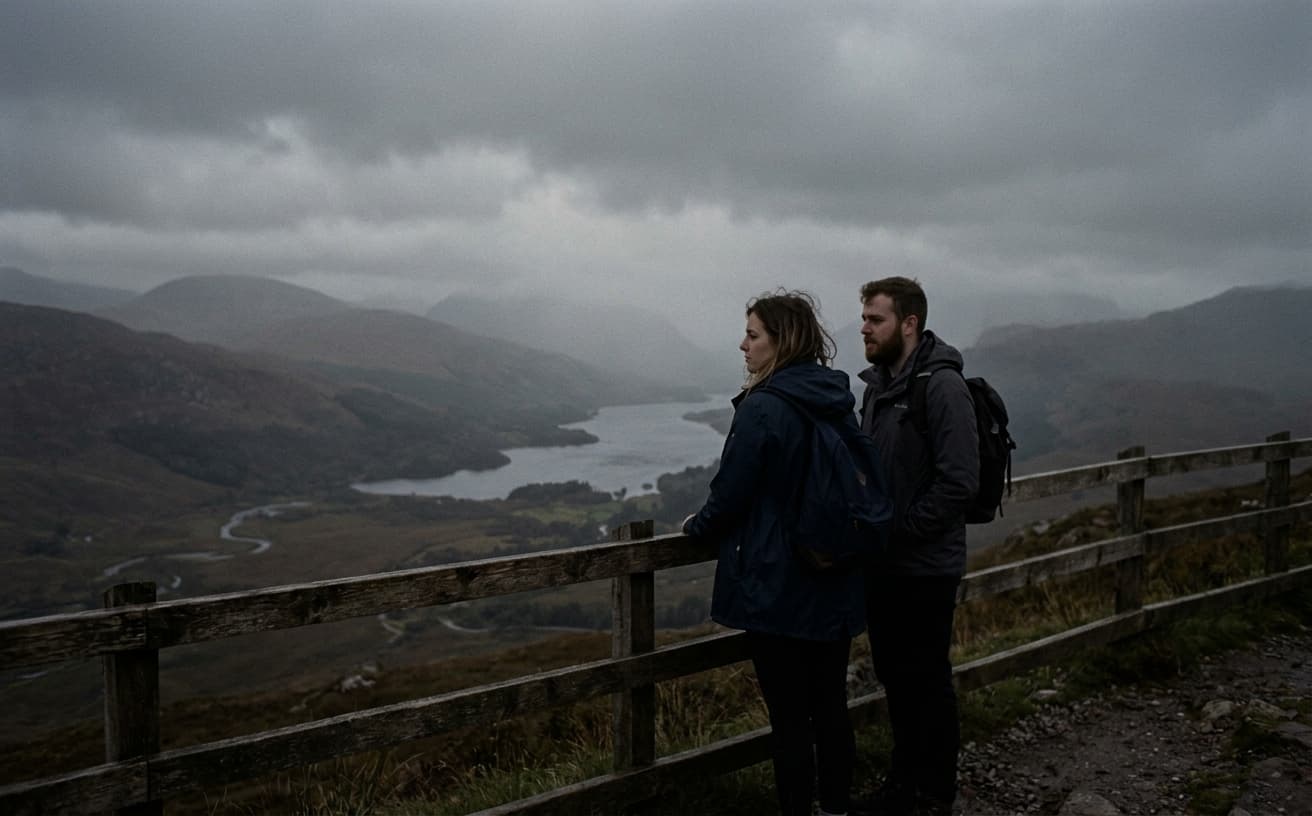
Opening photo editor…
One Online AI Editor for Real Photo Fixes
Weezard helps you edit images with AI without switching between separate tools. Use it for background changes, object removal, quality enhancement, restoration, and quick visual cleanup.
What You Can Do
Professional AI tools for every editing need
Try Without an Account
Try one edit after signup and email verification, no download, and no card — see the result before deciding
Remove Objects
Delete unwanted items while perfectly reconstructing backgrounds
Background Replace
Change backgrounds while preserving lighting and perspective
Enhance Quality
Upscale, sharpen, and improve image quality intelligently
Restore Photos
Fix old, damaged, or low-quality images
Real Results Gallery
See how AI transforms photos with professional editing
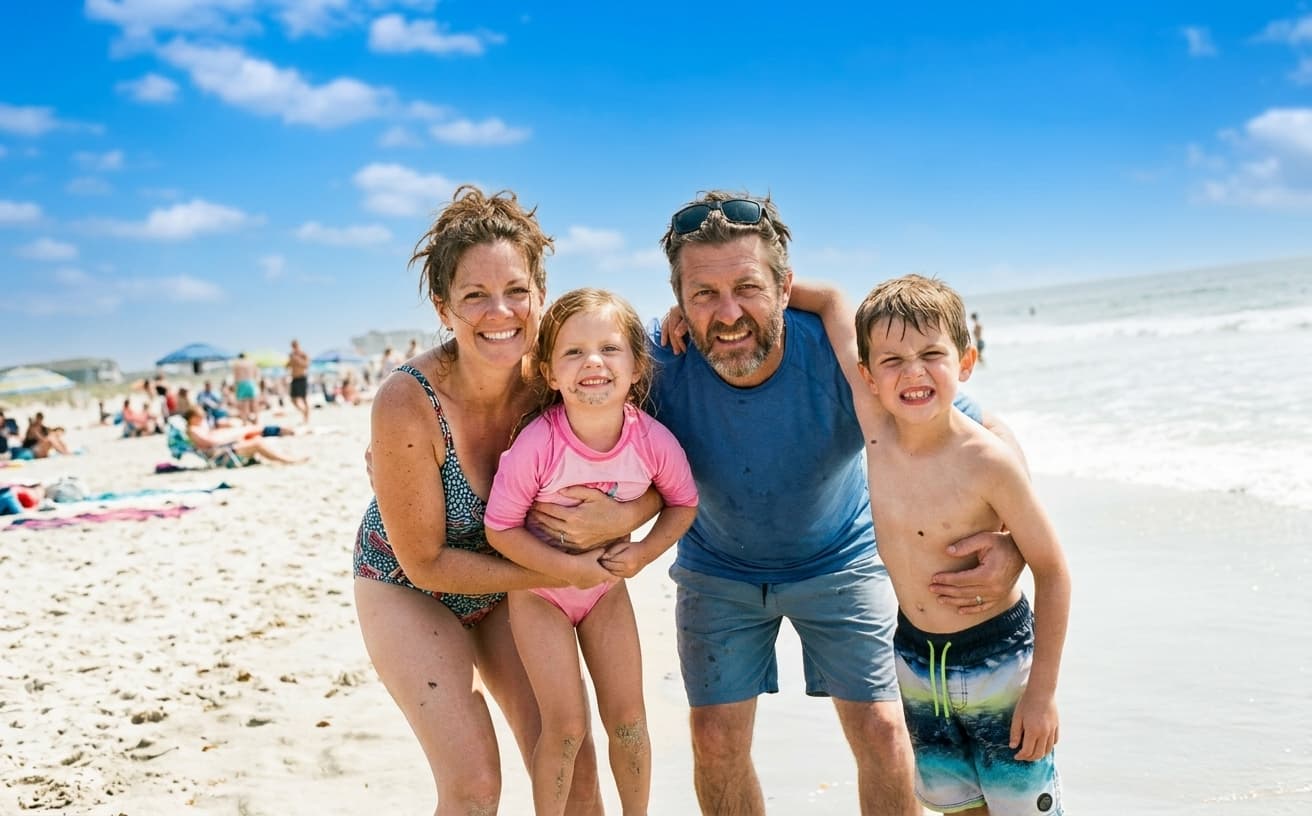
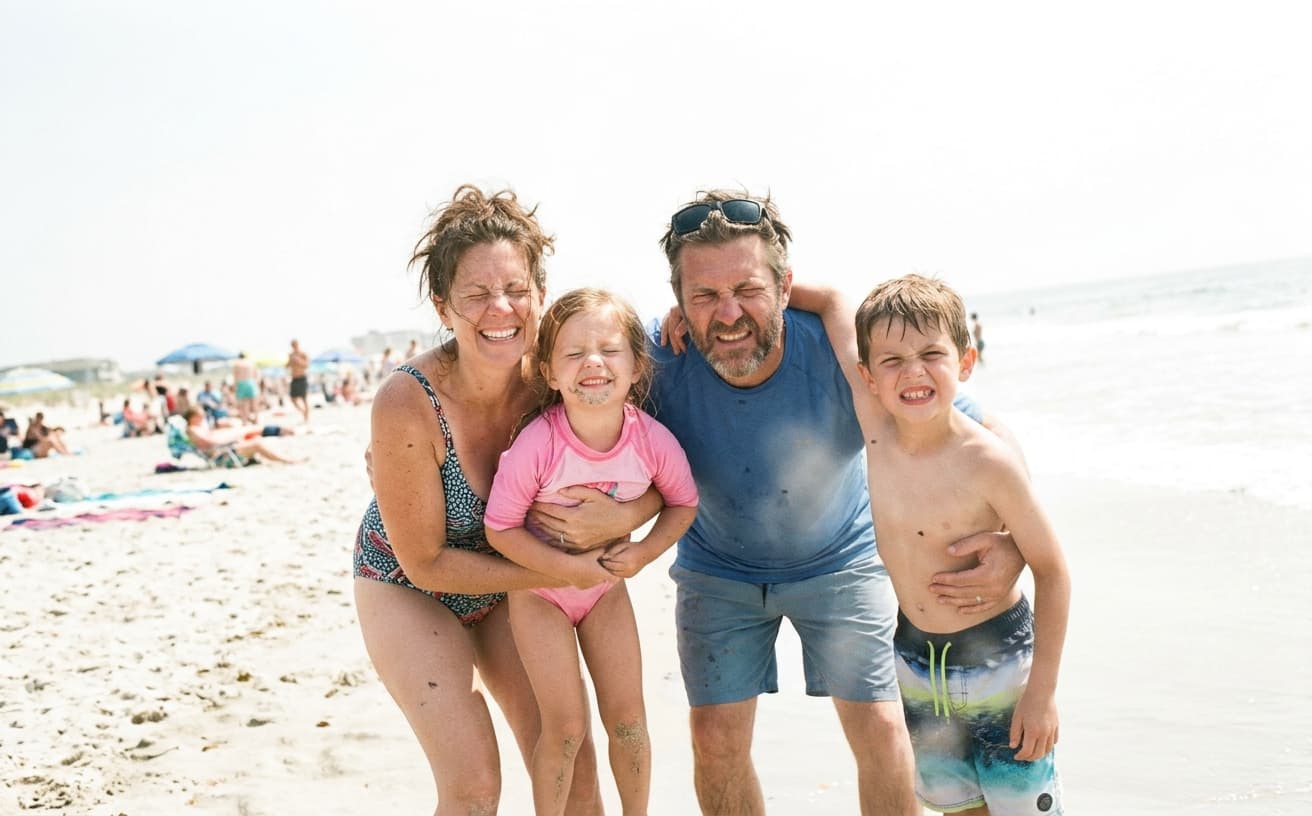
Professional AI Editing
Compare the original and edited image
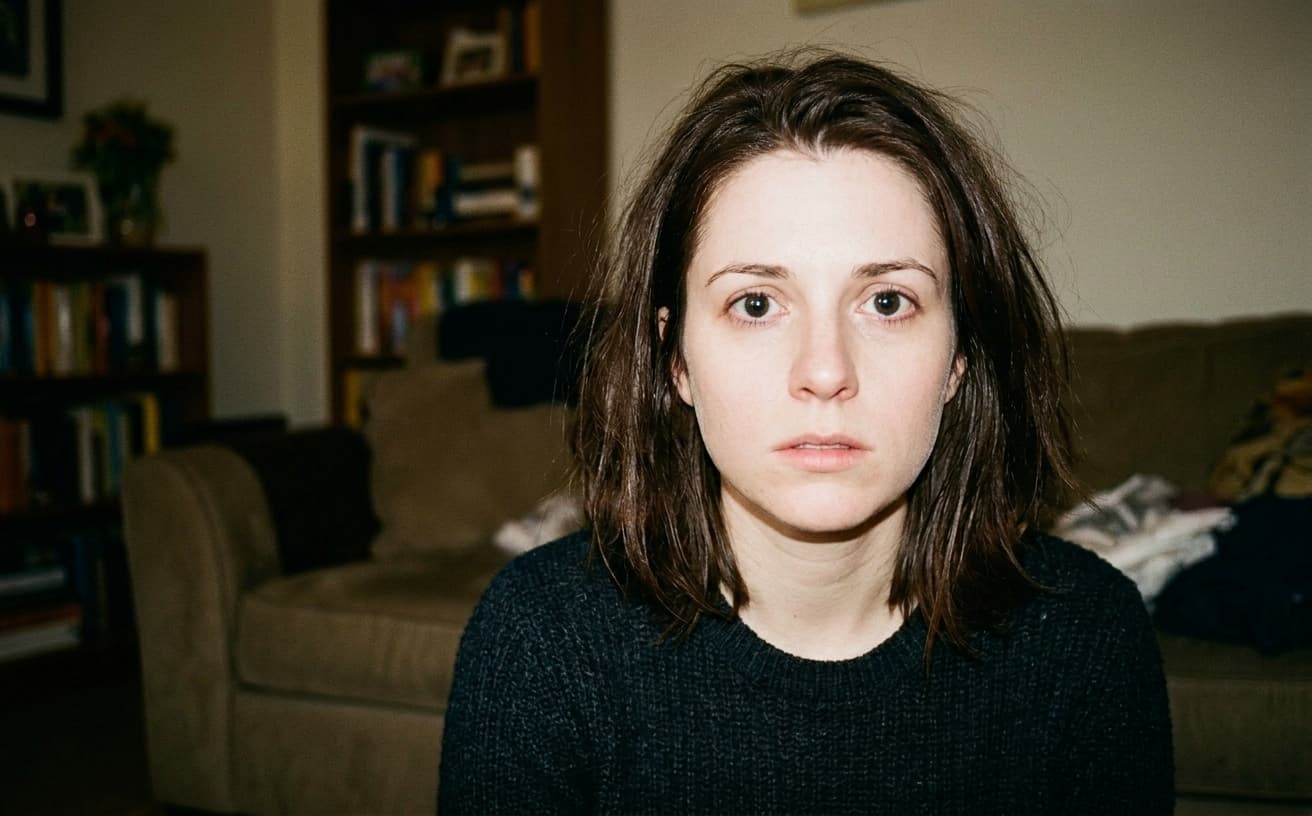

Natural Results
Check edges, lighting, and fine details
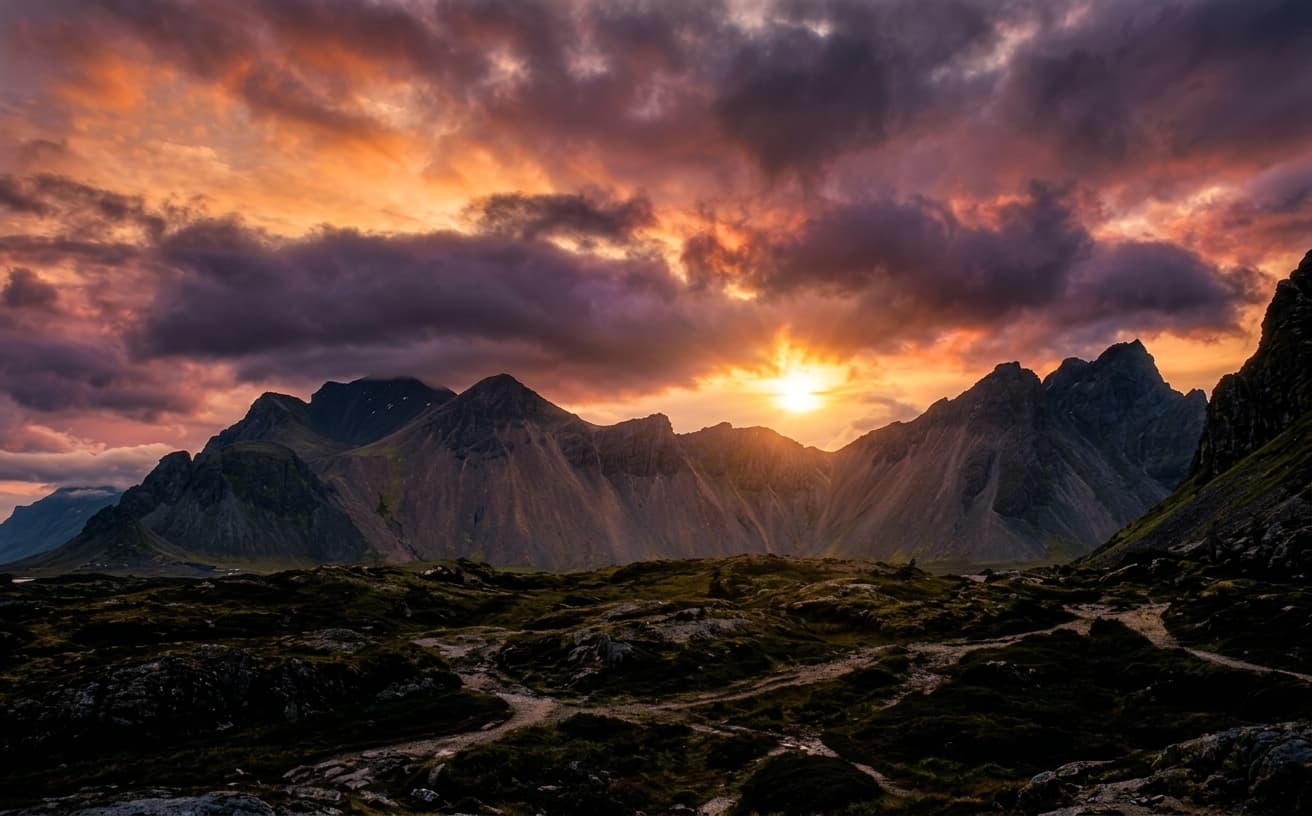
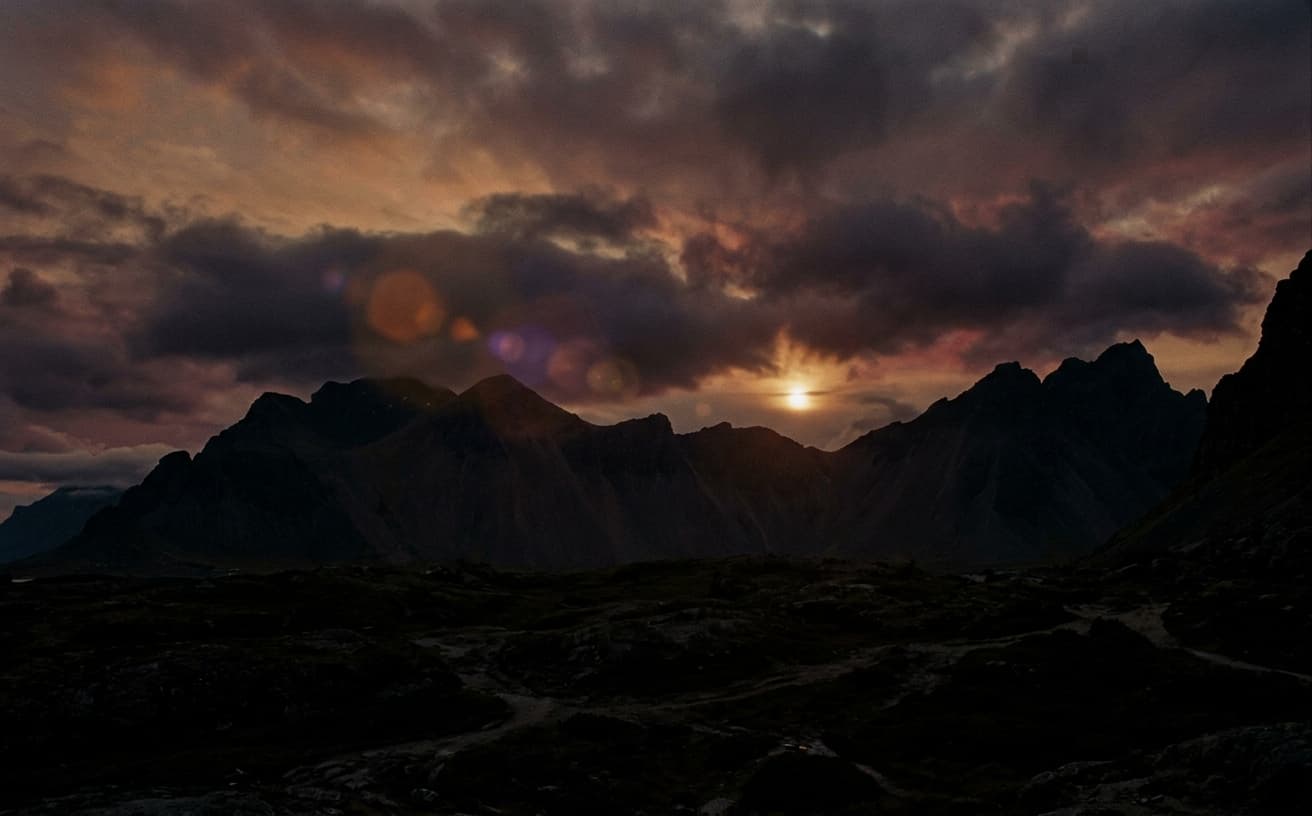
AI Transformation
AI-powered enhancement
Premium Quality
Review the result before downloading
How to Edit Images with AI Online
Professional results in 3 simple steps
Upload Photo
Drag & drop or select your image. Supports all formats including RAW.
Select & Edit
Choose what to remove, enhance, or change. AI does the heavy lifting.
Download
Get your professionally edited photo in full resolution.
Why Photographers Choose Weezard AI
The only AI editor that truly understands your photos
A practical way to review your edit
Keep your original and check the generated image before you use it.
Start with one photo
Choose a clear source image and describe one specific change. A focused request makes the result easier to compare with your original.
Review the important details
Compare faces, lettering, edges and other important details with the original. AI can change parts of an image you asked it to preserve.
Choose the result before exporting
Each AI edit uses 1 credit at 1K. Your first credit is free after signup and email verification. Free exports have a watermark; paid credits unlock watermark-free exports.
Questions & answers
What can I edit with the AI photo editor online?
You can change backgrounds, remove unwanted objects, enhance image quality, restore old photos, adjust style, and clean up images directly in the browser.
Is the online AI photo editor free to try?
Create an account to receive 1 free credit; email signups require verification. No credit card or software download is required. Each AI edit uses 1 credit at 1K. Free previews have a watermark; paid credits unlock watermark-free exports.
Will AI editing preserve the original scene?
Weezard is designed for scene-preserving edits, so prompts can change the requested area while keeping lighting, perspective, and important details natural.
What prompts work best for AI photo editing?
Specific outcome-based prompts work best, such as remove the object on the left, change the background to a white studio backdrop, or enhance quality while keeping skin texture natural.
Can I use this AI photo editor without signing up?
Create an account to receive 1 free credit; email signups require verification. No credit card or software download is required. Each AI edit uses 1 credit at 1K. Free previews have a watermark; paid credits unlock watermark-free exports.
Do I need to download or install anything?
No. The editor runs entirely in the browser on desktop and mobile. There is no desktop application, no browser extension, and no plugin to install.
What exactly is free, and where does it stop?
Create an account to receive 1 free credit; email signups require verification. No credit card or software download is required. Each AI edit uses 1 credit at 1K. Free previews have a watermark; paid credits unlock watermark-free exports.
Will I be asked for a credit card?
Not to try it. No card is requested for the free edit or for creating a free account. A card is only involved if you choose to buy credits or a Pro subscription.
How to Use an AI Photo Editor Online
Desktop photo editing software requires installation, storage, and learning curves. Online AI editors deliver comparable results through browser interfaces without software management.
These tools handle common editing needs—cropping, color correction, object removal, background changes—through streamlined interfaces optimized for speed rather than comprehensive feature sets. You get 80% of Photoshop's practical functionality in 20% of the time.
The workflow advantage: Access from any device, no file management, automatic updates, and collaborative features that desktop software lacks. For teams and businesses, browser-based editing eliminates software licensing and training overhead.
Mark manages social media for a retail chain—15 locations requiring constant photo content. Previously, one person with Photoshop handled all editing, creating a bottleneck. After switching to online AI editors, all 15 store managers could edit and post their own content following simple templates. Content volume tripled without adding headcount.
When online editors fall short: Complex compositing, precision color work, and high-end retouching still require professional desktop software. If you're doing magazine-quality work or print production, online tools may lack the precision and control you need. For web and social content, they're typically sufficient.
Evaluate whether your current editing workflow matches your actual needs—you might be over-complicating tasks that online tools handle adequately.
People searching for an AI photo editor online usually want one place to handle the most common fixes: change a background, remove an object, enhance quality, restore damage, or prepare an image for web and social publishing. Weezard keeps those editing jobs in the browser so you can move from upload to final image without manual masking or complex desktop software.
For the best result, describe the edit as a practical outcome. Use prompts like remove the person in the background, change the background to a white studio setup, enhance this photo while keeping the face natural, or restore the scratched areas without changing the original style. Clear prompts help the AI preserve lighting, perspective, and important details.
Trying the editor for free
Create an account to get one free credit. Email signups receive the credit after verification. No credit card, desktop download or installation is required.
Each AI edit uses 1 credit and produces 1K output. Free previews have a watermark; paid credits unlock watermark-free exports at the same output size. Check the result on your own photo before buying more credits.
What you can do in the free edit
Every tool is available in the free edit; you are not restricted to a trimmed-down version. The most common first edits people run:
- Remove an object, a person, or clutter from the frame
- Change or replace the background with a studio, white, or custom scene
- Remove text, a watermark, a caption, or a date stamp
- Enhance a dark, soft, or low-resolution photo
- Restore an old or damaged scan
- Expand the frame beyond the original crop
If your job is one of these specifically, the focused tool pages give better prompt guidance than the general editor: remove objects from photos, change a photo background, remove text from an image, put a white background on a picture, or expand an image.
Next step
Related AI photo tools
Choose the tool that matches your next photo edit.
Editing a property listing
Batch workflow for agents: declutter, lighting, sky and dusk across the shoot.
AI background changer
Use a focused workflow for white, transparent, studio, or custom photo backgrounds.
Remove objects from photos
Clean up photobombers, clutter, and unwanted items from the frame.
Remove text from an image
Erase watermarks, captions, date stamps, and logos with clean AI fill.
AI watermark remover
Remove unwanted marks from images you own or have permission to edit.
Best free AI photo enhancer in 2026
See how this editor ranks against Remini, Upscayl, Topaz and 4 more — tested side by side.
Editing a car listing
Reflections, lot clutter, and glare on paint — the listing version of this editor.
Ready to Transform Your Photos?
Try an edit on your own photo and inspect the result before downloading.
1 free credit after signup and verification • No card required