AI Background Changer Online
Upload a portrait, product or food photo and describe a new background. Try a white studio, soft office or custom scene. For a transparent PNG cutout, use the separate background remover linked below.
1K: 1 credit · 2K: 6 credits · 4K: 10 credits · Trial previews have a watermark. See credit packs
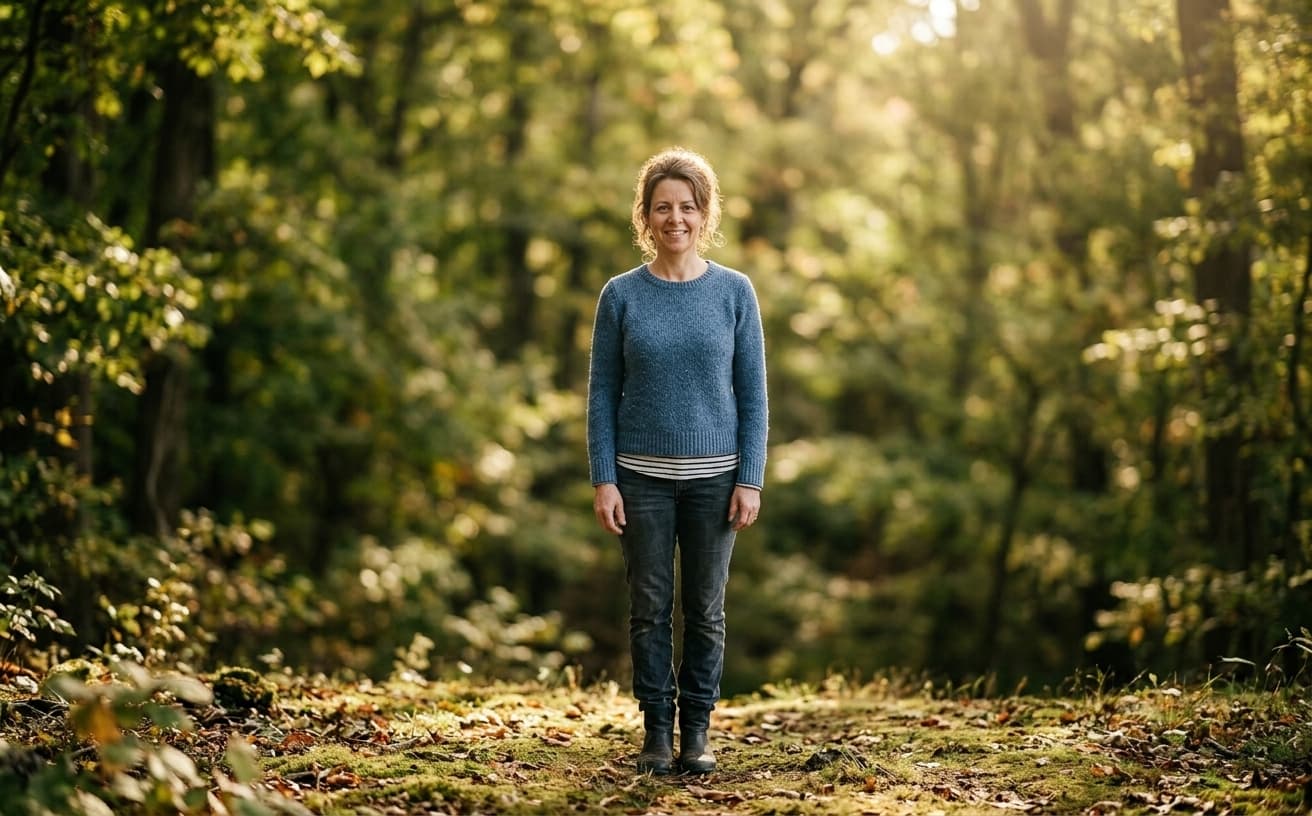
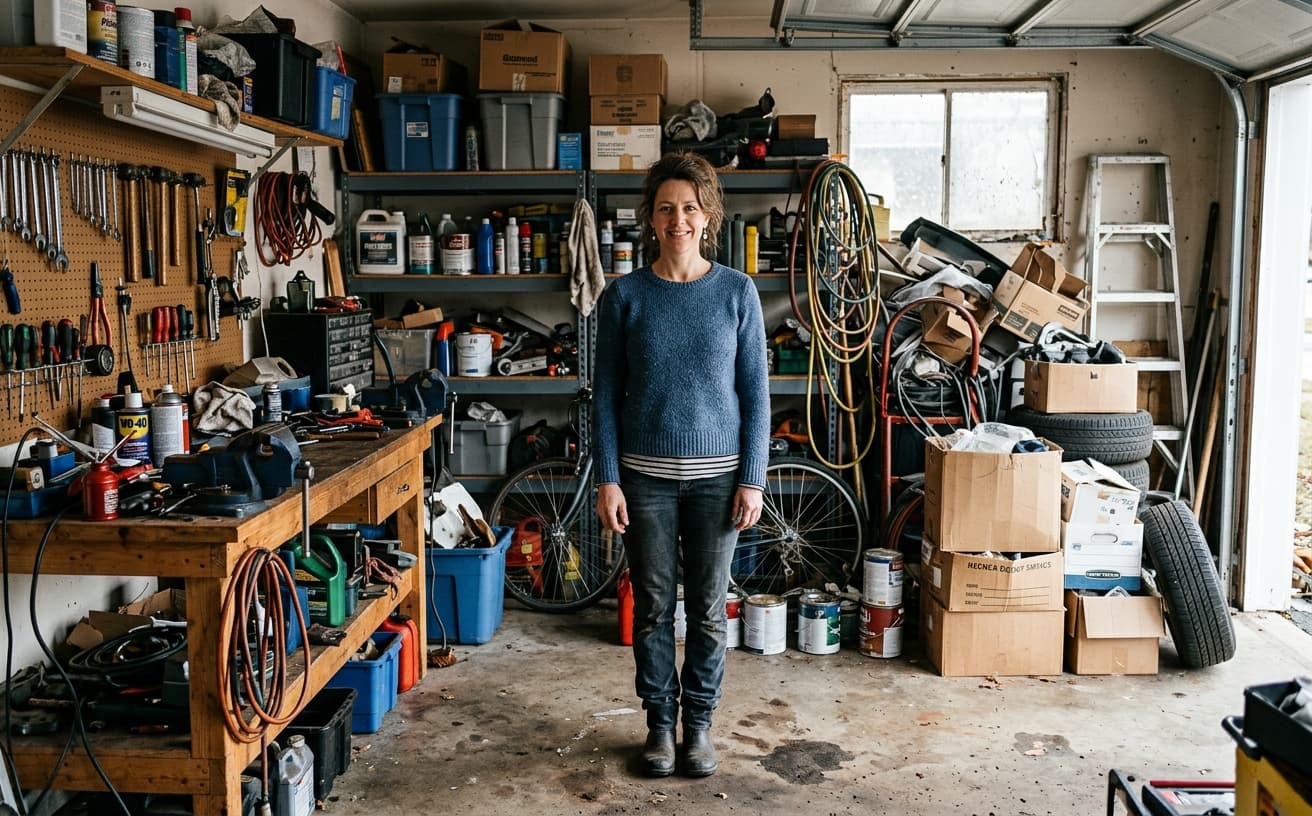
Opening photo editor…
Change Backgrounds Without Photoshop
Describe the background you want and let AI generate a new version of your photo. Choose a setting with lighting and perspective that suit the source, then inspect the subject and edges before downloading.
Popular Background Changer Use Cases
Replace backgrounds online for the image types people edit every day.
Professional Headshots
Replace messy backgrounds with clean office or studio settings
Product Photography
White backgrounds, custom colors, or lifestyle scenes for e-commerce
Vehicle Photos
Studio backgrounds for car listings and automotive marketing
Food & Menu Photos
Marble, wood, or slate backgrounds for restaurant imagery
Real Estate
Clean backgrounds for property photos and virtual staging
Portrait & Social
Custom backgrounds for dating apps, LinkedIn, social media
Creative Projects
Describe a colored backdrop, artistic setting or simple studio scene
Real Results Gallery
See how AI transforms photos with professional editing
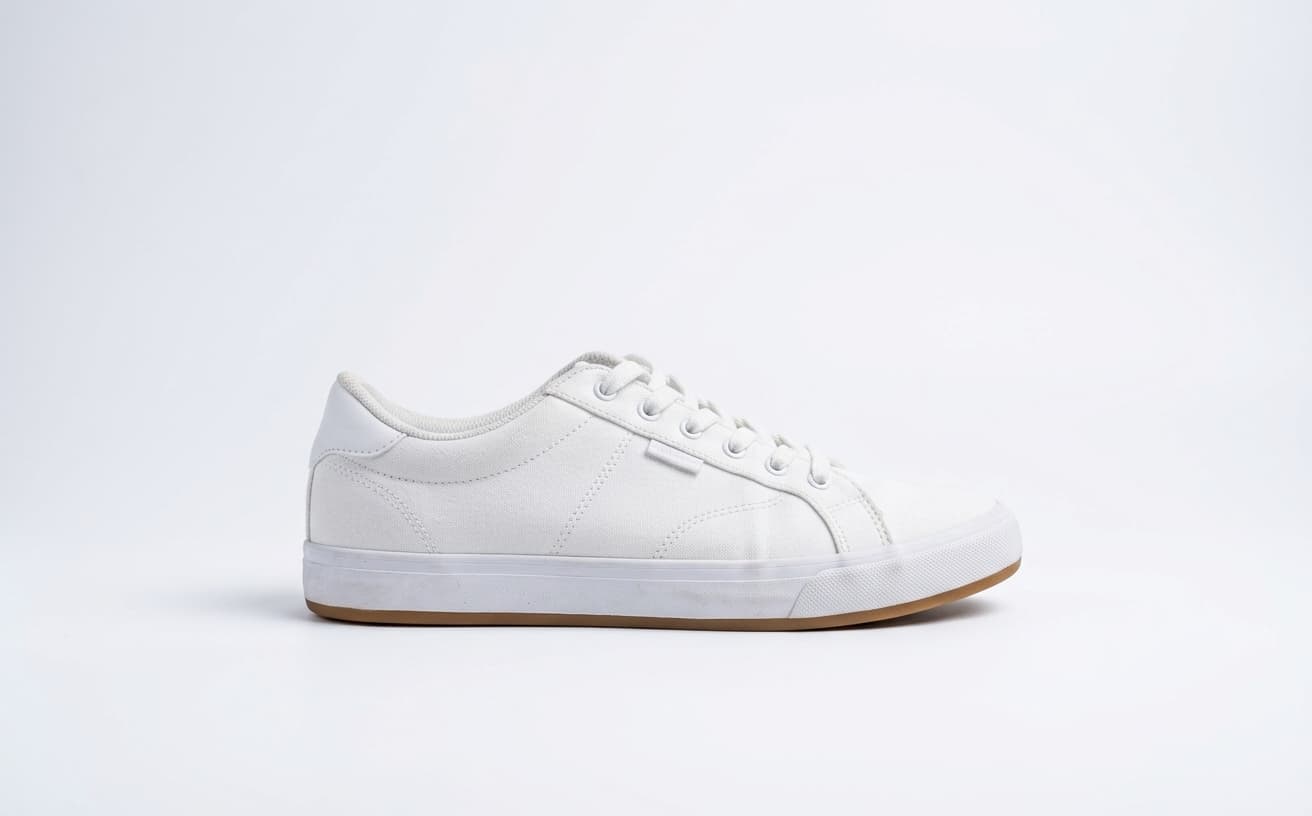
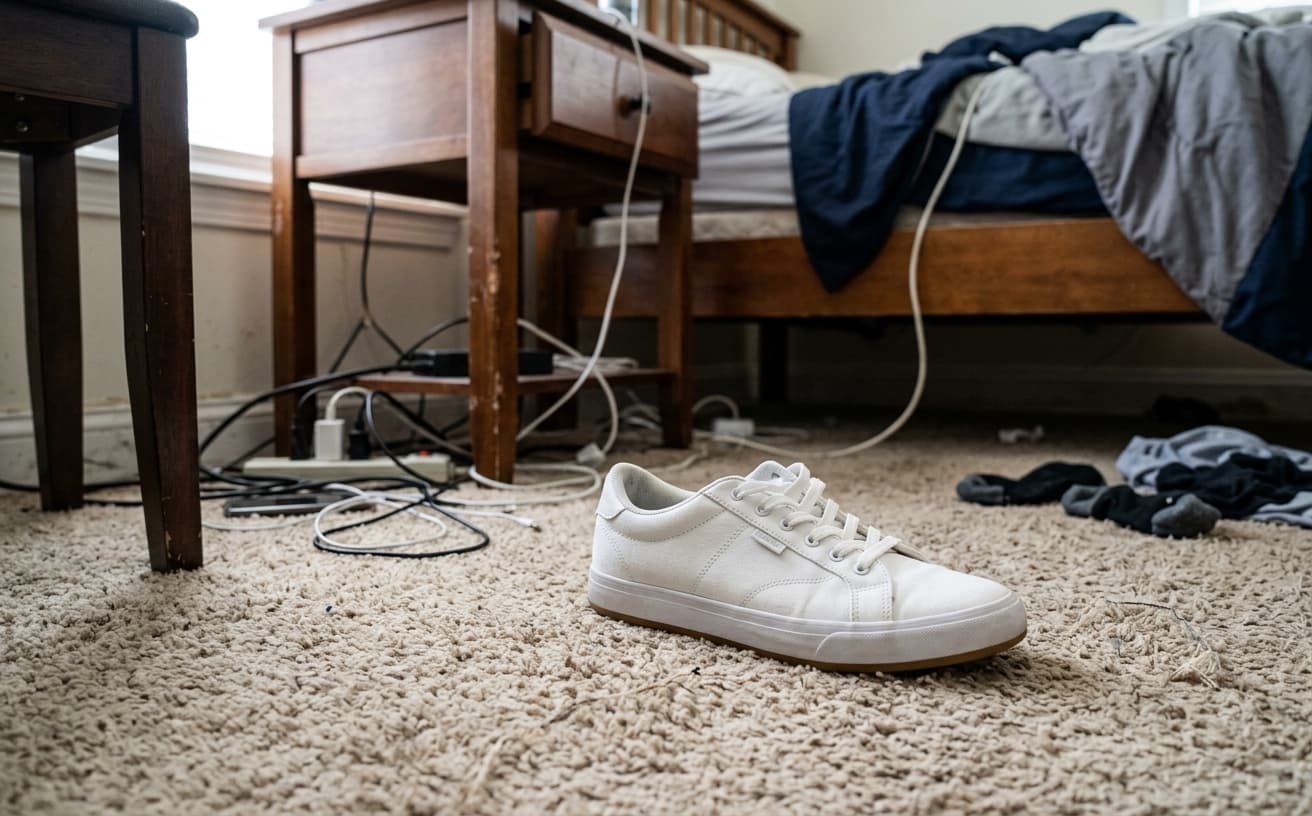
Professional AI Editing
Compare the original and edited image
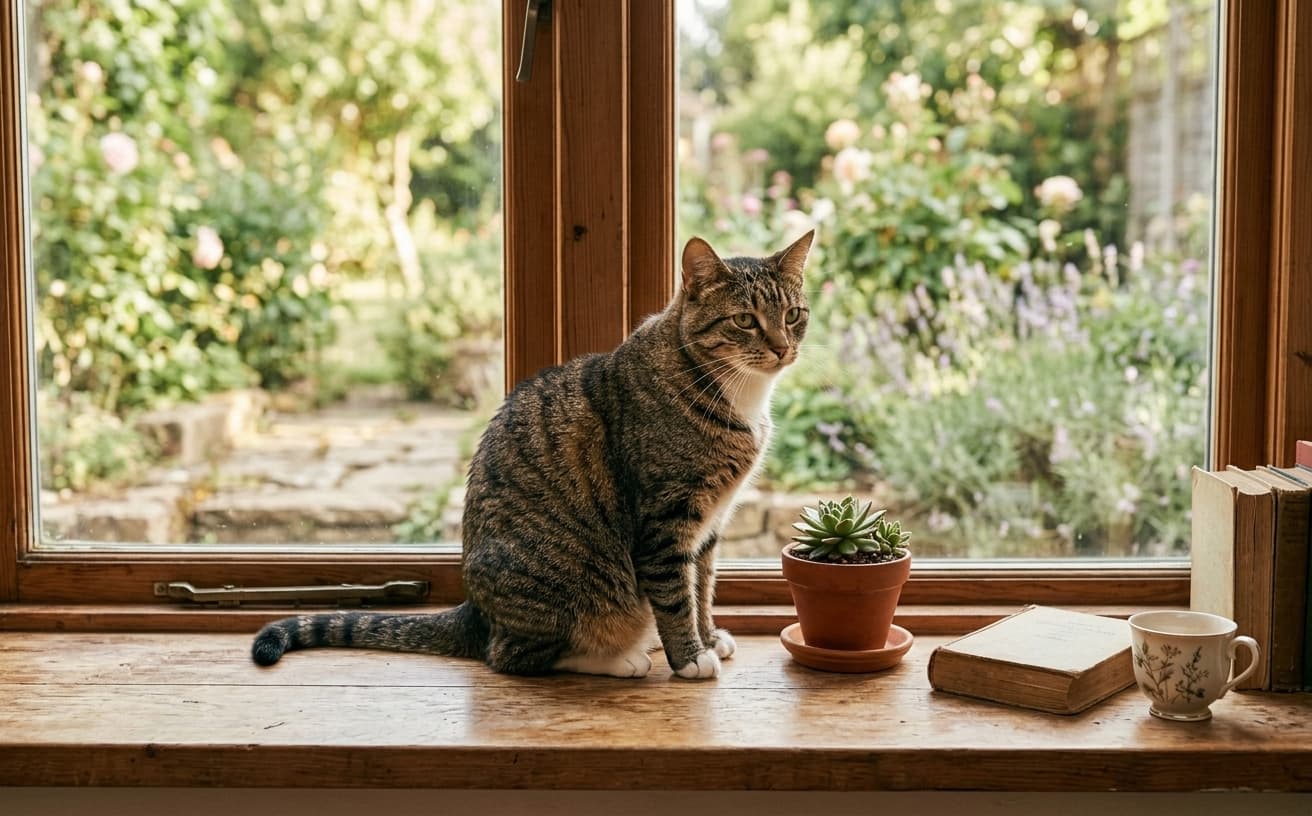
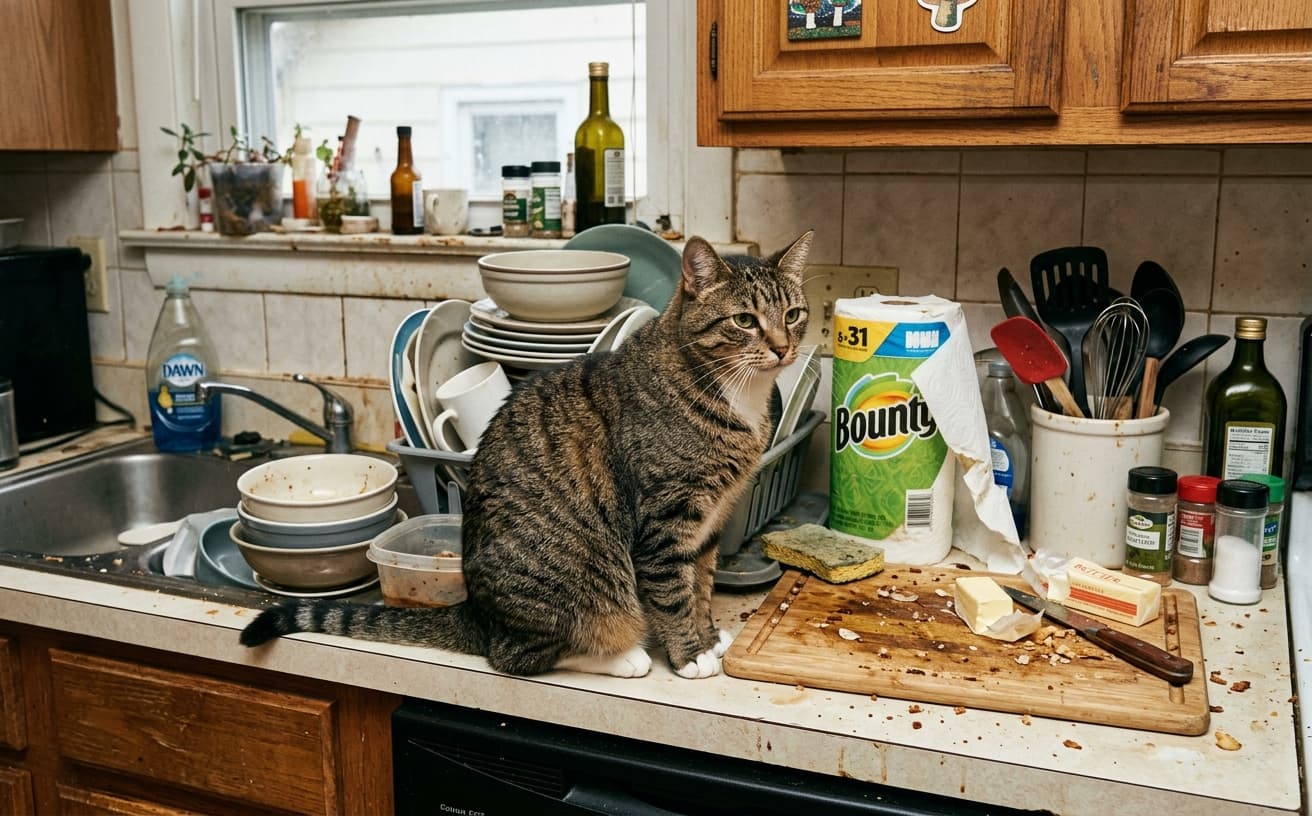
Natural Results
Check edges, lighting, and fine details
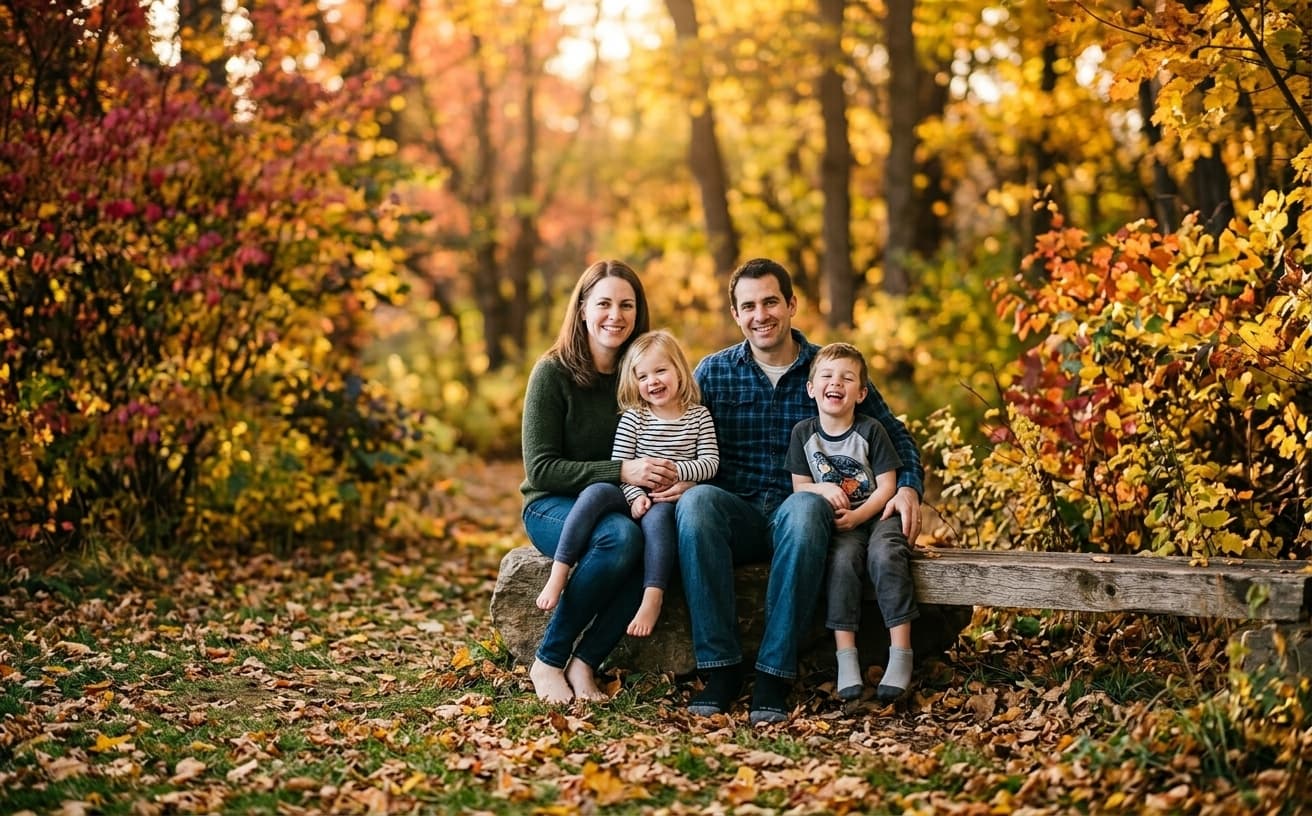
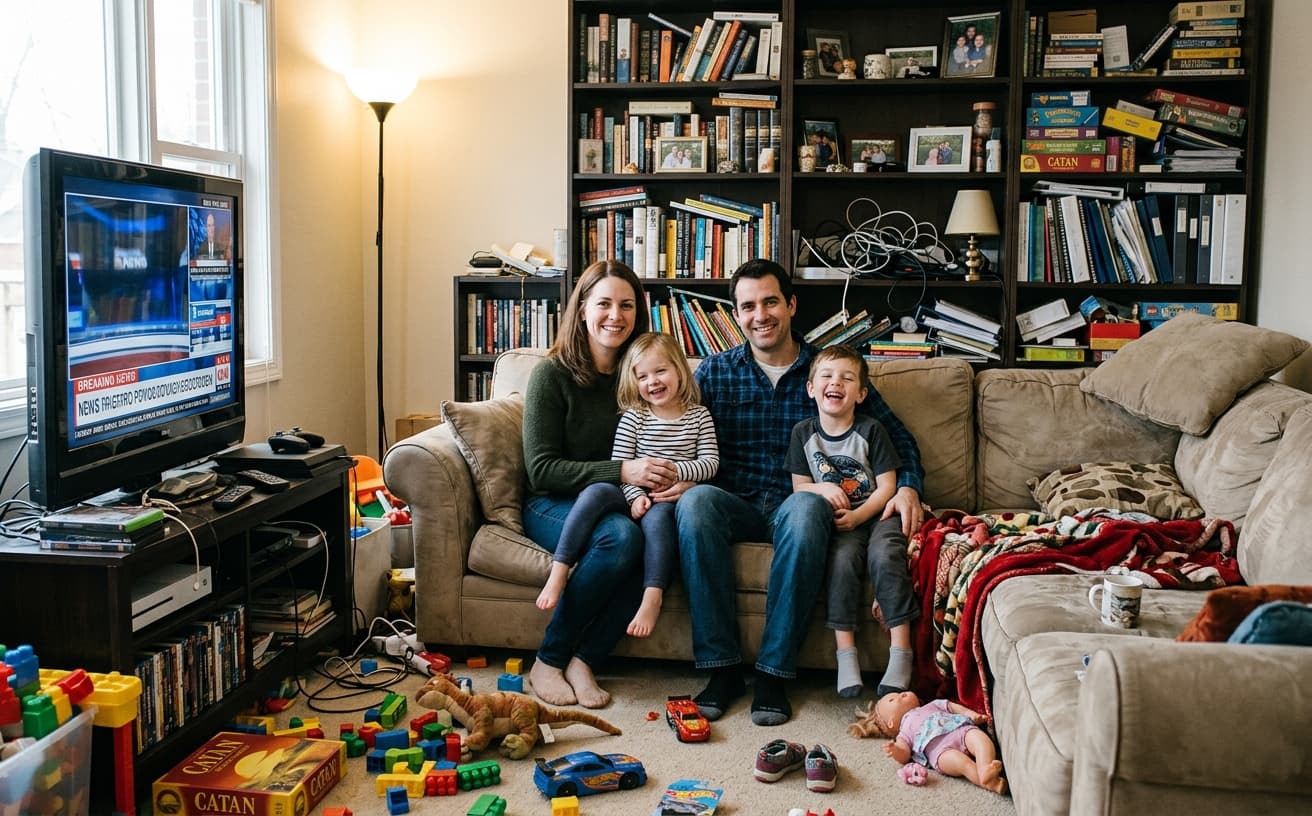
AI Transformation
AI-powered enhancement
Premium Quality
Review the result before downloading
How to Change the Background of a Photo Online
Upload, describe the new background, and export a polished photo in three steps.
Upload a Photo
Choose a clear photo with a visible subject and usable lighting.
Describe the Background
Name the setting, surface, color and light. Ask to preserve the subject. Use the dedicated background remover for transparent output.
Review and Download
Check hair, edges, shadows, faces and product labels. Refine the prompt if needed; each new AI edit uses a credit.
Why Use an AI Background Changer?
Create a new backdrop from a written description.
A practical way to review your edit
Keep your original and check the generated image before you use it.
Start with one photo
Choose a clear source image and describe one specific change. A focused request makes the result easier to compare with your original.
Review the important details
Compare faces, lettering, edges and other important details with the original. AI can change parts of an image you asked it to preserve.
Choose the result before exporting
Each AI edit uses 1 credit at 1K. Your first credit is free after signup and email verification. Free exports have a watermark; paid credits unlock watermark-free exports.
Questions & answers
How do I change a photo background online?
Upload your photo, describe a background and generate an edit. Name the scene and lighting, ask to preserve the subject, then inspect the result before downloading.
Can I download a transparent PNG?
Use the dedicated background remover at /tools/background-removal for a transparent PNG cutout. The generative background changer creates a new scene; a transparency prompt does not guarantee an alpha channel.
Is the background changer free?
AI edits cost 1 credit at 1K, 6 credits at 2K or 10 credits at 4K. Your first credit is free after signup and email verification. Free exports carry a small weezard.app watermark; paid credits unlock watermark-free exports.
Will my subject stay exactly the same?
The prompt can ask to preserve the subject, but the model may alter faces, labels, fine edges or reflections. Compare the result with your source. Use a manual compositor when exact original pixels are required.
Can I make a white background?
Yes, request a plain white studio background. Check the exported color and your marketplace requirements: a generative result is not guaranteed to be uniform #FFFFFF.
Where can I find background change prompts?
The AI background change prompt library has 30 examples for portraits, products, food and other scenes. Copy a prompt or use it in the editor, then adapt it to your photo.
Can I change backgrounds on multiple photos?
Yes. You can apply a shared prompt to multiple images. Each result is generated separately, so review the lighting, framing and subject details in every output.
How to Change a Photo Background Online
To change a photo background online, upload a clear image and describe the new setting. Name the surface, color and light, then state which parts of the subject should stay unchanged. Weezard generates an edited image from that request, so review the subject as well as the backdrop.
Start with a specific prompt
For a portrait: “Replace the background with a softly blurred neutral office. Keep the person's face, hair and clothing as shown. Match the existing soft daylight.”
For a product: “Replace the background with a plain white studio backdrop and a soft contact shadow. Keep the product shape, color and label unchanged. Do not add props or text.”
For food: “Use a dark slate tabletop and a softly blurred neutral background. Keep the dish, ingredients and portion size as shown. Match the existing light direction.”
These preservation requests guide the edit; they do not lock the original pixels. Compare faces, product labels, fine edges and other important details with the source. The background change prompt library contains 30 prompts grouped by use case, with Copy and Use actions.
Background replacement or transparent PNG?
This editor generates a new background as part of a photo. If you need a cutout with an alpha channel for a design, use the dedicated background remover. Asking for “transparent” in a generative prompt does not guarantee a real transparent PNG; it may generate a checkerboard-looking background instead.
Match the background to the photo
A subject lit by a window usually fits a softly lit room better than a harsh midday beach. Keep the camera angle and light direction plausible. For products, ask for a contact shadow so the object appears to sit on a surface. For portraits, inspect loose hair and glasses. For food, check that ingredients and portions have not changed.
White backgrounds for product photos
A plain white studio prompt is a useful starting point for product imagery. Inspect the exported background and the current requirements of your sales channel before publishing. Generated white is not guaranteed to be uniform #FFFFFF, and product labels or reflections may change. If exact product pixels or a precise background color are required, use a cutout in a manual compositor.
Common issues to check
Look for a halo around the subject, mismatched shadows, changed clothing, distorted labels or reflections from the old environment. A more specific prompt can help, but some images need manual editing. Glass, fine hair, motion blur and complex reflections are useful reasons to inspect the result closely.
Work through a photo set
Choose one background description and try it on a representative image first. Once you are happy with the style, apply the wording to the rest of the set. Outputs are generated separately, so inspect each image for framing, light and subject details instead of assuming identical results.
For portraits, start with a neutral studio or soft office. For car listing photos, keep paint condition and vehicle details accurate. For menus, the food background workflow provides a more focused starting point.
AI edits cost 1 credit at 1K, 6 credits at 2K or 10 credits at 4K. Your first credit is free after signup and email verification. Free exports carry a small weezard.app watermark; paid credits unlock watermark-free exports.
Next step
Related AI photo tools
Choose the tool that matches your next photo edit.
AI background change prompts
30 copy-paste prompts by photo type, with instructions on what to preserve.
AI photo editor online
Use the full editor when you also need object removal, enhancement, or restoration.
Remove a background first
Create a clean transparent cutout before replacing the scene.
Remove text from the image
Erase watermarks, captions, dates, and logos before swapping the background.
AI watermark remover
Remove unwanted marks from images you own or have permission to edit.
Best free AI photo enhancer in 2026
Compare photo-enhancement workflows and check the free-trial conditions.
Studio background for a car
Request a studio backdrop and check wheels, mirrors, paint and ground shadows.
Ready to Transform Your Photos?
Try an edit on your own photo and inspect the result before downloading.
1 free credit after signup and verification • No card required