Get 3x More Matches with Optimized Dating Photos
AI-enhanced photos for Tinder, Bumble, Hinge. Better lighting, cleaner backgrounds, enhanced attractiveness. Data-backed optimizations that increase match rates.
1K: 1 credit · 2K: 6 credits · 4K: 10 credits · Trial previews have a watermark. See credit packs
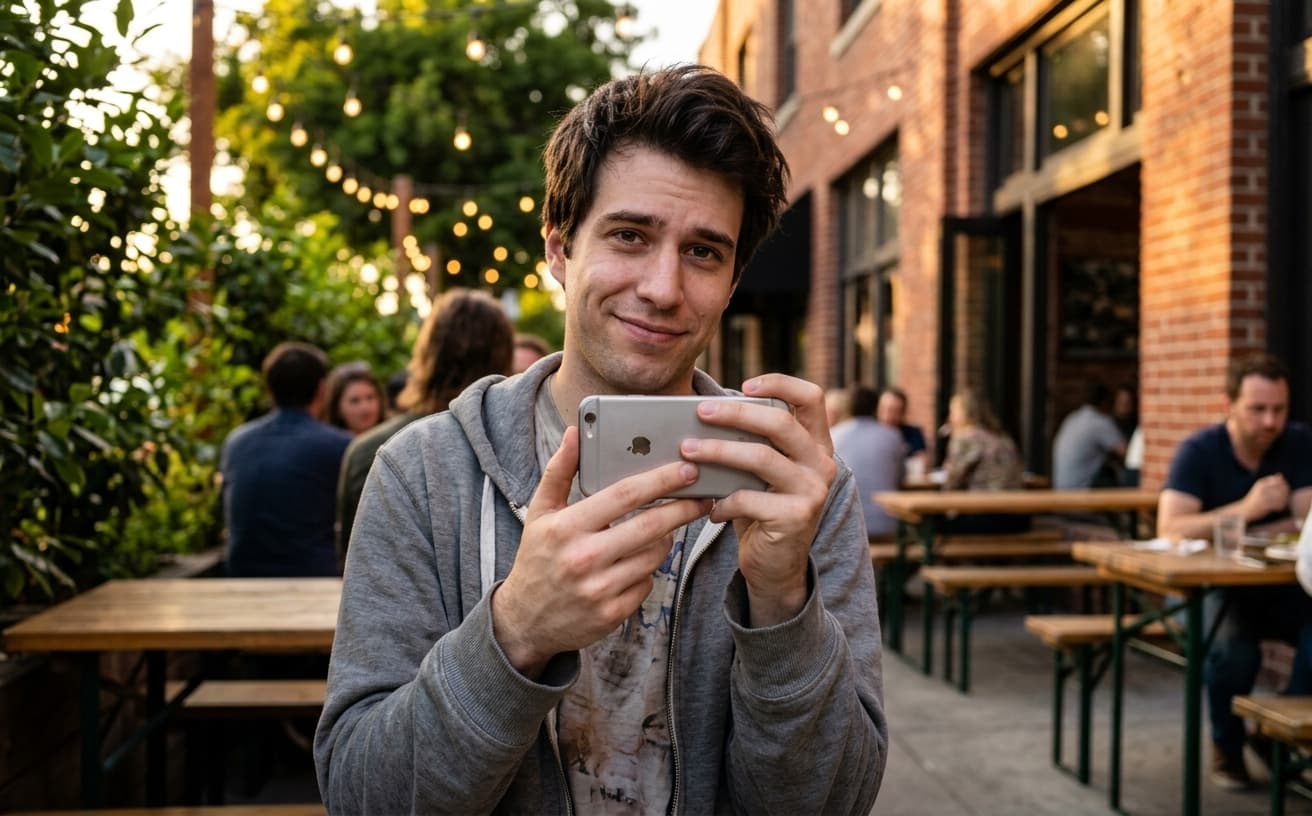
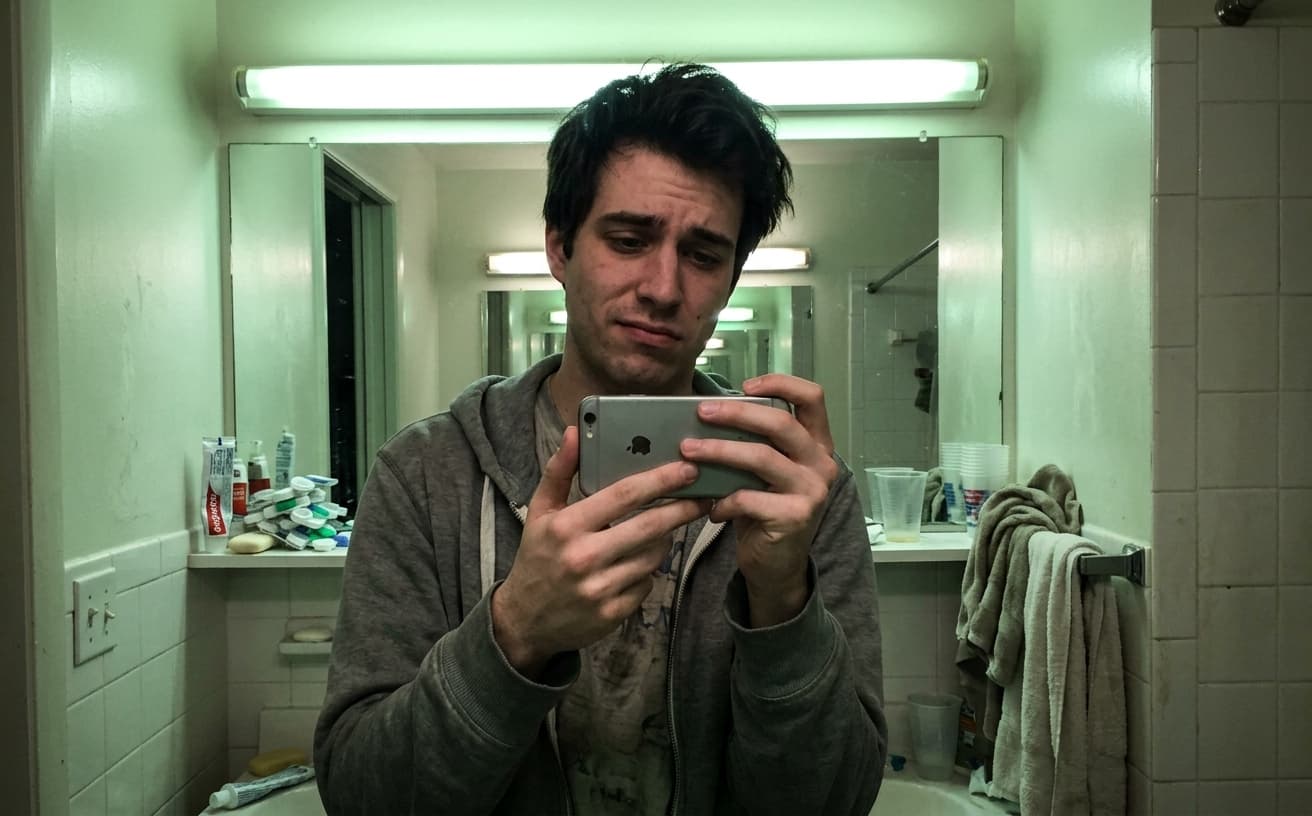
Opening photo editor…
Your Photos Determine 90% of Your Match Success
Dating app research shows photos account for 90% of swiping decisions. But most people use poorly lit, messy background, unflattering photos. Professional dating photography costs $200-400. Our AI optimizes any photo—enhances lighting, removes background distractions, improves composition, subtle attractiveness enhancements—based on what actually gets matches.
Dating Photo Enhancements
AI optimizations proven to increase matches
Lighting Enhancement
Flattering lighting that highlights your best features
Background Cleanup
Remove messy rooms, strangers, distracting elements
Subtle Enhancement
Natural improvements to skin, smile, eyes
Composition Fix
Crop, straighten, frame for maximum impact
Real Results Gallery
See how AI transforms photos with professional editing
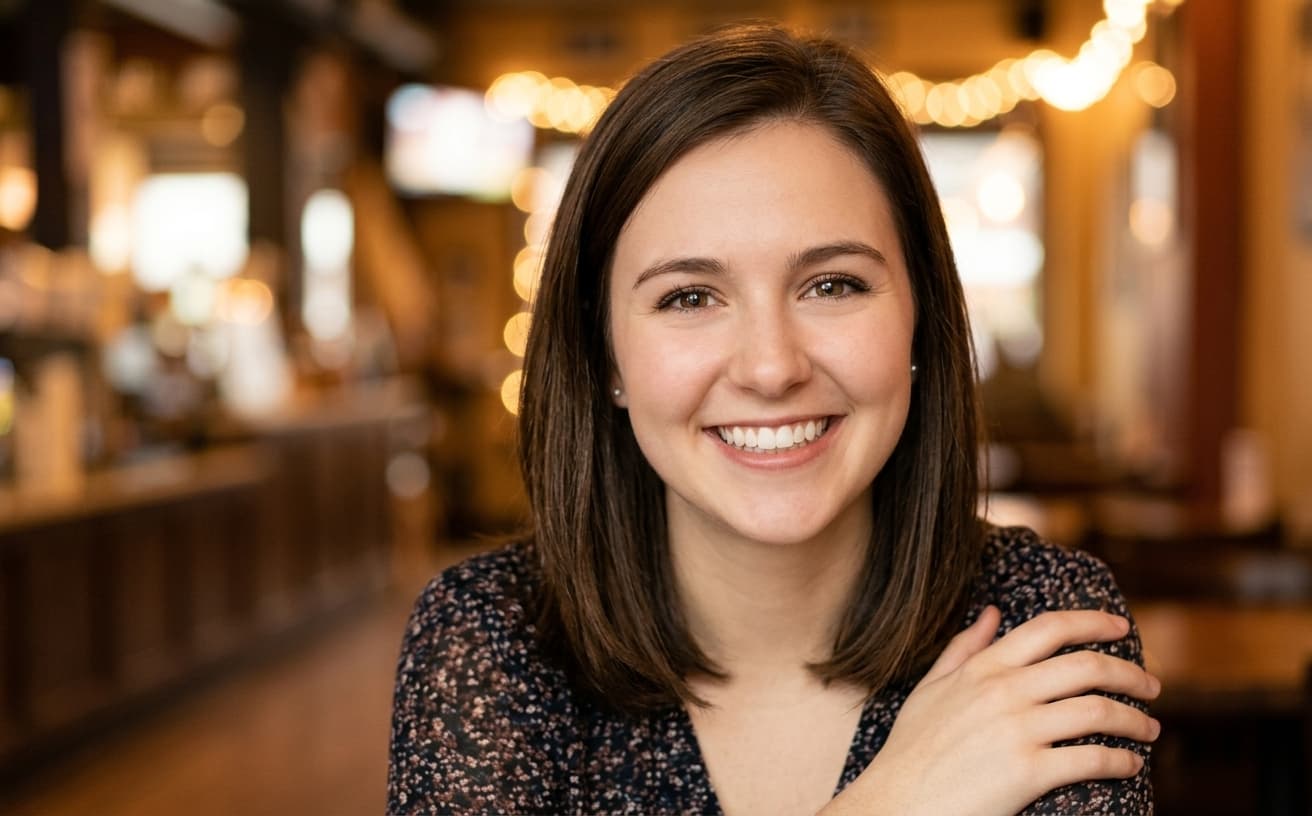
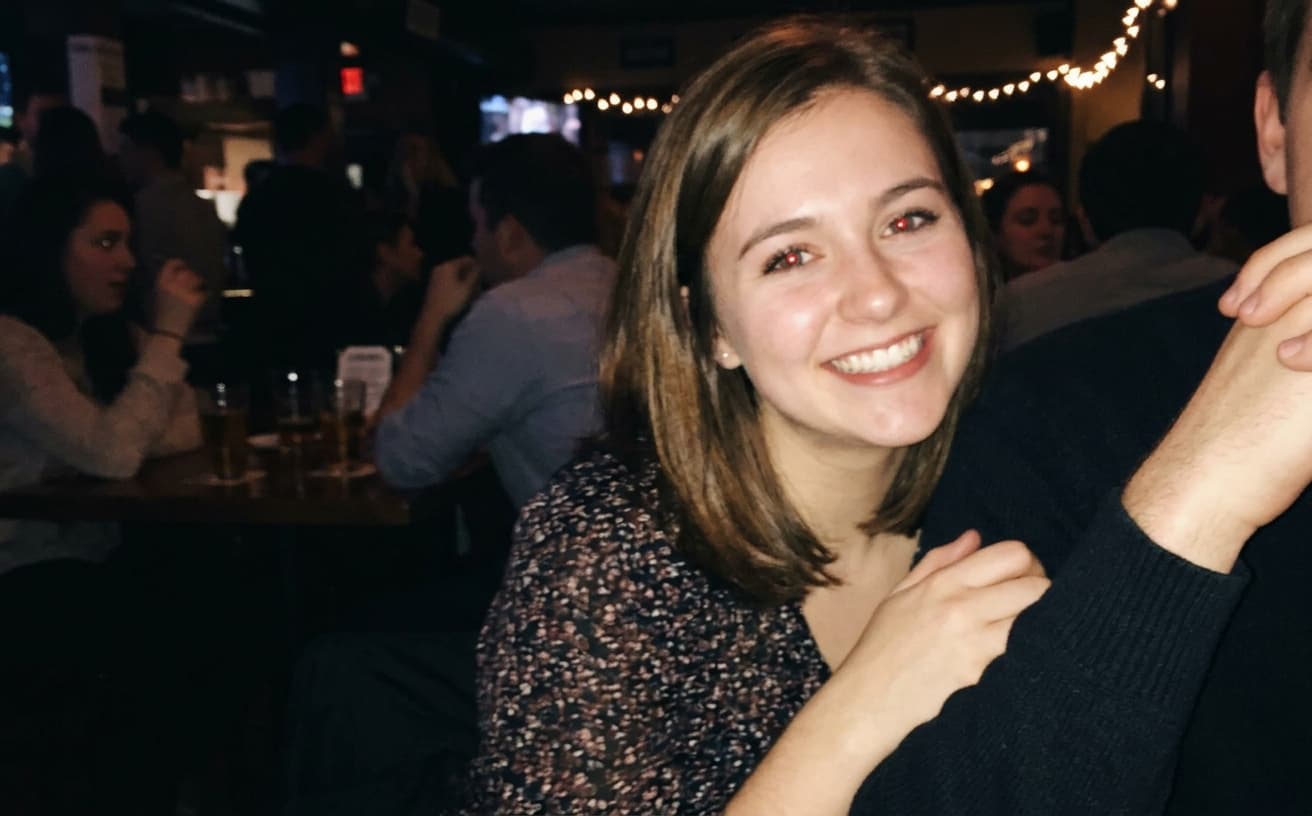
Professional AI Editing
Compare the original and edited image
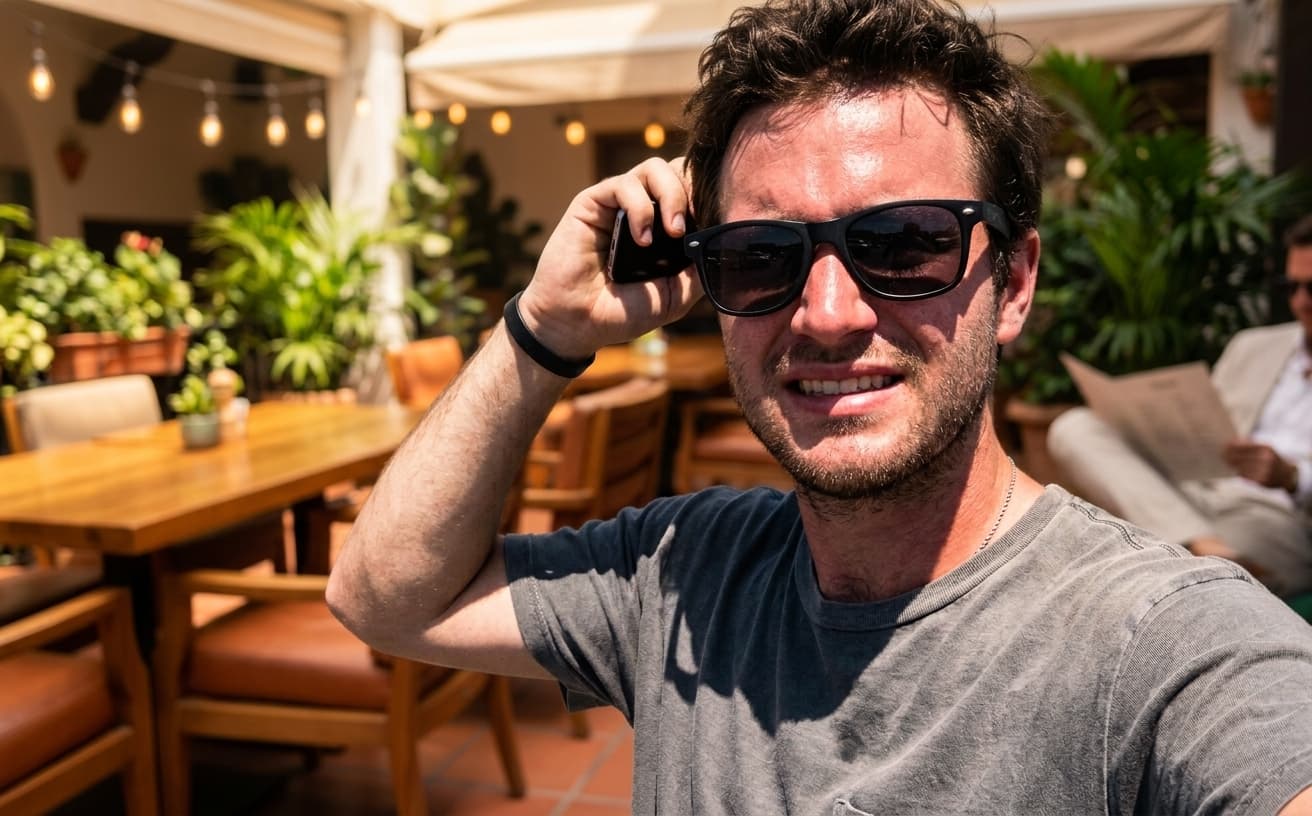
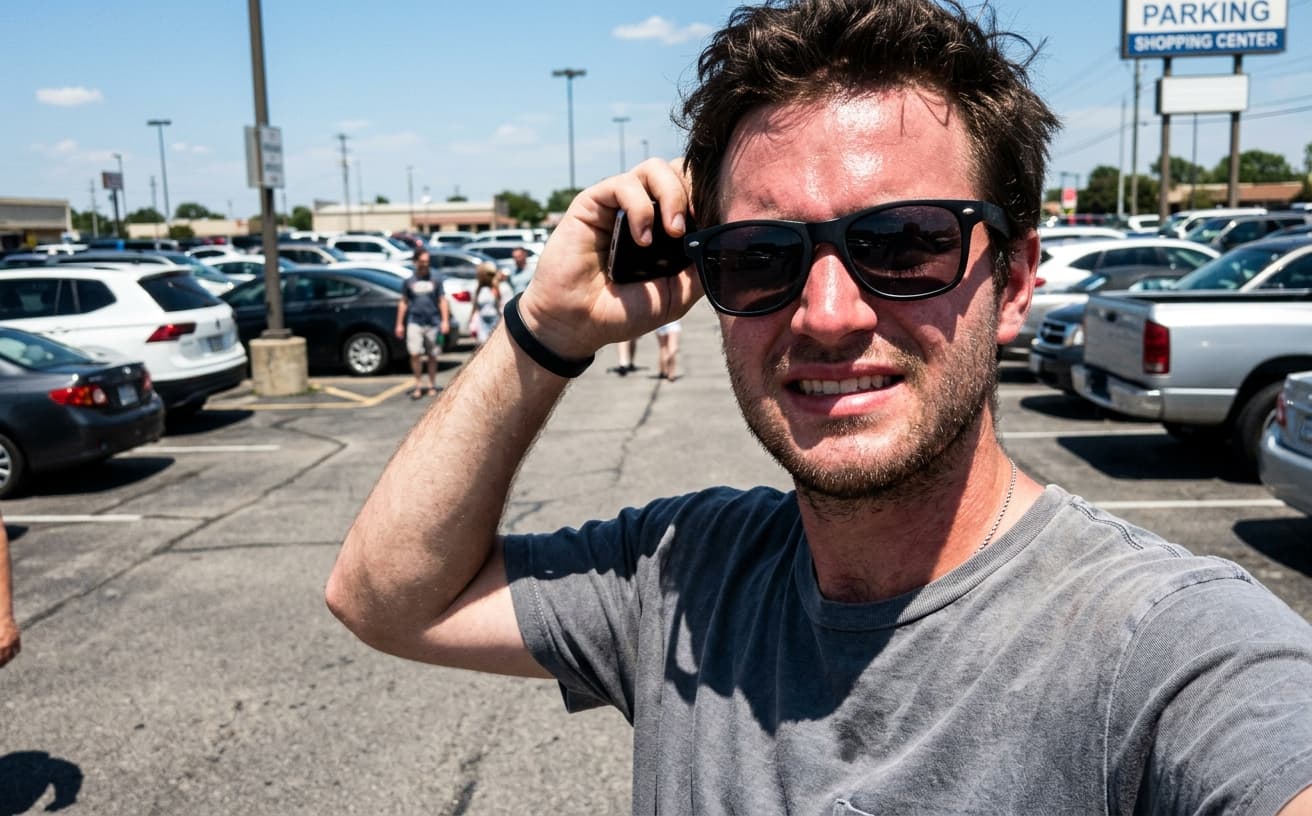
Natural Results
Check edges, lighting, and fine details
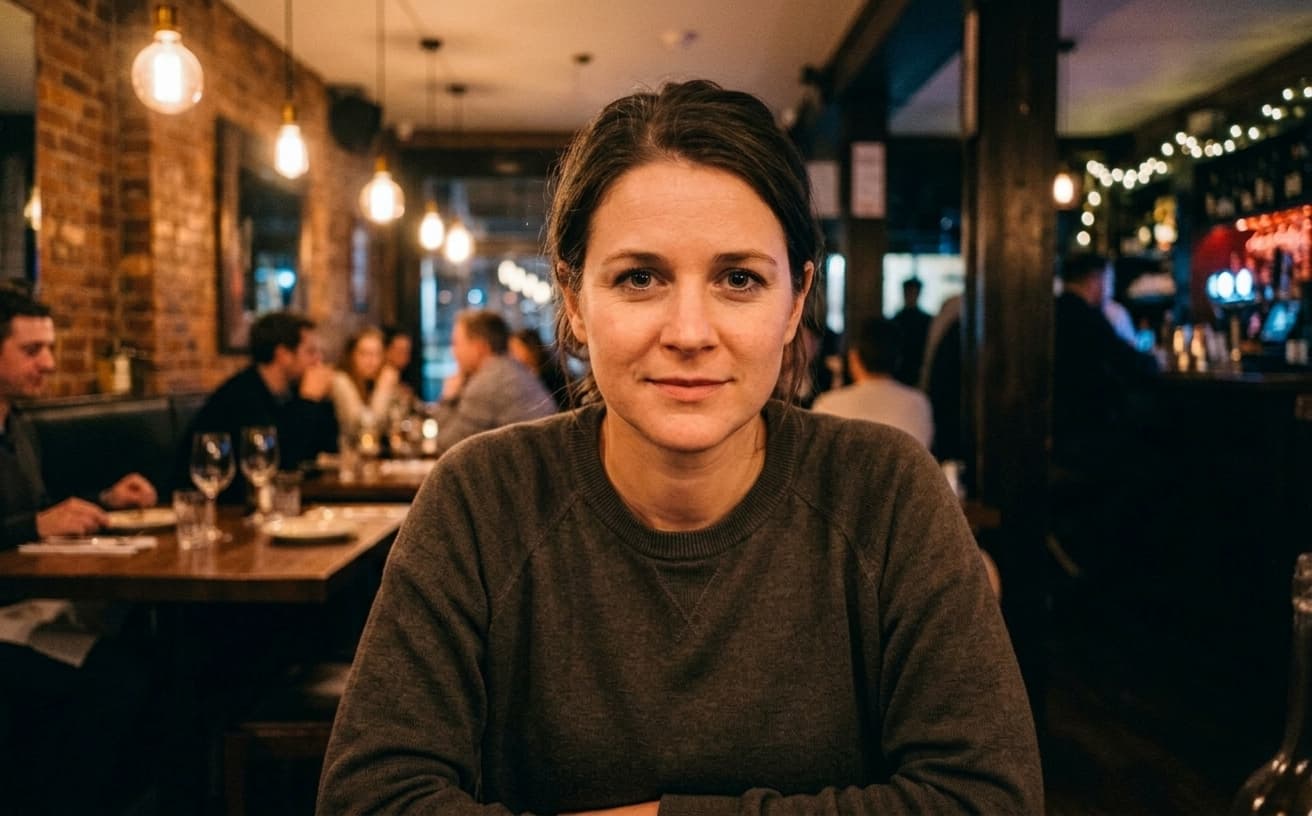
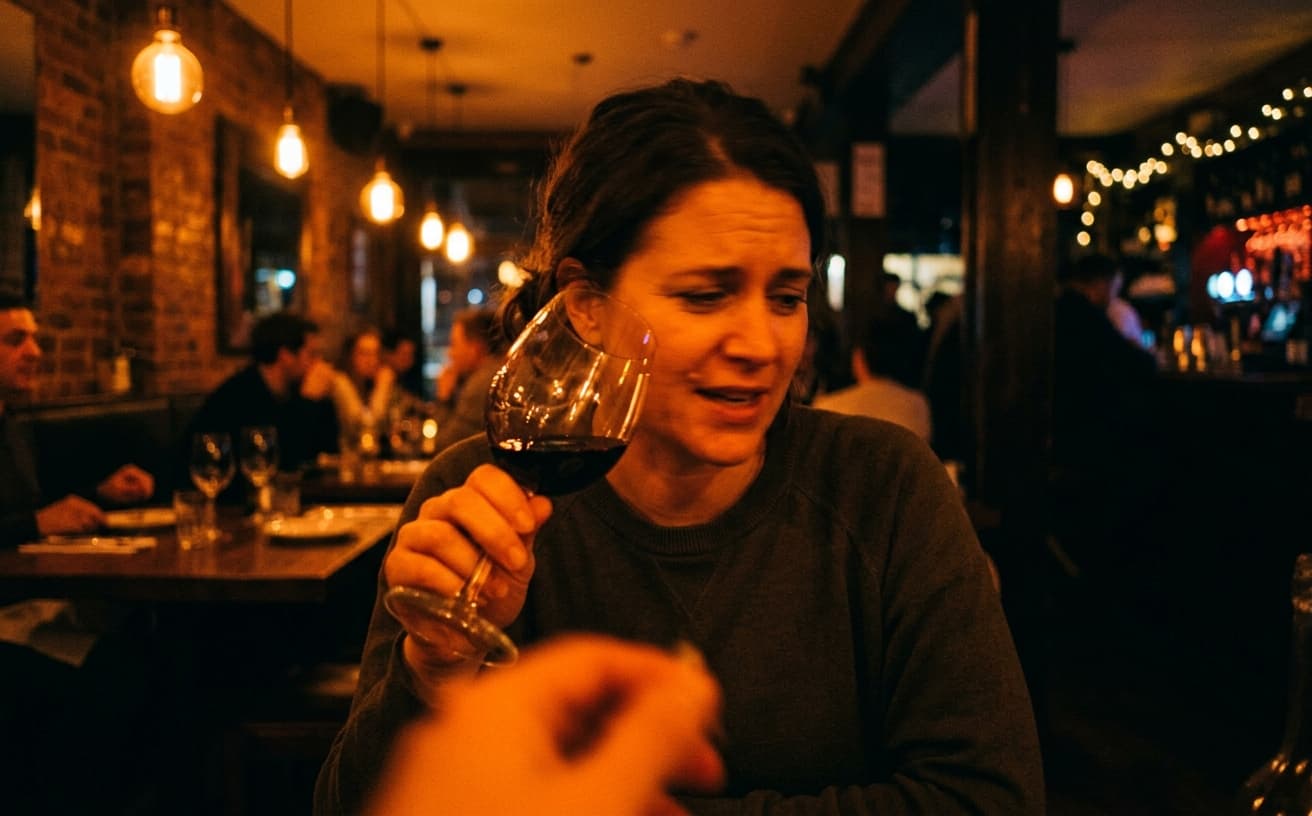
AI Transformation
AI-powered enhancement
Premium Quality
Review the result before downloading
How to Optimize Your Dating Profile Photos for More Matches
Match-optimized photos in 3 steps
Upload Photos
Use existing photos from phone, social media, or selfies.
AI Optimizes
Data-driven enhancements proven to increase match rates.
Update Profile
Download optimized photos and watch matches increase.
Why Optimize Dating Photos
Research-backed improvements
A practical way to review your edit
Keep your original and check the generated image before you use it.
Start with one photo
Choose a clear source image and describe one specific change. A focused request makes the result easier to compare with your original.
Review the important details
Compare faces, lettering, edges and other important details with the original. AI can change parts of an image you asked it to preserve.
Choose the result before exporting
Each AI edit uses 1 credit at 1K. Your first credit is free after signup and email verification. Free exports have a watermark; paid credits unlock watermark-free exports.
Questions & answers
How does the free trial work?
You get 1 free credit when you sign up, so you can run a real edit before paying. AI processing costs 1 credit at 1K, 6 credits at 2K or 10 credits at 4K. No credit card required for the trial.
How is it different from traditional software?
Our AI-powered tools work in the cloud, requiring no downloads or installations. Results are faster and more accurate than traditional photo editing software.
What happens to the photos I upload?
They are sent to our AI providers for processing and returned to your browser. We do not save your images to your account: the only thing kept is the text of the edit and its settings, so you can see what you ran. Nothing is shared or resold.
How does billing work?
Credits, not seats. One edit costs 1 credit at 1K, 6 credits at 2K or 10 credits at 4K. A credit pack is a one-off purchase and its credits sit in your balance until you use them. Pro is $30 a month and tops your balance back up to 250 credits at each renewal, keeping anything above that which you bought separately. If a Pro subscription ends, the remaining balance is cleared with it, so spend it before you cancel.
Do you recommend pay as you go or prepaid credits?
If you edit a listing or a shoot now and then, a credit pack is simpler and cheaper: $7 for 30, $15 for 75, $30 for 200, $60 for 500. If you are editing every week, Pro at $30 a month gives 250 credits per cycle, which is the better rate at that volume.
The Science of Dating Profile Photo Optimization
Dating apps show your first photo for 1-2 seconds before users swipe. Photo quality directly determines whether anyone reads your profile text.
Optimization addresses the factors research shows matter: proper lighting (faces need clear, even illumination), sharp focus (blur signals low effort), and clean backgrounds (visual clutter reduces attractiveness perception). This isn't about deception—it's about presenting yourself as clearly as possible.
The common mistake: Using group photos, heavily filtered images, or photos where you're barely visible. These create confusion and distrust. Clear, well-lit individual photos where your face is obvious perform significantly better across all demographics and age groups.
Jessica used a dim photo from a restaurant with friends cropped out. Her match rate was frustratingly low despite living in a large city. After optimizing to a clear, well-lit version of the same photo, her weekly matches increased from 3-4 to 15-18. The difference wasn't her appearance—it was visibility and clarity.
When optimization becomes counterproductive: If you optimize photos to look dramatically different from reality, first dates will be awkward. People notice significant gaps between photos and in-person appearance. Optimize for clarity and good lighting, not for creating a different version of yourself. The goal is matches that convert to successful dates, not just higher match counts.
Start with your primary profile photo—it receives 90% of the attention and drives your match rate more than any other factor.
Next step
Related AI photo tools
Choose the tool that matches your next photo edit.
Headshots for social profiles
Reuse the same shot across profiles without it looking like a corporate photo.
LinkedIn headshot enhancer
The professional cut of the same portrait workflow.
AI photo editor online
The full editor for background, lighting, and detail on a single photo.
Change the background
A cluttered room behind you is the most common fixable problem in profile shots.
Ready to Transform Your Photos?
Try an edit on your own photo and inspect the result before downloading.
1 free credit after signup and verification • No card required