Jan 12, 2026
How to Use an AI Image Generator: Complete Tutorial for Beginners and Professionals in 2026
Quick Answer:
An AI image generator is a software tool powered by artificial intelligence that creates photorealistic, artistic, or custom images from text descriptions. With over 34 million AI images created daily in 2025, these tools have become essential for designers, marketers, and creators. The global AI image generator market is expanding rapidly—estimated to grow from USD 8.7 billion in 2024 to USD 60.8 billion by 2030, representing a 38.2% compound annual growth rate.Key Takeaways:
AI image generators create custom images from text prompts in seconds using machine learning models trained on millions of images
Professional platforms like Midjourney, DALL-E, and Adobe Firefly offer distinct capabilities suited to different use cases and skill levels
49% of marketers now use AI daily for image generation, making this skill increasingly critical in modern marketing
Effective prompts, parameter adjustment, and iterative refinement are the core skills separating average outputs from professional-quality results
Table of Contents
- What You'll Learn
- Prerequisites and Requirements
- Understanding AI Image Generation Technology
- Choosing the Right AI Image Generator
- Step-by-Step Beginner's Guide
- Comparison of Top AI Image Generators
- Advanced Techniques and Prompt Engineering
- Common Mistakes and How to Avoid Them
- AI-Generated Images in Professional Workflows
- Future Trends in AI Image Generation
- Frequently Asked Questions
Learning Objectives
By the end of this tutorial, you will be able to:
Foundational Skills: Understand how AI image generators work and the core concepts behind generative AI models. Recognize different types of AI image generators and their specific strengths.
Practical Abilities: Write effective text prompts that communicate your creative vision clearly. Generate images using multiple platforms and compare outputs to select the best results.
Professional Competencies: Incorporate AI-generated images into marketing materials and design projects. Use advanced techniques like parameter tuning, style control, and iterative refinement to achieve professional-quality results. Navigate licensing and copyright considerations for commercial use.
Strategic Knowledge: Evaluate which AI image generator best fits your specific needs, budget, and workflow. Stay informed about rapidly evolving AI capabilities and emerging best practices in 2025.
The estimated time to complete this comprehensive tutorial is 45-60 minutes, though you can revisit specific sections as needed during your own AI image generation projects.
Prerequisites and Requirements
Before diving into AI image generators, you should have basic familiarity with uploading images online and using web applications. No technical background is required—these tools are designed for creators of all skill levels.
Technical Requirements: You'll need a device with internet access (desktop, laptop, or tablet) and a modern web browser. Most AI image generators work entirely in the browser, so no software installation is necessary. Some platforms offer mobile apps for iOS or Android, providing additional convenience for on-the-go creation.
Account Setup: Most platforms require creating a free or paid account with an email address. Some offer limited free trials or credit-based systems that let you experiment before committing financially. Consider exploring free options first to understand the workflow before investing in premium subscriptions.
Helpful Prior Knowledge: While not required, basic understanding of image composition, color theory, and design principles helps you write better prompts and evaluate results more critically. If you're new to design thinking, don't worry—this tutorial includes guidance on translating creative ideas into effective prompts.
Understanding AI Image Generation Technology
AI image generators use deep learning neural networks trained on billions of images
AI image generators represent one of the most transformative applications of generative AI. Unlike traditional image editing software that requires manual manipulation, these tools create entirely new images from scratch based on your text descriptions.
The technology works through a process called diffusion modeling. The system starts with random noise and progressively refines it guided by your text prompt, much like an artist slowly bringing a blurry sketch into focus. This is fundamentally different from the older GAN (Generative Adversarial Network) approach—diffusion models produce higher quality, more controllable outputs, which explains why nearly every leading platform switched to this architecture between 2023 and 2025.
Under the hood, AI image generators rely on enormous neural networks trained on billions of images scraped from the internet. They've learned statistical relationships between words and visual features. When you write "golden retriever playing in autumn leaves," the model understands that "golden" correlates with specific color values, "retriever" corresponds to particular dog features, and "autumn leaves" suggests particular vegetation patterns and warm colors. The magic is that the system generates entirely novel combinations of these learned patterns.
The three dominant platforms—Midjourney, DALL-E (from OpenAI), and Adobe Firefly—each use slightly different underlying models, which is why they excel at different types of images. Midjourney is known for artistic, stylized outputs. DALL-E excels at photorealism and understanding complex compositions. Adobe Firefly integrates seamlessly into creative workflows and uses commercial-use licensing by default, making it ideal for professionals.
Other notable platforms include Stable Diffusion, which offers open-source models that enthusiasts can run locally on their computers, and Leonardo.AI, Ideogram, and NightCafe, which serve specific creative niches.
According to Everypixel Journal's AI image statistics, Midjourney has 15 million users, making it the largest AI image generation platform with publicly available data. Meanwhile, Adobe Firefly reached 1 billion images created in just three months since its launch, demonstrating the explosive adoption of generative image tools among professionals.
Choosing the Right AI Image Generator
The "best" AI image generator depends entirely on your specific needs, budget, and creative goals. Each platform has distinct strengths, and smart creators often use multiple tools depending on the project.
For Professional Designers and Marketers: Adobe Firefly integrates directly into Creative Cloud applications like Photoshop and Illustrator. This means you can generate images without leaving your design workflow, and the images come with commercial-use licensing automatically included—critical for client work and brand assets.
For Artistic and Stylized Images: Midjourney dominates this space. The platform excels at creating dreamlike, artistic, and highly stylized outputs. The Discord-based interface, while unconventional, creates a collaborative community environment where you can see other creators' work and gain inspiration. The learning curve is steeper than some competitors, but the creative control is unmatched.
For Photorealism and Complex Prompts: DALL-E consistently produces the most photorealistic images and handles intricate compositional requests better than competitors. If you're creating product photography mockups or realistic scenarios, DALL-E's understanding of spatial relationships and lighting is superior.
For Budget-Conscious Creators: Stable Diffusion offers generous free tier options and open-source models you can run on your own computer. If you're willing to invest time in learning the technical side, you gain maximum flexibility and zero per-image costs.
For Specialized Use Cases: Tools like Leonardo.AI focus on game art and character design, Canva's AI Image Generator integrates with design templates for social media, and Flux from Black Forest Labs offers cutting-edge quality for enterprise users.
Step-by-Step Beginner's Guide to Creating Your First AI Images
Let's walk through the complete process of generating your first professional-quality AI image. We'll use a platform-agnostic approach, though examples reference Midjourney and DALL-E where relevant.
Step 1: Choose Your Platform and Create an Account
Visit your chosen platform's website. Most offer immediate web access without downloads. Create an account using your email address. You'll typically receive free credits (usually 15-50 depending on the platform) to experiment without immediately paying. Spend 10 minutes exploring the interface, finding the text input field, and understanding where image outputs appear.
Step 2: Define Your Creative Vision Clearly
Before typing a single prompt, spend 5-10 minutes clarifying what you actually want to create. Are you making a product image for e-commerce, background art for a presentation, a character for a game, or visual inspiration for brainstorming? The clearer your vision, the more accurate the AI will interpret it.
Open reference images on a second screen. Find 3-5 existing images that capture the mood, lighting, composition, or style you're aiming for. You don't need the AI to copy them—these are inspiration references to help you articulate what you want.
Step 3: Write Your First Prompt
A good prompt follows this structure: [Subject] [Action/State] [Style/Mood] [Technical Details] [Composition]
Here's a simple example: "A professional headshot of a woman in business attire, warm lighting, professional photography, clean white background, sharp focus on face, 85mm lens photography"
Avoid vague language like "nice" or "good." Instead, use specific descriptors: "warm golden lighting" instead of "good lighting," "cinematic" instead of "good," "detailed texture" instead of "high quality."
Step 4: Generate and Review
Submit your prompt. The AI typically generates 4-8 variations in 30-60 seconds depending on your platform. Examine all outputs critically. You're not looking for perfection on the first try—you're looking for which version comes closest to your vision. Note what worked and what didn't.
Step 5: Refine Through Iteration
Modify your prompt based on what you see. If the lighting is wrong, specify "harsh studio lighting" or "soft diffused natural light." If the composition is off, add "wide shot" or "close-up portrait." If the style isn't matching, reference artists: "in the style of Annie Leibovitz" or "inspired by contemporary product photography."
Generate again. Professional creators typically run 10-20 iterations to achieve their vision. This isn't failure—it's the normal creative process. Each iteration teaches you how the AI interprets your language.
Step 6: Upscale and Export
Once you've selected your best output, use the platform's upscaling feature to increase resolution from 1024×1024 or similar to full resolution (typically 2048×2048 or 4096×4096). This produces crisp details suitable for printing or large displays. Download the final image in your preferred format (usually PNG or JPG).
You now understand the complete workflow. The next step is learning how different parameter adjustments change outputs, which we'll explore in the advanced techniques section.
Comparison of Top AI Image Generators
The following table compares the leading platforms across critical dimensions. Your choice depends on which factors matter most for your use case.
| Platform | Best For | Starting Price | Image Quality | Learning Curve | Commercial License | Speed |
|---|---|---|---|---|---|---|
| Midjourney | Artistic, stylized outputs | $10/month | Exceptional artistic rendering | Medium | Yes (paid plans) | 40-60 sec |
| DALL-E 3 | Photorealism, complex compositions | $15/month (with ChatGPT Plus) | Photorealistic | Low | Yes (paid users) | 15-30 sec |
| Adobe Firefly | Integration with Creative Cloud | Free tier available | Professional quality | Very Low | Yes (commercial-safe) | Instant |
| Stable Diffusion | Local control, cost efficiency | Free (open source) | High quality | High | Yes (open source) | Variable |
| Leonardo.AI | Game art, character design | Free with credits | Specialized excellence | Medium | Yes | 30-45 sec |
| Canva AI | Social media integration | Free with Canva | Good | Very Low | Yes | Instant |
| Google Imagen 3 | Advanced text understanding | Free (limited access) | Excellent | Low | Developing | Variable |
| Ideogram | Text rendering in images | Free with credits | Specialized (text) | Low | Yes | 20-30 sec |
| NightCafe | Multiple model support | Free with credits | Varies by model | Medium | Yes | 30-60 sec |
| Flux by Black Forest Labs | Enterprise, premium quality | API pricing | Premium | Medium | Yes | 30-45 sec |
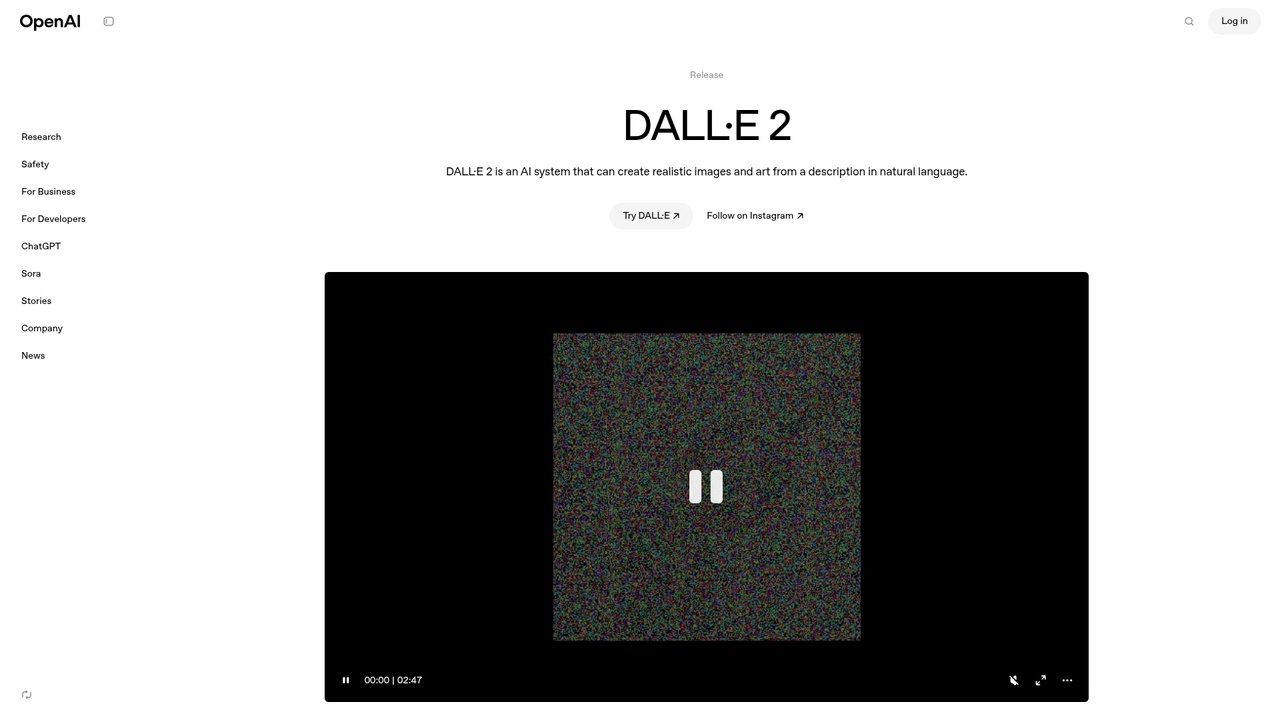
DALL-E 3 offers intuitive photorealistic image generation with excellent text understanding
Each platform excels because they compete on specific dimensions. Midjourney dominates in artistic rendering and community. DALL-E leads in photorealism and understanding nuanced text descriptions. Adobe Firefly wins on integration and commercial-ready licensing. Canva offers the fastest path to social media assets.
The most successful professional approach is platform flexibility—maintain accounts on your top three platforms and use each for what it does best. A designer might use Adobe Firefly for rapid iteration within their workflow, Midjourney for experimental artistic exploration, and DALL-E for photorealistic product mockups.
Advanced Techniques and Prompt Engineering
Once you've created basic images, professional results require understanding advanced prompt techniques that experienced creators have developed through thousands of iterations.
Prompt Structure Optimization
Structure matters enormously. Rather than writing prose, effective prompts use structured breakdowns. Instead of "A nice sunset with mountains," write: "Dramatic landscape photography, snow-capped mountain range, golden hour sunset lighting, warm orange and purple sky gradients, silhouetted peaks, professional landscape photography, sharp focus on peaks, cinematic composition, Canon R5 photography, 8K resolution"
The specificity makes the difference. Each constraint narrows the AI's interpretation space toward your actual vision.
Style References and Artistic Direction
Name specific artists, photographers, or visual styles to guide outputs. "In the style of Annie Leibovitz" activates learned patterns about that photographer's distinctive lighting and composition. "Inspired by Blade Runner 2049 cinematography" triggers associations with that film's neon-soaked color palette and composition. "Studio Ghibli animation style" instantly transforms outputs toward that aesthetic.
This works because the training data includes these artists' works tagged with their names. The AI has learned associations between names and visual characteristics.
Parameter Control and Refinement Flags
Most platforms support additional parameters beyond the text prompt:
Aspect Ratio: Specify "16:9" for wide landscape images, "1:1" for square social media posts, "9:16" for vertical phone-friendly layouts, or "4:5" for Instagram standard.
Quality and Detail Level: Flags like "--quality 2" (Midjourney) or "quality: high" (Stable Diffusion) increase rendering detail and generation time. Use highest quality only for final outputs where quality matters more than iteration speed.
Style Variation: Many platforms offer "stylize" parameters that control how strongly the AI applies stylistic elements. Lower values produce more literal interpretations of your prompt, while higher values push toward more artistic rendering.
Seed Values: Advanced users specify seed numbers to replicate specific outputs, allowing precise variation on successful results. If you generate an image you love, lock the seed and modify only the prompt text to explore variations.
Negative Prompts
Most platforms support negative prompts—explicitly telling the AI what NOT to include. This is often more effective than trying to describe what you want. Instead of struggling to describe "realistic," write: "negative prompt: cartoon, digital art, watercolor, illustration, blurry, low quality, deformed, distorted"
The AI will bias away from these elements even if your main prompt is generic.
Iterative Refinement Workflows
Professional creators use systematic refinement. Generate initial images with a base prompt. Select the best output. Identify 2-3 specific elements to adjust. Generate with modified prompt. Compare side-by-side. Repeat 8-15 times until satisfied.
Document your process in a spreadsheet noting which prompt modifications produced which results. Over time, you'll build intuition about how specific words affect outputs in your chosen platform.
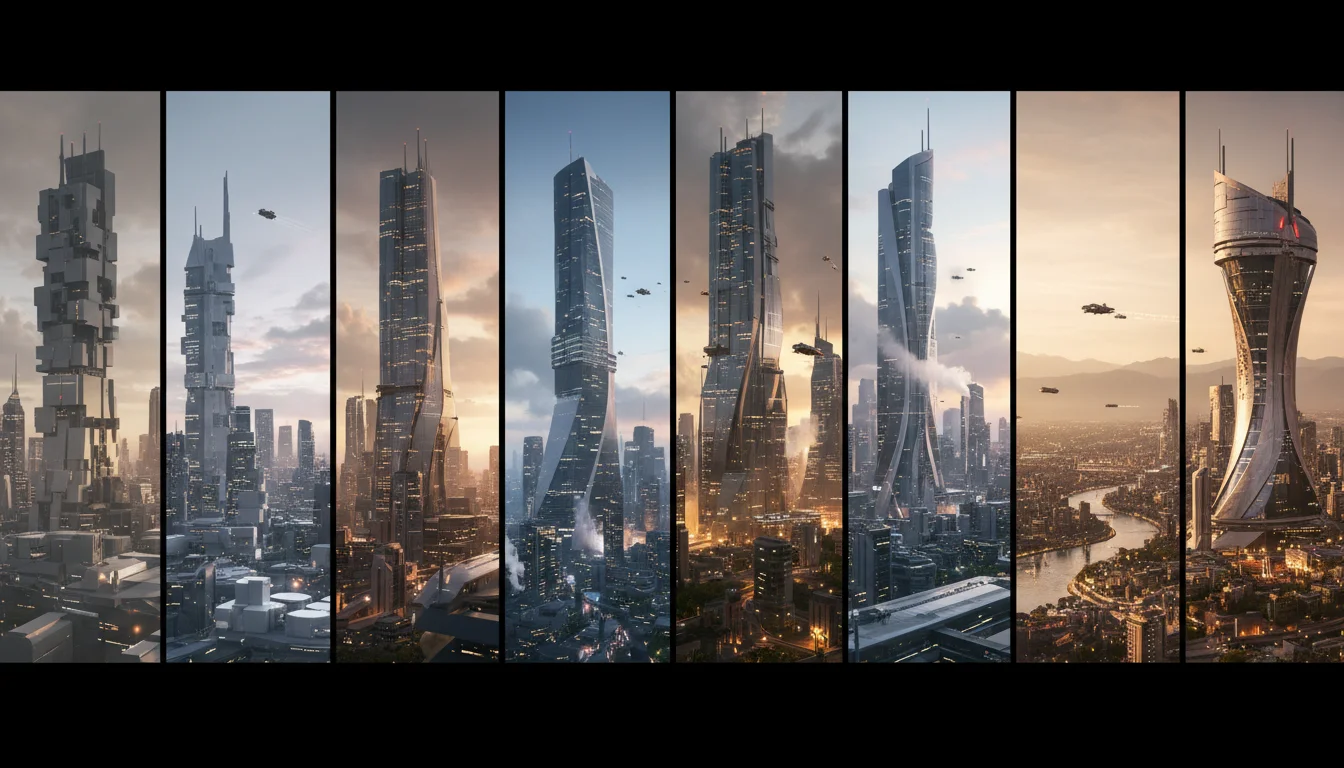
Professional creators typically iterate 10-20 times to achieve their vision
Upscaling and Enhancement
After selecting your best image, use platform-specific upscaling tools. Midjourney's upscale feature refines details and increases resolution. DALL-E and others offer similar capabilities. Modern upscaling uses AI itself—the system intelligently predicts what higher-resolution details should look like based on lower-resolution information.
For even higher quality, some professionals use specialized upscaling software like Topaz Gigapixel or Real-ESRGAN, which can quadruple resolution while maintaining quality.
Common Mistakes and How to Avoid Them
Beginners typically encounter the same pitfalls. Understanding these prevents frustration and accelerates your learning curve.
Mistake 1: Vague, Conversational Prompts
Writing "can you make a dog playing fetch" rarely produces professional results. The AI lacks context about lighting, mood, composition, and style. Instead, specify: "golden retriever catching tennis ball, dynamic action shot, warm afternoon sunlight, park setting, shallow depth of field, professional pet photography, happy expression, motion blur on background, Sony A7 photography, sharp focus on dog, 8K"
The difference is dramatic. Vagueness forces the AI to guess across hundreds of possible interpretations.
Mistake 2: Inconsistent Lighting
A common failure is images where lighting contradicts itself—shadows falling the wrong direction, brightness inconsistent across objects, or highlights appearing where shadows should be. Prevent this by explicitly specifying your light source: "strong directional sunlight from upper left," "soft studio lighting from above," or "warm golden hour light from right side."
Mistake 3: Hands and Complex Anatomy
AI image generators historically struggled with hands, faces, and anatomically complex elements. This has improved dramatically in 2024-2025, but remains a known limitation. If hands are critical, specify "clearly visible detailed hands" or use upscaling tools designed specifically to enhance hands.
Mistake 4: Misunderstanding Licensing and Commercial Use
Different platforms have different policies. Midjourney allows commercial use for paid subscribers. DALL-E allows it for ChatGPT Plus subscribers. Adobe Firefly makes all outputs commercially safe by default. Free tiers typically restrict commercial use. Always verify your chosen platform's terms before using generated images commercially.
Mistake 5: Expecting Photorealism Without Specification
"A person sitting at a desk" often produces cartoonish or stylized outputs. For photorealism, add explicit directives: "photorealistic, sharp focus, professional portrait photography, studio lighting, realistic skin texture, detailed eyes, sharp focus, 8K"
Mistake 6: Text in Images
AI image generators historically struggled with rendering readable text. While this has improved with Ideogram and recent Midjourney updates, text rendering remains imperfect. If text is essential, generate the image without text and add text using image editing tools like Photoshop or Canva.
Mistake 7: Expecting Identical Outputs
Each generation is unique because the AI includes randomness in its process. If you need slight variations on a successful image, note the seed number (if your platform provides it) and reuse it while modifying the prompt. This produces related outputs rather than completely different images.
Mistake 8: Ignoring Reference Images
Don't rely purely on text descriptions. Include reference images in your prompt whenever possible. Most platforms allow uploading reference images. You can say "in the style of [uploaded image]" rather than trying to describe complex visual qualities.
Avoiding these mistakes alone puts you in the top 25% of AI image generator users. Most failures come from expecting too much from vague prompts, not from platform limitations.
Using AI-Generated Images in Professional Workflows
The practical integration of AI-generated images into professional work requires understanding when they add value and when they have limitations. 49% of marketers now use AI daily for image generation, making this essential knowledge for modern professionals.
E-Commerce and Product Mockups
AI image generators excel at creating product mockups, lifestyle images, and contextual scenarios. An e-commerce business can generate dozens of product-in-use scenarios—jeans worn by different body types, furniture in various room settings, accessories in different lighting conditions—without hiring photographers or models. This is faster and more cost-effective than traditional photography.
Platforms like DALL-E and Midjourney handle this remarkably well. Generate "minimalist wooden chair in scandinavian living room, white walls, natural light, photography" or "blue denim jeans worn by professional woman, office setting, confident pose, photography" reliably.
Social Media Content and Marketing Assets
71% of images shared on social media globally were AI-generated, according to 2024 market research, signaling the mainstream adoption of generated content. For social media teams, AI image generators dramatically accelerate content creation. Weekly blog posts, Instagram graphics, LinkedIn preview images, and Pinterest pins can be generated in batch sessions.
Combine AI generation with Canva's design templates for production-ready assets in minutes. The speed advantage compounds over months and years.
Creative Direction and Visual Brainstorming
Even professional creative teams use AI image generators for brainstorming and visual direction exploration. Rather than describing concepts in meetings, generate 20 visual variations exploring different aesthetic directions. This clarifies team vision and accelerates decision-making.
Illustration and Concept Art
Game studios, animation teams, and concept artists increasingly use AI-generated images as starting points for hand-drawn or 3D-modeled assets. AI provides rapid visual exploration, and artists then refine and adapt these outputs. This hybrid approach combines AI speed with human artistic judgment.
Limitations and Honest Assessment
AI image generators remain imperfect for certain professional applications. Consistent branding across multiple generated images can be challenging—the AI doesn't maintain exact consistency across images without complex prompt engineering. If you need identical character appearances across 50 social posts, manual supervision is necessary.
Legal and ethical considerations matter for some use cases. Using AI images for news articles or contexts where authenticity is implied raises ethical issues. Professional standards dictate transparency about image generation in these contexts.
Complex hands, readable text, and specific individual likenesses remain challenging. Stock photo solutions often provide more reliable outputs for these use cases.
Despite limitations, the cost-benefit calculation strongly favors AI image generators for rapid ideation, brainstorming, and production of marketing assets where technical perfection matters less than speed and quantity.
Market Trends and Future Developments
The AI image generation landscape is evolving at extraordinary speed. Understanding emerging trends helps you stay ahead of changes.
Market Growth and Adoption
The raw numbers demonstrate explosive growth. According to MarketsandMarkets Research, the AI image generator market is estimated to grow from USD 8.7 billion in 2024 to USD 60.8 billion by 2030, representing a compound annual growth rate of 38.2%.
This growth isn't theoretical—over 34 million AI images are created daily in 2025 across all platforms. According to OpenAI, the DALL-E platform and ChatGPT attracted over 3 million active users, who collectively generate more than 4 million images daily as of August 2023—numbers that have certainly grown substantially since.
North America dominated the AI image generator market with 37.5% share in 2022, driven by major technology companies, research institutions, and startups concentrated in the region.
Emerging Capabilities
Video generation represents the next frontier. While still early, platforms are moving beyond static images toward short video clips generated from text prompts. This will accelerate content production even further.
Consistency improvements are ongoing. Systems that can generate multiple images of the same character in different poses and scenarios are in development. This solves a major current limitation.
Multimodal understanding is advancing rapidly—systems can soon accept combinations of text, images, sketches, and even video references to guide generation more precisely.
Regulatory and Copyright Landscape
Significant legal questions remain unresolved about copyright and AI training data. Some jurisdictions are developing regulations around AI-generated content disclosure and licensing. Professional creators should stay informed about developments in their markets.
The trend is toward clearer guidelines, not restrictions. Platforms are responding by improving documentation of training data sources and making commercial licensing explicit and transparent.
Integration Into Mainstream Tools
The trajectory is clear: AI image generation is moving from specialized tools into mainstream software. Adobe's integration of Firefly directly into Photoshop and Illustrator signals this shift. Expect similar integrations in Figma, Canva, and other creative software. Within 2-3 years, "generate image from text" will be as standard as "crop and resize."
Professional Standards and Best Practices
As adoption accelerates, professional standards are crystallizing. Expect more training courses, certification programs, and professional communities focused on prompt engineering and AI-assisted creative work. This will resemble earlier adoption patterns of digital photography and graphic design software.
Frequently Asked Questions
How much does it cost to use AI image generators?
Pricing varies widely. Free tiers typically provide 15-50 free credits monthly, sufficient for casual experimentation. Paid subscriptions range from $8-15 monthly for basic access to $30+ monthly for heavy professional use. Some platforms use pay-as-you-go models ($0.04-$0.20 per image). Budget $20-50 monthly for professional-grade usage depending on your needs and platform choice.
Can I use AI-generated images commercially for my business?
Yes, but it depends on your platform's terms. Paid subscribers to Midjourney, DALL-E, Adobe Firefly, and most competitors gain commercial licenses. Free tier users typically cannot use images commercially. Always verify your specific platform's terms before commercial use, as policies evolve frequently.
How long does it take to generate an image?
Generation times range from 10-60 seconds depending on platform and image complexity. Adobe Firefly is fastest (instant to 15 seconds). Midjourney typically requires 40-60 seconds. DALL-E falls in the 15-30 second range. Stable Diffusion varies based on your hardware.
What's the best AI image generator for beginners?
Adobe Firefly or DALL-E are ideal for beginners due to intuitive interfaces and low learning curves. Canva's AI Image Generator integrates AI into familiar design templates, reducing complexity. Midjourney has a steeper learning curve but excels at artistic results once mastered.
Can AI image generators create images of real people?
Most platforms can generate images of realistic people, but intentionally generating recognizable likenesses of actual individuals raises ethical concerns. Platforms generally prohibit generating images designed to impersonate specific real people. Use AI-generated people only for generic representations, not as substitutes for specific individuals.
How do I make AI-generated images look more professional?
Write specific, structured prompts with explicit style direction, lighting specification, and technical photography terms. Use references, iterate 10+ times, employ negative prompts, and leverage upscaling tools. Professional results come from treating prompt engineering as a skilled craft, not casual text input.
What are the limitations of AI image generators?
Hands and complex anatomies remain challenging. Text rendering in images is imperfect. Maintaining consistency across multiple images is difficult without careful prompt engineering. Some platforms struggle with certain artistic styles. Complex spatial relationships and physics-defying concepts can be unpredictable. Despite these limitations, capabilities improve monthly.
Will AI image generators replace human designers and photographers?
No. AI image generators augment rather than replace human creativity. They excel at rapid iteration, brainstorming, and production of commodity content. Human designers provide direction, judgment, and creative intent. The most effective modern workflows combine AI speed with human artistic sensibility. Photographers and designers who embrace AI tools gain competitive advantages over those who resist.
Conclusion: Your Next Steps in AI Image Generation
AI image generators represent one of the most accessible yet powerful creative tools ever developed. Whether you're a marketer accelerating content production, a designer exploring ideas, or a creator experimenting with new media, these platforms unlock new possibilities.
The learning curve is shallow but the mastery ceiling is high. This tutorial provides the foundation—understanding how these tools work, choosing the right platform for your needs, writing effective prompts, and integrating generated images into professional workflows. From here, your progress depends on hands-on experimentation.
Start immediately. Visit your chosen platform, create an account, and generate 20-30 images today. Pay attention to which prompts produce results closest to your vision. Document what works and what doesn't. Within a few hours of practical experimentation, you'll develop intuition about prompt engineering that no tutorial can fully convey.
The platforms themselves are your best teachers. Each generation teaches you how the AI interprets your language. Each refinement iteration clarifies your creative vision. This is active learning at its most effective.
If you're ready to move beyond theory and start creating professionally, explore Weezard's AI photo editor—a comprehensive solution that combines image generation, editing, and enhancement in a unified workflow. Whether you're generating initial concepts or refining AI-created assets, having the full toolkit in one place accelerates your creative process and ensures consistency across your work.
The future of content creation is increasingly AI-augmented. The professionals who master these tools today will lead their fields tomorrow. Your journey starts with your first prompt. Make it count.
Ready to jump in?
Experience the power of AI-driven image editing with Weezard AI. Professional results in seconds.