Airbnb Photos That Generate 3x More Bookings
Professional photo optimization for vacation rentals. Digital decluttering, staging, lighting enhancement, and design upgrades. Turn your listing into a booking machine.
1K: 1 credit · 2K: 6 credits · 4K: 10 credits · Trial previews have a watermark. See credit packs
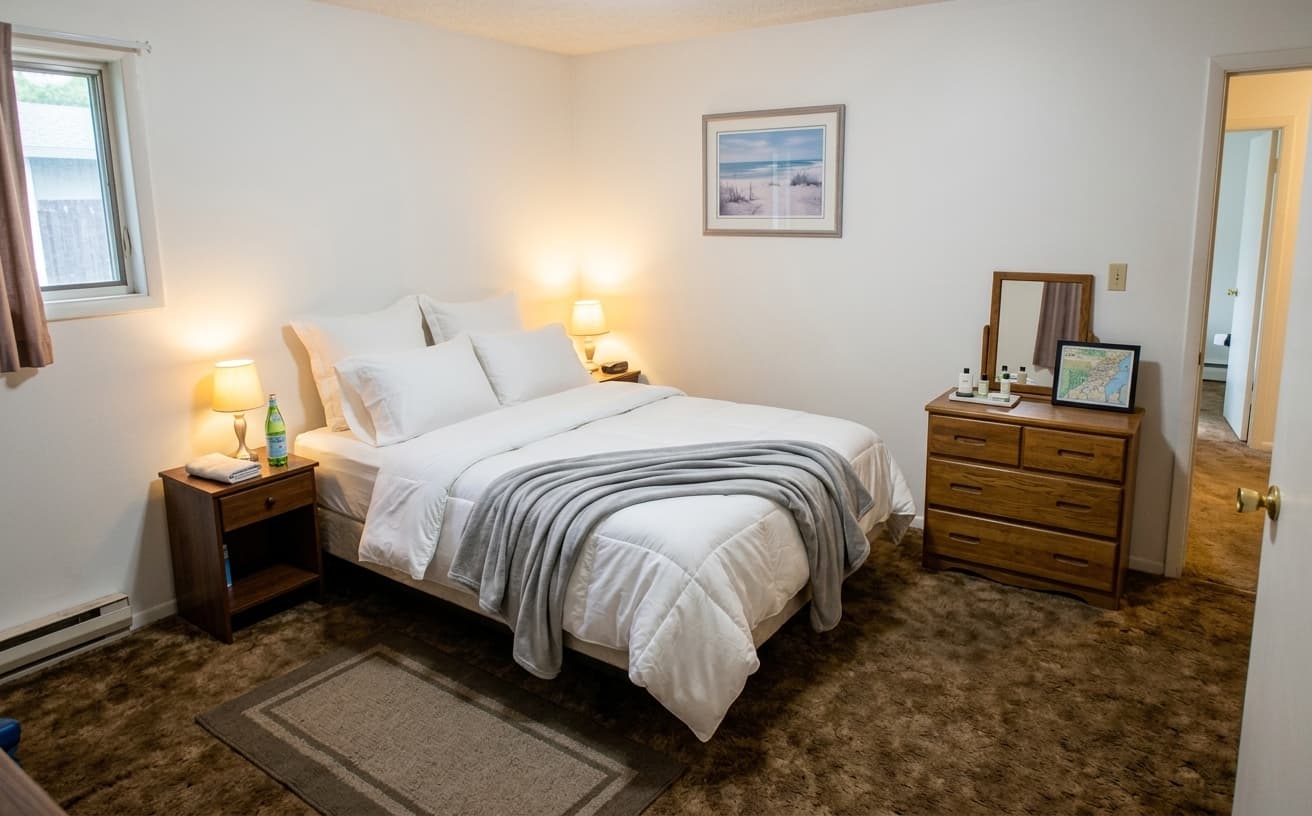
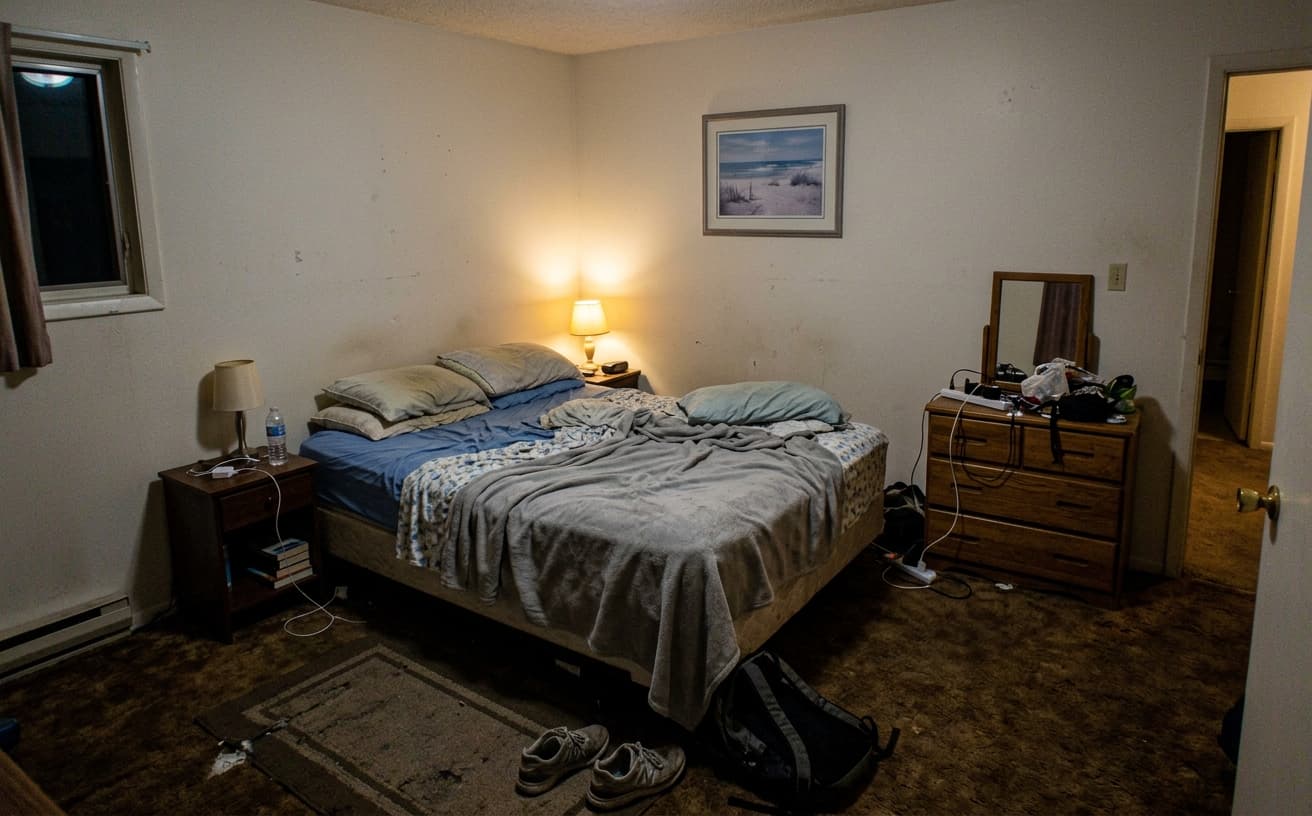
Loading photo editor…
Professional Photos Generate 3x More Bookings
Airbnb data shows listings with professional photos get 3x more bookings and command 20% higher rates. But professional photography costs $300-500 per property. Our AI transforms your phone photos into professional booking generators—remove clutter, enhance lighting, upgrade design, add staging—all digitally. Get professional results at 1/10th the cost.
Airbnb Photo Enhancements
Everything to maximize booking conversion
Digital Decluttering
Remove mess, personal items, and clutter digitally
Design Upgrade
Apply Scandi, Boho, Modern styles to make spaces Instagram-worthy
Lighting Fix
Brighten dark rooms, add warm inviting ambiance
Virtual Staging
Add furniture, decor, and finishing touches digitally
Real Results Gallery
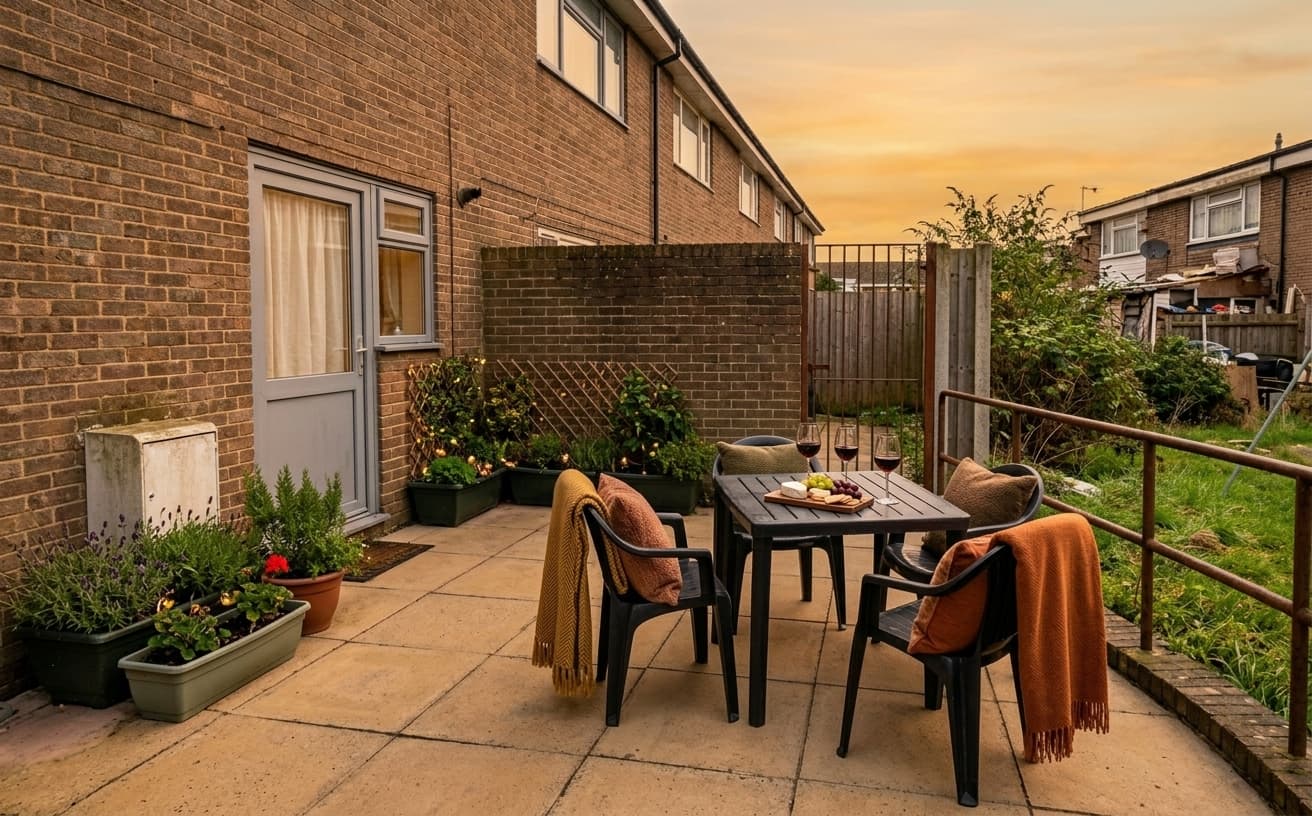
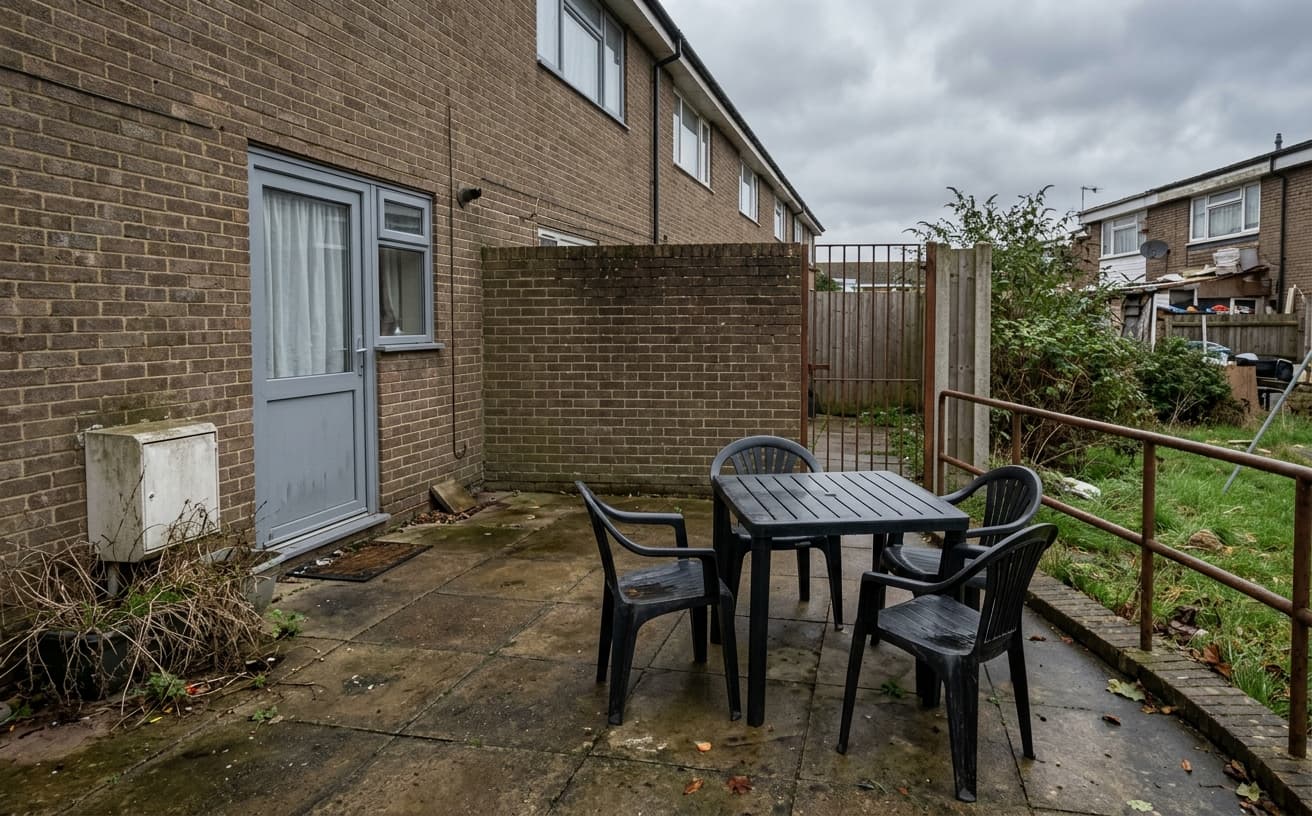
See how AI transforms photos with professional editing
Professional AI Editing
Compare the original and edited image
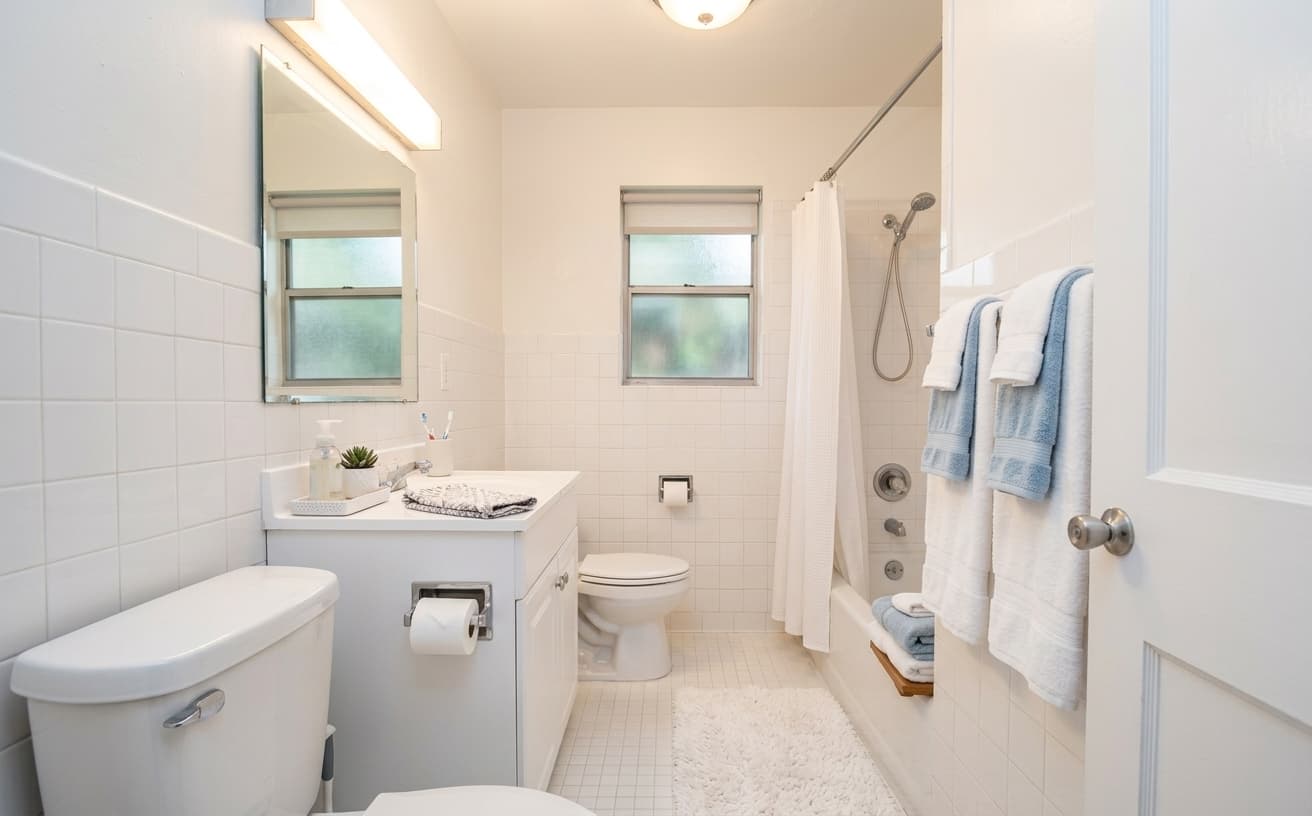
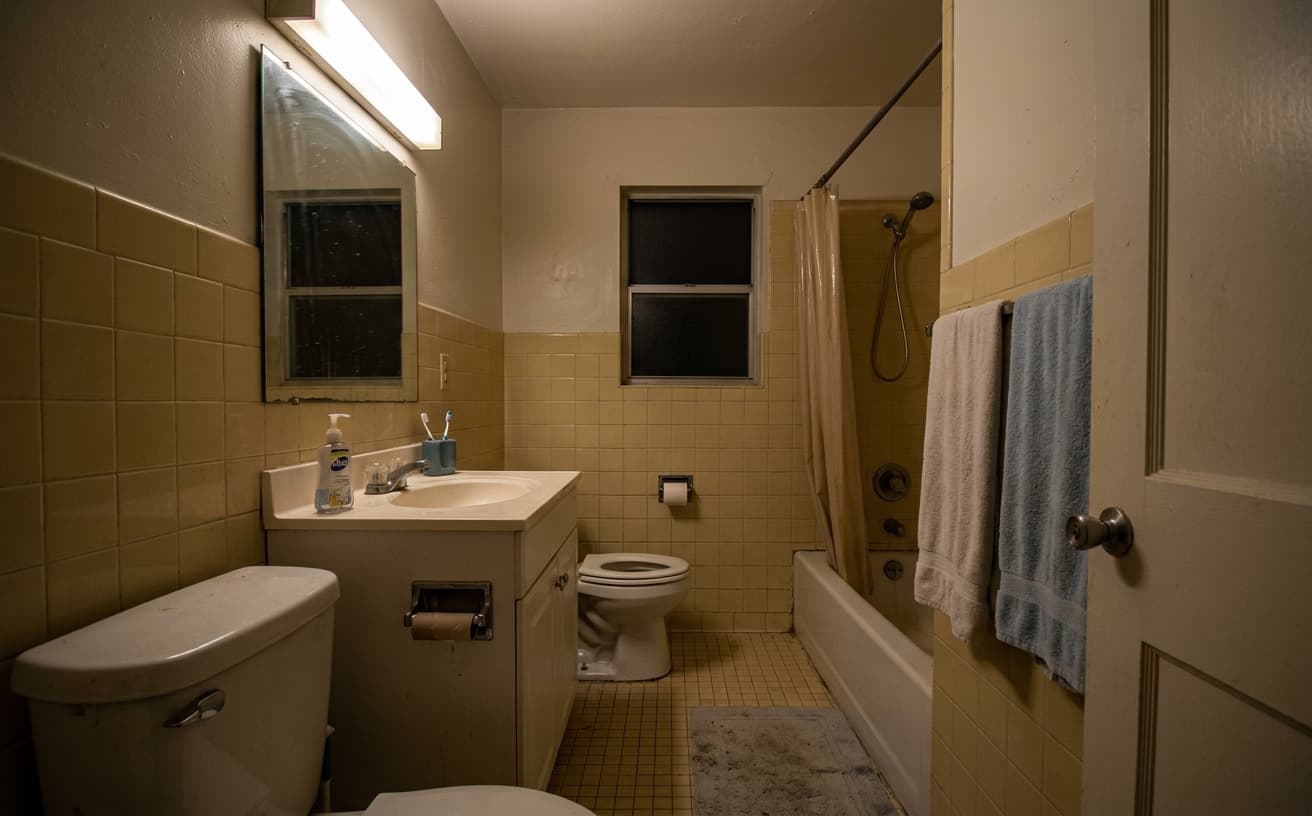
Natural Results
Check edges, lighting, and fine details
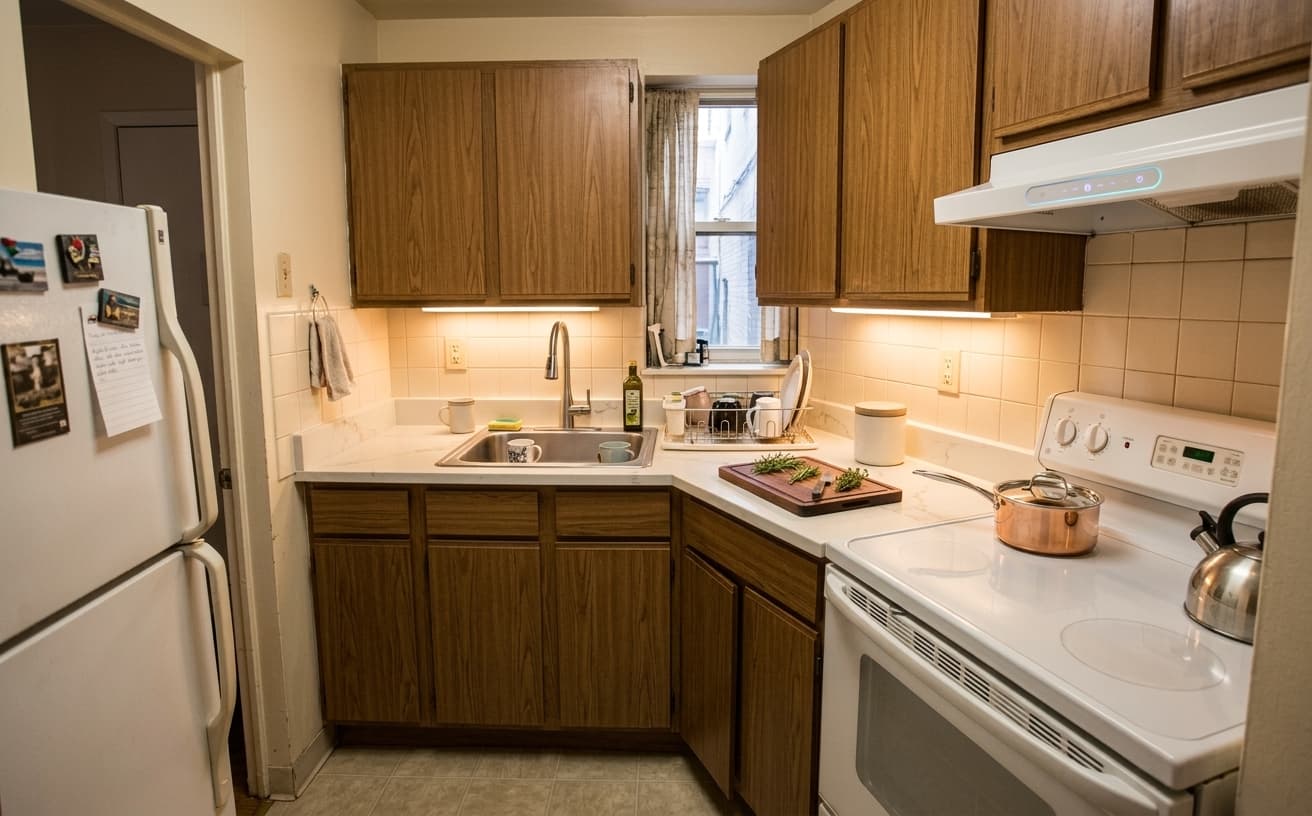
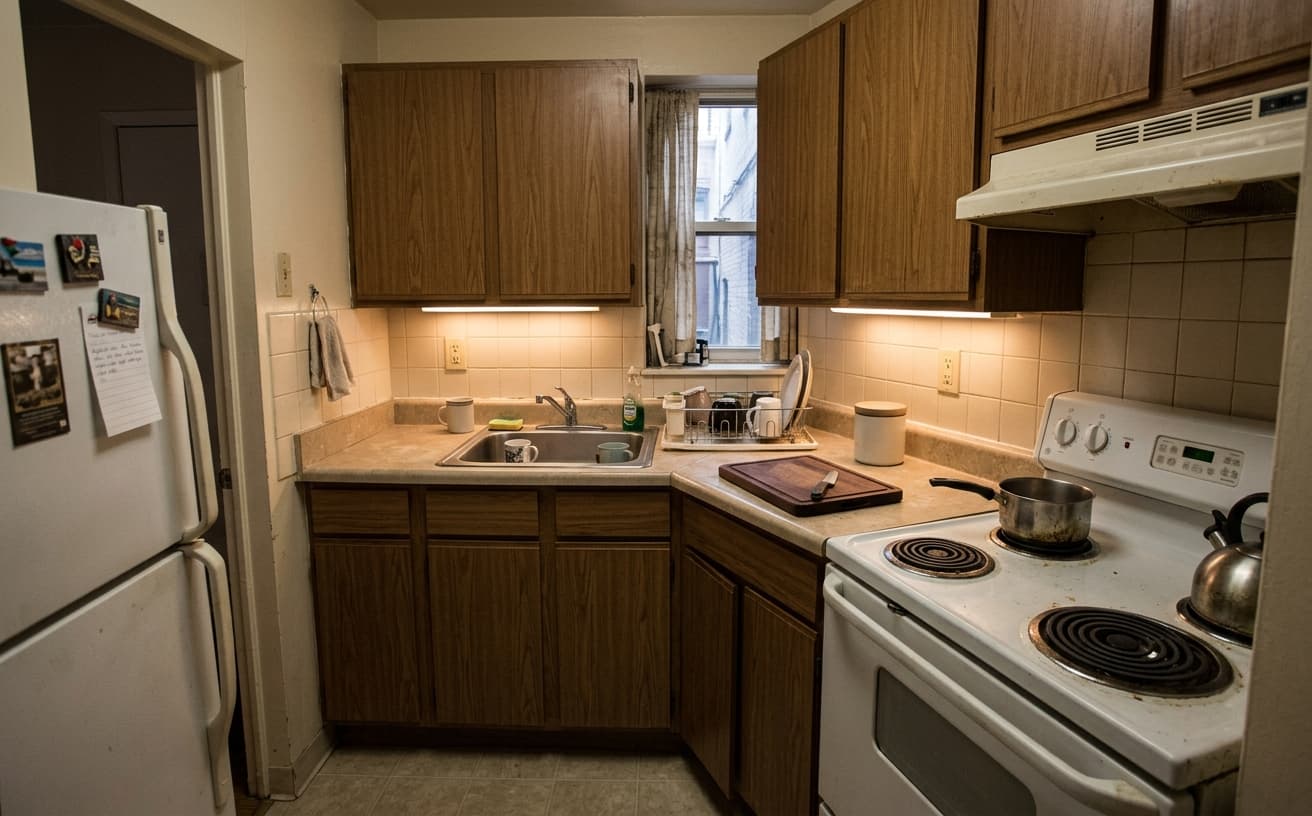
AI Transformation
AI-powered enhancement
Premium Quality
Review the result before downloading
How to Enhance Airbnb Photos to Increase Bookings
Professional Airbnb photos in 3 steps
Upload Listing Photos
Use existing photos—even phone shots work great.
Select Enhancements
Choose decluttering, staging, lighting, or design upgrades.
Download & Upload
Get optimized photos and update your Airbnb listing.
Why Optimize Airbnb Photos
Data-backed improvements for vacation rentals
A practical way to review your edit
Keep your original and check the generated image before you use it.
Start with one photo
Choose a clear source image and describe one specific change. A focused request makes the result easier to compare with your original.
Review the important details
Compare faces, lettering, edges and other important details with the original. AI can change parts of an image you asked it to preserve.
Choose the result before exporting
Each AI edit uses 1 credit at 1K. Your first credit is free after signup and email verification. Free exports have a watermark; paid credits unlock watermark-free exports.
Questions & answers
What should I actually change in an Airbnb photo?
The edits that move bookings are unglamorous: brighten dark rooms, balance exposure, remove clutter and personal items, make the beds look properly made, and clear the worktops. Guests scan thumbnails, so a bright, tidy frame beats a stylised one.
Can edited photos get me bad reviews?
They can if you change the space. Keep the edits to lighting, tidying and clutter removal, and do not add furniture, views or room that is not there. A guest arriving to a smaller, darker room than the photos writes a review that costs more than the photo gained.
Can I edit all the photos of one property together?
Yes. Upload the full set, write the instruction once, and every photo comes back edited to the same brief, which is what keeps a listing looking coherent.
What does it cost?
AI edits cost 1 credit at 1K, 6 credits at 2K or 10 credits at 4K. Packs are $7 for 30 credits, $15 for 75, $30 for 200 and $60 for 500. A 20-photo listing at 1K costs 20 credits.
Airbnb Photo Optimization: The Data Behind Better Bookings
Airbnb's platform algorithm favors listings with high-quality photos. Better images increase your placement in search results, driving more profile views and booking opportunities.
Photo optimization for Airbnb specifically addresses platform requirements: proper aspect ratios, sufficient resolution, accurate color representation, and composition that works in thumbnail previews. Generic photo editing doesn't account for how Airbnb's search displays and ranks images.
The competitive dynamics: You're competing against hundreds or thousands of similar properties in your market. When search results show 20 listings, all with similar pricing and amenities, photo quality becomes the primary differentiator in click-through rate.
Marcus owns a two-bedroom apartment in Barcelona's tourist center—extremely competitive market with 400+ similar listings nearby. His photos were decent but not optimized for Airbnb's display format. After optimization specifically for the platform's requirements, his search appearance improved, click-through rate increased 41%, and booking rate jumped from 68% to 84% occupancy.
When optimization doesn't help: If your property is overpriced for your market, no amount of photo improvement will overcome pricing resistance. Photos drive clicks; value drives bookings. Optimize photos to earn attention, but ensure your pricing and amenities match market expectations to convert that attention into reservations.
Update your first three listing photos first—these appear in search results and drive 80% of click-through decisions.
Next step
Related AI photo tools
Choose the tool that matches your next photo edit.
Ready to Transform Your Photos?
Try an edit on your own photo and inspect the result before downloading.
1 free credit after signup and verification • No card required