Clean Up a Scanned Floor Plan with AI
Reduce paper shadows, stains and scan noise in a floor plan image. Review the result against the original: AI can change lines and labels, so verify measurements before using it in a listing.
1K: 1 credit · 2K: 6 credits · 4K: 10 credits · Trial previews have a watermark. See credit packs
Opening photo editor…
A Clearer Floor Plan Image
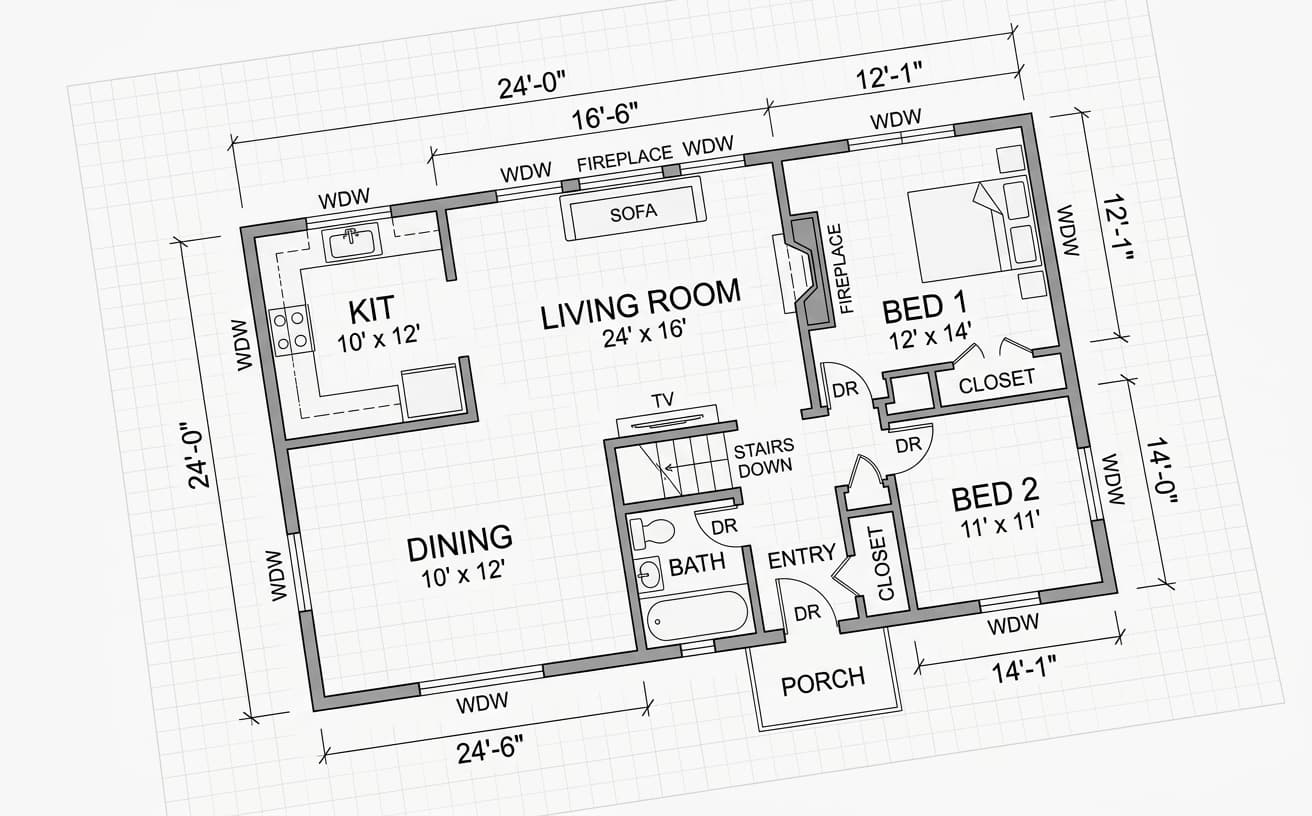
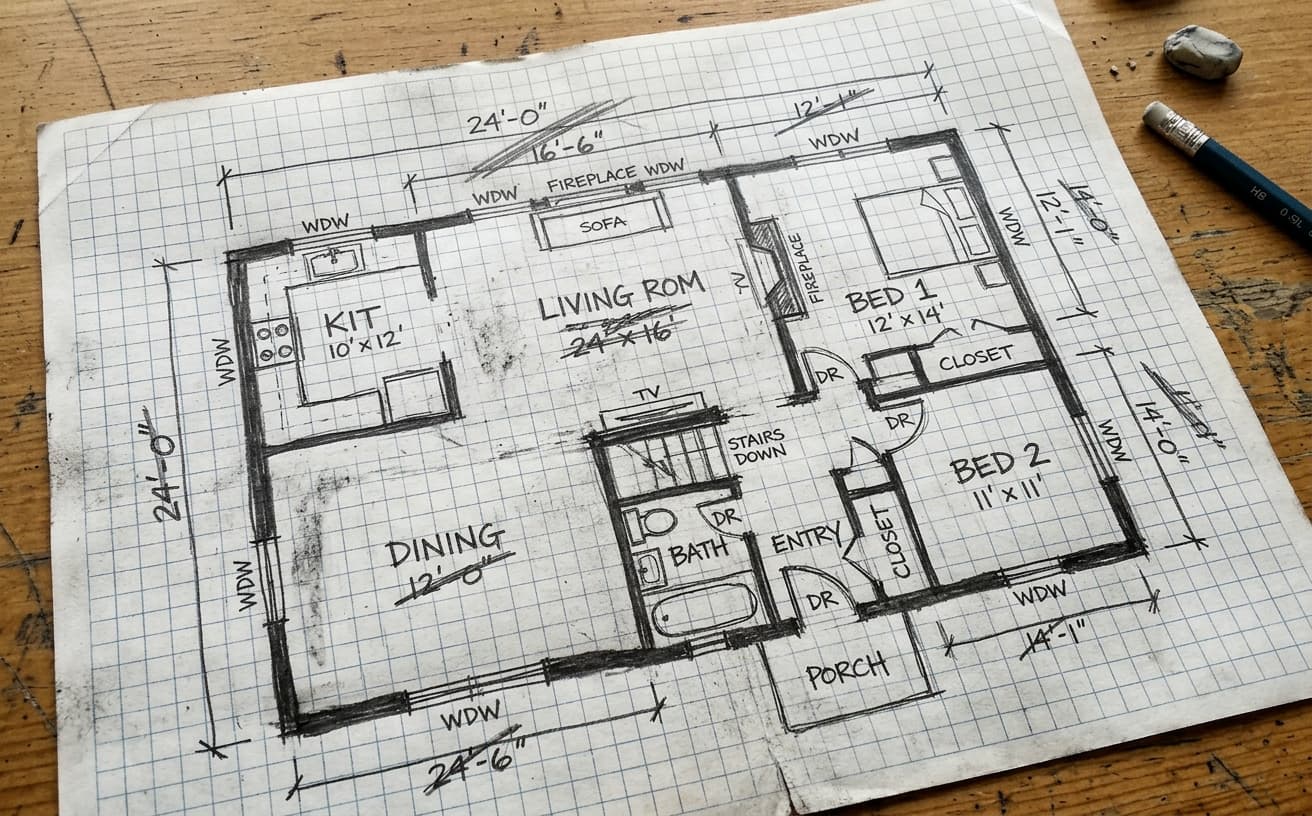
An old scan or phone photo can make a useful floor plan hard to read. Describe the paper noise or contrast you want to improve, then compare the generated image with your source. This is image cleanup, not a measured redraw or a CAD conversion.
Floorplan Enhancement Features
Start with a legible plan and make one focused change.
Paper Background
Ask to reduce stains, paper texture and uneven shadows.
Line Contrast
Ask for clearer line contrast, then check that walls and openings still match.
Label Readability
Improve the surrounding contrast; verify every label and dimension yourself.
Listing Presentation
Create a cleaner image for review before adding it to a property listing.
Real Results Gallery
See how AI transforms photos with professional editing
Professional AI Editing
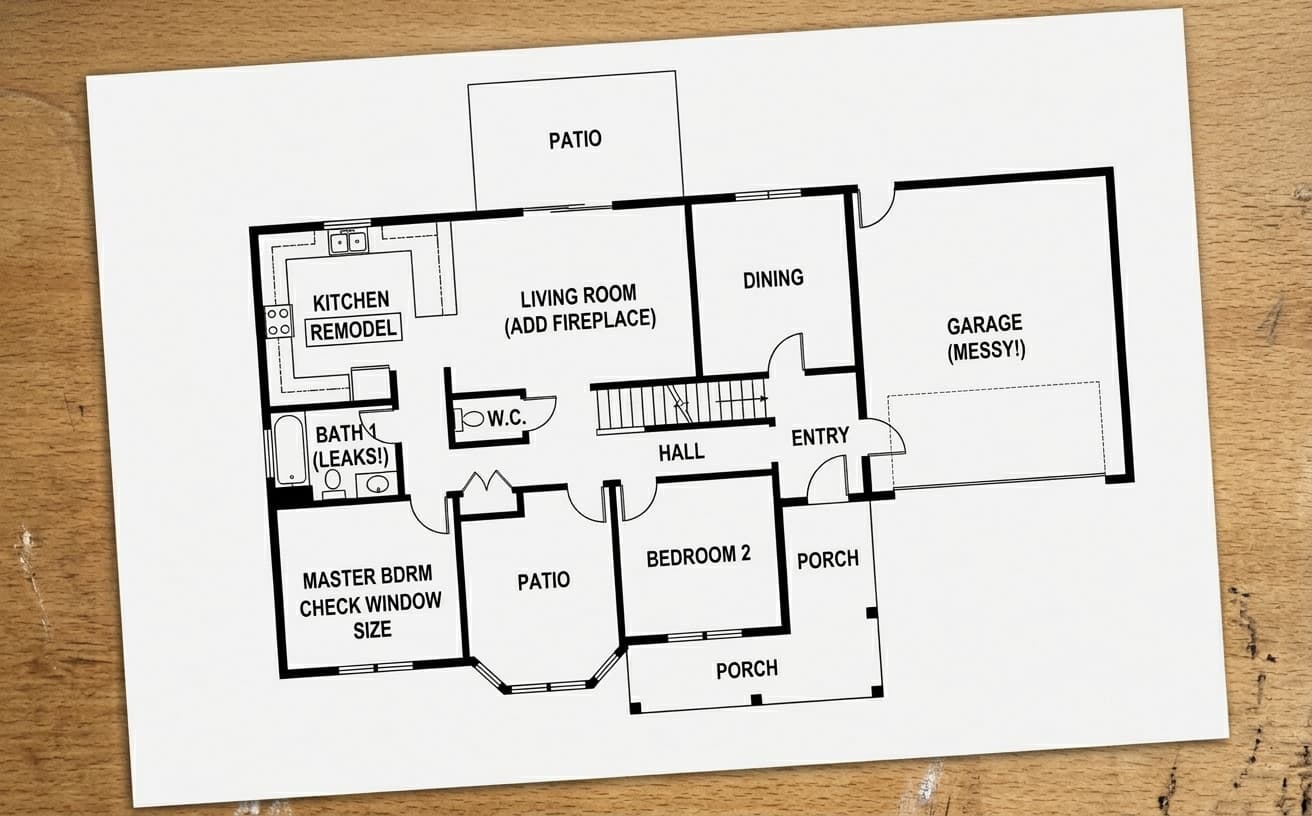
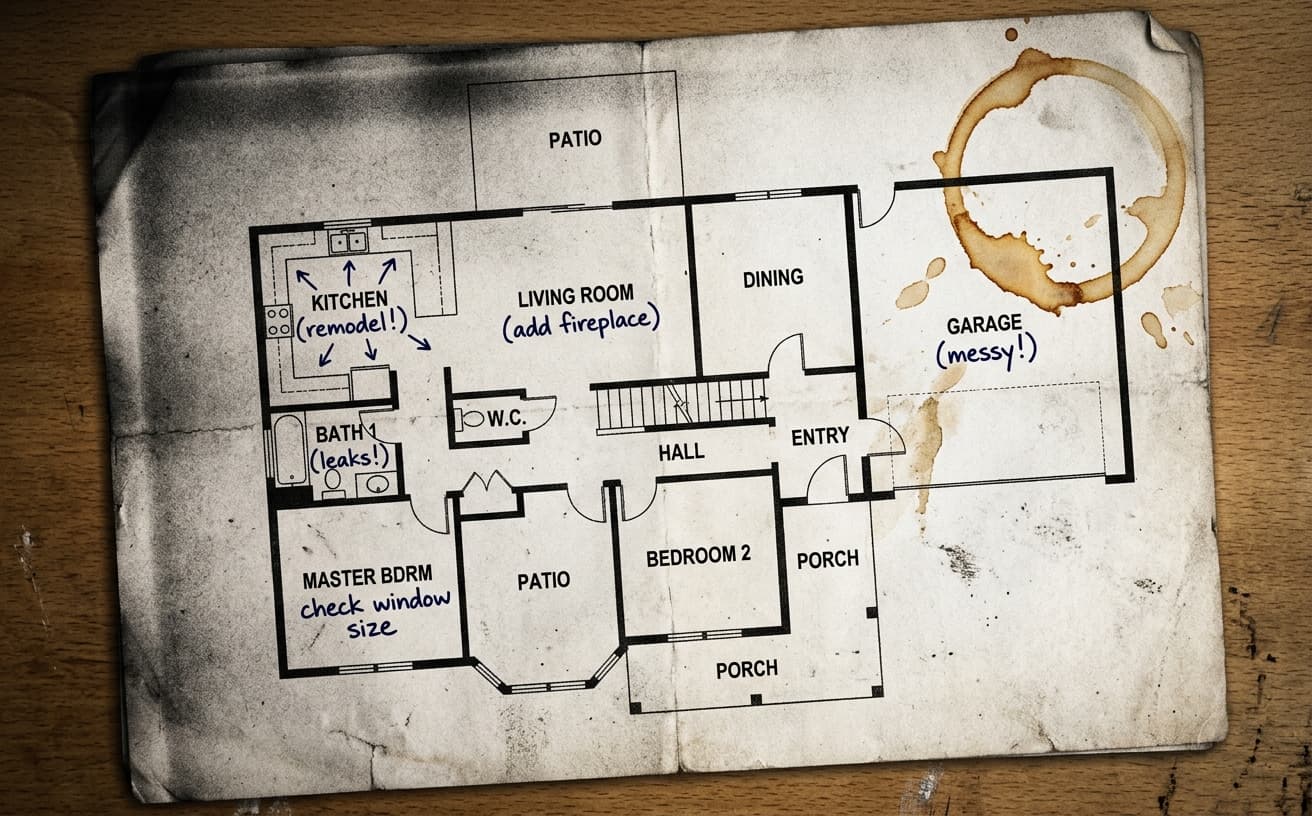
Compare the original and edited image
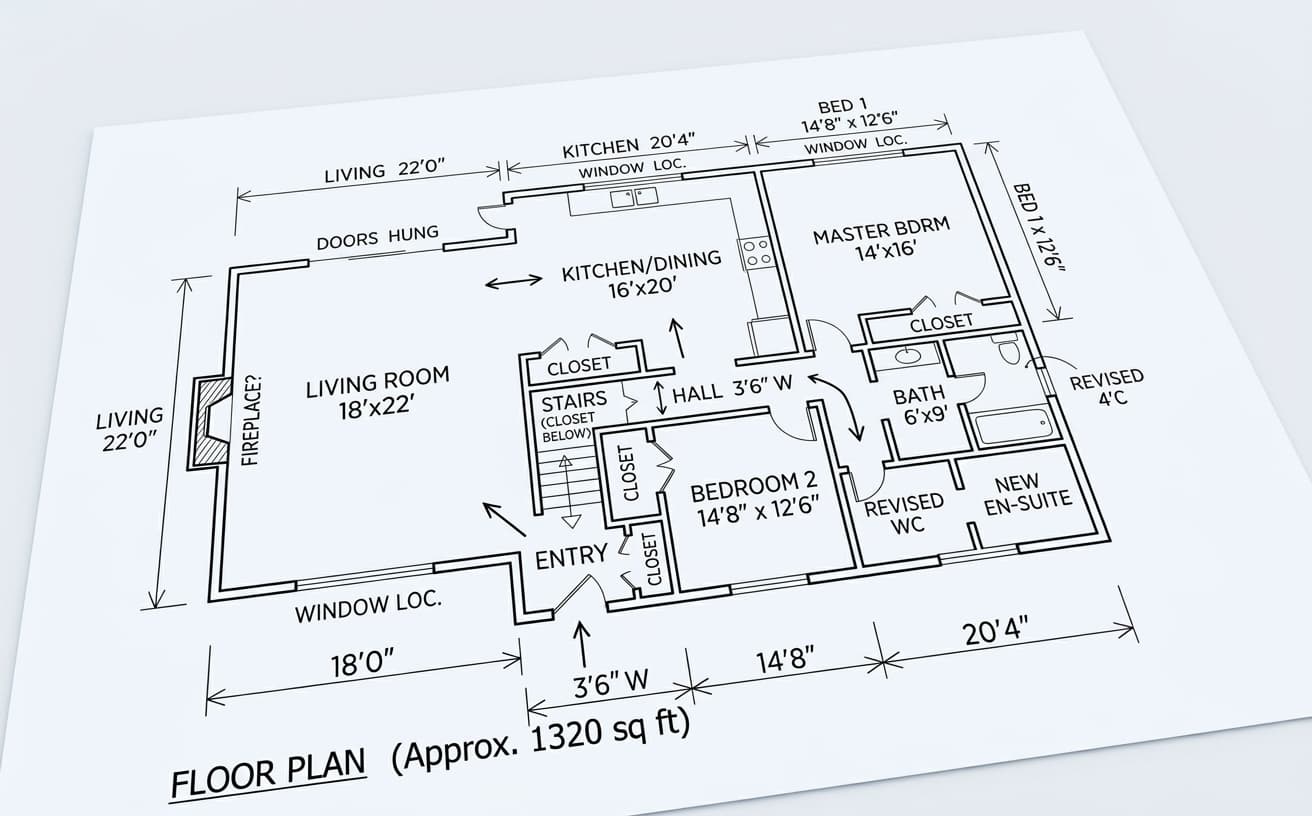
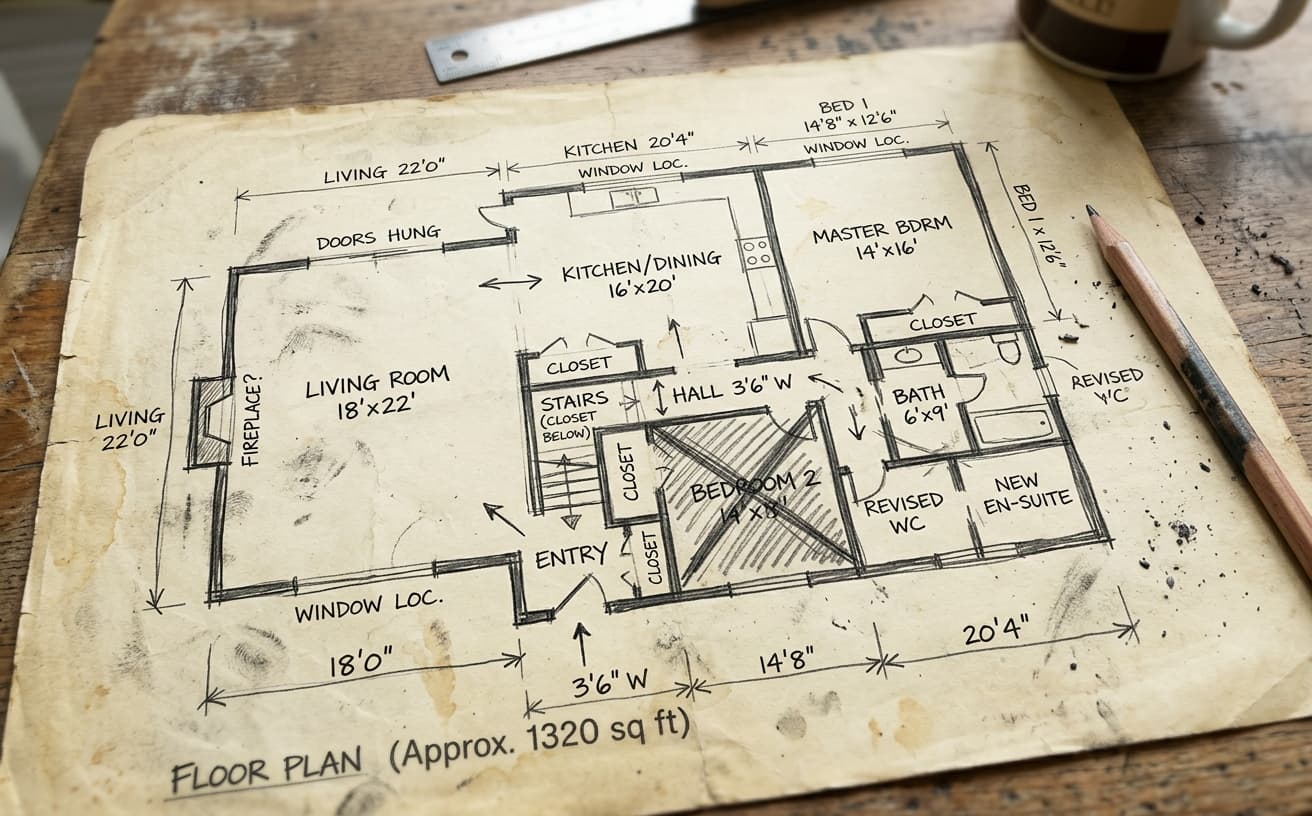
Natural Results
Check edges, lighting, and fine details
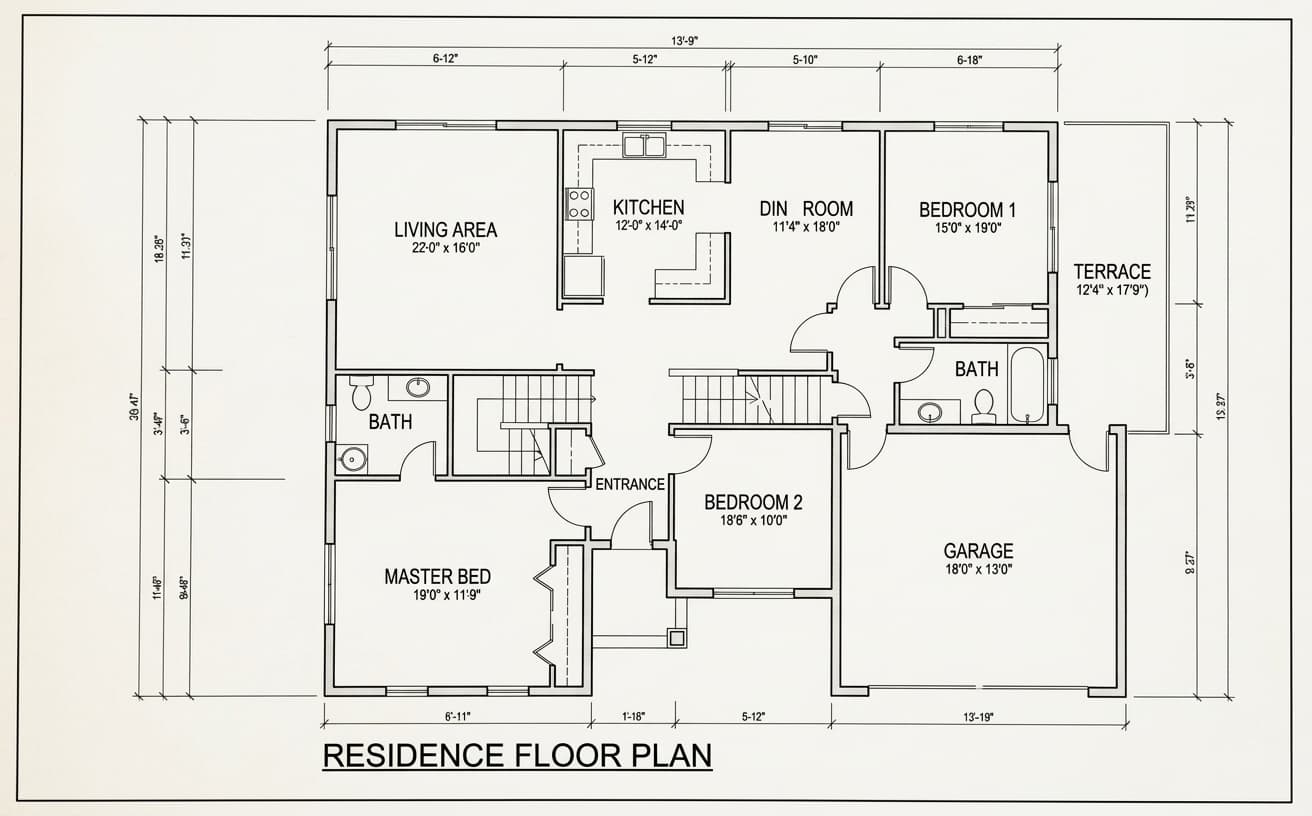
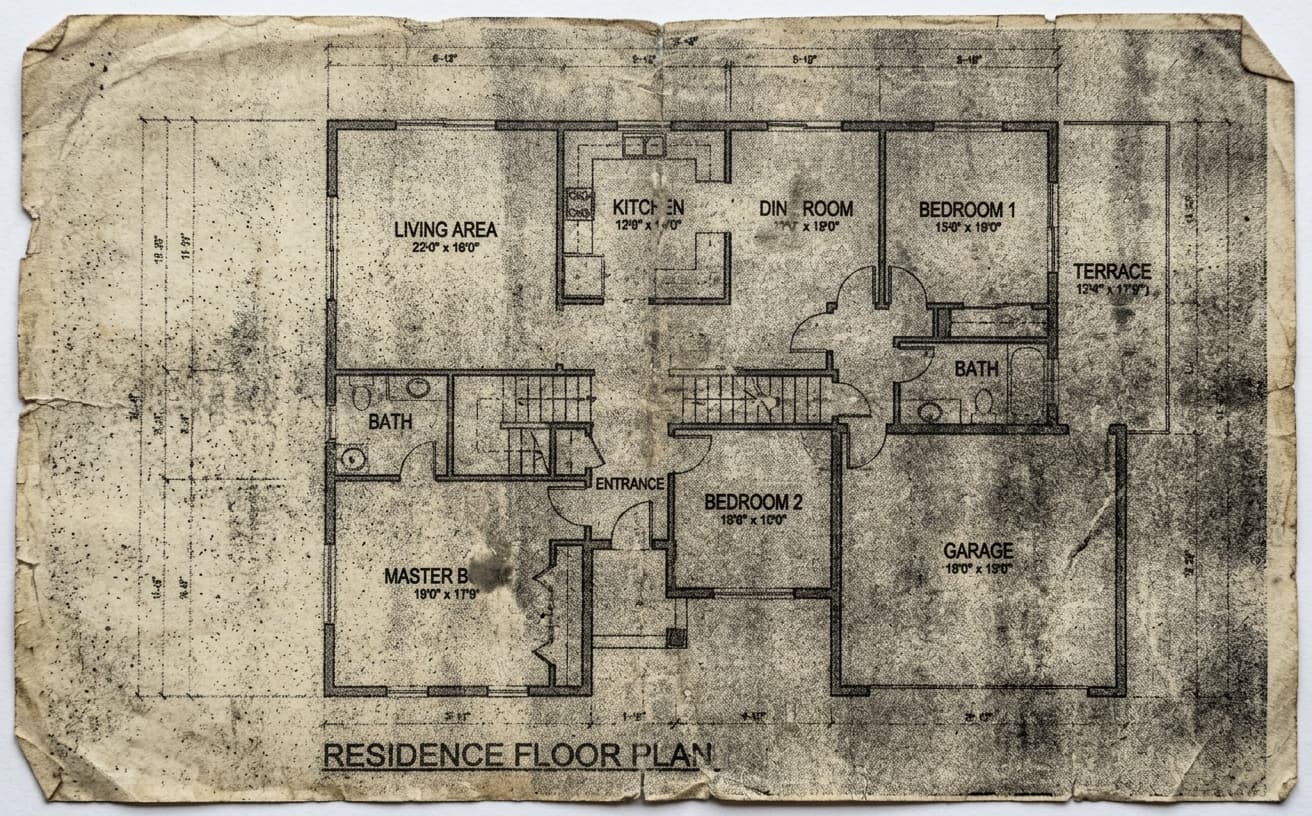
AI Transformation
AI-powered enhancement
Premium Quality
Review the result before downloading
How to Clean and Enhance Property Floor Plans
Upload, request a focused cleanup, and verify the drawing.
Upload a legible plan
Upload a JPG or PNG. For a PDF, export the relevant page as an image first.
Describe the cleanup
Try: Remove paper shadows and scan noise. Keep all walls, openings, room labels and dimensions as shown.
Check and download
Compare every dimension, label, wall and doorway with the original. Reject any output that changes the layout.
Why Clean Floorplans Matter
Make an existing plan easier to inspect.
A practical way to review your edit
Keep your original and check the generated image before you use it.
Start with one photo
Choose a clear source image and describe one specific change. A focused request makes the result easier to compare with your original.
Review the important details
Compare faces, lettering, edges and other important details with the original. AI can change parts of an image you asked it to preserve.
Choose the result before exporting
Each AI edit uses 1 credit at 1K. Your first credit is free after signup and email verification. Free exports have a watermark; paid credits unlock watermark-free exports.
Questions & answers
What does floor plan cleanup do?
You can request lighter paper backgrounds, reduced scan noise and clearer contrast. Results depend on the source; inspect the generated lines and text before use.
Will the room dimensions be preserved?
Ask the model to preserve them, but do not assume they are unchanged. AI can alter numbers, labels and geometry. Compare every dimension with the original and reject any inaccurate output.
Can I upload a PDF floor plan?
Export the page as a JPG or PNG first. Upload that image to the editor. The result is an edited image, not a PDF or CAD file.
Is this a CAD converter or a measured redraw?
No. It is a generative image editing workflow. It does not measure rooms, establish scale or produce editable CAD geometry.
Can I try floor plan cleanup free?
AI edits cost 1 credit at 1K, 6 credits at 2K or 10 credits at 4K. Your first credit is free after signup and email verification. Free exports carry a small weezard.app watermark; paid credits unlock watermark-free exports.
How to Clean Up a Floor Plan Image Without Losing Important Detail
A floor plan helps people understand how rooms connect. If the source is a faded scan or a photo of paper, cleaner contrast and a lighter paper background can make it easier to read. The starting drawing still needs to be legible: an AI edit cannot establish a missing measurement or verify the real property layout.
Start with the best source
Export a PDF page as JPG or PNG before uploading. If you photograph paper, keep the camera parallel to the sheet, include all edges and use even light. A sharp image with readable numbers gives you a better reference for checking the output.
Use a narrow cleanup prompt
Try: “Remove paper shadows, stains and scan noise. Improve line contrast. Keep all walls, door openings, room labels and dimension numbers as shown. Do not add rooms, furniture or measurements.”
These are instructions to the model, not a guarantee that every detail will survive. Generative editing may redraw lines, alter text or introduce a plausible-looking number. Check the result side by side with the source, especially stairs, door swings and dimension labels. If something changes, keep the original or use a manual image editor for that area.
What this tool produces
Weezard produces an edited image with 1K output. It does not produce an editable CAD drawing, a measured survey, vector geometry or a PDF floor plan. For construction, permits or any task requiring accurate scale, work from a verified measured plan with the appropriate drawing tools.
Before adding a plan to a listing
Confirm the room count and connections, inspect every measurement, and make sure text remains readable at the size buyers will see. Keep the source file so you can resolve discrepancies. An attractive diagram is useful only if the layout is accurate.
For room photos, the real estate photo editor offers related cleanup workflows. Use photo enhancement for general image editing, and decluttering for distractions in property photographs.
AI edits cost 1 credit at 1K, 6 credits at 2K or 10 credits at 4K. Your first credit is free after signup and email verification. Free exports carry a small weezard.app watermark; paid credits unlock watermark-free exports.
Next step
Related AI photo tools
Choose the tool that matches your next photo edit.
Ready to Transform Your Photos?
Try an edit on your own photo and inspect the result before downloading.
1 free credit after signup and verification • No card required