AI Car Photo Editor & Image Enhancer for Listings

Most cars get photographed on driveways and dealer lots, not in controlled studios. These AI tools are built for that reality — a car photo editor and image enhancer that fixes reflections, backgrounds, glare, and clutter that otherwise tank a listing.

Why car photography is its own problem

Cars are enormous curved mirrors. Every photograph captures reflections of the photographer, the building behind them, power lines, other vehicles — detail that distracts from the product and makes the car look cheaper than it is. Studio photography solves this with controlled environments; listings-grade photography cannot. The tools in this category address the specific artifacts that kill car photos on AutoTrader, Craigslist, Facebook Marketplace, and dealer websites: reflection removal tuned to paint curvature, background replacement that handles complex outlines around wheels and mirrors, and glare fixes that do not destroy the bodyline highlights buyers are actually looking for.

What dealers and private sellers care about differently

Dealers want volume and consistency — 40 cars on the lot, every listing looking like it came from the same catalog. Private sellers want one car looking as good as possible for a Saturday-morning listing push. The tools support both: batch processing for dealer workflows, single-image deep cleanup for private-party sales. Studio-background replacement is most useful for dealers who want a catalog-consistent feel; reflection and glare removal matters more for private sellers working with whatever light they have on the driveway.

What editing can and should not fix

Removing a trash can from the driveway or a reflection of the photographer — fine. Removing a scratch on the paint or hiding a dented panel — do not. Car buyers who show up to see damage that the listing hid do not come back, and platforms like AutoTrader and CarGurus increasingly penalize listings with mismatch complaints. Use these tools to present the car at its honest best: clean background, accurate color, no distracting artifacts. The condition should be exactly what the buyer sees in person.

The four edits that move car listings most

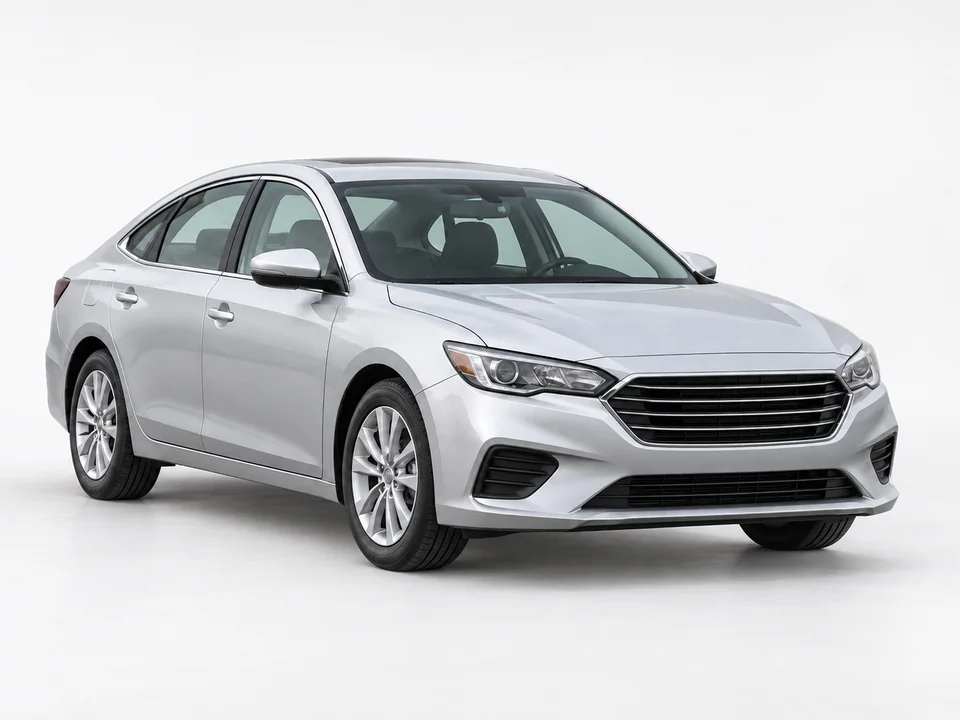
Across automotive edits we have processed, four changes outperform everything else. (1) Reflection removal on body panels — eliminates the photographer, surrounding cars, buildings, and power lines reflected in the paint, which is the single biggest distraction in a typical lot photo. (2) Background replacement to a studio sweep — a $20K car on an asphalt lot reads as a $15K car; the same car on a white studio sweep reads as inventory worth seeing in person. (3) Glare and harsh sunlight correction — outdoor photos shot at noon kill the bodyline highlights buyers actually use to judge paint condition. (4) Wheel and tire cleanup — dust and brake residue on rims is the second-most-noticed flaw in scanned listings after dirty paint. Hit these four and most cars on a dealer site go from "scroll past" to "click through" in the same listing position.

Dealer workflow vs. private seller workflow

A dealer running 40+ vehicles per month needs consistency above all: every car shot on the same background, with the same crop, the same lighting feel. The multi-image batch workflow handles this — drop in a folder, set the studio background once, get all 40 outputs in one pass with consistent presentation. A private seller selling one car needs the opposite: one deep edit, all artifacts cleaned, hero image strong enough that the listing reads as serious. Both workflows use the same underlying car image enhancer, but the dealer pays for volume credits and the private seller pays for a single high-quality edit. Pricing scales the same way.

Case study: a 12-car independent dealership lot

A small dealership in Texas, 12 cars in active rotation, was running phone-shot listings on Facebook Marketplace and their own site. Average time-to-sale was 38 days. We ran every active listing through reflection removal + studio background replacement (white sweep, consistent across all 12 cars). The dealer kept the original interior and detail shots — only swapped the hero exterior. Average time-to-sale dropped to 24 days over the next quarter, and the dealer reported the lot felt "more legitimate" to buyers calling in. Total credit cost across 12 cars: about $40. The dealer continued running new arrivals through the same workflow as part of standard intake — roughly 5 minutes per car including upload and download.

How this fits with the rest of Weezard

Most car edits use one of two general-purpose tools underneath: the [AI background changer](/tools/change-background) handles studio sweeps and lot cleanup, and the [AI photo editor online](/tools/ai-photo-editor-online) handles glare correction, color accuracy, and detail enhancement. The automotive-specific pages below pre-configure these tools for the exact car-photography problems most listings have. For dealers, the multi-image workflow lets you process a whole intake batch at once with consistent presentation across the lot.

Explore all automotive tools

Related Weezard tools and verticals

Frequently asked questions

What is the best AI car photo editor for dealer listings?

For dealer-grade consistency across a lot of inventory, you want studio-background replacement plus reflection removal in one workflow. Weezard's automotive tools combine both — the same input photo of a car on a driveway becomes a clean white-studio listing image, with reflections and clutter handled in one pass. Compared to general background removers (remove.bg, Photoroom), automotive-tuned tools handle wheels, mirrors, and reflections that trip up general models.

Can AI remove reflections and glare from car paint?

Yes, and this is one of the highest-impact edits for car listings. Curved paint surfaces capture reflections of the photographer, sky, buildings, and other cars — all distractions that make the vehicle look cheaper than it is. AI reflection removal preserves the bodyline highlights buyers actually want to see (those signal paint quality) while removing the unwanted environmental reflections.

How do I replace the background in a car photo?

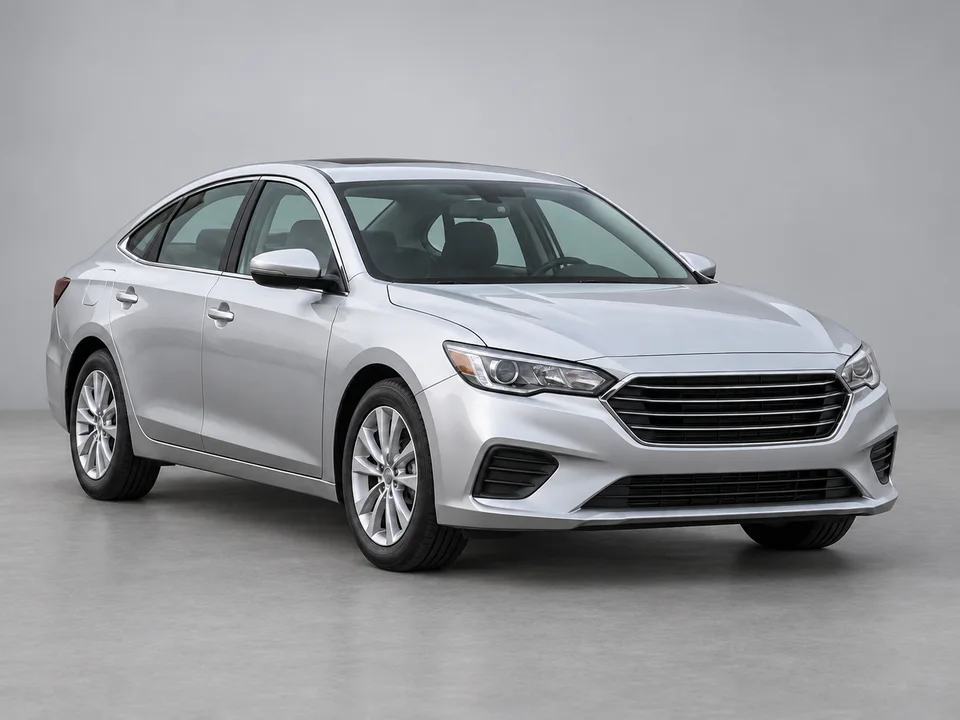
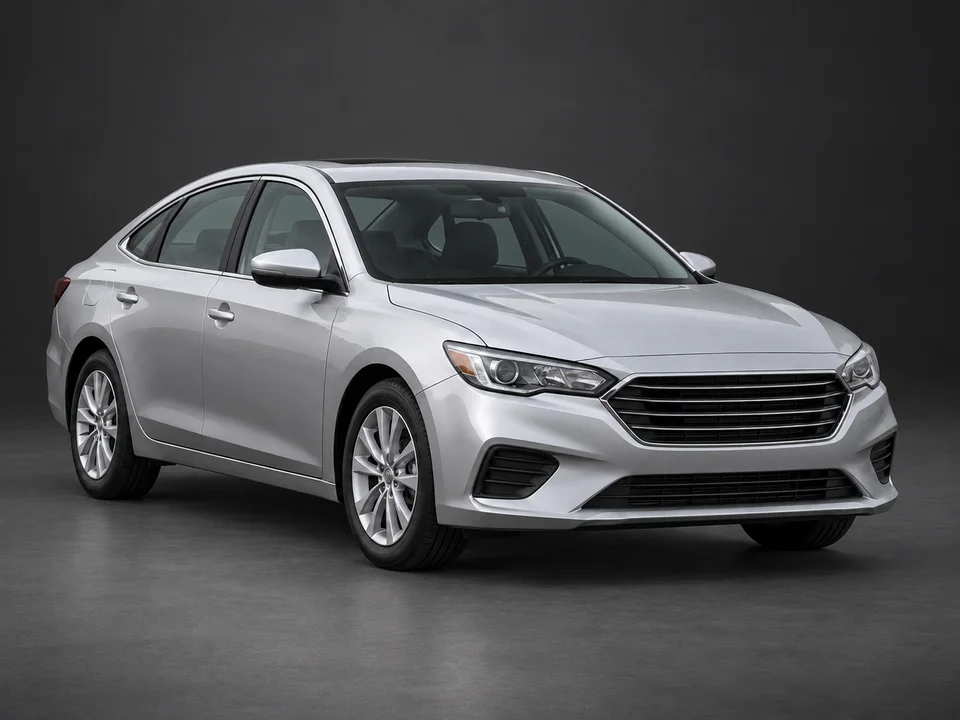
Upload the photo, choose a studio background (white sweep, pure black, or branded dealer backdrop), and the AI handles the cutout including wheels, side mirrors, and any complex outlines. The key difference from general background changers: automotive models keep reflections and contact shadows on the car body intact so the result looks photographed in the new environment, not pasted in.

What size lot do I need to make this worth it?

For dealers, the math works at 10+ vehicles per month. Above that volume, batch processing pays for itself in hours saved versus manual masking in Photoshop, and the consistency lift on listing pages drives measurable click-through improvements. For private sellers, even one car at a time is worth it — a single $5 edit on a $20K listing changes how serious the listing looks.

Can I edit photos of damaged cars?

You can clean up the photo (remove distracting backgrounds, fix lighting) but you should not hide actual damage. Buyers who show up to a car that does not match the listing leave bad reviews and demand refunds. Use editing to present the car accurately at its best, not to misrepresent condition.

Will this work for motorcycles, RVs, and trucks?

Yes. The same tools handle motorcycles, RVs, trucks, boats, and powersports vehicles. The reflection and background-replacement models are trained on a broad range of vehicle shapes; the bigger the vehicle, the more dramatic the background-swap impact tends to be.

Pick the tool for the shot you already have

Each page below targets one specific automotive-photo problem. Start with reflection removal if you shot outside, studio backgrounds if you want dealer-consistency, or the general listing editor if you are not sure yet.