Mar 31, 2026
How AI Photo Editing Tools Transform Your Images in Seconds
AI photo editing represents a fundamental shift in how photographers and creators approach image enhancement. Rather than spending hours in complex software mastering layers and filters, artificial intelligence now handles the heavy lifting—analyzing your image, understanding your intent, and applying professional-grade adjustments in seconds. This technology learns from millions of reference images to predict exactly what your photo needs, whether that's removing unwanted objects, perfecting skin tones, or transforming backgrounds entirely.
Quick Answer:
AI photo editing uses machine learning algorithms to automatically enhance, retouch, and transform images with minimal user input. The primary benefit is speed and accessibility—tasks that once required specialized skills now take seconds, making professional-quality edits available to everyone from real estate agents to social media creators.
The shift from traditional editing to AI-powered workflows is reshaping creative industries. Where photographers once relied on manual retouching and technical precision, they now collaborate with intelligent systems that handle routine adjustments, freeing them to focus on composition, lighting, and storytelling. The global AI image editor market reflects this momentum, valued at USD 88.7 billion in 2025 and projected to reach USD 229.6 billion by 2035 according to Future Market Insights, demonstrating how thoroughly this technology is becoming embedded in professional workflows.
This article explores how AI photography editing actually works, walks you through practical applications, and shows you which tools deliver real results for different use cases.
Table of Contents
- Core AI Photo Editing Capabilities You Need to Know
- Real-World Applications of AI Photo Editing Across Industries
- How AI Photo Editing Differs From Traditional Editing Software
- Key Features to Look for When Choosing an AI Photo Editor
- Getting Started With AI Photo Editing: A Step-by-Step Workflow
- Common Challenges and Limitations of AI Photo Editing
- Frequently Asked Questions About AI Photo Editing
- Why AI Photo Editing Is the Future of Visual Content Creation
Core AI Photo Editing Capabilities You Need to Know
Modern AI photo editing tools operate on a fundamentally different principle than traditional software. Rather than requiring you to manually select areas, adjust sliders, and apply filters, AI systems analyze your entire image and make intelligent decisions about what needs enhancement. This shift transforms editing from a technical skill into an intuitive process where the software does the heavy lifting.
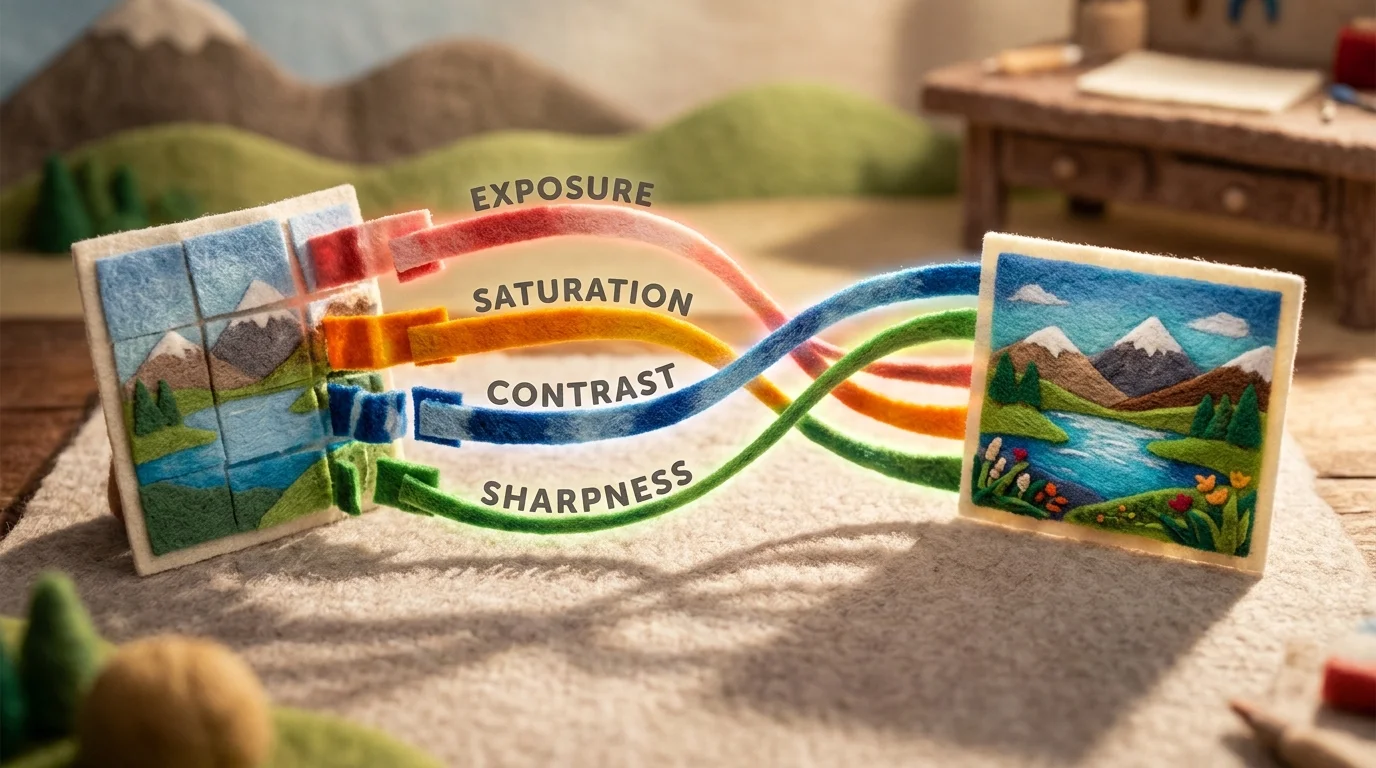
Automated Enhancement stands as the most immediate capability. AI algorithms examine exposure, contrast, saturation, and sharpness across your image, then apply corrections that would typically take a skilled editor minutes to perfect. A underexposed real estate listing photo, for instance, becomes properly lit in seconds—the AI recognizes dim interior spaces and brightens them while preserving natural color balance. According to ArtSmart AI, AI can analyze and categorize photos with 90% accuracy, meaning these systems understand context and adjust accordingly rather than applying one-size-fits-all presets.
Object Removal eliminates unwanted elements—cluttered furniture, photobombers, or distracting background objects—without leaving obvious traces. The AI reconstructs the surrounding area intelligently, filling gaps with textures and patterns that match the original scene. For real estate professionals, this means depersonalizing listing photos by removing personal items, family photos, or clutter that might distract buyers.
Background Manipulation lets you replace, blur, or enhance backgrounds with precision. Whether you need a professional backdrop for a portrait or want to isolate a product from its surroundings, AI handles the complex edge detection that once required painstaking manual masking.
Intelligent Color Correction goes beyond basic adjustments. The system recognizes different elements in your photo—skin tones, foliage, skies—and corrects each independently. Skin appears natural, grass stays vibrant, and skies gain depth without the flat, over-processed look of amateur edits.
These capabilities combine to eliminate hours of repetitive work, letting you focus on composition and creative vision rather than technical execution.
Real-World Applications of AI Photo Editing Across Industries
The transformative power of AI photo editing extends far beyond casual snapshots. Across professional sectors, these tools are reshaping workflows, reducing costs, and enabling creators to scale their output without sacrificing quality.
Real Estate Photography has emerged as one of the most compelling use cases. Property agents and photographers now depersonalize listings in seconds—removing family photos, clutter, and personal items that distract potential buyers. According to research from Bounti AI, the real estate photo editing market is valued at $799.2 million and projected to reach $1,500 million by 2035, with AI tools cutting editing time by up to 90%. What once required hours of manual retouching now happens in minutes, allowing photographers to process entire property portfolios in a single session.

E-Commerce Product Photography demonstrates equally dramatic efficiency gains. Fashion brands average eight images per product, and AI tools enable batch processing of thousands of images simultaneously. Marketers have recognized this shift—75% have either integrated or are experimenting with AI in their workflows. Optimized product visuals increase conversion rates by 94% on platforms like Shopify, making the investment in an AI picture editor a direct revenue driver rather than a cost center.
Social Media Content Creation benefits from rapid iteration and variation. Creators using an AI-powered photos editor can generate multiple versions of a single image—different backgrounds, color grades, or compositions—without reshooting. This flexibility accelerates content calendars and enables A/B testing at scale, helping creators identify which visual treatments resonate with their audience.
Professional Portrait Retouching remains labor-intensive in traditional workflows, but AI now handles skin smoothing, blemish removal, and tonal balancing while preserving natural texture. Photographers maintain creative control while eliminating repetitive technical work, freeing time for client consultation and artistic direction.
Each application reveals the same pattern: AI photo editing eliminates bottlenecks, reduces per-unit costs, and scales creative output without proportional increases in labor or expertise.
How AI Photo Editing Differs From Traditional Editing Software
Traditional photo editing—Photoshop, Lightroom, Capture One—demands technical mastery. You navigate layer panels, blend modes, curves, and masks. A single retouching task requires multiple steps: duplicate the layer, select the healing brush, adjust opacity, merge down. The workflow is powerful but time-intensive, placing a high skill ceiling between the photographer and the final image.
AI-powered photo editing inverts this model. Instead of how to achieve an effect, you describe what you want. Remove that distracting object. Smooth skin without losing texture. Brighten the background. The AI interprets your intent and executes it in seconds. According to ArtSmart AI's analysis, AI-driven retouching reduces editing time by up to 70%, with quality matching professional manual work while costing 90% less and taking 90% less time.
| Aspect | Traditional Software | AI Photo Editing |
|---|---|---|
| Learning Curve | Steep; months to years | Minimal; intuitive interfaces |
| Speed | Minutes to hours per image | Seconds per image |
| Accessibility | Requires technical expertise | Non-professionals can achieve pro results |
| Iteration | Labor-intensive; discourages experimentation | Rapid; encourages multiple versions |
| Repetitive Tasks | Manual, time-consuming | Automated, batch-processable |
The critical distinction: AI doesn't replace professional editors—it augments them. A photographer using traditional software spends 473 hours annually on culling and routine edits; AI reclaims nearly 12 work weeks. That freed time shifts focus from technical execution to creative direction and client strategy. Professionals using AI photography editing tools maintain full control while eliminating bottlenecks. Non-professionals gain access to results previously requiring years of training.
This isn't about quality compromise. It's about democratization. The barrier to professional-grade output has collapsed, making high-end image enhancement accessible to anyone with a camera and an internet connection.
Key Features to Look for When Choosing an AI Photo Editor
Not all AI photo editors are created equal. The difference between a tool that saves you hours and one that frustrates you comes down to specific capabilities that align with your workflow. Understanding what to evaluate ensures you pick an editor that actually delivers on its promises.
Output Quality and Resolution forms the foundation. Free tiers often cap exports at 1K resolution—fine for social media, but insufficient for print or professional portfolios. Look for tools offering 4K or HD export options without watermarks, especially if your work reaches clients or platforms demanding higher fidelity. This single feature separates casual tools from professional-grade solutions.
Credit Systems and Pricing Structure directly impact your cost per edit. Pricing models range from free tiers with limited monthly generations to subscription plans offering monthly credits that either roll over or reset. Evaluate your typical monthly output—a photographer processing 50 images weekly needs a different plan tier than someone editing 10 images monthly. Transparent pricing without hidden limitations prevents frustrating paywalls mid-project.
Batch Processing Capabilities multiply your efficiency. Tools supporting bulk edits let you apply consistent adjustments across dozens of images simultaneously, eliminating repetitive manual work. This feature alone justifies upgrading from basic free versions, particularly for real estate agents, e-commerce teams, or anyone managing large photo libraries.
Preset Libraries and Customization balance speed with control. Pre-built presets accelerate common tasks—object removal, background adjustments, retouching—while advanced settings let you fine-tune results. The best AI picture editors combine one-click simplicity with granular control for users wanting deeper adjustments.
Customer Support and Reliability matter when deadlines loom. Priority support, detailed documentation, and responsive teams separate tools you can depend on from those that disappear when problems arise. Free plans often include basic email support; paid tiers typically offer faster response times.
Evaluate these dimensions systematically rather than chasing feature lists. A focused tool excelling at batch object removal beats a bloated platform doing everything poorly.
Getting Started With AI Photo Editing: A Step-by-Step Workflow
The beauty of modern AI photography editing tools lies in their simplicity. Unlike traditional software that demands technical expertise, today's AI-powered editors compress complex adjustments into intuitive workflows. Most platforms require no signup to preview results, letting you test capabilities before committing to a paid plan.
Step 1: Upload Your Image
Navigate to your chosen AI photo editor and drag your image into the upload area, or click to browse your device. The tool accepts common formats—JPG, PNG, WEBP—and typically supports batch uploads for processing multiple photos simultaneously. You'll see immediate feedback confirming the file has been received.
Step 2: Select Your Processing Model
Different AI models excel at different tasks. Real estate agents removing unwanted objects, for instance, might choose a specialized model optimized for property photos, while portrait retouchers select models trained on facial enhancement. The interface displays model options with brief descriptions. Start with the recommended default if you're unsure.
Step 3: Apply Your Edit
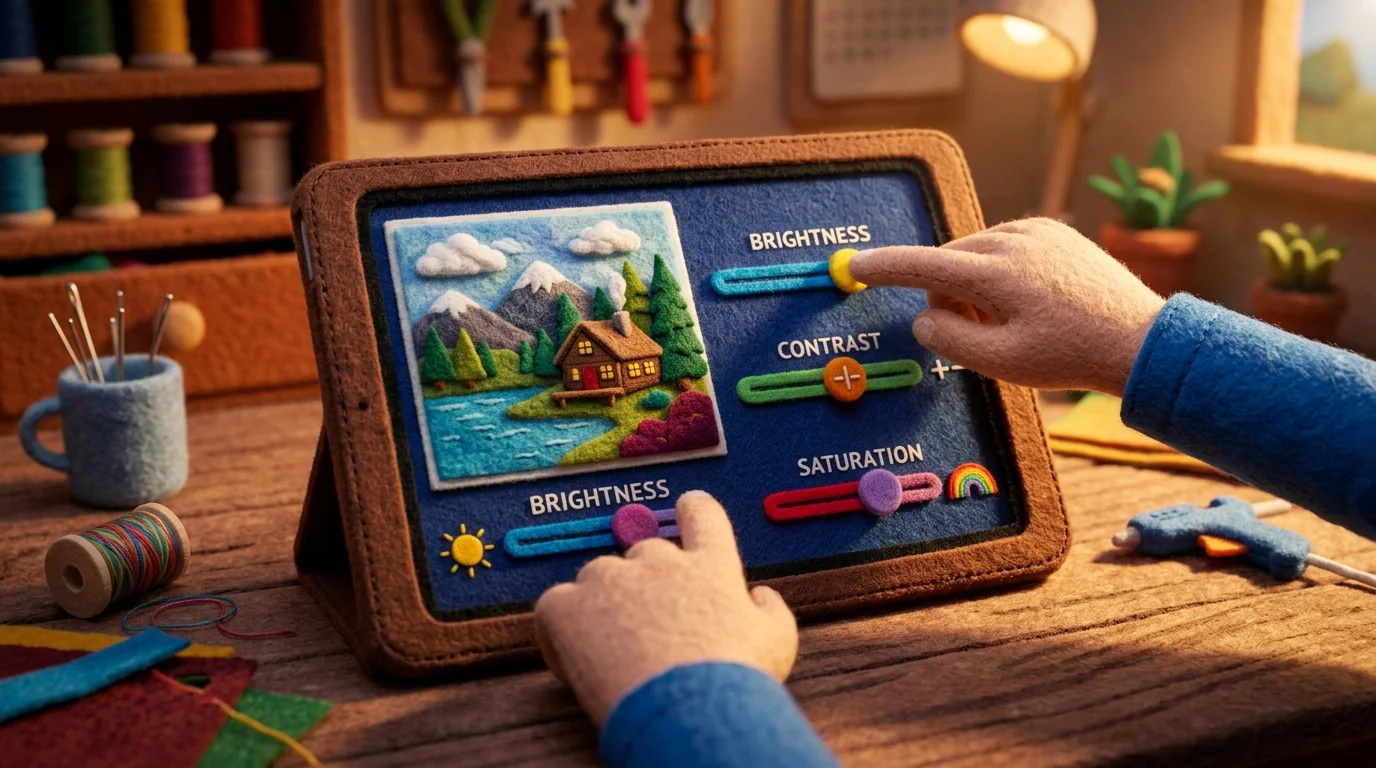
For object removal, drag a selection box around the element you want gone. For background adjustments or retouching, select from preset options or adjust sliders to customize intensity. The AI processes your edits in seconds, displaying a preview so you can verify results before finalizing.
Step 4: Review and Adjust
Examine the processed image closely. If results need refinement, most tools let you reprocess with different settings or adjust specific parameters. This iterative approach ensures you achieve exactly what you envisioned.
Step 5: Export Your Final Image
Download your edited photo in your preferred resolution—standard, HD, or 4K depending on your plan. The file exports without watermarks on paid tiers, ready for immediate use in portfolios, listings, or social media.
Common Challenges and Limitations of AI Photo Editing
While AI picture editors excel at automating routine tasks, they operate within real constraints that users should understand. The technology struggles most with complex, nuanced creative decisions that require artistic intent—composing multiple subjects within a frame, orchestrating lighting across an entire scene, or applying a cohesive stylistic vision that transcends individual adjustments. When your vision demands unconventional choices or breaking compositional rules deliberately, AI tends to default to "correct" rather than creative.
Edge cases expose limitations too. Unusual lighting conditions, reflective surfaces, or transparent objects confuse algorithms trained primarily on standard photography scenarios. An AI edit tool might remove an object cleanly from a flat background but leave artifacts when that object overlaps complex textures or shadows. Similarly, extreme color grading or stylization requests often produce results that feel generic—the AI optimizes for visual plausibility rather than your specific aesthetic.
Processing speed comes with a tradeoff: batch operations on 50 real estate photos process faster than pixel-perfect retouching on a single portrait. The more customization you demand, the more manual refinement becomes necessary. This is where human judgment still reigns. AI accelerates the baseline—removing distractions, balancing exposure, standardizing colors—but the final polish often requires human oversight.
Understanding these boundaries prevents frustration and helps you deploy AI photo editing strategically: use it to eliminate repetitive work, then invest your creative energy where algorithms fall short.
Frequently Asked Questions About AI Photo Editing
Is my data safe when using AI photo editing tools?
Reputable AI photo editors encrypt your images during processing and don't retain them after editing completes. Always check a platform's privacy policy—look for end-to-end encryption, GDPR compliance, and clear data deletion practices. Most professional-grade tools store images temporarily only for processing, then purge them automatically.
Can I use AI-edited photos commercially?
Yes, but verify your tool's licensing terms. Most AI photography editing platforms allow commercial use of edited images, including for client work, social media, and print. Some free tiers restrict commercial use, so upgrading to a paid plan typically unlocks full commercial rights. Always read the terms of service for your specific tool.
How does AI-edited quality compare to professional retouching?
AI excels at repetitive, technical tasks—object removal, exposure balancing, background cleanup—often matching or exceeding manual work on these specific operations. However, nuanced creative direction and artistic vision still benefit from human judgment. Think of AI as your technical foundation; professional retouchers add the artistic refinement.
Does AI photo editing work on mobile devices?
Most modern AI editors offer mobile apps with full functionality. Processing speed varies depending on your device's processing power, but results remain consistent across platforms. Mobile editing works best for quick adjustments and batch operations rather than pixel-level precision work.
What file formats and resolutions does AI editing support?
Standard formats like JPG, PNG, and WEBP are universally supported. Resolution support ranges from standard quality to 4K and beyond, depending on your plan. Higher resolutions process slower but deliver export files suitable for print and large displays.
Why AI Photo Editing Is the Future of Visual Content Creation
AI photo editing is reshaping how visual content is created, making professional-quality results accessible to everyone—not just experts with years of training. By automating complex tasks like lighting correction, object removal, and background refinement, AI streamlines workflows and cuts editing time from hours to seconds. This efficiency allows creators to focus on storytelling rather than technical details, accelerating content production across marketing, real estate, and social media. With tools leveraging intelligent algorithms that learn from millions of photo adjustments, users can instantly enhance images—delivering consistent, high-quality outputs at scale. The barrier to entry has never been lower: anyone can try a free preview with no signup required and see the transformation firsthand. As these systems grow more sophisticated, the line between amateur and professional visuals continues to blur, setting a new standard for what's possible in image creation.


Ready to jump in?
Experience the power of AI-driven image editing with Weezard AI. Professional results in seconds.