Mar 21, 2026
Best AI Photo Editors: Transform Your Images with Artificial Intelligence

An AI photo editor is software powered by machine learning algorithms that automate and enhance image editing tasks. Instead of manually adjusting colors, removing objects, or retouching details, these tools analyze your photos and apply intelligent transformations in seconds. Whether you're a real estate agent decluttering listings, a social media manager refreshing content, or a casual photographer enhancing vacation snapshots, artificial intelligence has fundamentally changed how quickly and effectively you can transform images.
Quick Answer: An AI photo editor uses artificial intelligence to automate complex editing tasks—from object removal and background changes to retouching and color correction. The primary benefit is speed: tasks that once took minutes now take seconds, while maintaining professional quality. Most AI image editors offer free trials with limited credits, letting you test the technology before committing to a paid plan.
The shift toward AI-powered editing represents a genuine evolution in how photos are processed. Rather than requiring technical skill or expensive software subscriptions, these tools democratize professional-grade results. You upload an image, select your desired edit (remove that photobomber, change the sky, smooth skin), and the AI handles the heavy lifting. This section explores what makes these editors valuable, how they work, and why they've become essential for anyone working with images regularly.
Table of Contents
- How AI Photo Editing Works: Core Technologies Explained
- Top AI Photo Editing Features You Should Know About
- Free vs. Paid AI Photo Editors: What's the Real Difference
- Best Use Cases for AI Photo Editing in Different Industries
- Getting Started: Step-by-Step Guide to Editing Your First Photo with AI
- Common Challenges and How to Overcome Them
- Privacy, Security, and Ethical Considerations in AI Photo Editing
- Choosing the Right AI Photo Editor for Your Needs in 2025
How AI Photo Editing Works: Core Technologies Explained
At the heart of every AI photo editor lies a deceptively simple principle: machine learning models trained on millions of images learn to recognize patterns, objects, and visual relationships that humans instinctively understand. When you upload a photo to edit, the AI doesn't follow a rigid set of rules—instead, it analyzes the image pixel by pixel, identifying what's in the frame and predicting what should happen when you request a change.
The technology powering these tools relies on deep neural networks, particularly convolutional neural networks (CNNs) and generative models. These networks are trained to understand context. When you ask an AI image modifier to remove an unwanted object from a photo, the system doesn't simply delete pixels. It examines the surrounding area—the texture, lighting, color gradients, and spatial relationships—then intelligently fills the gap with content that matches the background. This is why modern AI can remove a photobomber from a crowded scene or erase a power line from a landscape without leaving obvious traces.
Object detection and semantic segmentation form the backbone of what makes AI edit photos so effectively. The AI learns to distinguish between a person, a building, the sky, or a shadow. This understanding allows for precision edits: change just the sky while preserving the subject, adjust skin tones without affecting clothing, or isolate and enhance specific elements. When you request background removal, the network has learned the visual boundaries between foreground and background, even in complex scenarios with flyaway hair or semi-transparent edges.
What makes this practical for everyday users is speed. Traditional photo editing required manual selection tools, layer masks, and hours of refinement. An AI image editor compresses this workflow into seconds. The neural network performs in milliseconds what would take a skilled editor minutes or hours. This acceleration, combined with increasingly accurate results, explains why the AI image editing market has experienced explosive growth—the technology genuinely solves a real problem for photographers, real estate professionals, social media managers, and casual users alike.
Top AI Photo Editing Features You Should Know About
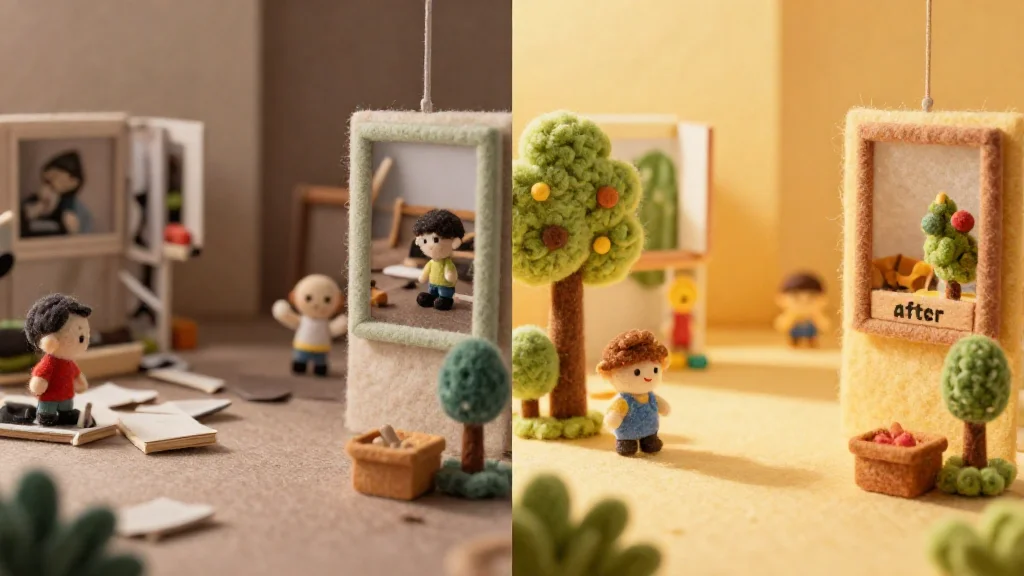
Modern AI photo editors pack a powerful arsenal of features designed to solve real editing challenges. Here are the capabilities that matter most:
Object Removal — One of the most practical features, this lets you eliminate unwanted elements from your photos. Whether it's a photobomber, a stray object, or clutter in real estate listings, the AI intelligently fills the gap with contextually appropriate content. This is invaluable for professionals who need clean, polished images without spending hours on manual cleanup.
Background Removal & Replacement — Instantly separate your subject from the background, then swap in a new one or keep it transparent. The AI understands complex edges like hair and fur, delivering results that would traditionally require meticulous manual selection work.
Upscaling & Enhancement — Boost image resolution and quality without visible degradation. This feature rescues low-resolution photos, making them suitable for print or large displays. The neural networks intelligently reconstruct detail rather than simply enlarging pixels.
Color Correction & Grading — Automatically adjust white balance, exposure, saturation, and contrast. AI learns professional grading patterns, applying consistent color treatment across batches of photos—essential for photographers managing hundreds of shots.
Batch Processing — Edit multiple photos simultaneously using the same adjustments or AI operations. This time-saver is crucial for real estate agents, social media managers, and anyone handling volume.
Retouching & Skin Smoothing — Refine portraits by softening skin, removing blemishes, and enhancing features while maintaining natural appearance. The AI respects facial structure and texture.
Background Blur (Bokeh) — Create depth-of-field effects that simulate professional camera lenses, perfect for product photography and portraits.
According to research from PhotoUp, 82% of photographers rely on AI tools for these exact tasks—background removal, color correction, and batch processing dominate real-world workflows. The speed and accuracy make it possible to edit pictures with AI in seconds rather than minutes, democratizing professional-quality results for everyone.
Free vs. Paid AI Photo Editors: What's the Real Difference
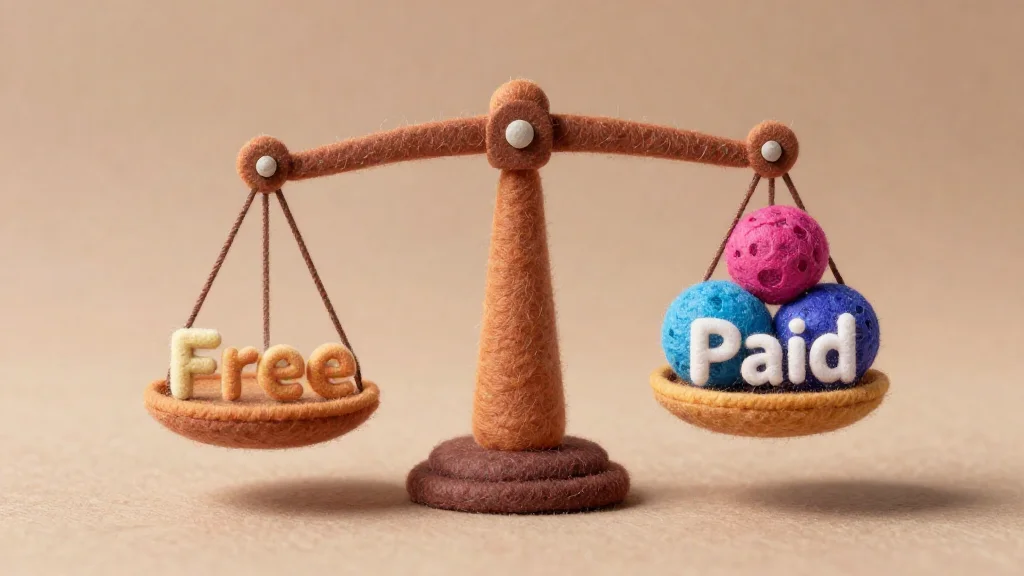
The choice between free and paid AI photo editors isn't just about cost—it's about what you're willing to compromise on. Free tiers democratize access to powerful tools, but they come with real constraints that matter depending on your workflow.
Free AI photo editors online typically limit you to lower output quality (often 1K resolution), fewer monthly operations, and watermarked exports. You'll also hit credit caps quickly if you're processing multiple images. The upside? You get genuine access to core features—background removal, object deletion, color correction—without paying anything upfront. This makes them ideal for casual users, hobbyists, and anyone testing whether AI editing fits their needs before committing financially.
Paid plans remove these friction points. According to research from starryai, most AI photo editors fall in the $8 to $13 per month range, with professional suites like Adobe Photoshop reaching $22.99/month. For that investment, you unlock 4K exports, unlimited monthly credits, priority support, and batch processing capabilities. Real estate agents, product photographers, and social media managers find this ROI immediate—the time saved on bulk edits pays for the subscription within weeks.
| Feature | Free Tier | Paid Plan |
|---|---|---|
| Output Quality | 1K max | Up to 4K |
| Monthly Credits | 5–50 | 200+ |
| Watermark | Yes | No |
| Batch Processing | Limited | Full |
| Support | Email (slow) | Priority |
| Exports | Watermarked | Clean |
The real difference lies in scale and professionalism. Free works for occasional edits; paid scales with your ambitions. Most platforms offer free trials—test before you buy to ensure the feature set matches your actual needs.
Best Use Cases for AI Photo Editing in Different Industries

AI photo editors have moved beyond hobbyist tools—they're now essential infrastructure across multiple professional sectors. Each industry faces distinct challenges that artificial intelligence solves with remarkable efficiency.
Real Estate Photography represents one of the most compelling use cases. Agents and photographers spend countless hours decluttering, removing unwanted objects, and staging properties for listing photos. AI-powered object removal eliminates distracting elements—parked cars, yard furniture, personal items—in seconds rather than hours of manual masking. According to PhotoUp research, properties marketed with AI-driven tools experienced a 22% rise in sales, while editing times dropped by up to 90% for batch processing. This means a photographer handling 50 property listings can reclaim entire days previously lost to tedious retouching.
E-commerce brands leverage AI photo manipulation to maintain consistent product imagery across catalogs. One brand used AI to revamp product pages with ultra-realistic imagery, resulting in a 40% boost in conversions while saving 20+ hours per week in manual edits. Background removal, color correction, and shadow adjustment happen automatically, allowing teams to focus on strategy rather than pixel-pushing.
Social media content creators depend on rapid iteration. With 83% of content creators reporting that generative AI lets them produce significantly more content than before, the speed advantage is undeniable. Whether removing photobombers, adjusting lighting, or batch-processing dozens of images for consistent branding, AI accelerates the content pipeline from concept to publication.
Personal photography benefits too. Casual photographers can now edit picture with AI tools that would once require professional software expertise. Family photos improve instantly—better lighting, cleaner backgrounds, professional-grade retouching—without steep learning curves or expensive subscriptions.
The common thread: wherever volume meets precision, AI photo editors eliminate friction. They don't replace creative vision; they amplify it by handling the mechanical work, freeing professionals to focus on what matters—composition, storytelling, and strategy.
Getting Started: Step-by-Step Guide to Editing Your First Photo with AI
1. Upload Your Image
Start by opening your chosen AI photo editor and selecting the upload option. Most platforms accept JPG, PNG, and WEBP formats. Drag and drop your photo directly, or click to browse your device. There's no need to resize or prepare your image beforehand—modern editors handle various dimensions automatically.
2. Choose Your AI Tool
Browse the available features. Whether you need background removal, object elimination, color correction, or retouching, select the specific tool that addresses your editing goal. Most free AI editors bundle multiple capabilities into one interface, so you can experiment without switching between apps.
3. Apply the AI Enhancement
Once you've selected a tool, the AI processes your image in seconds. Some editors let you adjust settings—like intensity levels or processing models—before applying changes. If you're new to this, start with default settings; they're optimized for quality results.
4. Preview and Refine
Review the result side-by-side with your original. If the output needs tweaking, most editors allow quick adjustments. Don't overthink it—AI edits are designed to work on the first pass for most use cases.
5. Export Your Result
Download your edited photo in your preferred format and resolution. Free tiers typically cap quality at 1K, while paid plans unlock 4K exports. Save locally or share directly to social media.
Pro Tips: Start with well-lit source images for best results. Batch-process multiple photos if your editor supports it—this saves time when editing similar shots. Test the free version first to see if the tool matches your workflow before committing to a paid plan.
Common Challenges and How to Overcome Them
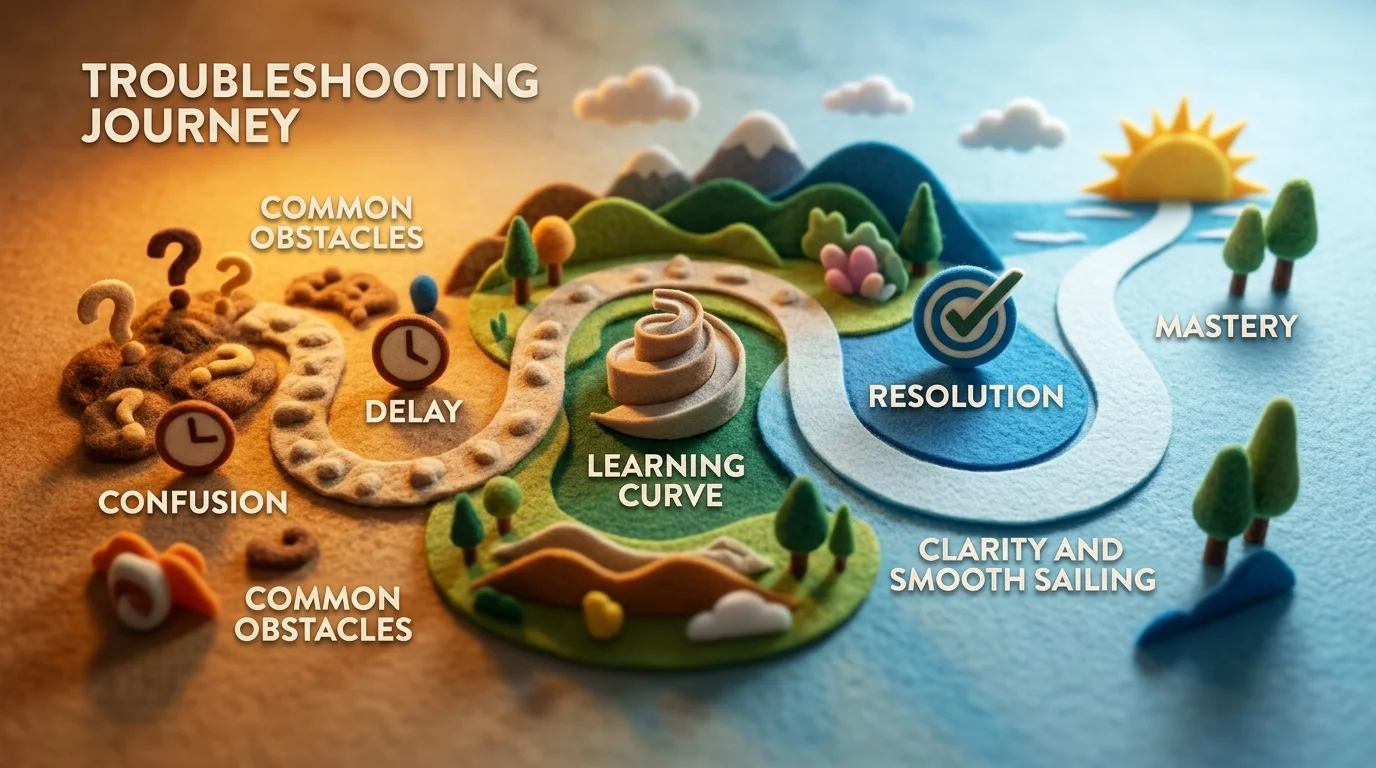
When you first start using an AI photo editor, expectations often clash with reality. The most common friction point is quality—users expect flawless results immediately, but AI works best when you understand its strengths and limitations. According to research from Photoroom, 58% of users already rely on AI for photo editing, primarily because it saves time, yet quality expectations remain a persistent challenge. The truth is simpler: AI excels at repetitive tasks like object removal and background adjustments, but struggles with nuanced corrections that require human judgment.
Processing time surprises many newcomers. A free AI photo editor online might take 10–30 seconds per image, which feels instant for one photo but becomes tedious when batch-processing 50 shots. Paid plans typically prioritize faster processing, so if speed matters for your workflow, that's worth the investment. Another reality check: resolution caps. Free tiers often limit exports to 1K quality, forcing you to upgrade if you need 4K files for print or professional use.
The learning curve is real but manageable. Most users overthink their first edits—adjusting settings endlessly when default configurations already deliver solid results. Start with the preset options, review the before-and-after preview, and only tweak if the output genuinely needs refinement. Test the free version before committing to a paid plan; this eliminates buyer's remorse and helps you confirm the tool fits your actual needs.
Finally, know when not to use AI. Complex retouching, color grading, or artistic effects still demand traditional editing software. AI photo editors shine for speed and automation, not creative control. Use them for what they're designed for—cleaning up real estate listings, removing photobombers, or quick social media prep—and you'll avoid frustration entirely.
Privacy, Security, and Ethical Considerations in AI Photo Editing
When you upload a photo to an online AI photo editor, you're entrusting a third party with your visual data. This raises legitimate questions: Where does your image live? Who can access it? How long is it retained? These concerns aren't paranoia—they're practical due diligence. According to data protection authorities globally, 79% of Americans worry about how companies handle their data, and regulatory bodies have flagged serious risks around AI systems generating images of identifiable individuals without explicit consent.
Reputable platforms encrypt uploads, delete files after processing, and maintain transparent privacy policies. Before choosing any tool, verify its data retention practices—some services store images indefinitely for model training, while others purge them within hours. Read the terms carefully; "free" services sometimes monetize your photos through data collection.
Biometric data embedded in facial features is legally classified as sensitive personal data under GDPR, CCPA/CPRA, and BIPA. If you're editing photos containing identifiable people, ensure the platform complies with these regulations and that you have proper consent to process those images. The EU AI Act categorizes certain face recognition systems as high-risk, adding another compliance layer for professionals.
Ethically, use AI editors responsibly: don't create misleading synthetic content, respect individuals' likenesses, and disclose when AI modifications significantly alter reality. For real estate listings or professional work, transparency about edits builds credibility. When in doubt, choose platforms with clear privacy documentation and verifiable security certifications over cheaper, opaque alternatives.
Choosing the Right AI Photo Editor for Your Needs in 2025
The decision to adopt an AI photo editor ultimately hinges on three factors: your workflow demands, budget constraints, and the specific problems you're trying to solve. If you're editing real estate listings, object removal becomes non-negotiable—tools like Weezard excel here with bulk processing and MLS-safe presets. For casual social media content, a free AI image editor with basic enhancement features may suffice. Professionals handling sensitive imagery should prioritize platforms with transparent privacy policies and compliance certifications over cheaper alternatives that monetize your data.
Your budget shapes the conversation significantly. Free tiers let you test-drive core functionality—typically 5 to 10 credits monthly—before committing financially. The Pro tier ($30/month with 200 monthly credits) makes sense if you're processing 20+ images weekly; the math favors subscription over pay-per-use. Occasional users should start free and upgrade only when the free tier becomes restrictive.
Looking ahead, AI photo editing continues evolving toward specialized tools rather than jack-of-all-trades platforms. The technology now handles edge cases that once required manual work: complex hair selections, fabric texture preservation, and context-aware background generation. As these capabilities mature, choosing an editor becomes less about features and more about integration with your existing pipeline.
Ready to experience the difference? Start with a free AI photo editor—no credit card required. Test it against your actual photos, assess output quality at your target resolution, and only then decide if a paid plan aligns with your workflow.

Ready to jump in?
Experience the power of AI-driven image editing with Weezard AI. Professional results in seconds.