Mar 26, 2026
How to Upscale Pictures: Complete Guide to AI Image Enhancement
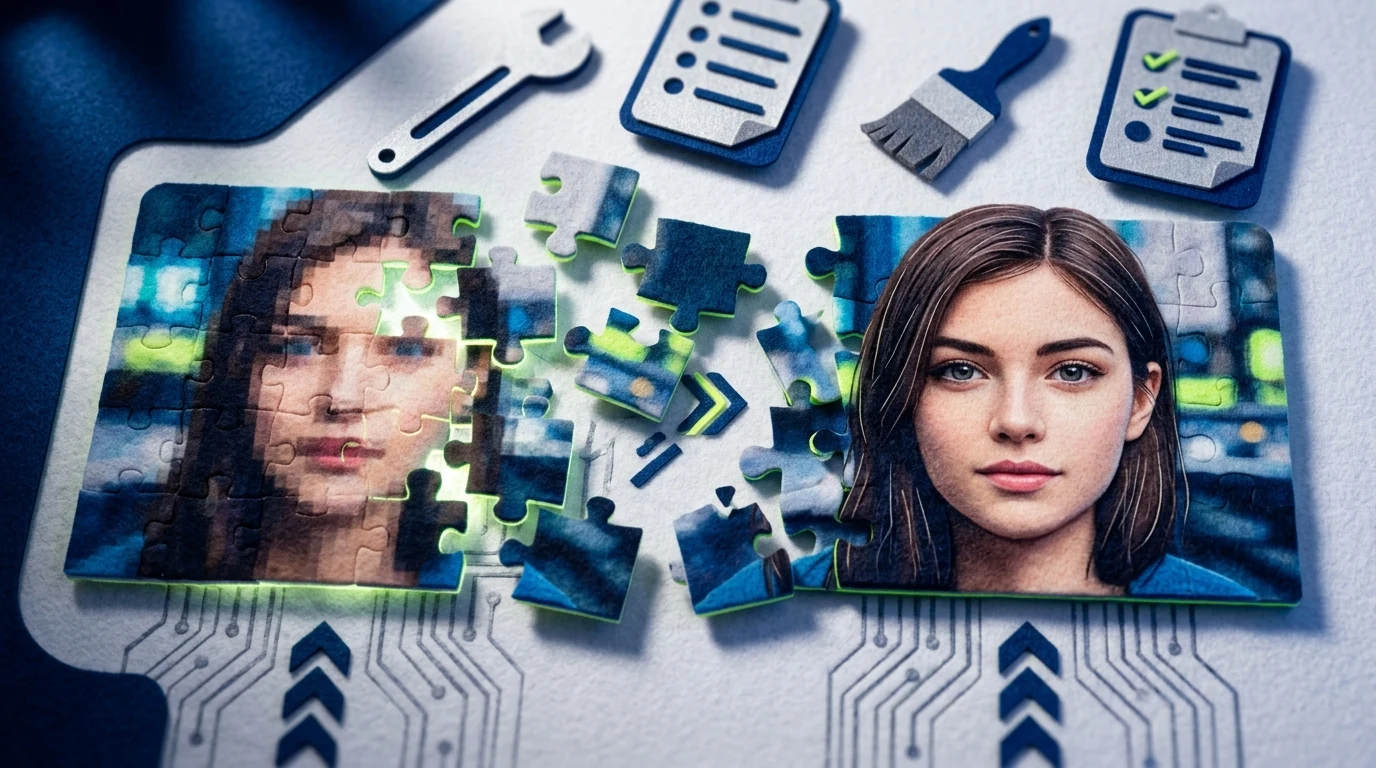
Picture upscaling has become essential in a world where visual quality directly impacts engagement and credibility. Whether you're working with old photographs, social media content, or professional imagery, the ability to enlarge images without losing sharpness separates polished results from pixelated disappointments. Traditional upscaling methods relied on basic interpolation—essentially guessing what pixels should fill the gaps—which produced blurry, artifact-ridden outputs. Artificial intelligence has fundamentally changed this equation by learning patterns from millions of high-quality images, enabling truly intelligent enhancement that preserves detail while expanding resolution.
Quick Answer: Picture upscaling is the process of enlarging an image while maintaining or improving visual quality, typically increasing resolution for print, display, or archival purposes. AI upscaling uses neural networks to intelligently reconstruct fine details and textures, producing dramatically superior results compared to traditional enlargement methods.
The transformation driven by artificial intelligence image upscaling represents more than incremental improvement—it's a paradigm shift. Modern AI models analyze content contextually, understanding whether they're processing landscapes, portraits, text, or fine details, then apply tailored enhancement strategies. This intelligent approach means you're no longer sacrificing quality when you need larger files, making professional-grade image enhancement accessible to photographers, designers, content creators, and anyone working with visual media.
Table of Contents
- What Does It Mean to Upscale an Image?
- How AI Technology Transforms Picture Upscaling
- Step-by-Step Guide to Upscaling Your Pictures
- Best Use Cases for Upscaling Pictures
- Key Factors That Impact Upscaling Quality
- Common Mistakes When Upscaling Pictures
- Getting Started With Picture Upscaling Today
What Does It Mean to Upscale an Image?
Image upscaling is the process of enlarging a picture while preserving—or ideally improving—its visual quality. Unlike simply stretching an image larger (which creates pixelation and blurriness), intelligent upscaling reconstructs missing detail to make the enlarged version look sharp and natural.
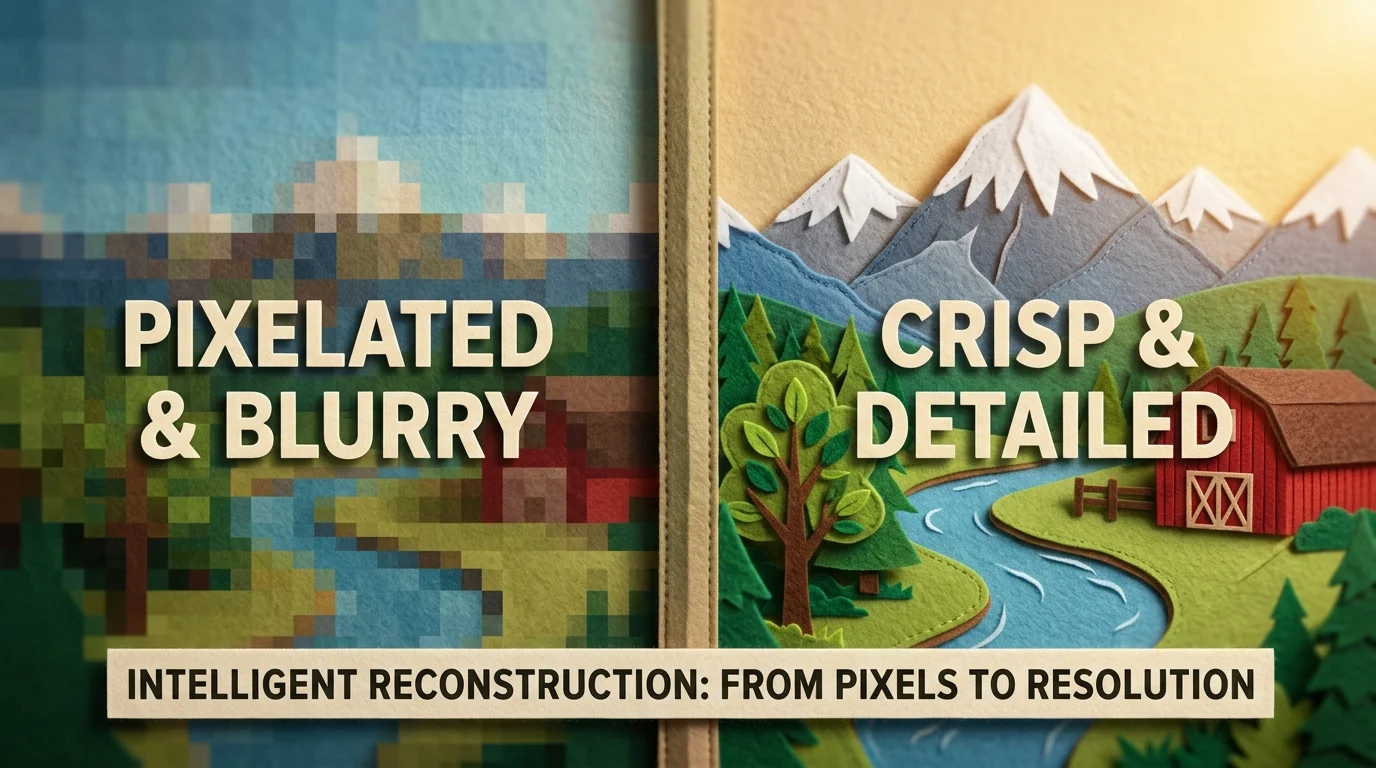
When you upscale an image using traditional methods, the software has to guess what pixels should fill the newly enlarged space. It typically copies or averages existing pixels, resulting in that characteristic blocky, low-resolution appearance. AI-powered upscaling works differently: neural networks analyze the content of your image, learn patterns from the details present, and intelligently fill in the gaps with realistic texture and sharpness.
Real-world scenarios where upscaling becomes essential are everywhere. Old family photos scanned at low resolution suddenly become suitable for large prints. A small product image pulled from social media can be enlarged for your website without quality loss. Screenshots or graphics captured at standard resolution can be expanded for presentations or billboards. Even professional photographers sometimes need to enlarge images for unexpected print sizes or archival purposes.
The key distinction is this: upscaling isn't just making something bigger—it's making something bigger better. Traditional enlargement degrades quality; AI upscaling actually enhances it by adding plausible detail that maintains the image's integrity and visual appeal. This fundamental shift means you're no longer forced to choose between size and quality.
How AI Technology Transforms Picture Upscaling
At its core, artificial intelligence image upscaling relies on deep learning models trained on millions of high-resolution images. These neural networks learn to recognize patterns, textures, and structural details across diverse image types—faces, landscapes, objects, text. When you feed a low-resolution image into an AI upscaler, the model doesn't simply enlarge pixels; instead, it analyzes what's present and intelligently predicts what should fill the gaps based on everything it has learned about how real images look.
The process works through a technique called super-resolution. The AI examines neighboring pixels, identifies edges and patterns, and reconstructs missing information in a way that feels natural rather than artificial. This is fundamentally different from traditional interpolation, which creates the blurry or blocky artifacts you see when enlarging images the old way. Modern AI upscaling can boost visual quality by up to 90%, according to statistics on AI image enhancement tools, transforming soft, unclear images into sharp, detailed versions.
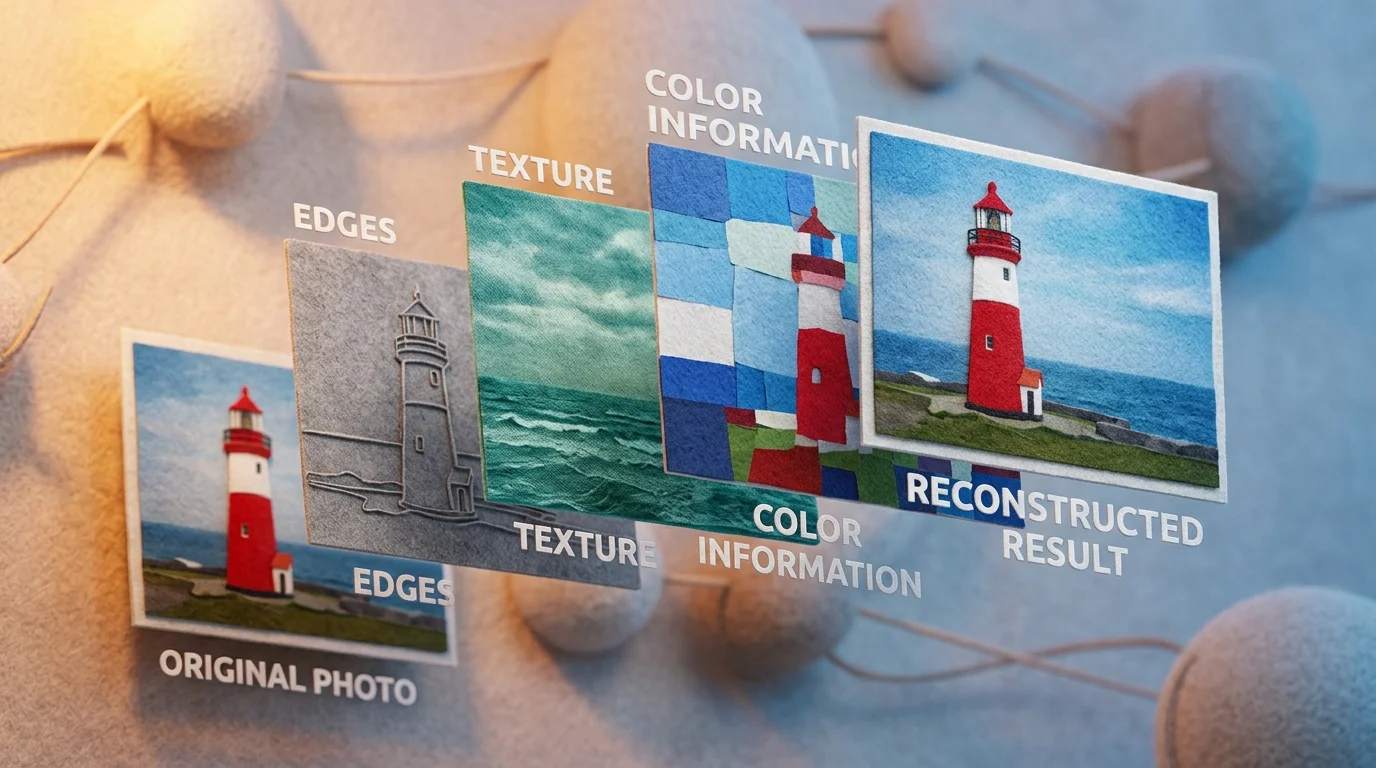
The key benefits emerge immediately. Sharpness is preserved or even enhanced because the AI adds plausible detail rather than guessing blindly. Artifacts—those halos, color shifts, and distortions that plague traditional enlargement—are minimized because the model understands image structure. The result maintains a natural appearance; your upscaled photo looks like it was captured at high resolution, not artificially stretched.
Professional photographers using advanced AI upscaling report improvements of 30% to 50% in clarity and detail compared to originals. This isn't magic—it's pattern recognition at scale, applied intelligently to solve a problem that plagued digital imaging for decades. The technology has matured to the point where upscaling is no longer a compromise; it's a genuine enhancement.
Step-by-Step Guide to Upscaling Your Pictures
Upscaling your pictures with AI tools is straightforward once you understand the workflow. The process typically takes just a few minutes from start to finish, and the quality of your output depends on both the tool's capability and the condition of your original image. Here's how to do it right.
Step 1: Choose Your AI Upscaling Tool
Select a tool that matches your needs. Look for platforms offering multiple upscaling models, batch processing capability, and quality output options (at minimum 4K resolution). Free trials or preview modes let you test before committing. Weezard's AI photo editor, for example, provides access to multiple processing models so you can compare results and pick the one that works best for your specific image type.
Step 2: Prepare Your Image
Before uploading, assess your original photo. Images with moderate noise or compression artifacts upscale better than extremely blurry ones. Crop out unnecessary elements to focus processing power on what matters. If your picture is very small (under 300×300 pixels), expect more modest improvements—the AI has less information to work with.
Step 3: Upload Your Picture
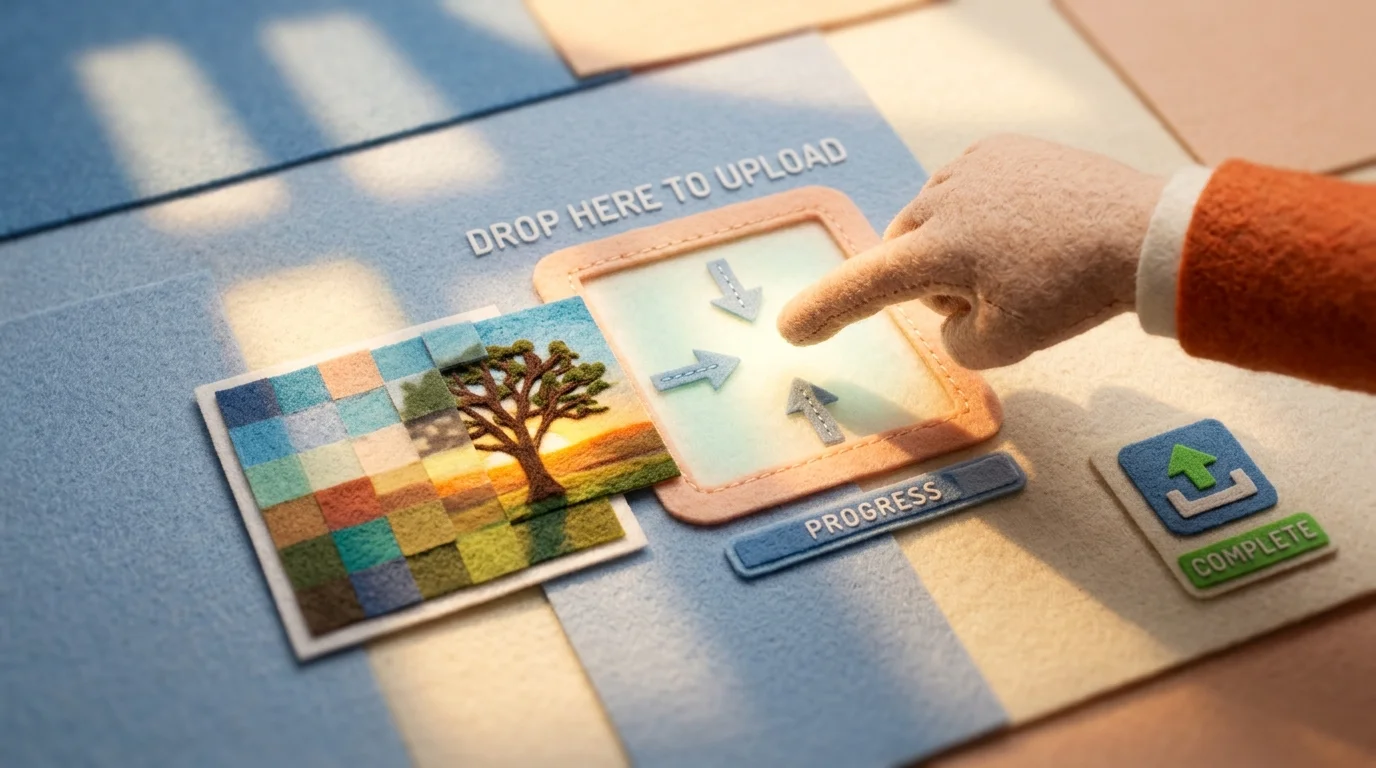
Drag and drop your image into the tool or click to browse. Most modern upscalers accept JPG, PNG, and WEBP formats. If you're upscaling multiple pictures, look for batch upload features to save time.
Step 4: Select Your Quality Settings
Choose your target resolution (2K, 4K, or higher) and upscaling model. Different models excel at different image types—portraits, landscapes, and technical images often benefit from different approaches. Start with the recommended model if you're unsure.
Step 5: Process and Download
Hit the process button and wait for completion. Download your upscaled picture in your preferred format. Compare it side-by-side with the original to verify the improvement in sharpness and detail.
Pro tip: Save the original file separately. Always keep your source image intact in case you need to reprocess with different settings.
Best Use Cases for Upscaling Pictures
Image upscaling delivers tangible value across diverse scenarios. Understanding where it shines helps you prioritize your editing workflow and maximize the return on your enhancement efforts.
Restoring Family Photographs and Memories
Old family photos often suffer from low resolution, fading, and compression artifacts accumulated over decades. Upscaling these images breathes new life into cherished memories without requiring expensive professional restoration. Whether you're preparing photos for a family reunion, creating a digital archive, or printing enlarged prints for display, AI-powered restoration recovers detail and clarity that seemed lost. The emotional impact of seeing a crisp, vibrant version of a decades-old photograph justifies the minimal effort required.
E-Commerce and Product Photography
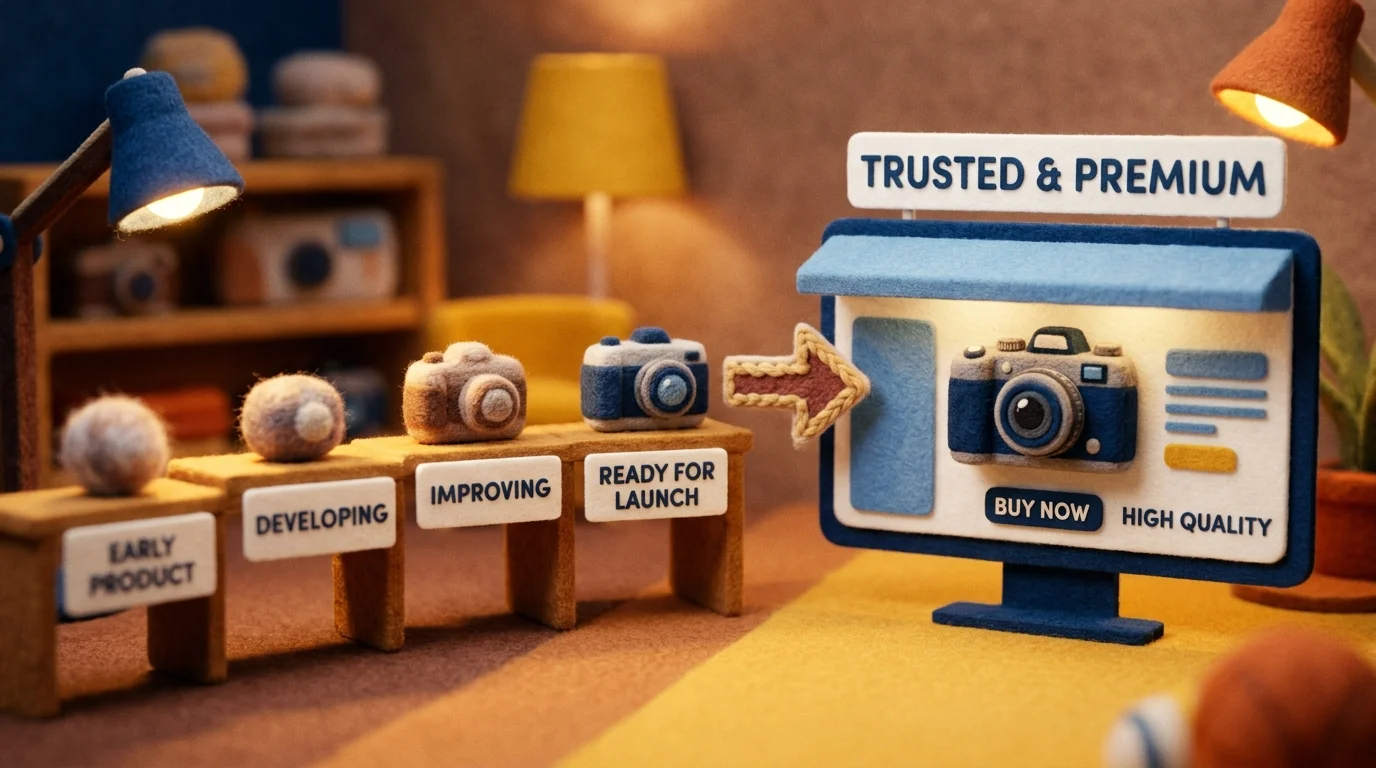
Retailers and marketers leverage upscaling to enhance product images for online listings. According to research on e-commerce visual optimization, picture upscaling can enhance user engagement and conversion rates by up to 80%. When product photos are enlarged to 4K resolution with sharpened details, customers gain confidence in their purchases. This is especially valuable when working with legacy product catalogs or user-generated content that doesn't meet current platform standards.
Social Media Content and Digital Marketing
Social platforms reward high-quality visuals. Upscaling allows you to repurpose older content or low-resolution assets for modern feeds where larger dimensions and crisp details drive engagement. Marketers can upscale pics from archives to maintain visual consistency across campaigns without reshoot costs.
Printing and Large Format Displays
Professional printing demands high resolution. Whether preparing images for billboards, posters, or fine art prints, upscaling enables you to work with smaller source files while maintaining print quality. This flexibility is invaluable when original high-res files are unavailable.
Screenshots and Screen Captures
Screenshots often come in modest resolutions. Upscaling them for presentations, documentation, or tutorials ensures text remains legible and details stay sharp when displayed on modern monitors or projectors.
Key Factors That Impact Upscaling Quality
Not all upscaling results are created equal. The quality of your final output depends on several interconnected variables that determine how effectively an image upscaler can reconstruct missing detail.
Source Image Quality is foundational. Clean, high-quality source images can tolerate 4x upscaling effectively, while noisy, compressed, or soft sources usually cap at 2x-4x after restoration, with 8x being considered a niche option that often exaggerates artifacts. A sharp original with minimal noise gives the AI model far more reliable data to work from when inferring fine details.
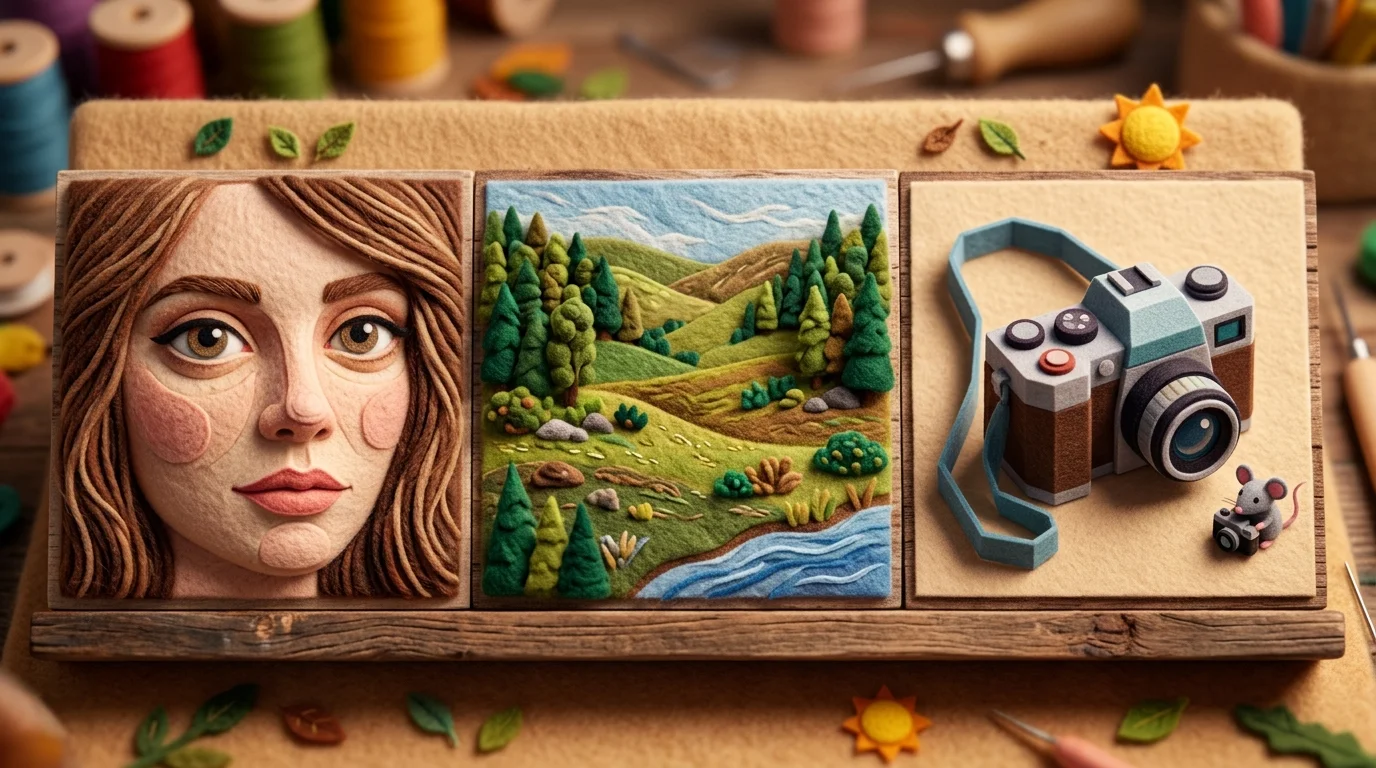
Content Type matters significantly. Faces and portraits benefit from specialized upscaling algorithms trained on facial features—skin texture, eye definition, and hair strands reconstruct smoothly. Landscapes and architectural shots rely on edge detection and texture synthesis, which perform differently depending on whether you're enlarging natural scenes or geometric structures. Product photography falls somewhere between, requiring both sharpness and color fidelity.
Enlargement Scale creates realistic limits. Doubling resolution (2x) is nearly always reliable. Quadrupling (4x) works well with decent source material. Beyond that, you're asking the AI to synthesize increasingly speculative detail, and the risk of hallucinated artifacts rises proportionally.
Compression Artifacts from JPEGs or over-processed images act as noise that confuses the upscaling model. These blocky, color-banded imperfections get amplified during enlargement. Starting with lossless formats or high-quality originals eliminates this friction.
Understanding these constraints helps you set realistic expectations and choose appropriate enlargement factors for your specific use case.
Common Mistakes When Upscaling Pictures
The gap between a successful upscale and a disappointing one often comes down to preventable errors. Understanding these pitfalls transforms your results dramatically.
Over-enlarging beyond reasonable limits is the most common trap. Pushing a 2x upscale to 8x or 16x forces the AI to synthesize details that never existed in the source material. According to Fix Any Photo's analysis, this creates hallucinated artifacts—invented textures, phantom details, and unnatural smoothing that betray the artificial enhancement. Stick to 2x or 4x enlargement for reliable results, especially with compressed or low-resolution originals.
Ignoring source quality is equally damaging. Heavily compressed JPEGs, blurry smartphone photos, or images already degraded by previous edits confuse upscaling algorithms. These compression artifacts and noise get amplified during enlargement, compounding the problem. Always start with the highest-quality version of your image available—lossless formats or original camera files perform infinitely better.
Using the wrong tool for your image type wastes potential. A portrait upscaler excels at facial reconstruction but struggles with landscapes. General-purpose AI upscaling tools work adequately across categories but lack specialization. Match your tool to your content: portrait-focused algorithms for faces, landscape-specific models for nature shots.
Not preserving originals leaves you vulnerable. Always keep your source file untouched. Upscaling is non-destructive only if you maintain backups—repeated upscaling of already-enlarged images compounds artificial details irreversibly.
Getting Started With Picture Upscaling Today
AI-powered image upscaling has moved from niche technology to an accessible tool for anyone with a photo that deserves better resolution. Whether you're a real estate agent preparing listings, a photographer archiving old prints, or simply someone wanting to enlarge a cherished memory without losing detail, artificial intelligence image upscaling solves a problem that traditional resizing never could. The technology works because modern algorithms understand visual patterns—they don't just stretch pixels, they intelligently reconstruct missing detail based on millions of training examples.
The barrier to entry has collapsed. You no longer need specialized software, technical expertise, or expensive subscriptions to upscale pictures effectively. Most professional tools now operate through simple drag-and-drop interfaces, with results arriving in seconds. The real advantage lies in choosing the right tool for your specific needs and understanding which images will benefit most from enlargement.
Start with a single image you care about—something slightly blurry or smaller than ideal. Process it with a reputable upscaling solution, compare the results against your original, and assess whether the enhancement justifies the workflow. Most platforms offer free trials or preview modes, letting you evaluate quality before committing. Once you see the difference a well-executed upscale can make, you'll recognize when the technique adds genuine value to your projects.


Ready to jump in?
Upload a photo, describe a change and review the result. Try 1 credit after signup and email verification.