Apr 11, 2026
The Best AI Image Generators in 2026: Top Tools for Every Creative Need
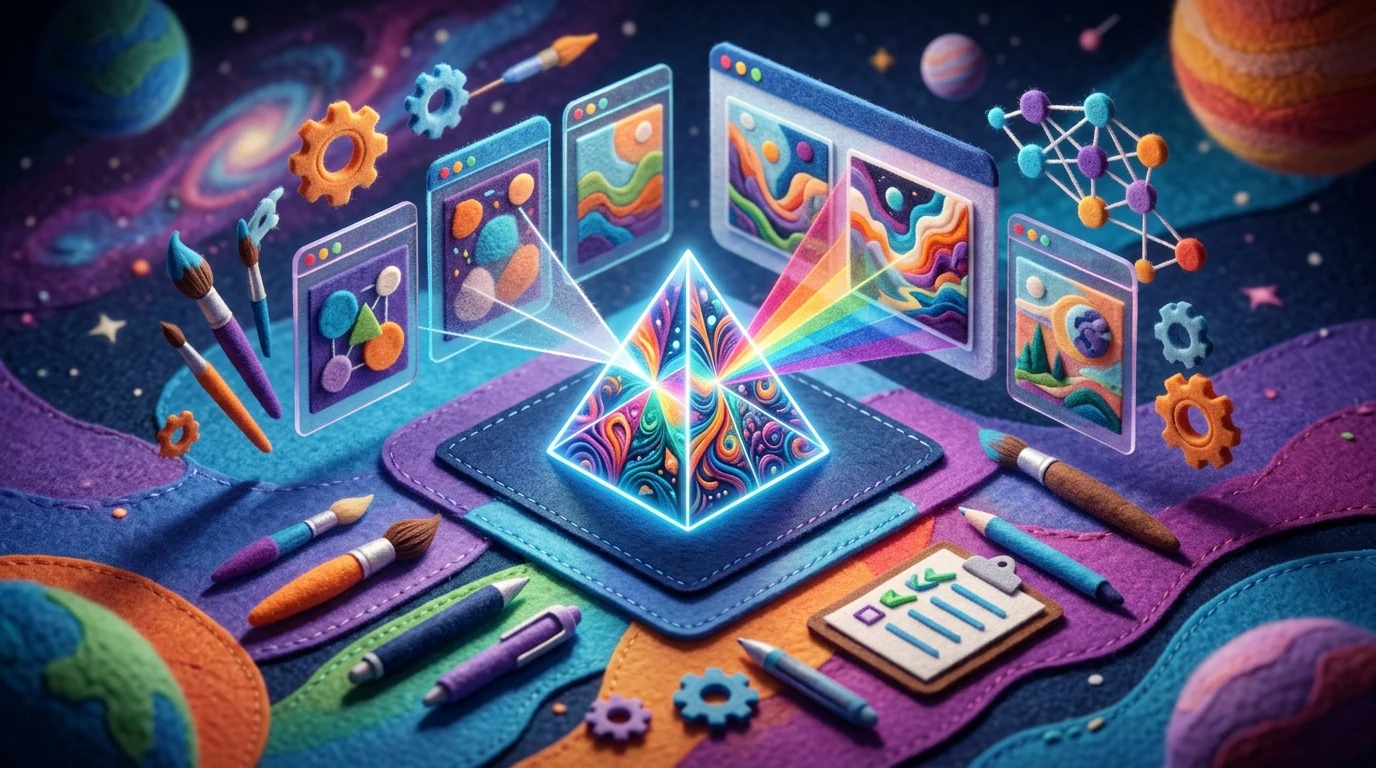
AI image generators represent a fundamental shift in creative production. These tools leverage deep learning algorithms to transform written descriptions into photorealistic images, illustrations, and designs in seconds. Rather than requiring hours of manual work or specialized design skills, anyone can now generate professional-quality visuals by simply describing what they want to see.
The value proposition is compelling: speed, accessibility, and cost-effectiveness. Whether you're a marketer needing social media assets, a designer exploring concepts, or a business owner decluttering product photography, artificial intelligence image generation eliminates technical barriers and accelerates workflows. The technology has matured dramatically, moving beyond quirky novelty outputs to genuinely usable creative material.
Quick Answer: The best AI image generators in 2026 include DALL-E 3, Midjourney, and Stable Diffusion, each excelling in different areas—DALL-E for text accuracy, Midjourney for artistic quality, and Stable Diffusion for customization and cost control. This guide covers the top platforms across every creative need, from photorealistic product images to abstract art, with detailed comparisons of pricing, ease of use, and output quality to help you choose the right tool for your workflow.
This article evaluates the leading platforms available today, examining their strengths, limitations, pricing structures, and ideal use cases. You'll discover which generators work best for specific applications and how to select the right fit for your creative goals.
Table of Contents
- How AI Image Generators Work: The Technology Behind the Magic
- What Separates the Best AI Image Generators From the Rest
- Top AI Image Generators Compared: Features, Pricing, and Performance
- Step-by-Step Guide: How to Generate Your First AI Image
- Legal and Ethical Considerations for AI-Generated Images
- AI Image Generation Use Cases: Real-World Applications
- The Future of AI Image Generation: What's Coming Next
- Frequently Asked Questions About AI Image Generators
- Final Thoughts: Choosing the Right AI Image Generator for Your Needs
How AI Image Generators Work: The Technology Behind the Magic
At a high level, modern image generators turn your text into pictures by predicting what pixels should look like based on your description. You type a prompt, the system converts your words into numbers that capture meaning (style, objects, mood), then a neural network gradually "paints" an image that matches those concepts.
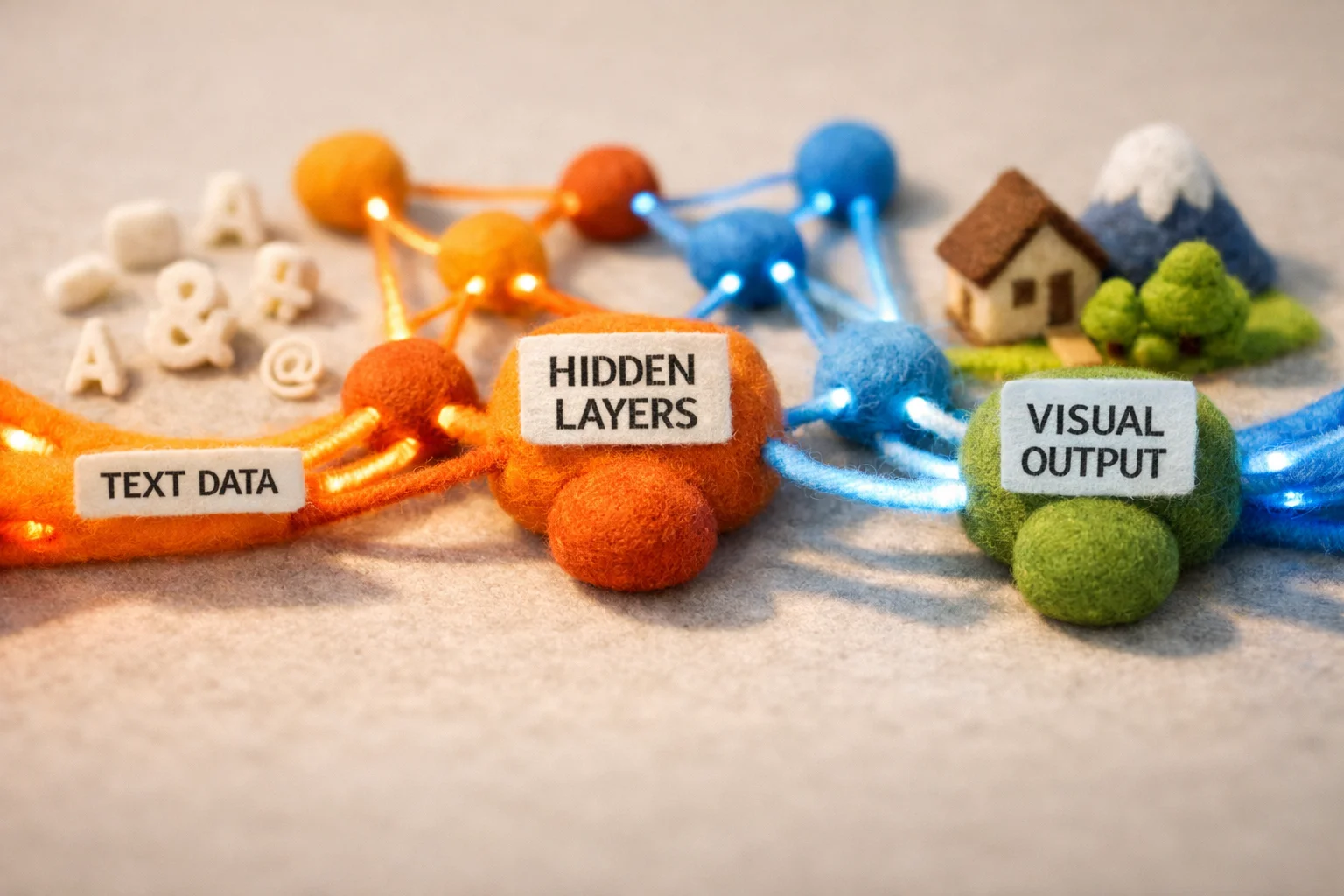
Most leading ai art engines are built on deep neural networks trained on enormous collections of image–caption pairs. During training, the model sees an image, sees the text that describes it, and learns the statistical patterns that link visual elements (like "fur," "glass reflections," or "studio lighting") with language. Over time, it becomes very good at guessing how "a cozy coffee shop at sunset" should look, even if it has never seen that exact phrase before.
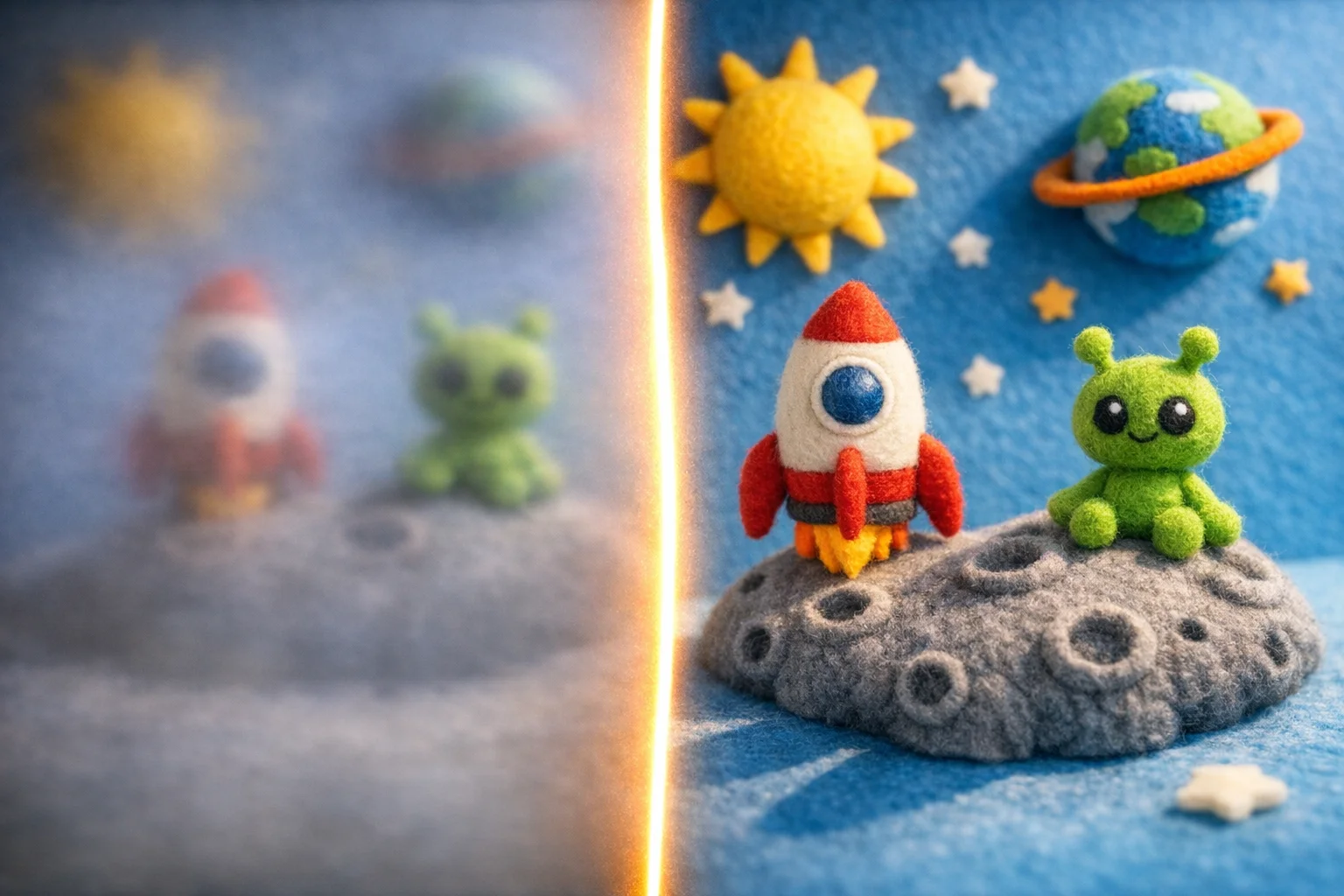
Many imagery AI systems use diffusion models: they start from random noise and iteratively "denoise" it, step by step, until a coherent picture emerges. Different ai image generator apps then add their own layers—safety filters, style presets, or photo-editing tools—to steer this core process toward specific use cases, from polished marketing visuals to experimental concept art.
What Separates the Best AI Image Generators From the Rest
The best artificial intelligence image generator isn't necessarily the most expensive or feature-rich—it's the one that aligns with your specific creative workflow. Several core factors distinguish tools that deliver professional results from those that disappoint.
Image quality and resolution remain paramount. Top-tier generators produce sharp, detailed outputs at 4K or higher, while budget options may cap at 1K. This matters significantly for commercial work like real estate photography or marketing materials, where clarity directly impacts perception.
Prompt adherence separates exceptional tools from mediocre ones. A superior ai image maker understands nuance—it respects style preferences, composition requests, and specific visual elements rather than producing generic interpretations of your description.
Customization depth varies widely. Some generators offer preset styles and basic controls; others let you fine-tune lighting, composition, and artistic direction. Speed and processing efficiency also count—waiting minutes for results kills creative momentum, while near-instant generation keeps you in flow.
Pricing structure shapes real-world value. Transparent credit systems, generous free tiers, and rollover policies reward regular users. Ease of use matters too: intuitive interfaces with drag-and-drop uploads and bulk processing beat clunky workflows every time.
Finally, consider safety and reliability—consistent output quality, minimal watermarks on exports, and responsive support separate professionals' tools from experimental platforms.
Top AI Image Generators Compared: Features, Pricing, and Performance
| Tool | Best For | Key Features | Pricing | Output Quality |
|---|---|---|---|---|
| Midjourney | Professional art & design | Discord-based, style presets, fast iteration, community gallery | $10–$120/month (removed free trial late 2024) | Exceptional artistic rendering, strong text adherence |
| DALL-E 3 | Marketing & commercial use | Text-to-image, editing, inpainting, API access | $0.04–$0.12/image; free via Bing | Excellent photorealism, reliable prompt understanding |
| Adobe Firefly | Creative Cloud users | Integrated into Photoshop/Express, generative fill, style matching | $55/month (Creative Cloud) or ~$0.22/image standalone | Professional-grade, seamless Adobe ecosystem integration |
| FLUX.1 | Open-source developers | 12B parameters, three variants (Pro/Dev/Schnell), commercial licensing | Free (Schnell variant); API pricing varies | High-fidelity outputs, exceptional text rendering |
| Stable Diffusion | Budget-conscious creators | Open-weight models, local deployment, extensive customization | Free to low-cost | Variable (depends on model choice and fine-tuning) |
What separates winners from the rest: Midjourney dominates the creative professional space—it generated $500 million in revenue through 2025 with nearly 20 million users, achieving this entirely through paid subscriptions and no external funding. Its Discord interface feels clunky initially, but the speed and consistency reward power users who iterate rapidly.
DALL-E 3 excels for commercial work because it understands nuanced prompts and respects composition requests without overshooting. The per-image pricing model ($0.04–$0.12) appeals to occasional users, while Bing's free tier lets you test before committing.
Adobe Firefly occupies a unique niche: if you're already paying for Creative Cloud, generative features feel like a bonus rather than an additional expense. The 250 monthly credits integrate directly into Photoshop's workflow, eliminating the context-switching that plagues standalone tools.
FLUX.1 represents the open-source frontier. Its Schnell variant delivers near-instant results with commercial licensing—ideal for developers building AI-powered applications. The 12-billion-parameter architecture balances speed and quality better than earlier open models.
The real decision tree: Choose Midjourney if you create frequently and value artistic control. Pick DALL-E 3 for one-off commercial projects where prompt precision matters. Go Adobe Firefly if you live in the Creative Cloud ecosystem. Select FLUX.1 if you need to deploy locally or build custom applications. Budget-conscious experimenters should start with Stable Diffusion's free tier before upgrading.
Output resolution matters too—most tools cap free tiers at 1K quality, while paid plans unlock 4K exports. For real estate photography or marketing materials where clarity directly impacts perception, this distinction becomes critical. Watermark policies vary significantly; professional plans eliminate them entirely, while free tiers often add visible branding that undermines commercial use.
Step-by-Step Guide: How to Generate Your First AI Image
Getting started with an AI image generator is simpler than most people expect. Here's how to make your first AI picture in minutes, using Stable Diffusion's free tier as your entry point.
Step 1: Sign Up & Access the Tool
Head to Stable Diffusion's web interface or choose a free platform like DreamStudio. Create an account with your email—no credit card required for the free tier. You'll receive initial credits (typically 5-25) that let you generate images without payment. This zero-friction onboarding removes the biggest barrier to experimentation.
Step 2: Write Your Prompt
This is where creativity meets precision. Instead of vague requests like "a cat," try: "a tabby cat sitting on a wooden chair, warm afternoon sunlight, photorealistic, 4K quality." Specificity matters. Include style descriptors (photorealistic, oil painting, cyberpunk), lighting conditions, and composition details. Avoid negatives in your first attempts—focus on what you want to see, not what you don't.
Step 3: Adjust Basic Settings
Most free tools offer minimal controls: image dimensions (square, landscape, portrait) and sometimes a "quality" slider. Start with default settings. As you experiment, you'll notice that generating images at higher resolutions consumes more credits, so 1K quality is ideal for learning.
Step 4: Generate & Iterate
Hit the generate button and wait 30-60 seconds. The AI that can generate images processes your text description into pixels. If the result misses the mark, refine your prompt and try again. This iterative loop—prompt, generate, refine—is how you learn what language the AI understands best.
Step 5: Download & Use
Once satisfied, download your image. Free tiers typically add watermarks; paid plans remove them for professional use. Save your successful prompts—they're reusable templates for future creations.
Legal and Ethical Considerations for AI-Generated Images
The ownership question cuts to the heart of using any AI image generator: who actually owns what you create? According to the U.S. Copyright Office, copyright law requires human authorship, and the agency has consistently denied registration to works generated entirely by AI in response to user prompts. This means images produced by artificial intelligence generators without significant human creative input fall into a legal gray zone—they may not qualify for copyright protection in the United States, leaving your work vulnerable to others using it freely.
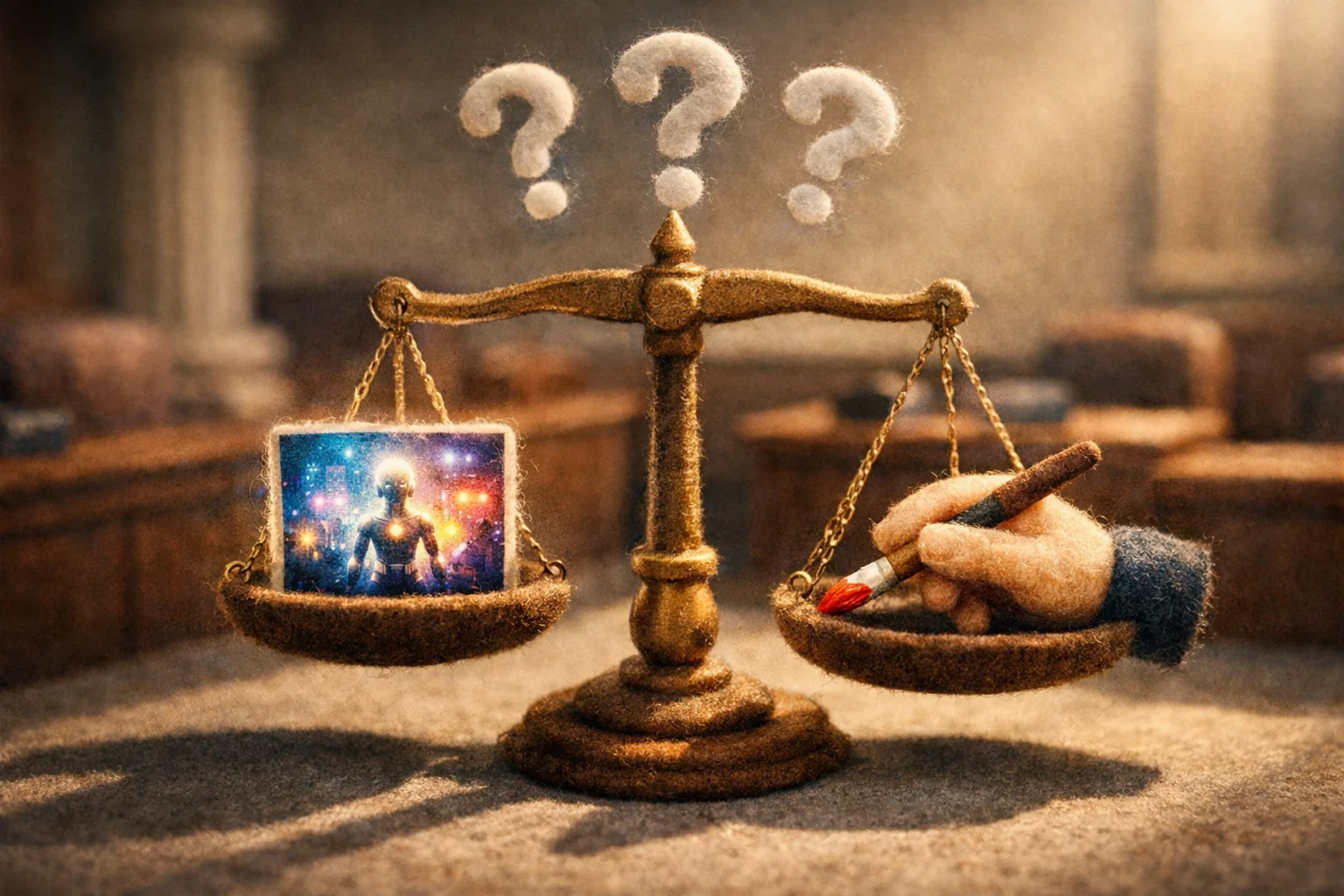
Commercial usage rights vary by platform. Some generators include commercial licenses in their paid plans, though revenue thresholds often apply. If you're generating images for client work or commercial projects, verify your tool's terms explicitly before proceeding.
Beyond ownership, bias in AI outputs remains a genuine concern. These systems learn from training data, which can reflect historical inequities and stereotypes. When prompting an image generator, be aware that outputs may carry unintended cultural assumptions or representational imbalances—especially noticeable in diverse human subjects or specific cultural contexts.
Responsible usage means acknowledging these limitations. Don't use generated images to deceive (deepfakes, misleading advertising), respect any platform's terms around training data usage, and disclose AI generation when ethically appropriate, particularly in journalism or sensitive contexts. The technology is powerful, but transparency and thoughtful deployment protect both creators and viewers.
AI Image Generation Use Cases: Real-World Applications
AI image generators have moved beyond novelty into practical business workflows across industries. Marketing teams use these tools to produce social media graphics, email headers, and ad creatives in minutes rather than days. E-commerce businesses leverage them to visualize product variations—different colors, angles, or lifestyle contexts—without expensive reshoot cycles. According to market research from Market.us, 39% of U.S. marketers now create social media images with AI, while 36% rely on these generators for website visuals.
UI/UX designers prototype interfaces and generate placeholder assets during early design phases, accelerating iteration cycles. Real estate professionals use AI to stage properties, remove clutter, or visualize renovations—dramatically reducing the gap between raw photography and polished listings. Content creators produce blog illustrations, YouTube thumbnails, and Pinterest pins at scale without hiring photographers or designers.
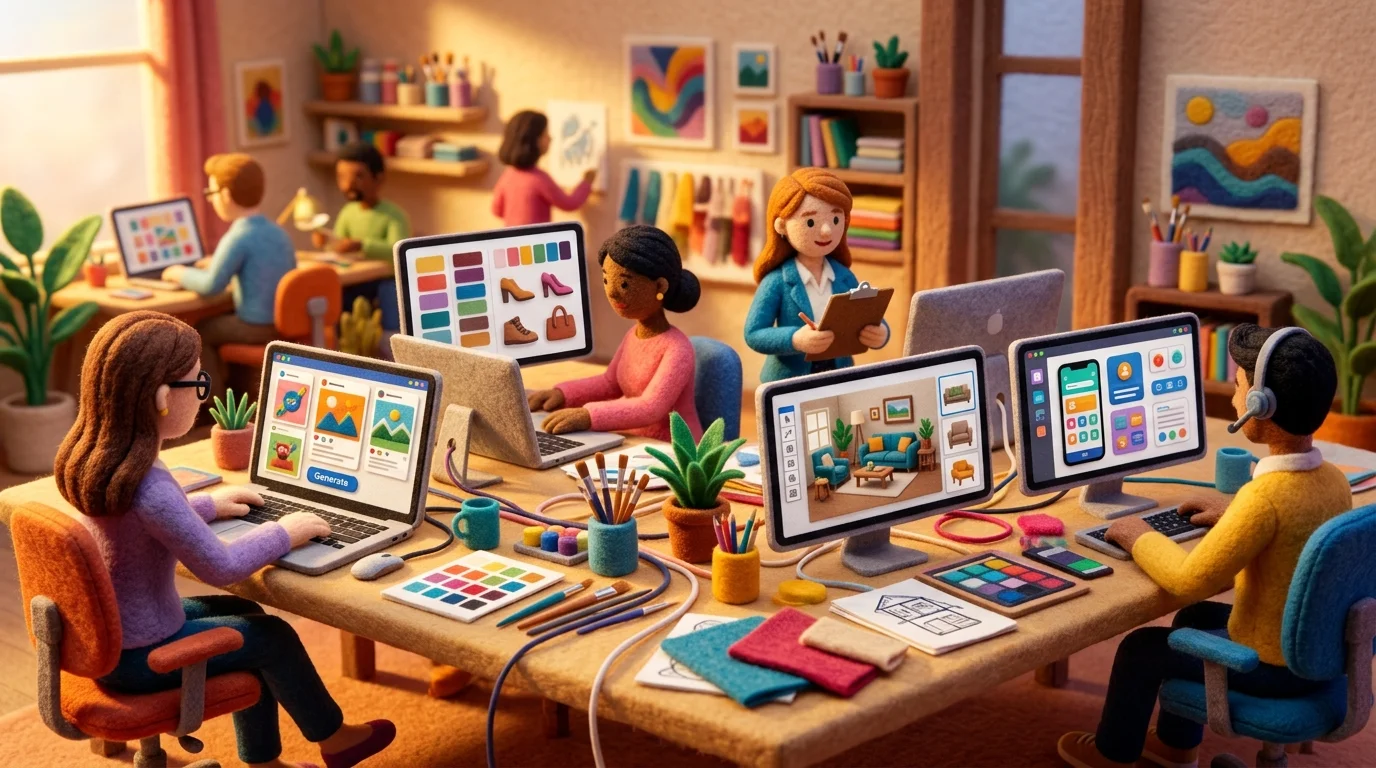
The cost advantage is substantial. Professional photography shoots run $2,000–$10,000, while an AI image generator app produces comparable visuals for $0.02–$0.10 per image. This democratizes visual content creation for startups and solopreneurs who lack large creative budgets.
Even within creative agencies, AI accelerates brainstorming. Teams generate multiple concept variations quickly, refine the strongest directions, and reserve human designers for high-stakes final execution. The technology doesn't replace creativity—it removes friction from the production pipeline, freeing humans to focus on strategy and refinement rather than repetitive asset generation.
The Future of AI Image Generation: What's Coming Next
The trajectory of AI image generation points toward unprecedented photorealism and seamless integration into creative workflows. Current models already produce compelling visuals, but the next frontier involves indistinguishable-from-reality outputs paired with granular control over every element. Expect real-time editing capabilities—adjusting lighting, composition, and subject matter within milliseconds rather than waiting for regeneration cycles. Video generation powered by the same diffusion models will mature rapidly, allowing creators to produce short-form content without traditional filming.
Integration is the quiet revolution ahead. Best artificial intelligence image generator apps will embed directly into design software, content management systems, and photography platforms rather than existing as standalone tools. This eliminates context-switching and accelerates production pipelines. According to Fortune Business Insights, the global AI image generator market is projected to reach $1.75 billion by 2034, growing at 17.4% annually—a clear signal of sustained investment and innovation.
Personalization will deepen too. Models trained on your specific visual style or brand guidelines will become standard, not premium features. The democratization of imagery AI continues: what costs thousands today becomes accessible to solopreneurs tomorrow. The technology won't replace human creativity—it will amplify it, compressing months of production into weeks.
Frequently Asked Questions About AI Image Generators
Can I use AI-generated images commercially?
Yes, but it depends on your tool's licensing terms. Most premium platforms like DALL-E, Midjourney, and Stable Diffusion grant commercial rights to paid subscribers. Free tiers typically restrict commercial use. Always check your service's terms—some require attribution, others don't. If you're selling products or services using AI images, invest in a paid plan to avoid legal friction.
Is the quality good enough for professional work?
Absolutely. Modern AI image generators produce publication-ready output at 4K resolution. The gap between AI and professional photography has narrowed dramatically. However, quality depends on your prompt precision and the model you choose. Specialized tools for real estate, e-commerce, or editorial work often outperform general-purpose generators because they're trained on industry-specific data.
Do I need design skills to make AI pictures?
No. You need clear thinking, not Photoshop expertise. The better your written description, the better your result. Think of prompting as creative writing—specificity matters more than technical knowledge. Start simple, iterate based on outputs, and refine your descriptions. Most platforms offer preset styles and templates for users who prefer guided workflows.
Are there privacy concerns?
Yes. Your prompts and generated images may be used to train future models, depending on the service. Read privacy policies carefully. Enterprise plans typically include data isolation. If handling sensitive content—medical, legal, or proprietary—choose platforms with explicit non-training agreements or self-hosted solutions.
How fast can I generate images?
Most tools produce results in 10–60 seconds. Speed varies by model complexity and server load. Real-time generation with instant feedback is coming soon as hardware improves.
Final Thoughts: Choosing the Right AI Image Generator for Your Needs
The right tool depends on your workflow, budget, and creative ambitions. Professionals handling high-stakes projects—advertising, real estate marketing, or product photography—benefit from premium platforms offering 4K exports, batch processing, and priority support. Casual creators experimenting with visual concepts thrive on free tiers that require no commitment. Specialized solutions like object removal tools for real estate or background editing for e-commerce outperform generalist generators because they're optimized for specific use cases.
Start by identifying your primary need: Do you need photorealistic outputs, stylized artwork, or image editing? How many images monthly? What's your quality threshold? These questions cut through the noise faster than feature lists.
The best online AI image generator for you might not be the most popular one—it's the one that matches your precision requirements and creative vision. Pick a platform with a free trial, spend an hour refining your prompts, and iterate. Most creators discover their preferred tool within a few experiments. The technology is mature enough now that the limiting factor isn't the generator—it's your clarity of vision. Start creating today.
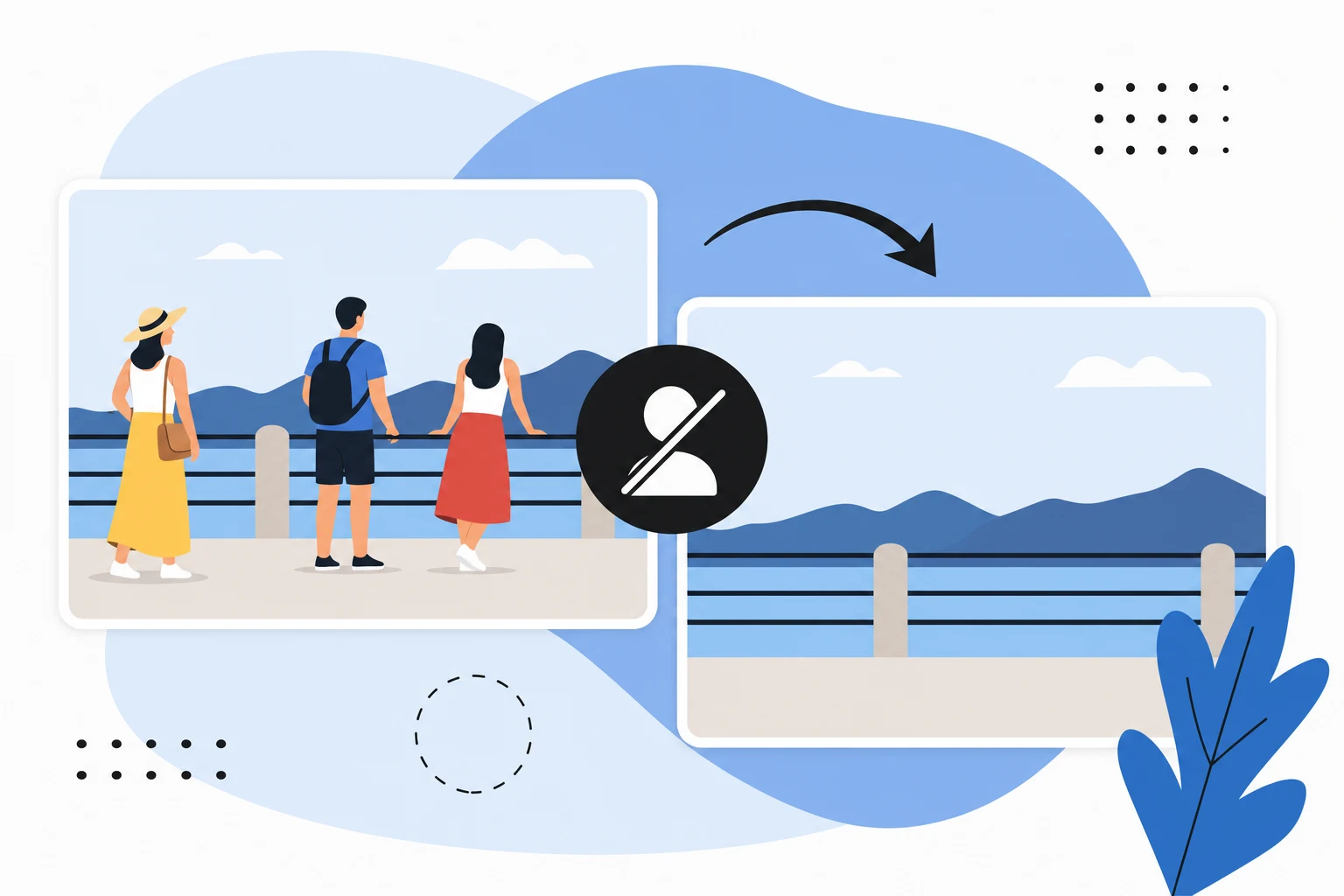

Ready to jump in?
Upload a photo, describe a change and review the result. Try 1 credit after signup and email verification.