Mar 28, 2026
What Is AI Image Generation and How Does It Work?
AI imagery has become impossible to ignore. Every day, millions of people use artificial intelligence photo tools to create, edit, and transform images—whether for professional projects, creative exploration, or simple convenience. The technology that once seemed like science fiction is now as accessible as opening an app on your phone.
Quick Answer: AI image generation uses machine learning models trained on billions of images to create, modify, or enhance photos based on text descriptions or visual inputs. Its primary uses range from professional photo editing and object removal to creative design and rapid content production.
The shift matters because AI imagery is fundamentally changing how people work with visuals. Photographers, real estate agents, marketers, and designers are discovering that what used to take hours—removing unwanted objects from photos, retouching skin, adjusting backgrounds—now takes seconds. According to research from Research and Markets, the global AI image generator market will expand from $0.51 billion in 2026 to $0.97 billion by 2030, reflecting explosive adoption across industries.
This article walks you through what AI image generation actually is, the mechanics behind how it works, its practical applications, and what separates capable tools from gimmicks. Whether you're curious about the technology itself or considering it for your workflow, you'll find the clarity you need here.
Table of Contents
- Defining AI Images: Core Concepts and Applications
- How AI Image Technology Works: The Technical Foundation
- Key Capabilities of Modern AI Image Tools
- Practical Applications: Where AI Images Make an Impact
- Advantages and Limitations of AI Image Technology
- Choosing the Right AI Image Tool for Your Needs
- Frequently Asked Questions About AI Images
- The Future of Photography: Embracing AI Image Technology
Defining AI Images: Core Concepts and Applications
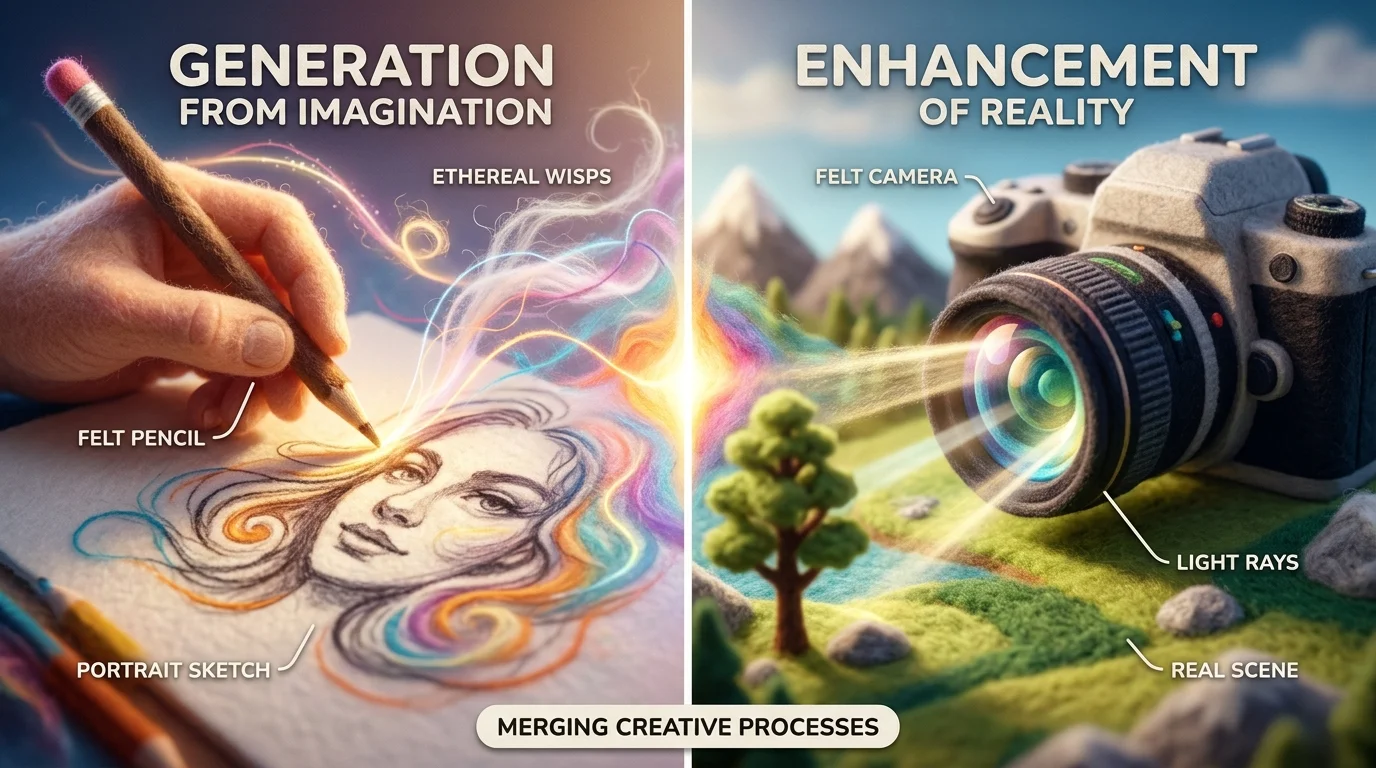
AI images fall into two distinct categories, and understanding the difference matters for how you'll use them. AI-generated images are created entirely from scratch based on text descriptions or visual prompts—a model builds pixels from nothing, following patterns learned from billions of training images. AI-enhanced images, by contrast, start with an existing photograph and use artificial intelligence to modify, improve, or transform it. Both leverage the same underlying technology, but the workflow and outcomes differ significantly.
The distinction becomes practical when you consider real-world use cases. A real estate photographer might use AI-enhanced tools to remove clutter, unwanted objects, or people from listing photos—preserving the original composition while cleaning up distractions. A marketing team might generate entirely new product mockups or lifestyle imagery from text descriptions, bypassing the need for expensive photoshoots. A graphic designer might enhance a portrait by smoothing skin, adjusting lighting, or changing the background—tasks that previously required hours in Photoshop, now completed in seconds.
What makes this technology powerful is its accessibility. You don't need to be a programmer or digital artist. Modern AI photo editing tools accept simple inputs—a description, a click, or a selection—and handle the complex mathematics behind the scenes. The underlying artificial intelligence models recognize patterns in images, understand spatial relationships, and can predict what should fill a gap or how to transform a scene based on your instructions.
The practical applications span industries. E-commerce sellers enhance product photos for listings. Content creators generate variations of images for social media without reshooting. Photographers streamline retouching workflows. Designers prototype ideas faster. Even casual users touch up family photos with professional-grade results. This democratization of image creation and editing—once the domain of specialists—is reshaping how visual content gets produced across nearly every field.
How AI Image Technology Works: The Technical Foundation
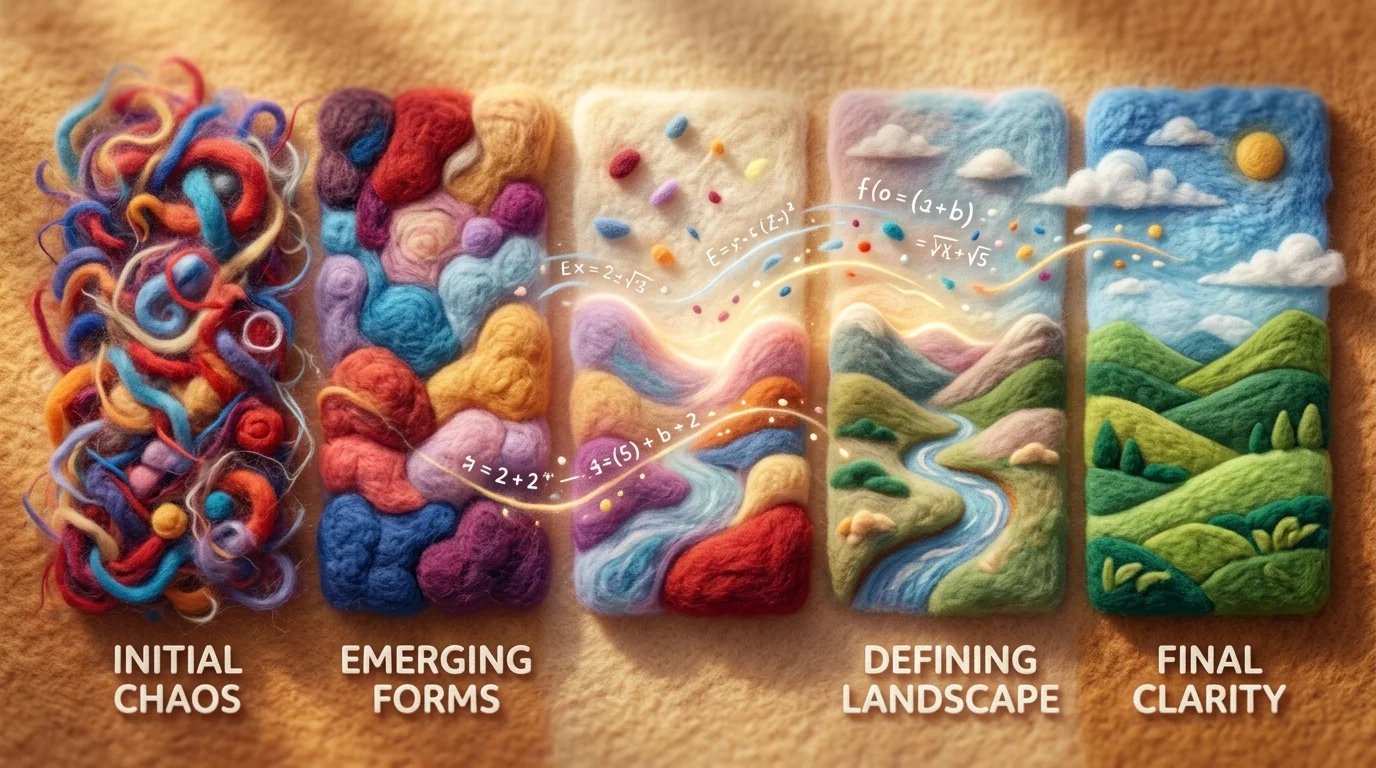
At the core of modern AI image generation and editing lies a sophisticated system that learns patterns from vast amounts of visual data. Rather than following explicit programming instructions, these systems use neural networks—computational structures inspired by how brains process information—to recognize and reproduce patterns they've encountered during training. When you describe what you want or select an area to edit, the AI doesn't consult a rulebook; it draws on learned patterns to predict what pixels should appear, how light should fall, or how objects should transform.
The most powerful current approach uses diffusion models. According to IBM's research on diffusion models, these generative models work by learning to reverse a process where training images are progressively corrupted with random noise. The AI trains itself to undo this corruption—to gradually remove noise and reconstruct clean images. This reverse process becomes the engine for creation: when you provide a text prompt or editing instruction, the model starts with noise and iteratively refines it into a coherent image that matches your request.
The mechanics matter because they explain why AI imagery can be both remarkably capable and occasionally unpredictable. The system doesn't "understand" images the way humans do. Instead, it recognizes statistical relationships between visual features and text descriptions, between colors and objects, between spatial layouts and semantic meaning. When you ask an AI to remove an object from a photo or change a background, it's analyzing the surrounding pixels, identifying patterns in how similar edits appear in its training data, and synthesizing a plausible completion.
This pattern-matching foundation also explains why these tools work best with clear instructions. Vague requests leave more ambiguity for the model to resolve. Specific, detailed inputs—whether a precise selection, a detailed description, or reference imagery—guide the AI toward your intended outcome. The underlying artificial intelligence models are probabilistic; they generate outputs based on likelihood, not certainty. This is why the same prompt might produce slightly different results each time, and why human judgment remains essential when the stakes are high.
Key Capabilities of Modern AI Image Tools
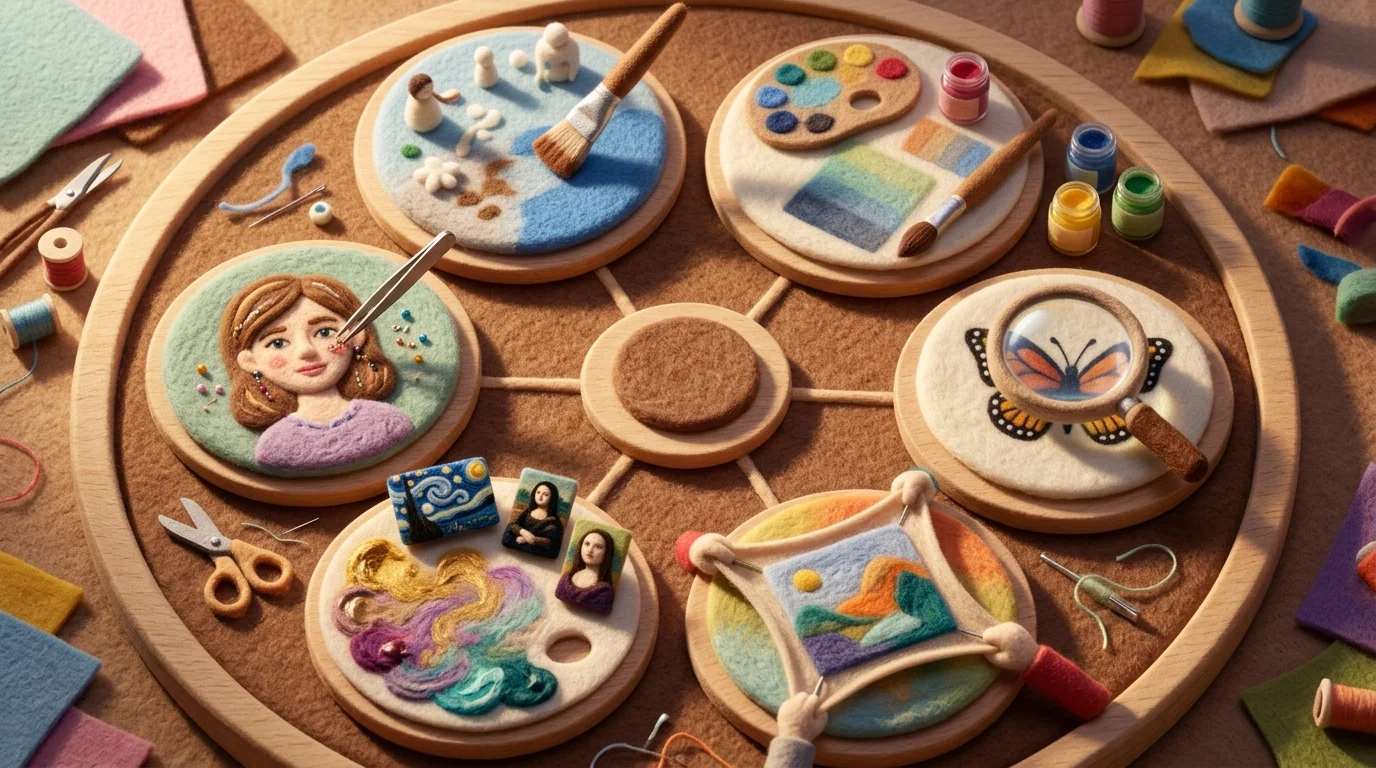
Today's AI image tools go far beyond simple filters, offering precise, professional-grade edits powered by advanced neural networks. These systems analyze visual content at the pixel level, enabling transformations that once required expert software skills—now accessible with minimal effort.
- Object Removal: Seamlessly erase unwanted elements—power lines, furniture, people—from photos. The AI infers surrounding textures and patterns to fill gaps naturally, ideal for real estate or product photography.
- Background Replacement: Swap or modify image backgrounds using text prompts or automatic segmentation. This is widely used in e-commerce and portrait editing to enhance visual appeal.
- Image Upscaling: Increase resolution without quality loss. AI reconstructs fine details like hair, fabric weave, or architectural textures, making low-res images suitable for print or large displays.
- Style Transfer: Apply artistic styles—from impressionism to modern design—by mimicking the brushwork or color palettes of reference artworks. This capability bridges creative expression with automation.
- Color Correction & Enhancement: Automatically adjust white balance, contrast, and saturation for more vibrant, true-to-life results. The AI evaluates lighting conditions and optimizes tones accordingly.
- AI-Powered Retouching: Perform facial refinement, skin smoothing, or wrinkle reduction while preserving natural features, commonly used in portrait and editorial work.
- Content-Aware Fill: Expand images beyond their original frame (outpainting) or reconstruct damaged areas by generating contextually accurate pixels.
These functions rely on deep learning models trained on vast datasets of images and descriptions, allowing them to interpret and manipulate ai imagery with remarkable precision.
Practical Applications: Where AI Images Make an Impact

AI image generation and editing has moved far beyond experimental labs into everyday professional workflows. The technology now solves real business problems across multiple industries, delivering measurable time savings and quality improvements.
Real Estate Photography stands as one of the most compelling use cases. Real estate agents face constant pressure to present properties in their best light, and according to PhotoandVideoEdits, 87% of home buyers cite listing photos as the most valuable feature when searching for homes online. AI-powered tools streamline this workflow by removing clutter, enhancing lighting, and even staging virtual furniture—transforming an ordinary listing photo into a market-ready asset in seconds. What previously required hiring a professional photographer or spending hours in post-production now happens automatically.
E-Commerce Product Photography benefits equally from artificial intelligence photo enhancement. As product images directly influence purchase decisions, marketers increasingly rely on AI to maintain visual consistency across catalogs. By automating background removal, color correction, and shadow adjustment, teams can process hundreds of product images weekly without manual intervention. According to Market.us, 62% of marketers use generative AI for image creation, and AI tools save e-commerce teams an average of 6.4 hours per week.
Professional Photography Workflows have been fundamentally reshaped by these capabilities. Photographers now use AI retouching to refine portraits while preserving natural skin texture, adjust exposure across batches of images, and even recover detail in underexposed shots. This doesn't replace creative judgment—it eliminates repetitive technical work, freeing professionals to focus on composition and storytelling.
Social Media Content Creation relies heavily on AI image picture editing to maintain posting schedules. Creators use these tools to quickly adapt photos for different platforms, adjust aspect ratios, and enhance visual appeal without specialized design skills. The result: consistent, polished content delivered faster than traditional workflows allow.
Advantages and Limitations of AI Image Technology

AI imagery has fundamentally shifted what's possible in visual content creation, but like any technology, it comes with genuine strengths and real constraints worth understanding.
| Advantage | Limitation |
|---|---|
| Speed & Efficiency — Tasks that once took hours (background removal, retouching, color grading) now complete in seconds. | Occasional Artifacts — AI can produce unnatural distortions, especially with complex textures, hands, or intricate details that require human refinement. |
| Cost Reduction — Eliminates expensive retouching hours and specialized labor, making professional-grade editing accessible to small teams and solo creators. | Quality Variability — Output depends heavily on input quality, prompt clarity, and model selection. Poor source images yield poor results. |
| Consistency at Scale — Batch processing ensures uniform editing across hundreds of product photos or social media assets without manual intervention. | Copyright & Legal Uncertainty — According to Congress.gov, the U.S. Copyright Office has determined that some uses of copyrighted works for AI training qualify as fair use while others do not, and litigation outcomes cannot be prejudged. Additionally, U.S. copyright law requires human authorship, and the Copyright Office denies registration to images generated entirely by AI without human creative input. |
| Accessibility — Non-designers can achieve polished results without specialized training or expensive software subscriptions. | Ethical Concerns — Questions around consent, attribution, and the use of training data from artists and photographers remain unresolved in many jurisdictions. |
The practical reality is that artificial intelligence photo editing excels at augmenting human creativity—removing unwanted objects, adjusting lighting, or standardizing batches—rather than replacing creative decision-making. Most professionals use these tools to eliminate tedious technical work, not to bypass artistic judgment. Understanding where AI adds genuine value versus where human oversight remains essential determines whether you're leveraging the technology effectively or fighting against its limitations.
Choosing the Right AI Image Tool for Your Needs
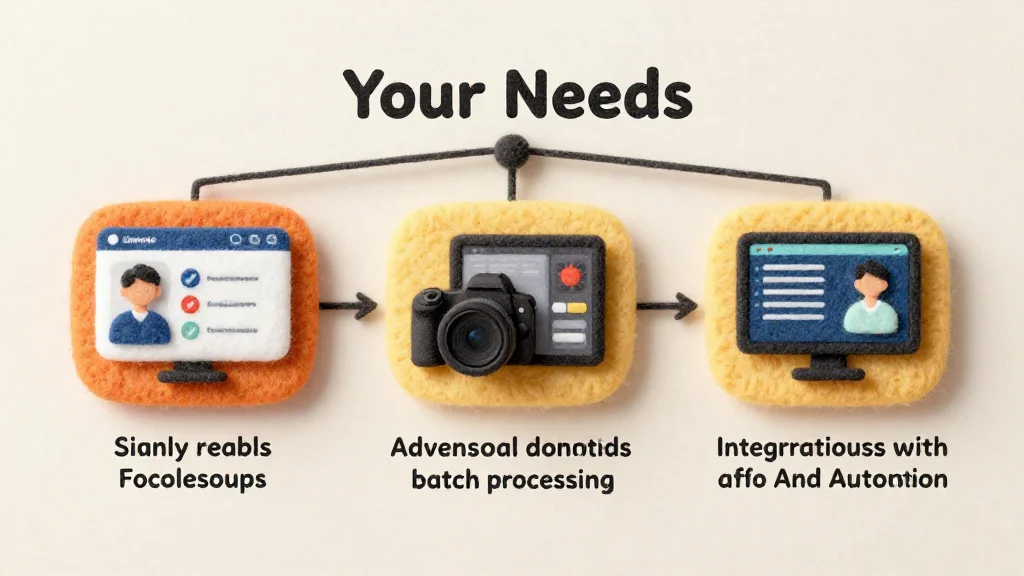
The explosion of AI image tools has created both opportunity and confusion. With hundreds of platforms offering everything from free web editors to enterprise APIs, selecting the right solution depends on your specific workflow, budget, and technical comfort level.
Free online editors serve as the entry point for most users. These browser-based tools require no installation or signup and let you experiment with AI imagery without financial commitment. They're ideal for casual editing—removing unwanted objects, adjusting backgrounds, or testing capabilities before investing. The tradeoff is predictable: limited processing power, watermarked outputs, and restricted monthly credits. They work well for occasional projects but become impractical at scale.
Professional software like Weezard bridges the gap between accessibility and capability. These platforms combine intuitive interfaces with advanced features—batch processing, multiple AI models, priority support, and high-resolution exports up to 4K. They're designed for photographers, real estate agents, and content creators who need reliable, repeatable results without learning complex software. Pricing typically follows a subscription model with tiered plans based on monthly credit allowances, making costs predictable and scalable.
API-based services cater to developers and businesses building AI image generation into their own applications. These require technical integration but offer maximum flexibility and automation for high-volume workflows.
Specialized platforms focus on specific use cases—fashion retouching, product photography, architectural visualization—with tools optimized for those domains.
When evaluating any AI image tool, prioritize these criteria: ease of use (can non-technical team members operate it?), feature breadth (does it handle your specific editing needs?), output quality (does it meet professional standards?), pricing transparency, and customer support responsiveness. Start with free trials to test whether the tool's processing speed and quality match your expectations before committing financially.
Frequently Asked Questions About AI Images
Can AI-generated images be copyrighted?
Copyright ownership depends on jurisdiction and how the image was created. In most cases, AI-generated images without significant human creative input fall into the public domain, though this remains legally unsettled in many countries. If you substantially directed the AI, provided detailed prompts, or edited the output significantly, you may have stronger copyright claims. Always check your tool's terms of service—some platforms retain rights to generated content, while others grant them to users.
Will AI images look fake or obviously artificial?
Modern AI has crossed a threshold where quality outputs are visually indistinguishable from professionally photographed or edited images. The difference lies in consistency and context. AI excels at photorealistic results but can struggle with hands, text, and complex spatial relationships. For professional use—real estate listings, product photography, editorial work—AI editing tools like those offering batch processing and multiple model options produce results that meet industry standards when used properly.
Is there a steep learning curve?
Most consumer AI image tools prioritize simplicity over complexity. Basic operations require no technical knowledge: upload a photo, select an editing option, and download the result. Advanced features like model selection or batch processing add depth for power users, but they're optional. Free trials let you test whether the interface matches your workflow before investing time.
How much does AI image generation actually cost?
Pricing varies widely. Free tiers typically offer limited monthly credits (5–50) with basic quality. Professional plans range from $10–50 monthly with higher credit allowances, priority support, and 4K exports. One-time purchases or pay-as-you-go models exist for occasional users. Calculate your monthly editing volume to determine which pricing tier makes financial sense.
Is using AI images ethically acceptable?
Ethics depend on transparency and use case. Disclosing AI-generated or heavily edited imagery in journalism, advertising, or social media is increasingly expected. Commercial use, product retouching, and internal workflows raise fewer concerns. The key: be honest about how images were created, especially when they influence purchasing decisions or public perception.
What's the difference between AI image generation and AI photo editing?
Generation creates images from text descriptions or concepts; editing modifies existing photographs. Both use artificial intelligence, but generation starts from scratch while editing enhances or transforms what's already there. For most professionals, editing tools deliver faster, more predictable results because you're refining real content rather than hoping an AI interprets your vision correctly.
The Future of Photography: Embracing AI Image Technology
Artificial intelligence has fundamentally reshaped how photographers and designers approach their craft. What once required hours in post-production—object removal, retouching, background adjustments—now happens in seconds. This shift isn't about replacing human creativity; it's about amplifying it. AI imagery tools handle the repetitive, technical work, freeing professionals to focus on composition, storytelling, and vision.
The trajectory is clear: AI capabilities will continue advancing, becoming more intuitive and accessible. Real estate agents will depersonalize listings faster. Product photographers will iterate on dozens of variations without reshoots. Designers will experiment boldly, knowing they can refine results instantly. Yet with this power comes responsibility. Transparency about how images are created matters—especially in contexts where authenticity influences decisions.
The photographers and designers thriving today aren't those resisting AI. They're the ones learning to integrate these tools thoughtfully into their workflows. Start experimenting with platforms that match your needs and budget. Test different models, discover what accelerates your process, and establish your own ethical guidelines around disclosure and use. The future of photography isn't about choosing between human skill and artificial intelligence—it's about mastering both.


Ready to jump in?
Upload a photo, describe a change and review the result. Try 1 credit after signup and email verification.