Real Estate Photo Enhancement
Exposure, colour, window recovery, and sky — corrected on a listing photo while the property itself stays exactly as it was shot. No moved walls, no invented rooms, no fixtures that were never there.
1K: 1 credit · 2K: 6 credits · 4K: 10 credits · Trial previews have a watermark. See credit packs
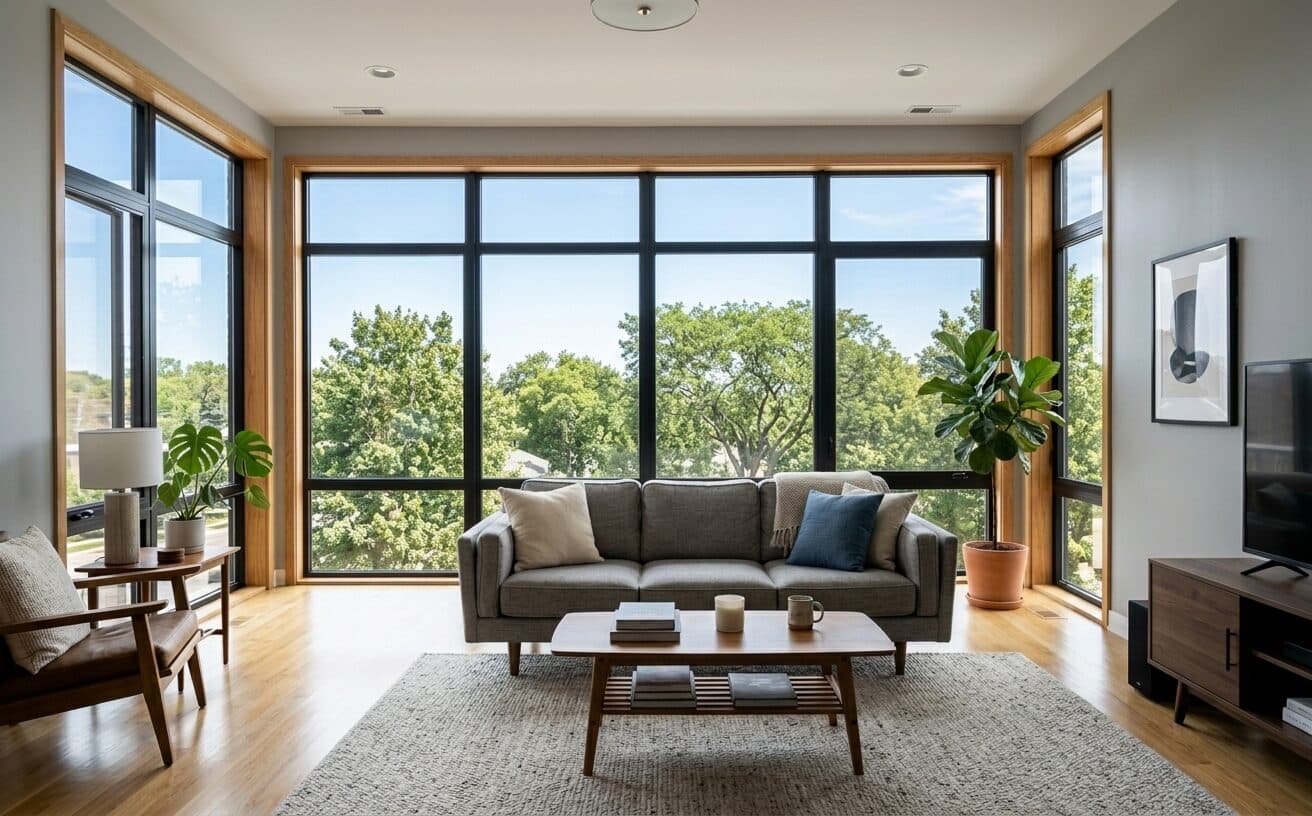
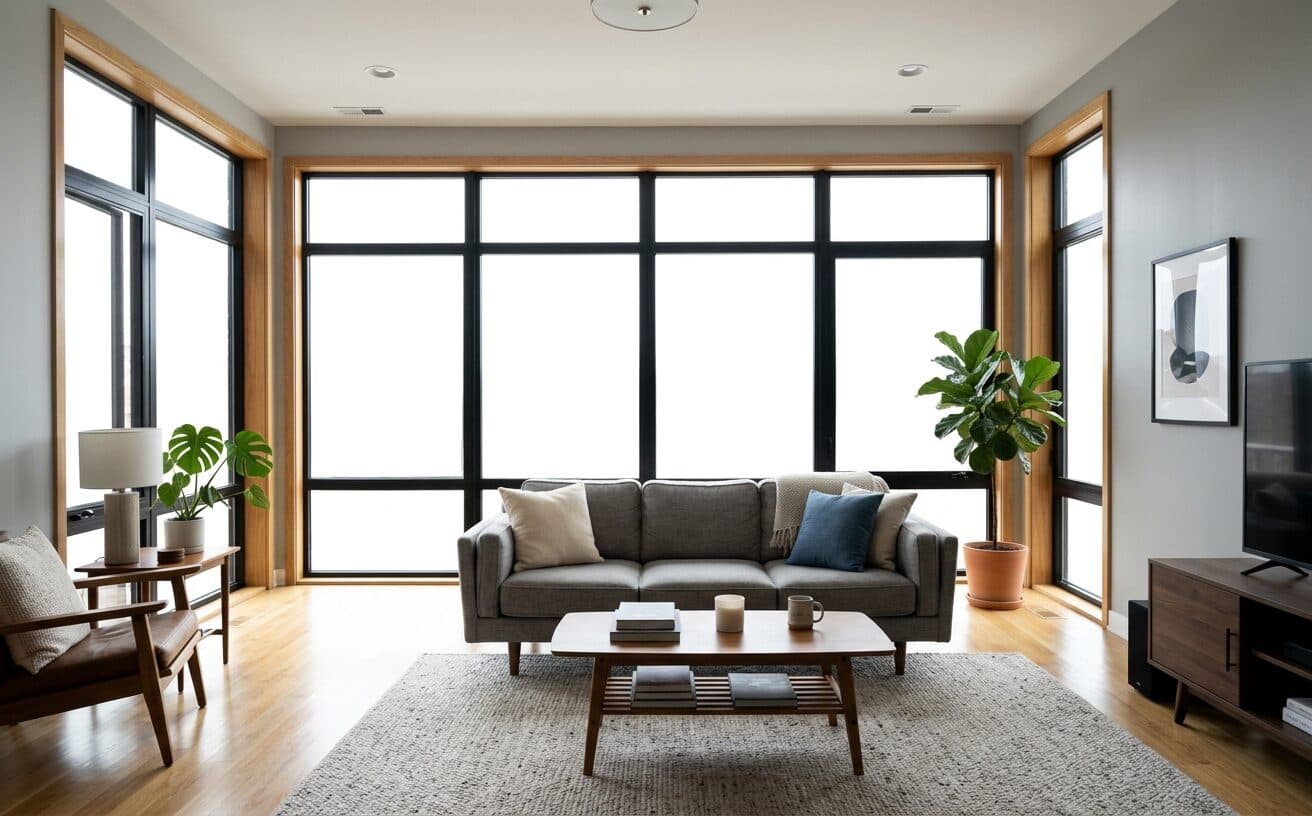
Opening photo editor…
Enhancement Is Not Remodelling, and the Difference Matters
Most AI editors treat a listing photo as a picture to improve. Ask one to "make this kitchen look better" and it will happily straighten a crooked cabinet, swap a worktop, or add a window that does not exist — and now the photo misrepresents the property. Enhancement means the light, colour, and sky are corrected and everything a buyer would walk in and check stays exactly as photographed.
What Enhancement Actually Covers
The corrections a listing photo usually needs, and nothing beyond them.
Exposure & HDR
Balance a dark interior against a bright window without halos
Colour & White Balance
Neutralise the orange cast from tungsten bulbs, warm the tone
Window Recovery
Bring back the view in blown-out windows instead of flat white
Sky Replacement
Swap a flat grey sky while the building keeps its own lighting
Lawn & Greenery
Revive a patchy or off-season lawn on an exterior shot
Clarity & Noise
Sharpen detail and clean up noise from a high-ISO interior
Real Results Gallery
See how AI transforms photos with professional editing
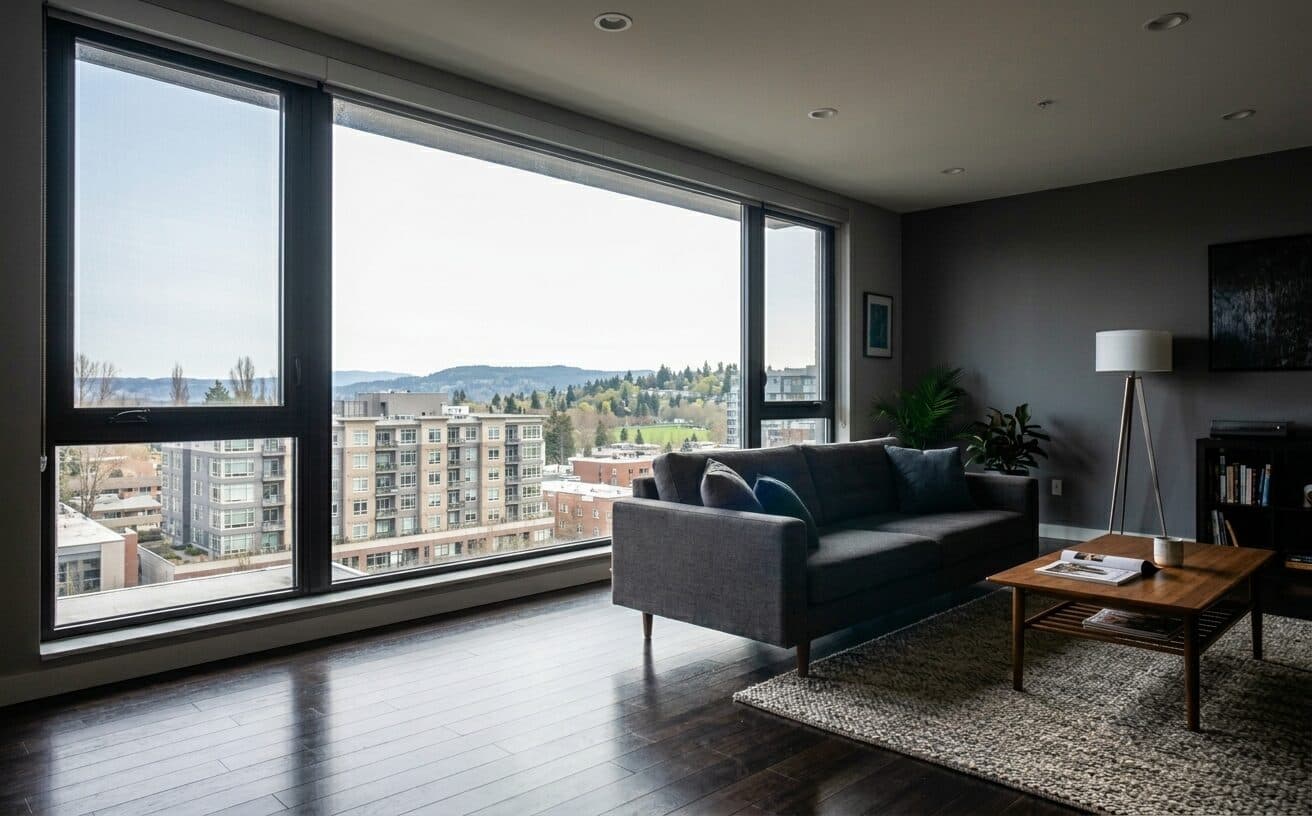
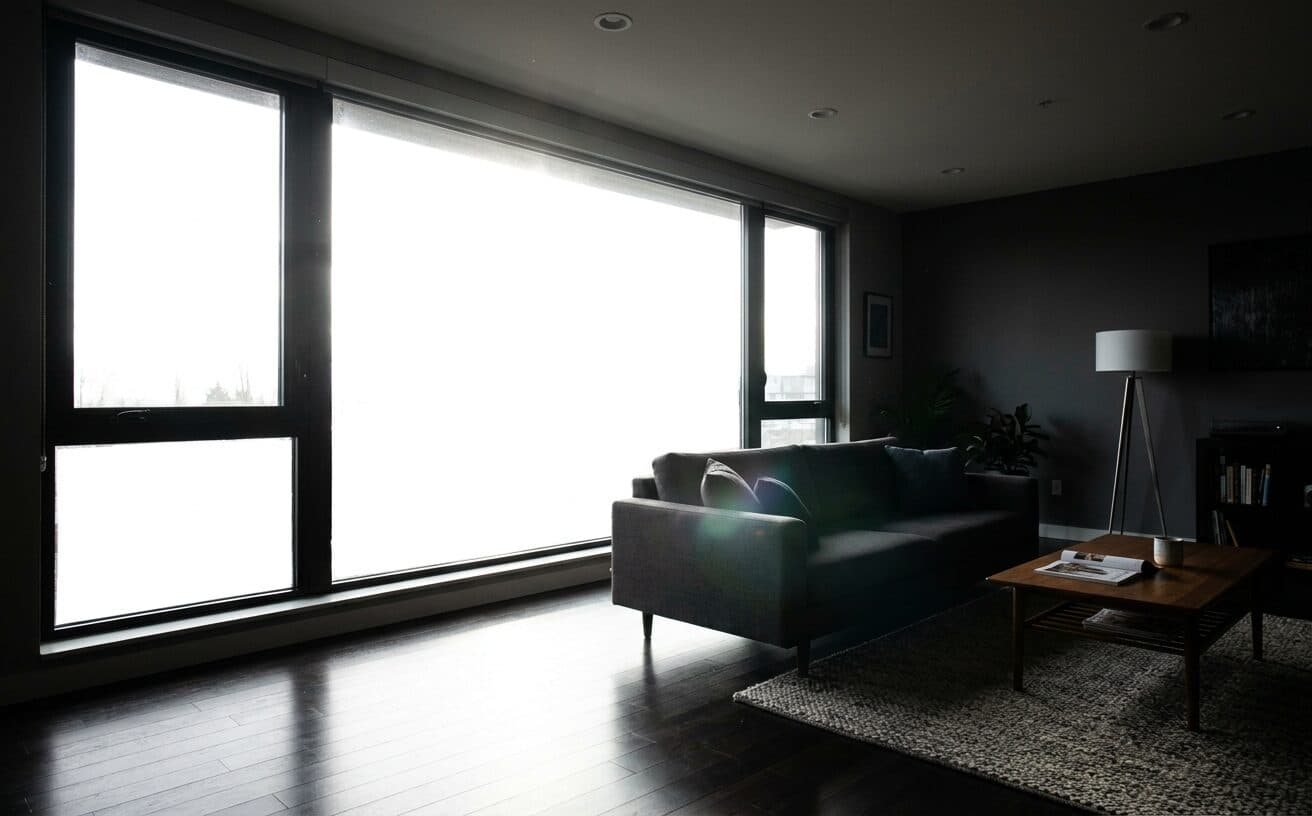
Professional AI Editing
Compare the original and edited image
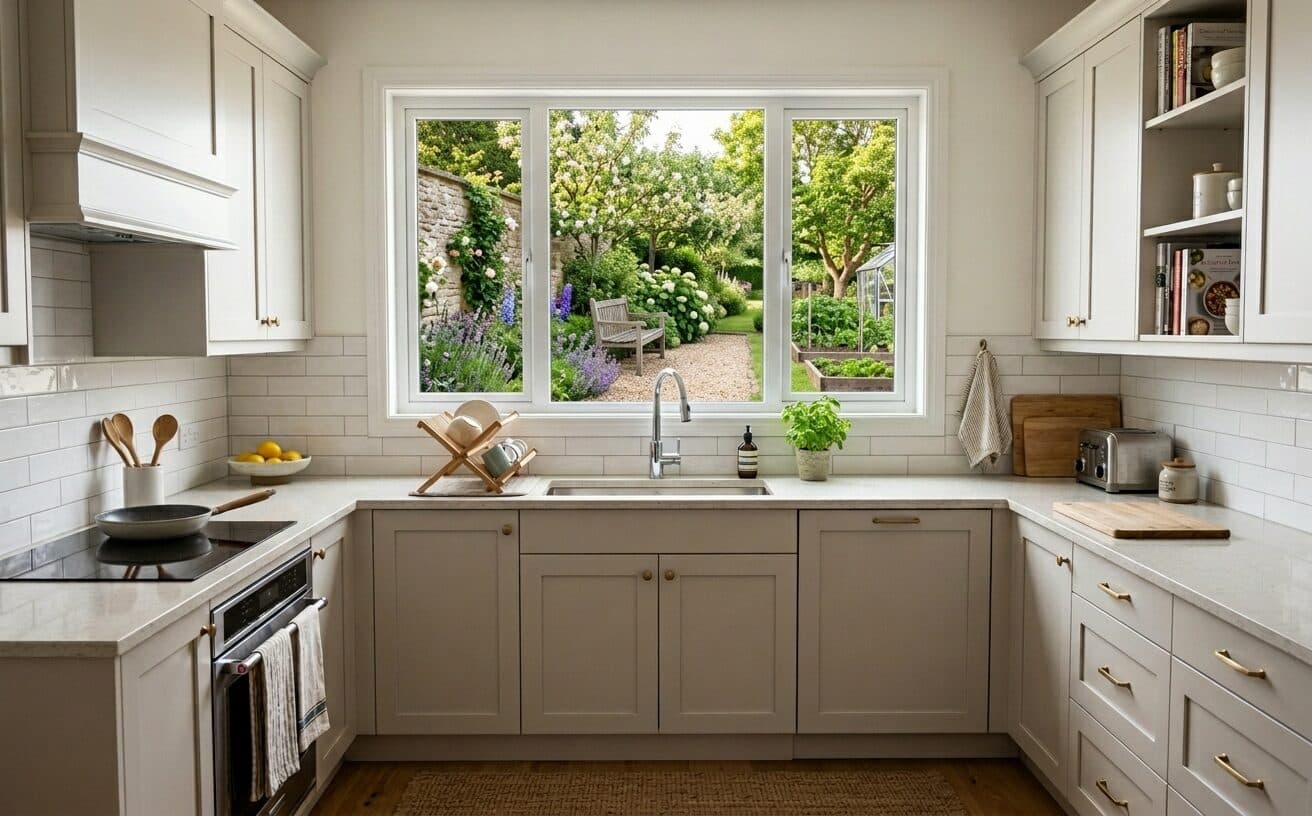
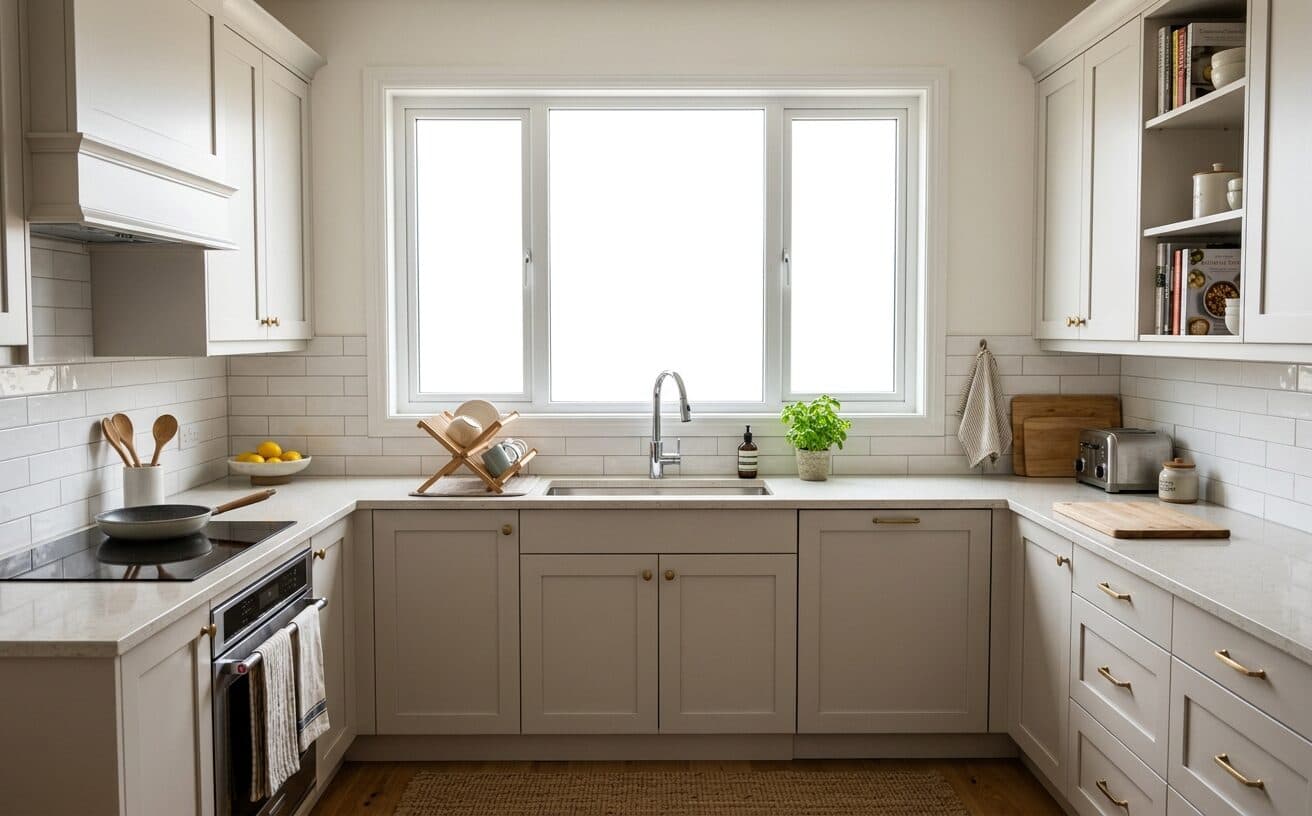
Natural Results
Check edges, lighting, and fine details
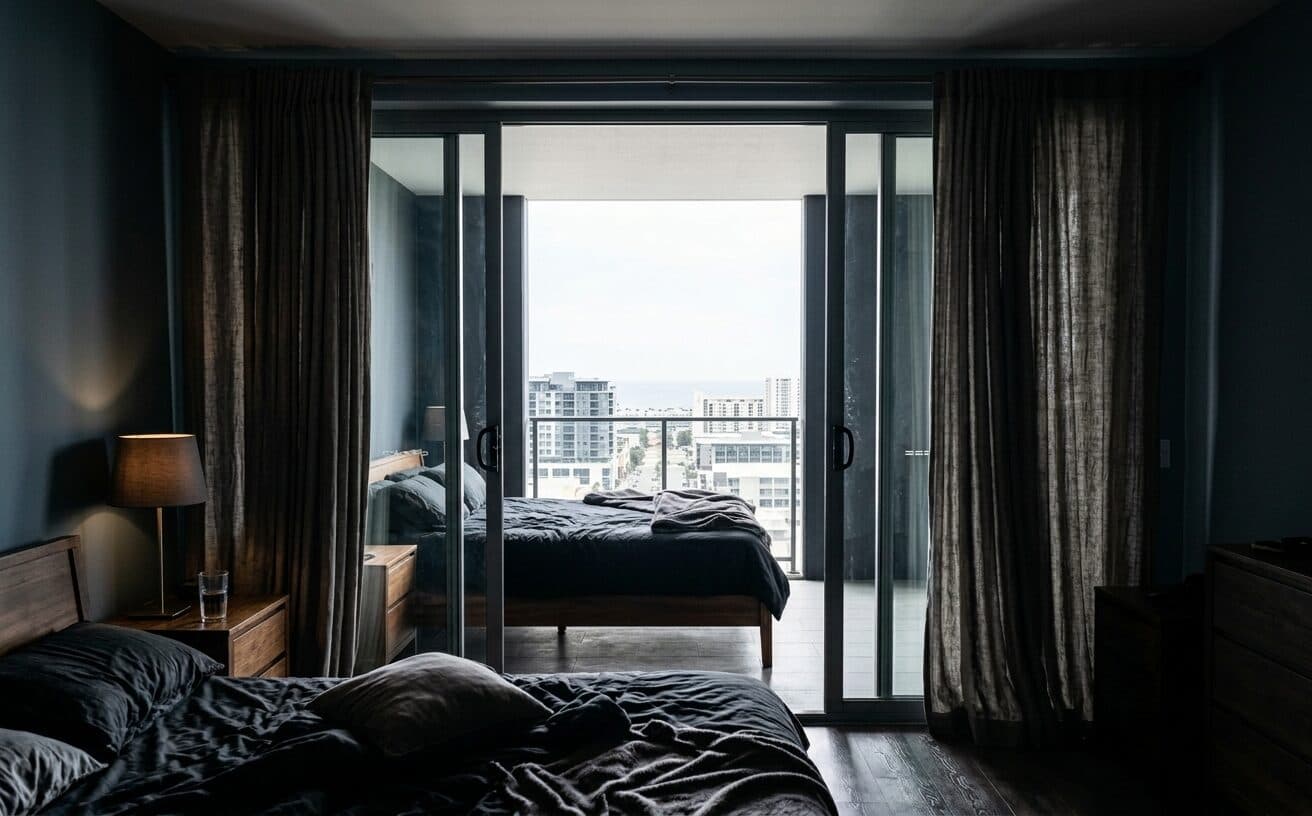
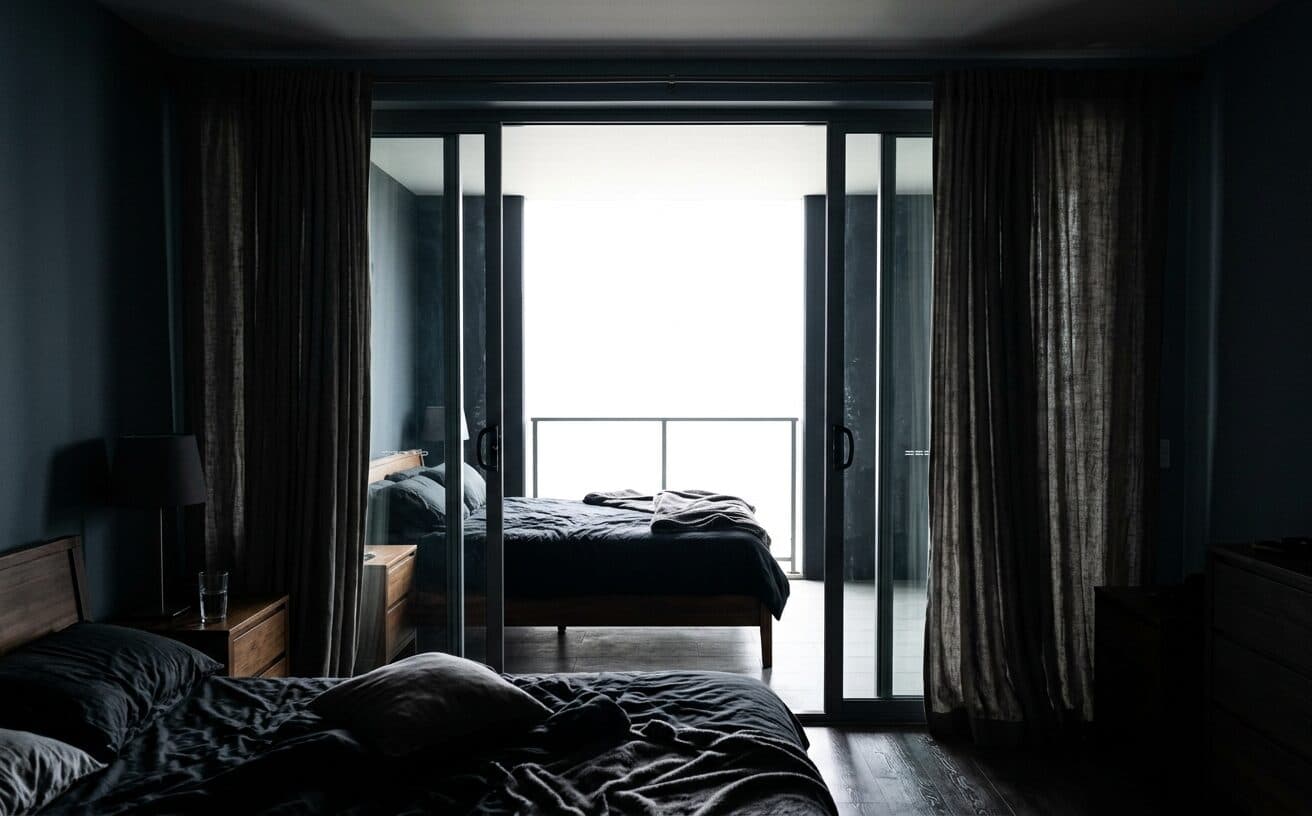
AI Transformation
AI-powered enhancement
Premium Quality
Review the result before downloading
Enhance a Shoot Without Editing the Property
Upload, correct, download.
Upload the Shoot
Drop in one photo or the whole set from a single property.
Pick the Correction
Exposure, colour, windows, sky, or lawn — alone or combined.
Save It as a Preset
Reuse the exact same wording on the next listing instead of retyping it.
Why Structure Preservation Is the Whole Point
The clause that separates a usable listing photo from a liability.
A practical way to review your edit
Keep your original and check the generated image before you use it.
Start with one photo
Choose a clear source image and describe one specific change. A focused request makes the result easier to compare with your original.
Review the important details
Compare faces, lettering, edges and other important details with the original. AI can change parts of an image you asked it to preserve.
Choose the result before exporting
Each AI edit uses 1 credit at 1K. Your first credit is free after signup and email verification. Free exports have a watermark; paid credits unlock watermark-free exports.
Questions & answers
What is real estate photo enhancement?
Correcting how a listing photo was captured — exposure, white balance, blown-out windows, a flat sky, a dull lawn — so the image matches what a person standing in the room would see. It does not change the property itself: walls, windows, worktops, and fixtures stay exactly as photographed.
How is enhancement different from virtual staging?
Enhancement changes how the photo looks; staging changes what is in the room. Enhancement corrects light and colour on the property as it was shot. Staging adds furniture and decor that were not there. Staging and other material alterations are commonly required to be disclosed, so keep the two clearly separate rather than treating them as one edit.
Is AI photo enhancement allowed on MLS listings?
Rules vary by MLS, brokerage, and jurisdiction, so check the ones that apply to you. The general line most of them draw is between correcting the photograph and misrepresenting the property: exposure, colour, and sky corrections usually sit on the allowed side, while adding or removing structural features, or hiding condition issues, does not. Where a photo has been materially altered — staging included — disclosure is normally expected.
Is replacing the sky misleading?
It is widely accepted practice, on the reasoning that the weather on the day of the shoot is not a feature of the property. The thing to avoid is letting a new sky relight the whole building, which changes how the exterior itself reads. Keep the house's own lighting and exposure unchanged when the sky is swapped.
Can I enhance every photo from one property at once?
Yes — upload the set and apply the same correction across it, which is also what keeps the rooms looking like one house shot on one day. Saving the correction as a preset means the next listing gets the identical treatment without retyping the instruction.
How do I stop the AI from remodelling the room?
State what must not change, not only what should improve. A prompt like "enhance this kitchen" leaves the model free to redesign it; adding "do not modify or rebuild any architectural element, keep all fixtures, cabinetry, and worktops exactly as photographed" is what holds the property still. Saving that wording as a preset means you apply the identical guard every time instead of re-remembering it.
What Real Estate Photo Enhancement Should and Should Not Do
A listing photo has a job that ordinary photo editing does not: it has to be flattering and it has to be true. Buyers make a viewing decision from it and then stand in the actual room. Anything the photo promised that the room cannot deliver is a wasted viewing at best.
That is why enhancement and remodelling are worth separating properly, even though most AI tools blur them together.
What enhancement covers
Enhancement fixes how the property was captured, not what the property is. A camera cannot hold a dim interior and a bright window in the same exposure the way an eye can, so the window blows out to white or the room goes muddy. Tungsten bulbs throw an orange cast that no buyer sees in person. An overcast sky flattens an exterior that looks fine on a clear day. Correcting those brings the photo closer to what someone standing there would actually see.
- Exposure and HDR. Balance a dark interior against a bright window, without the grey halo that gives away a careless HDR merge.
- Colour and white balance. Neutralise the colour cast from artificial light and warm the overall tone.
- Window recovery. Restore the view through a blown-out window rather than leaving a flat white rectangle.
- Sky replacement. Swap a flat overcast sky for a clear one, keeping the building's own lighting and exposure unchanged.
- Lawn and greenery. Revive an off-season or patchy lawn on an exterior shot.
- Clarity and noise. Sharpen real detail and clean up noise from a high-ISO handheld interior.
What it must not do
Everything on this list changes what the property is, and a buyer will notice on the first viewing:
- Moving, adding, or removing walls, windows, or doors
- Replacing worktops, cabinets, flooring, or fixtures
- Making a room read as larger by redrawing its proportions
- Removing permanent features — a radiator, a support column, a low ceiling beam
- Hiding damage that is part of the property's condition
The reason this needs saying is that a general-purpose AI editor has no idea which category it is in. "Make this kitchen look better" is an open invitation, and models take it — they straighten a crooked cabinet run, swap a laminate worktop for stone, and hand back a kitchen nobody will find at the viewing. The instruction has to state what must not change, not just what should improve.
Where staging and decluttering sit
Virtual staging and decluttering are a separate thing again: they change the contents of a room rather than the room itself. Both are normal practice, and both are usually expected to be disclosed — many MLS rules and local regulations require staged or materially altered photos to be labelled as such. Check the rules that apply to you; enhancement as described on this page is the part that generally does not need that label, because the property is unchanged.
Doing a whole shoot consistently
A property is not one photo, it is fifteen to forty, and they need to look like the same house on the same day. Correcting each one by eye produces a set that drifts — the living room warm, the bedroom cool, two different skies on two exterior shots.
The fix is to settle on one correction and apply it across the set rather than re-deciding per photo. Save the wording once and reuse it on the next property too: the same phrasing that protected the structure on this listing will do it on the next one, and you stop retyping it from memory.
Next step
Related AI photo tools
Choose the tool that matches your next photo edit.
Window view correction
The single correction most interior shots need before anything else.
Declutter room photos
Changing what is in the room, once the light and colour are right.
Virtual staging
Furnish an empty room — a material alteration, so disclose it.
Real estate photo editing
The full listing pass end to end, not just the capture correction.
Ready to Transform Your Photos?
Try an edit on your own photo and inspect the result before downloading.
1 free credit after signup and verification • No card required