Blue Skies & Green Lawns for Every Property
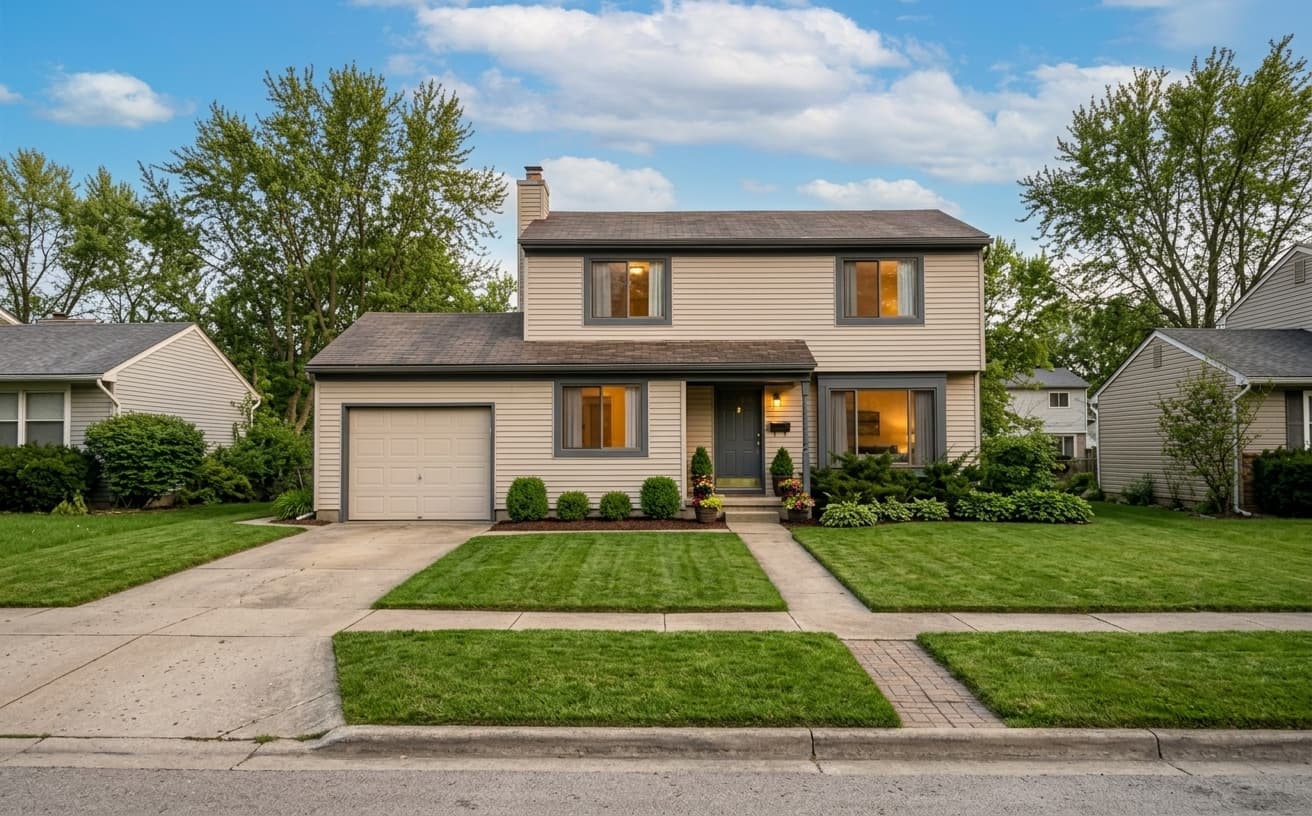
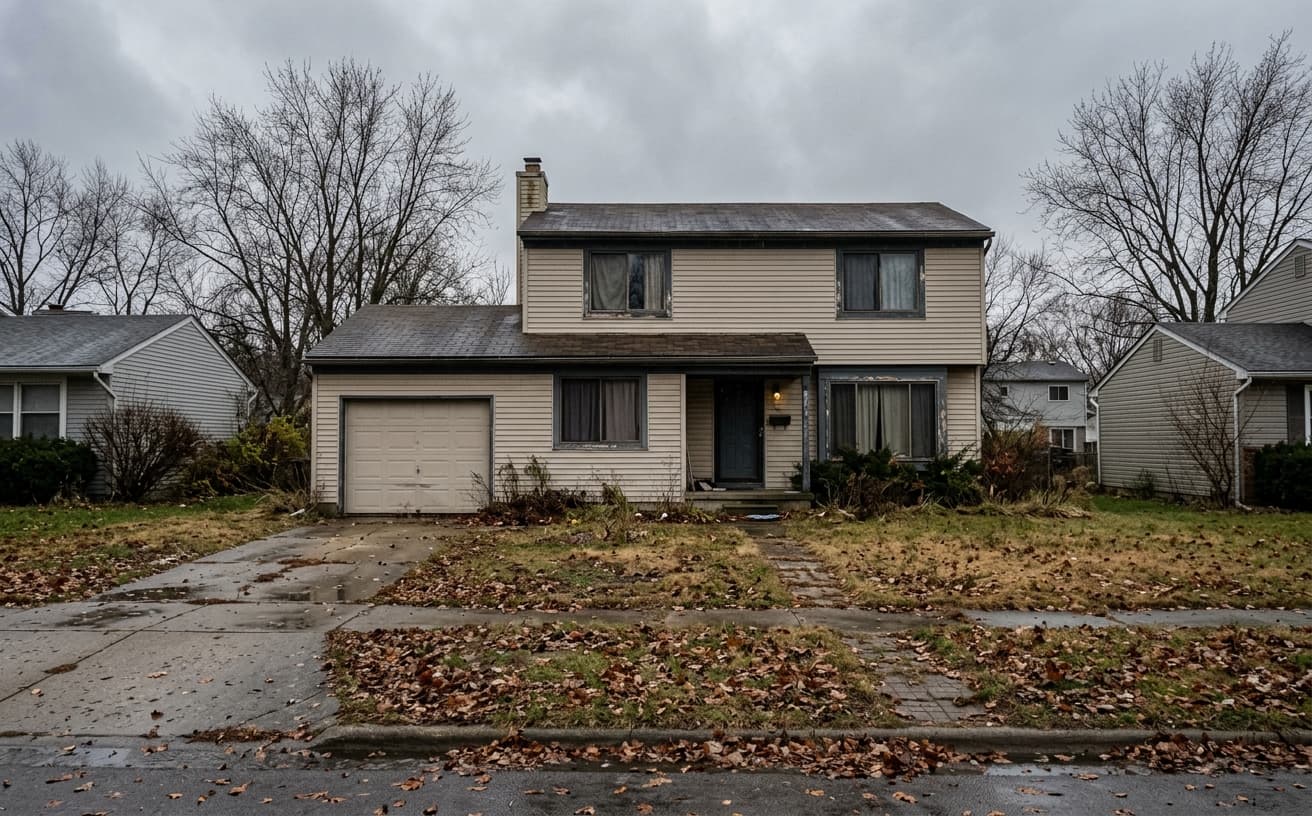
Replace gray, cloudy skies with perfect blue. Transform brown, patchy lawns to lush green. Clean driveways and enhance landscaping. Weather-proof your listing photos.
1K: 1 credit · 2K: 6 credits · 4K: 10 credits · Trial previews have a watermark. See credit packs
Loading photo editor…
Don't Let Weather Ruin Your Listing Photos
Cloudy skies make properties look gloomy. Brown lawns suggest poor maintenance. Waiting for perfect weather delays listings. Replace gray skies with blue, enhance lawns to lush green, and clean driveways instantly—regardless of actual weather or season.
Exterior Enhancement Tools
Perfect property exteriors every time
Sky Replacement
Replace gray, cloudy skies with beautiful blue skies and sun
Lawn Enhancement
Transform brown, patchy grass to lush, healthy green
Driveway Cleanup
Remove stains, cracks, and improve pavement appearance
Landscape Boost
Enhance plants, shrubs, and garden areas
Real Results Gallery
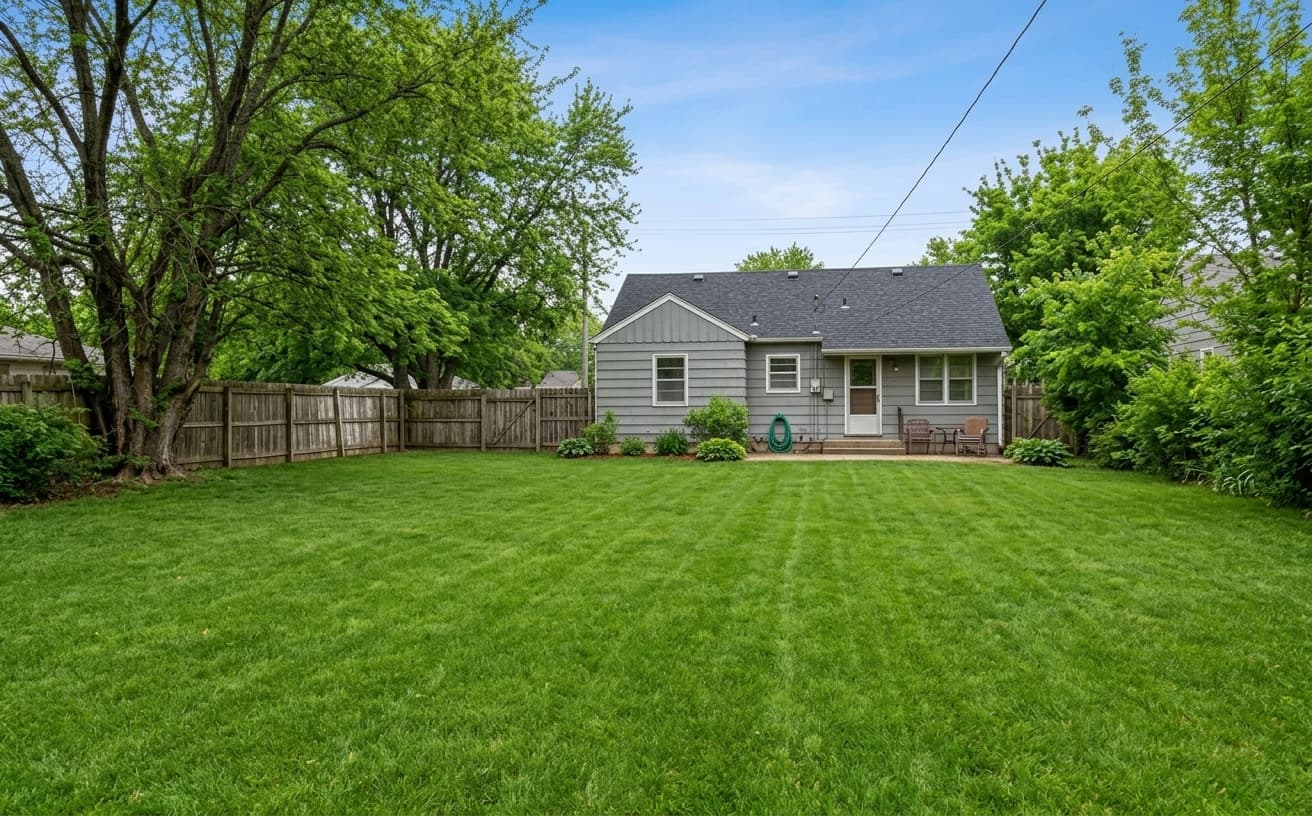
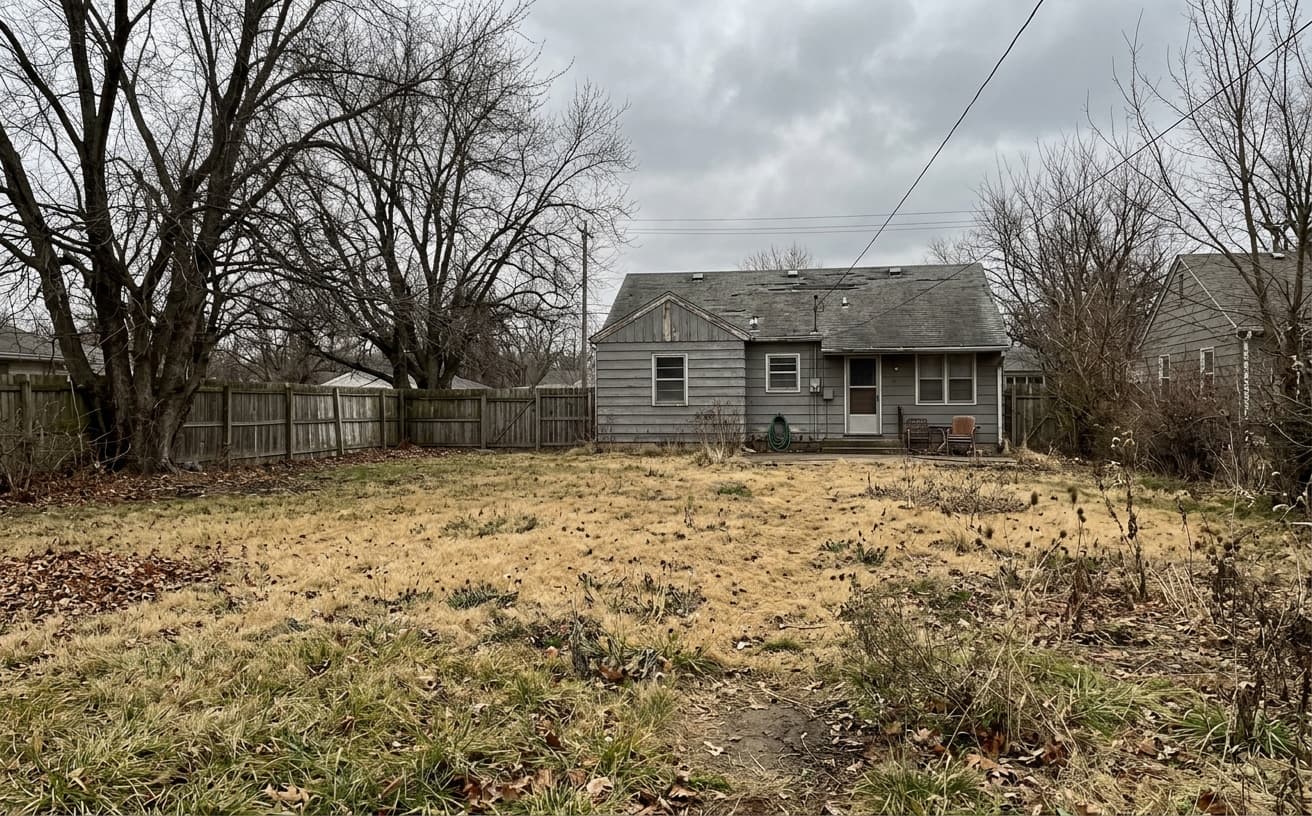
See how AI transforms photos with professional editing
Professional AI Editing
Compare the original and edited image
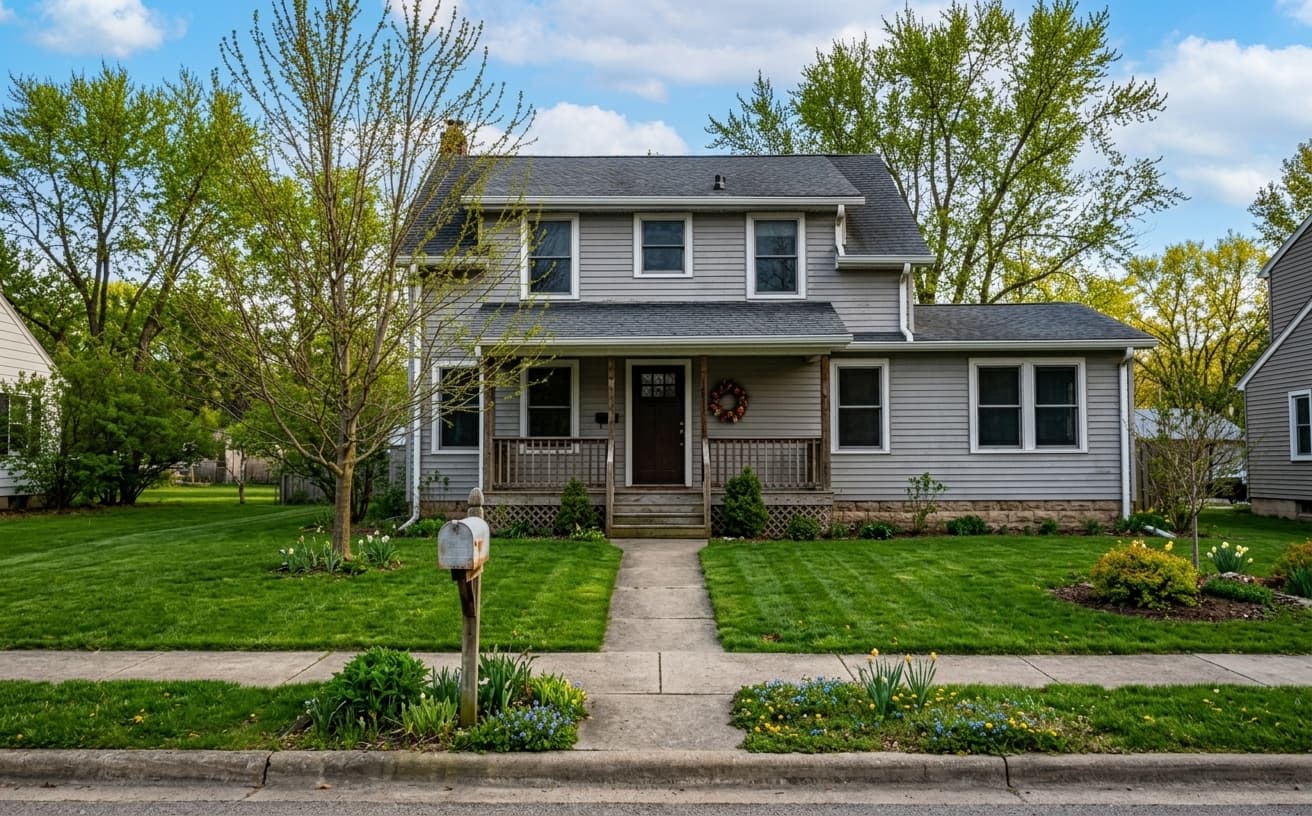
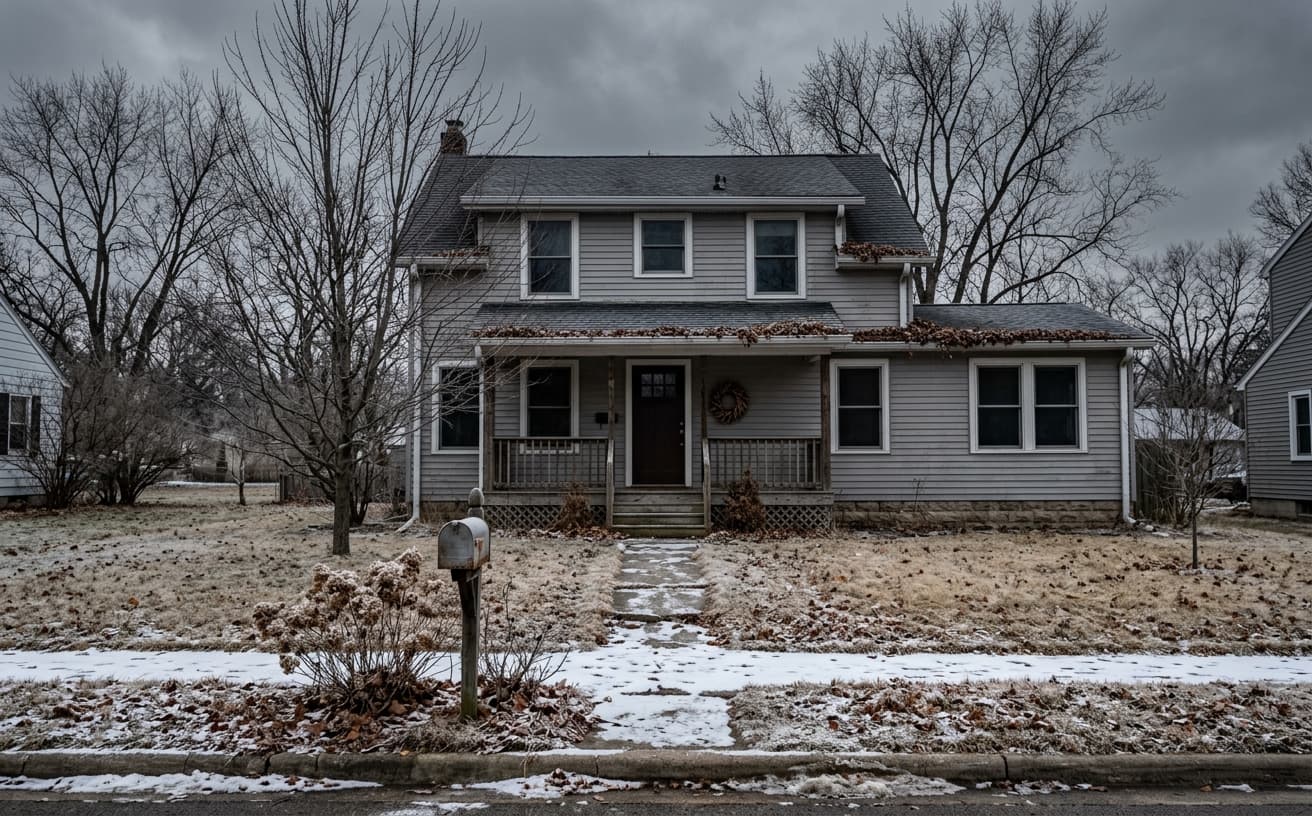
Natural Results
Check edges, lighting, and fine details
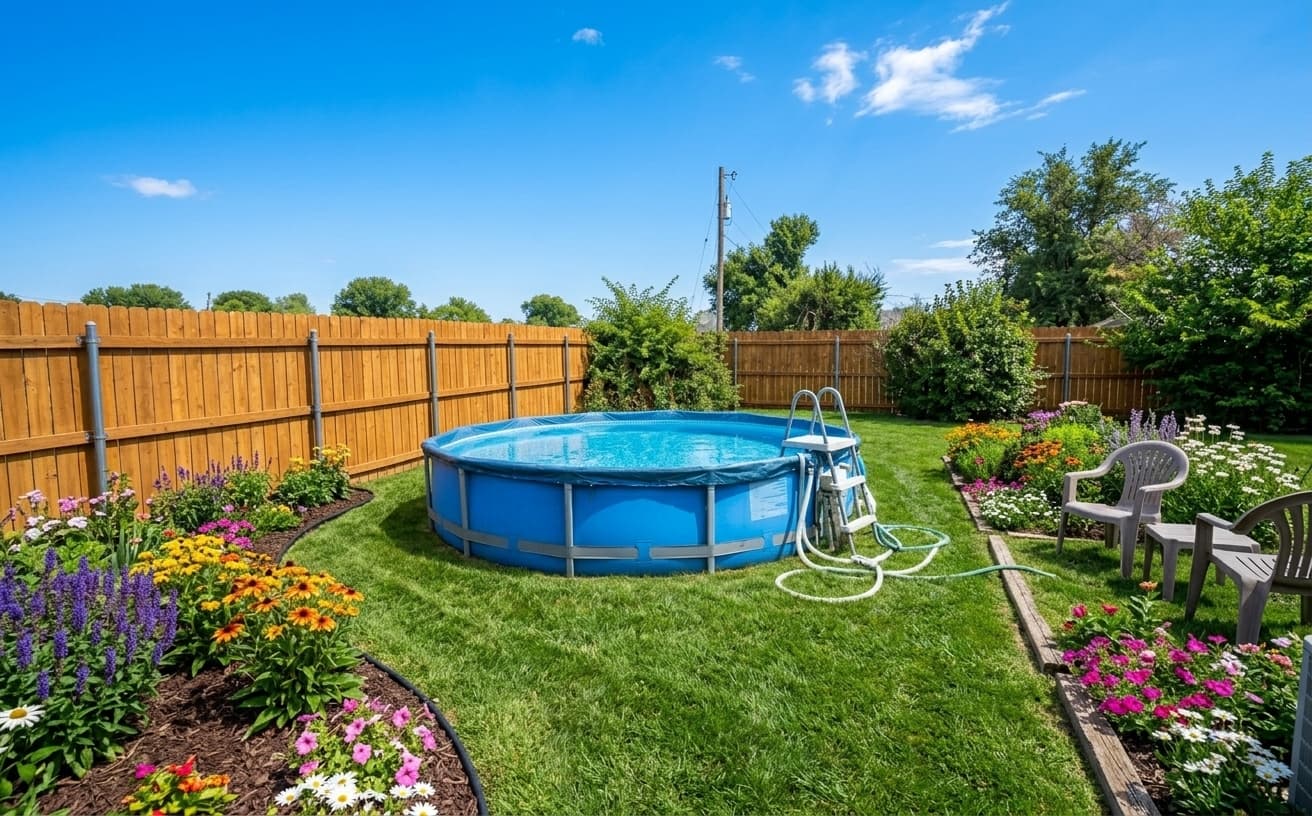
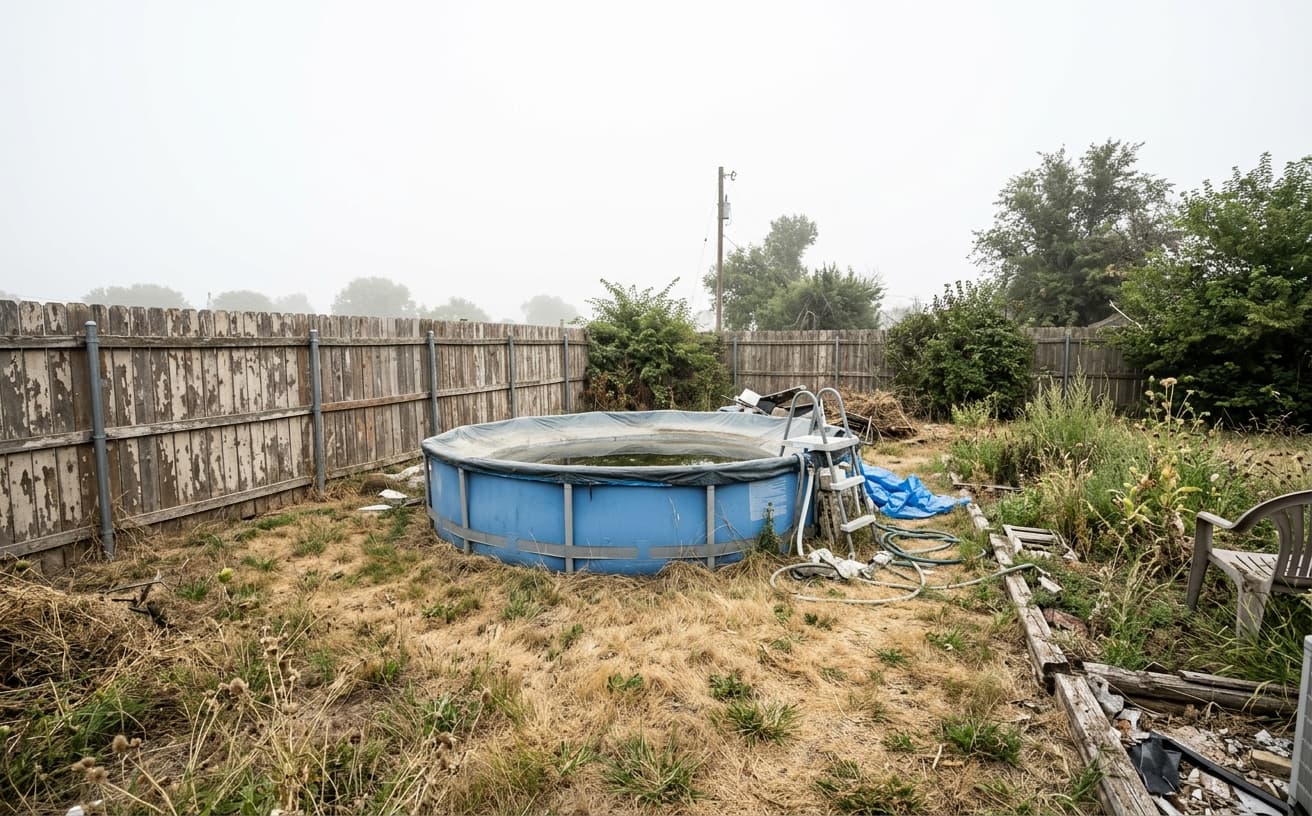
AI Transformation
AI-powered enhancement
Premium Quality
Review the result before downloading
How to Replace Gray Skies and Enhance Lawn Color
Perfect exteriors in seconds
Upload Exterior Photo
Any property exterior, any weather, any season.
Choose Enhancements
Select sky replacement, lawn enhancement, driveway cleanup.
Download Perfect Exterior
Beautiful property photo with blue sky and lush landscaping.
Perfect Exteriors Every Time
Never wait for perfect weather
A practical way to review your edit
Keep your original and check the generated image before you use it.
Start with one photo
Choose a clear source image and describe one specific change. A focused request makes the result easier to compare with your original.
Review the important details
Compare faces, lettering, edges and other important details with the original. AI can change parts of an image you asked it to preserve.
Choose the result before exporting
Each AI edit uses 1 credit at 1K. Your first credit is free after signup and email verification. Free exports have a watermark; paid credits unlock watermark-free exports.
Questions & answers
Can I replace a grey sky in a listing photo with a blue one?
Yes. Upload the exterior and ask for a blue sky. The roofline, aerials, tree branches and any glass reflecting the sky are handled as part of the swap, and the light on the house is matched to the new sky, which is what stops it reading as a paste-in.
Can the AI fix a patchy or brown lawn?
Yes, usually in the same instruction as the sky. Ask to green up the lawn and remove bare patches and weeds. The lawn keeps its real shape and boundaries, so paths, beds and driveways stay where they are.
Will it change the season in the photo?
Only if you ask. By default trees, plants and ground cover stay as photographed, because turning an autumn shoot into summer misrepresents the property. If you want a specific seasonal look, say so explicitly.
How do I keep a whole exterior set consistent?
Upload the exteriors together and write the instruction once. Consistency matters more here than on interiors: a listing showing three different skies on the same house is immediately obvious.
Weather-Independent Real Estate Photography
Weather doesn't pause for listing photography. Gray skies make properties look dreary, dead lawns signal maintenance neglect, and you can't control either factor.
Sky replacement swaps overcast skies for blue skies with appropriate clouds. Lawn cleanup removes brown patches, weeds, and seasonal dormancy. These adjustments show the property's best potential rather than current weather conditions.
Why buyers care: They're making emotional decisions. A gray, dreary day creates a gray, dreary impression that transfers to the property itself. The same house photographed under blue skies feels brighter, more cheerful, more valuable—even though the structure is identical.
Tom listed a property in March after a harsh winter. The lawn was brown, the sky was gray, and the photos accurately represented that day's reality. But the listing sat for 32 days with minimal interest. After replacing skies and cleaning up lawn appearance, showing traffic increased and the property sold within 12 days of relisting with updated photos.
When enhancement misleads: If you photograph a desert property and add lush green lawns, or photograph a rainy-season climate and show constant blue skies, you're misrepresenting the actual environment buyers will experience. Enhance within realistic bounds for your location and season. Show the property's potential, not a fantasy version.
Start with your main exterior photo—it anchors buyer perception and appears in all search results and listing previews.
Next step
Related AI photo tools
Choose the tool that matches your next photo edit.
Ready to Transform Your Photos?
Try an edit on your own photo and inspect the result before downloading.
1 free credit after signup and verification • No card required