Put a White Background on Pictures
Upload any photo and get a clean pure-white (#FFFFFF) background ready for Amazon, Etsy, Shopify, or any marketplace. No selection tools, no Photoshop, no manual masking.
1K: 1 credit · 2K: 6 credits · 4K: 10 credits · Trial previews have a watermark. See credit packs
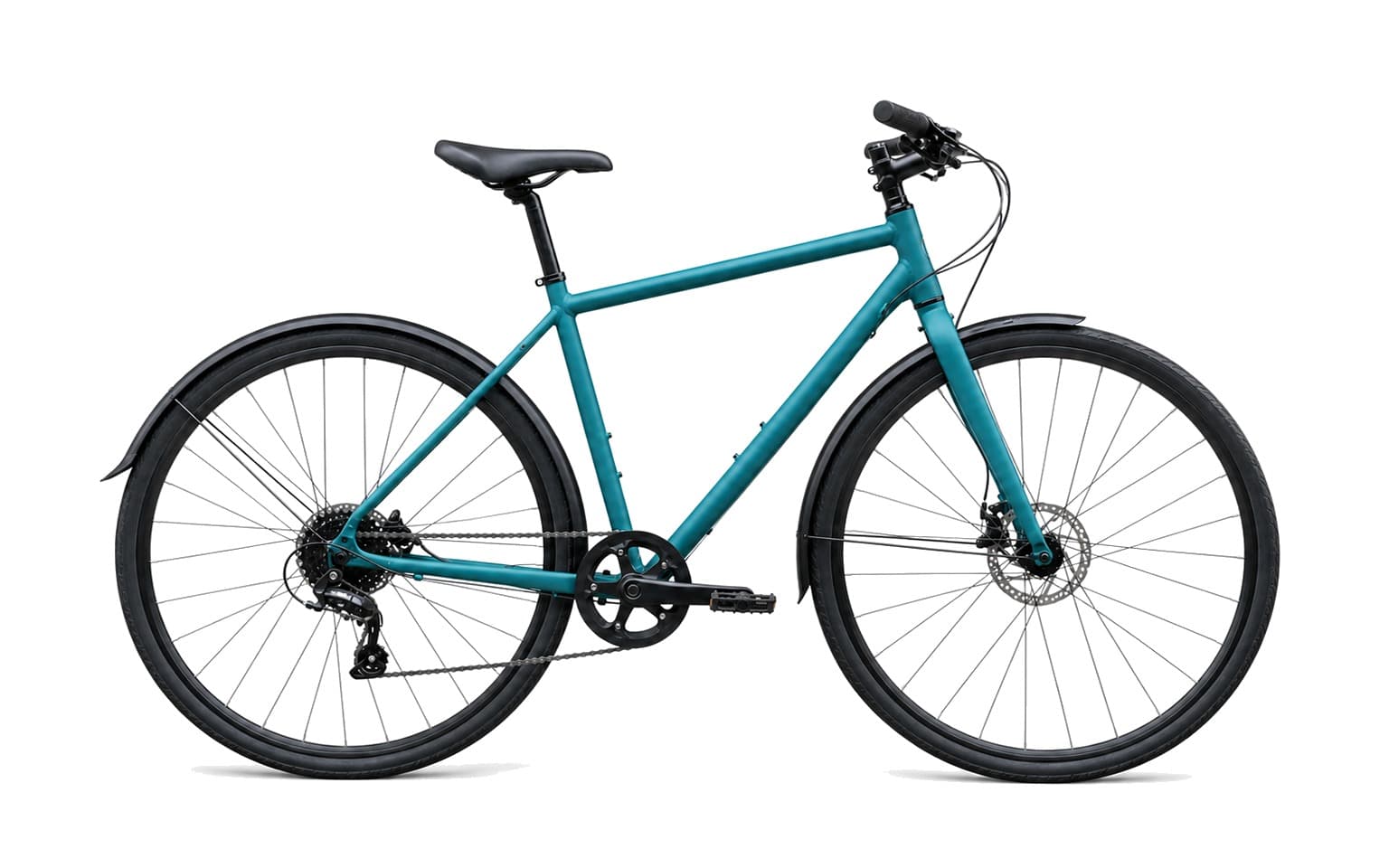
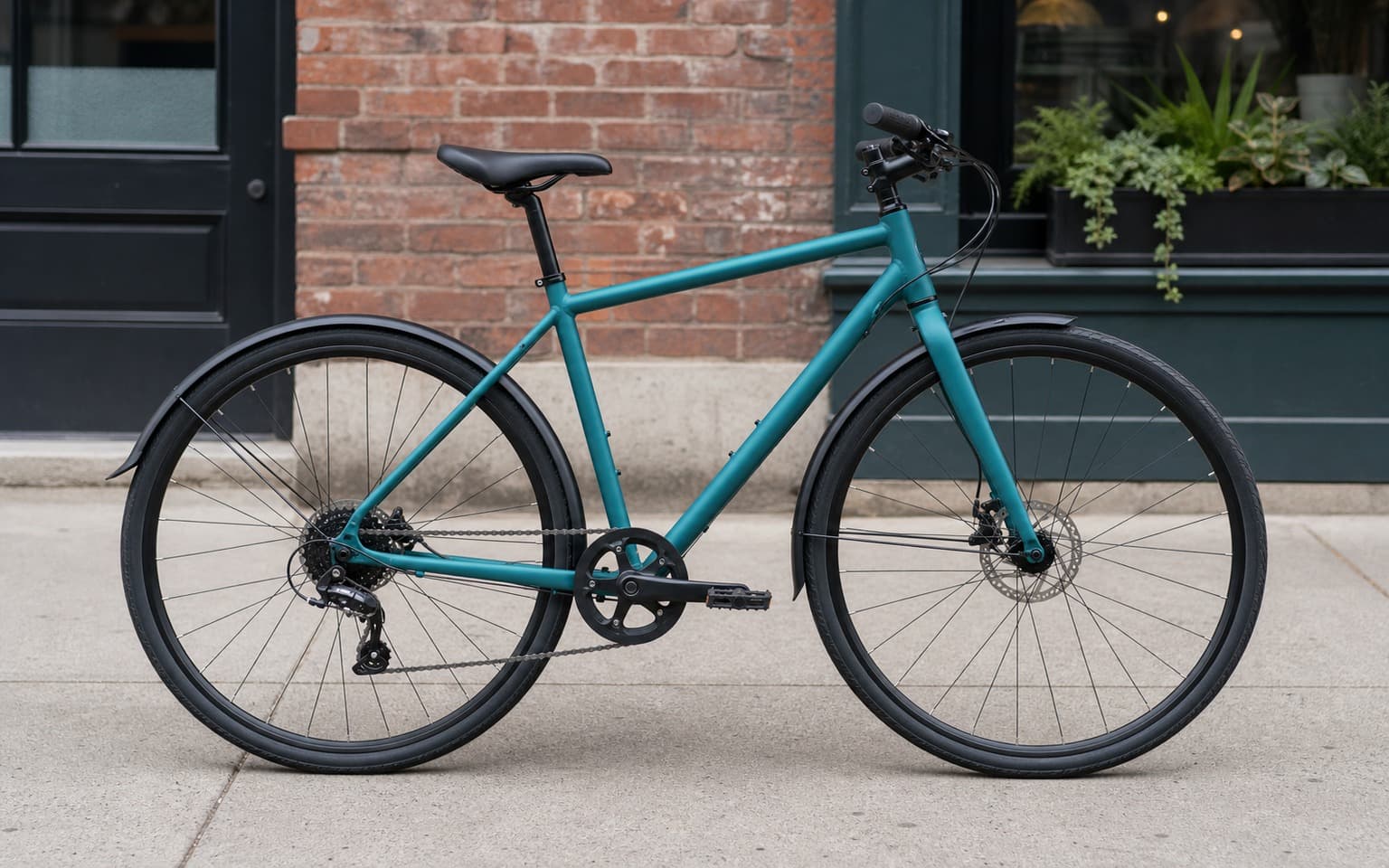
Opening photo editor…
Marketplace-Ready White Backgrounds in One Click
Amazon requires pure white (RGB 255/255/255) backgrounds with the product filling 85% of the frame. Etsy, Shopify, eBay, and most marketplaces follow similar conventions. Doing this by hand in Photoshop takes minutes per photo and edges around hair, fur, or transparent packaging always come out wrong. Weezard handles the cutout, the white fill, and the contact shadow in a single pass — so products look like they were shot in a real studio.
Where a White Background Matters
Every marketplace and most ad networks expect clean white. These are the jobs Weezard handles every day.
Amazon listings
Pure white (255/255/255) per Amazon's main image rules — passes seller central review.
Etsy products
Consistent white catalog photos so handmade items look professional next to mass-market sellers.
Shopify & WooCommerce
White-background hero shots that match your theme's product card style.
App store screenshots
Isolated devices and products on white for in-app marketing assets.
Pitch decks & one-pagers
Product mockups on white to drop into slides and PDFs without distracting backgrounds.
Apparel & accessories
Clothing on invisible mannequins or flat-lay items on pure white — hair and fabric edges stay clean.
Jewelry & watches
Reflective surfaces and fine chains keep their highlights, no halo around the subject.
Food delivery menus
Consistent white plates and packaging for delivery-app menu photography.
Real Results Gallery
See how AI transforms photos with professional editing
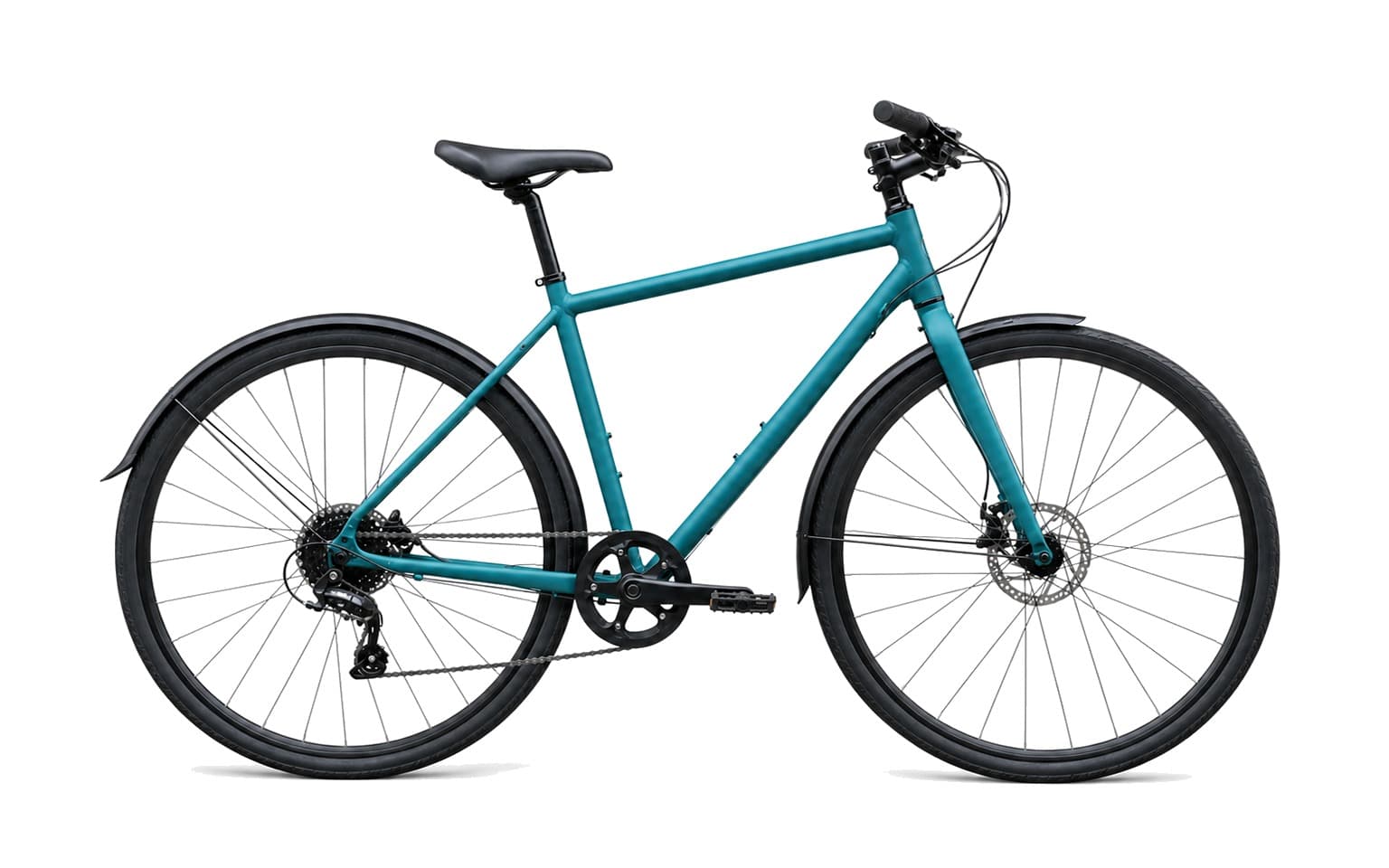
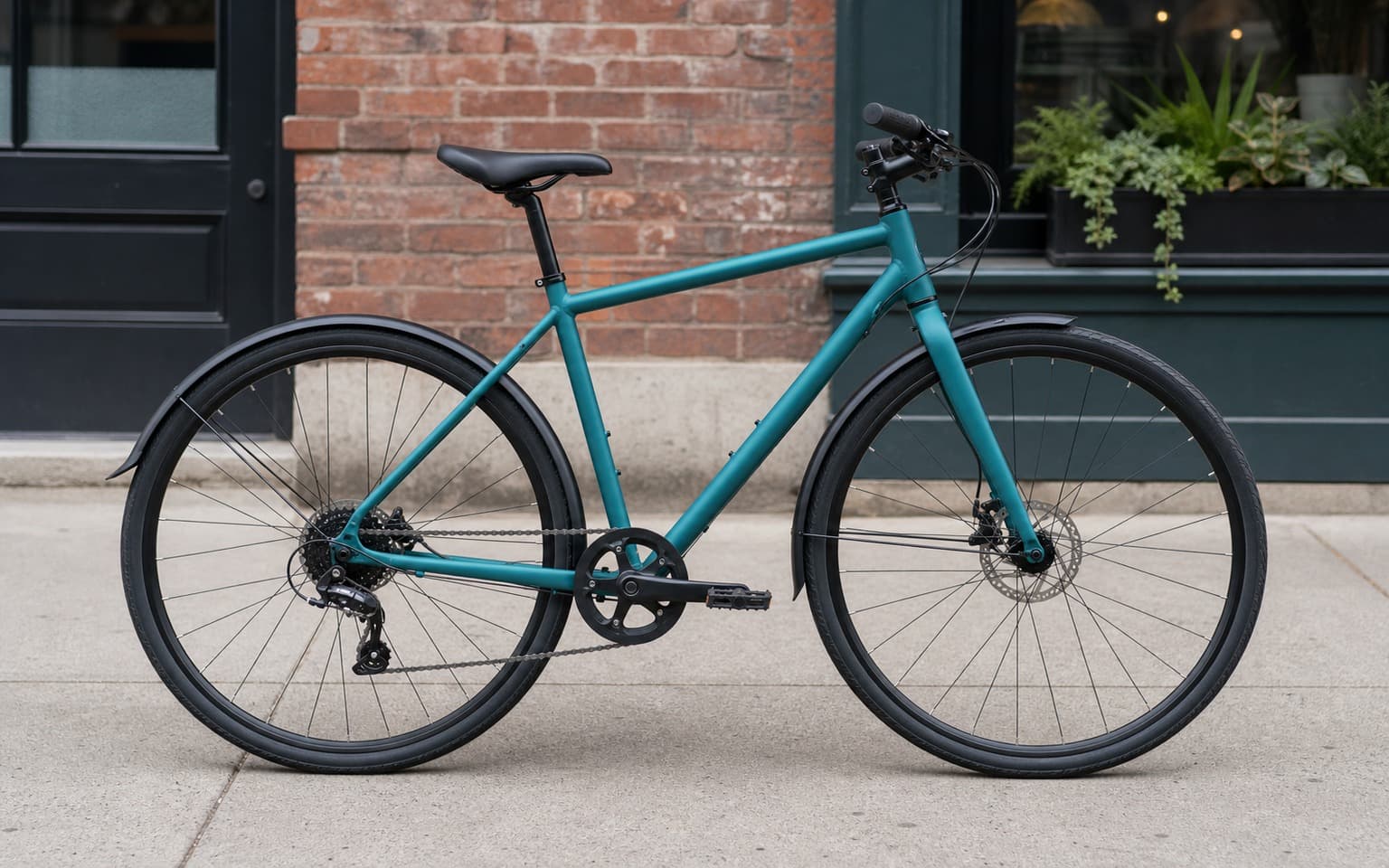
Professional AI Editing
Compare the original and edited image
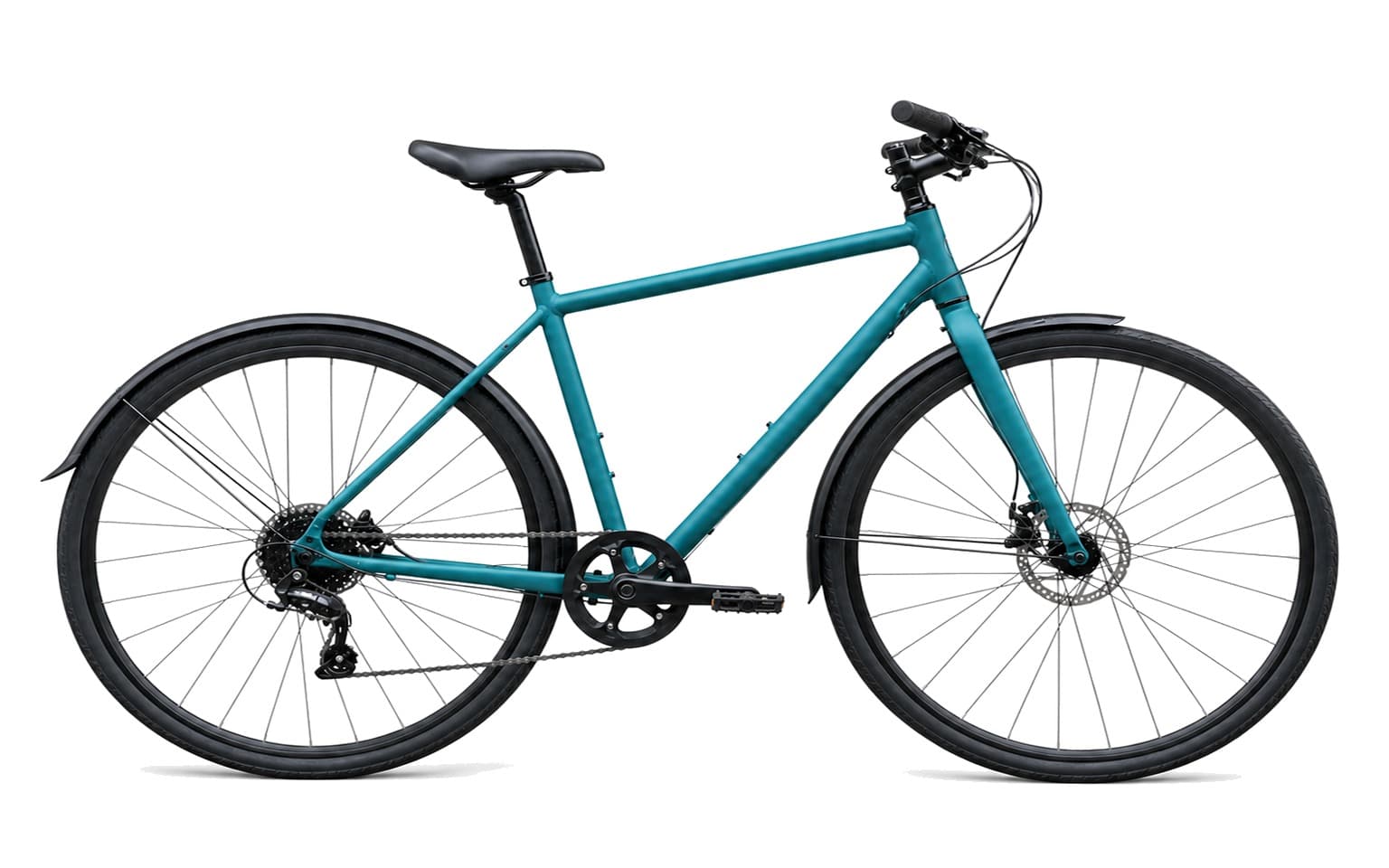
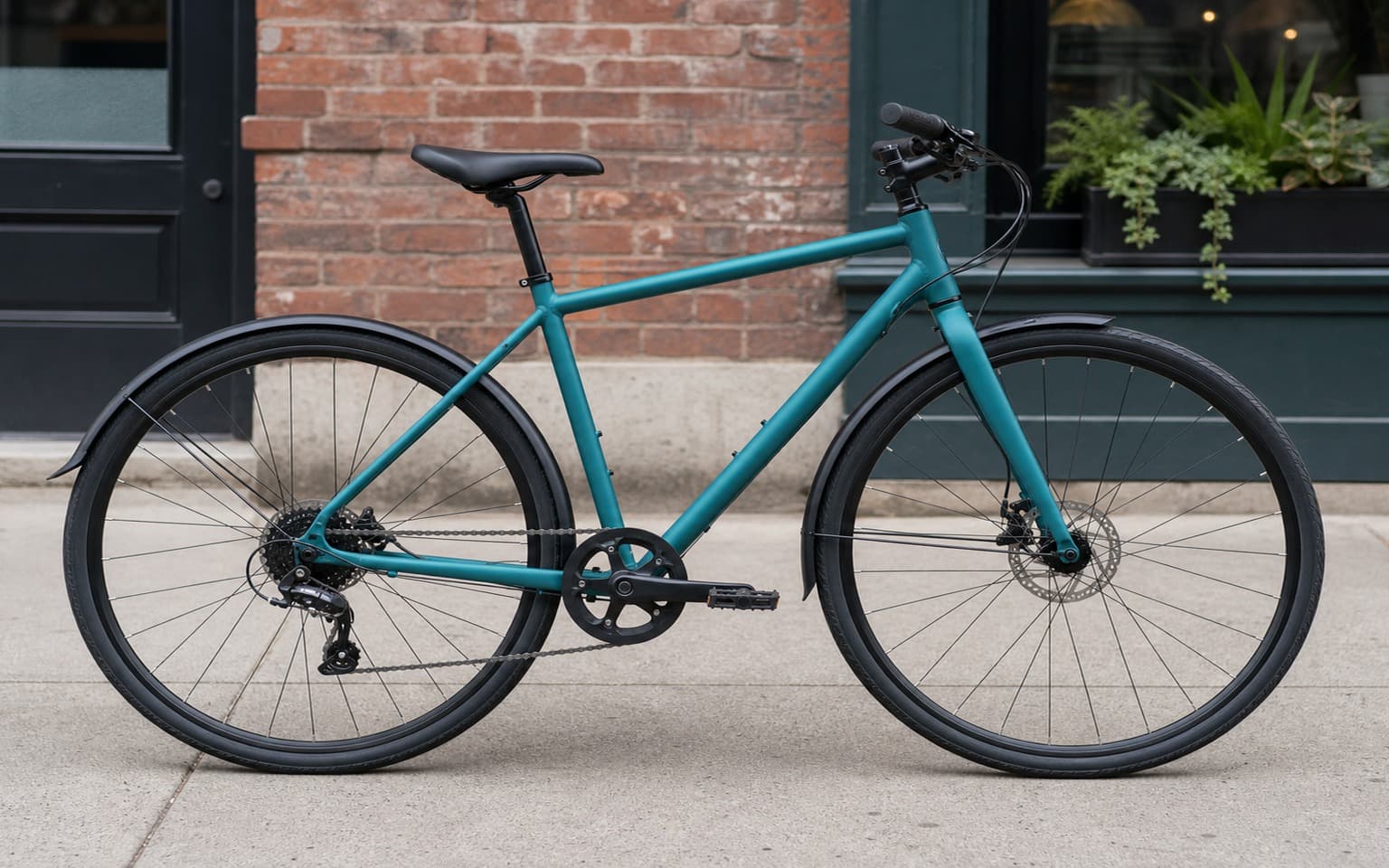
Natural Results
Check edges, lighting, and fine details
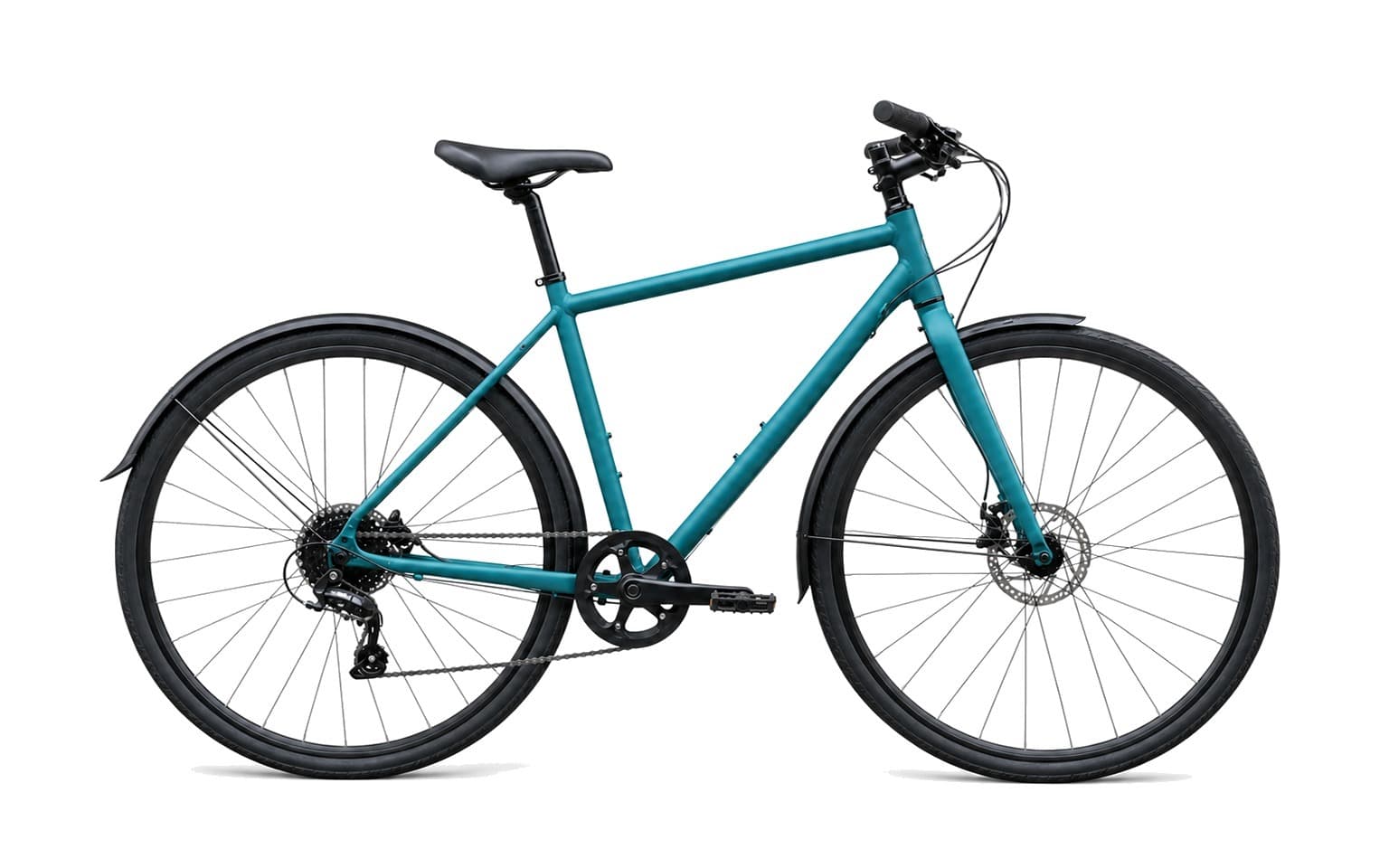
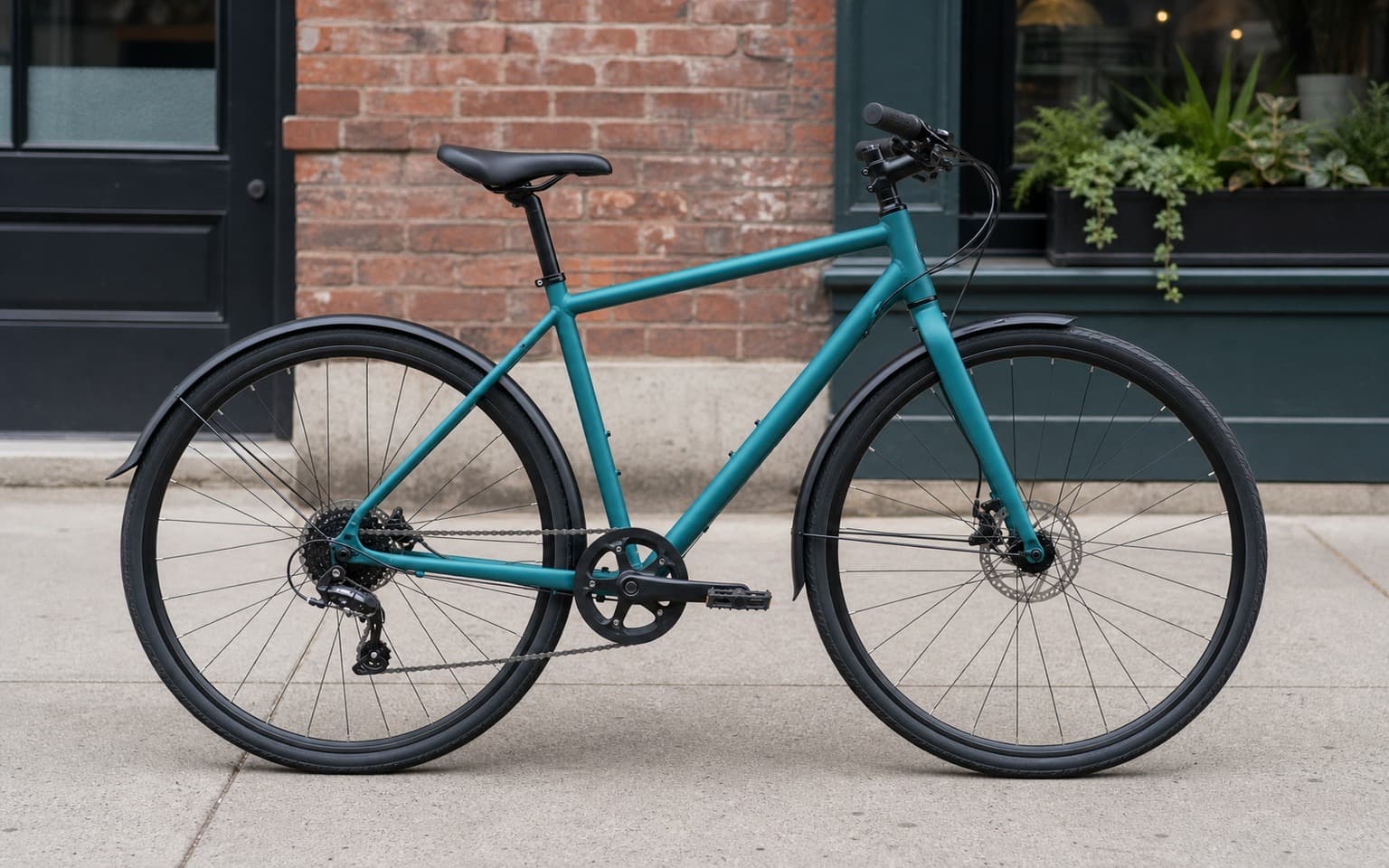
AI Transformation
AI-powered enhancement
Premium Quality
Review the result before downloading
How to Put a White Background on a Picture
Three steps, about 10 seconds per photo.
Upload a product photo
Drag in a photo of your product — phone shot, DSLR, or scan all work.
Pick the White Background preset
Click the preset, or type 'pure white background, keep contact shadow' for marketplace-grade output.
Download the cleaned image
Export a JPG or PNG at full source resolution. Upload to Amazon, Etsy, or your store.
Why Use Weezard for White Backgrounds
Built for marketplace sellers and design teams who do this every week.
A practical way to review your edit
Keep your original and check the generated image before you use it.
Start with one photo
Choose a clear source image and describe one specific change. A focused request makes the result easier to compare with your original.
Review the important details
Compare faces, lettering, edges and other important details with the original. AI can change parts of an image you asked it to preserve.
Choose the result before exporting
Each AI edit uses 1 credit at 1K. Your first credit is free after signup and email verification. Free exports have a watermark; paid credits unlock watermark-free exports.
Questions & answers
Is the output really pure white?
Yes. Weezard outputs RGB 255/255/255 across the full background — passes Amazon's marketplace photo checks. Cheap tools often output #FAFAFA or #FCFCFC which fail review.
Is the white background Amazon-compatible?
Yes. The output meets Amazon's MAIN image rule for pure white background and product-fills-85% framing (you control the framing on upload).
Will the shadow under my product be kept?
Yes — Weezard preserves the contact shadow so the product looks placed on a real surface, not floating. If the source has no shadow, the AI generates a realistic one.
Can I get a transparent PNG instead?
Yes. Use the background removal preset to get a transparent PNG cutout. White-background and transparent-PNG are two outputs of the same underlying cutout — pick whichever you need.
What photos work best?
Single-product photos with even lighting and a plain or simple original background. Hair, fur, glass, chrome, and transparent packaging all work — these are the cases this tool is built for.
Is it free? Any watermark?
1 free edit when you sign up, no credit card. Free exports carry a small weezard.app mark in the corner; any paid credit pack or Pro plan removes it and also unlocks batch processing for higher volume.
Can I do many products at once?
Yes — batch processing handles dozens of product photos at once with consistent white-background output. Useful for marketplace launches with many SKUs.
How is this different from Photoshop?
Photoshop requires manual selection, masking, and compositing per image — minutes each, and edge errors on hair or transparent items. Weezard handles cutout, white fill, and shadow in one step in about 10 seconds per photo.
How to Put a White Background on a Picture
Every marketplace photo guideline starts with the same line: white background. Amazon requires RGB 255/255/255. Etsy, eBay, Walmart, Shopify themes — they all expect the product to sit on a clean white field with no distractions. Getting there used to mean either an actual product photography setup (sweep, lights, polarizers) or a tedious Photoshop session per image. Neither is realistic when you've got 200 SKUs to launch.
AI white-background generators close that gap. The tool does two things that used to be separate: it cuts the product cleanly off the original background, and it composites the cutout onto a perfectly uniform white field with the contact shadow preserved underneath. The shadow part matters more than people think — without it, the product looks like a sticker pasted onto a slide, and the eye reads the photo as wrong even if the viewer can't articulate why.
What 'white background' actually means by marketplace
Amazon main image (MAIN). Pure white, RGB 255/255/255. Product must fill at least 85% of the frame. No props, no text, no model. Amazon's automated checks reject anything off-white. Use Weezard's White Background preset — it outputs to exact 255/255/255, no off-white drift.
Etsy listing photos. White or very light neutral. Etsy is more lenient than Amazon — light gray or soft beige technically passes — but pure white photos rank better in Etsy's search because they look more professional next to mass-market competition.
Shopify and WooCommerce. Theme-dependent. Most modern Shopify themes assume white-background product photography for the product grid. If your theme uses lifestyle imagery on the main page, keep one clean white version per SKU for the cart and checkout flow regardless.
eBay, Walmart, Newegg. All require white or near-white. eBay's photo policy specifically calls out 'background that does not distract.' Pure white is the safest interpretation.
Google Shopping ads. Product disapproval is common when the background is busy. Pure white background is the single biggest fix for low-quality-score Shopping listings.
What makes a white-background photo look professional vs. obviously cut out
Four things separate a real studio shot from an obvious cutout, and Weezard handles all four automatically:
- Contact shadow. The soft shadow underneath the product where it meets the surface. Without it, the product floats. Weezard preserves the original contact shadow or generates a realistic one if the source photo doesn't have one.
- Edge quality on translucent subjects. Glass, plastic packaging, hair on a doll's head — these have edges that aren't binary. A good AI cutout keeps the soft edge; a bad one produces a hard outline that screams 'cut and paste.'
- Color spill removal. If the original photo was shot on a green tablecloth, green light bounces onto the bottom of the product. After background swap, that green spill makes the product look wrong on white. Weezard's compositor neutralizes color spill during the swap.
- Uniform white field. Cheap tools output 'white' that's actually #FAFAFA or #FCFCFC. Marketplaces reject these. Weezard outputs true 255/255/255.
Tips for the best results
- Shoot with even lighting. A product shot in even light (no hard shadows, no color casts) gives the cleanest cutout. If you can shoot with two soft sources, do it — the AI's job becomes easier and the result becomes flawless.
- Avoid busy original backgrounds. Patterned tablecloths, wood grain, leaves — these don't prevent a good cutout, but they make edge errors more likely on the first try. A plain wall or neutral surface is best.
- One product per photo. Marketplace photo rules require single-product main images. Multiple products in one shot trigger rejection regardless of background.
- Resolution matters. Upload the largest version of your source photo. Amazon wants 1600px on the longest side for zoom; Etsy wants at least 2000px. Weezard outputs at source resolution, so feed it the best you have.
How it compares to other tools
vs. remove.bg + manual Photoshop fill. remove.bg gives you a transparent PNG; you then add a white background layer in Photoshop and re-export. Two tools, two steps, color cast and shadow problems on every image. Weezard does it in one step with shadow preserved.
vs. Photoshop's Generative Fill. Generative Fill creates a new background but can hallucinate — adding a slight texture where you wanted pure white, or shifting product color. Generative Fill is great for creative backgrounds, not for marketplace-grade pure white.
vs. Canva's background remover. Canva produces transparent PNG and lets you add white. Cutout quality is OK on simple products, weaker on hair, fur, transparent packaging, and chrome. Fine for casual use; problematic for a 200-SKU launch.
vs. shooting on a real sweep. A real cyclorama sweep with proper lighting still produces the best photos. The trade-off is cost and time. For 5-10 hero shots of your top SKUs, hire a photographer. For the long tail — 100+ products that just need to look clean in the listing grid — AI white background is the only sane approach.
Related tools
If you want a transparent PNG cutout instead of white, the same engine produces the alpha-channel version. For creative background replacement — beach, studio, gradient, custom scene — use the full background changer. For removing the label or text from packaging, see the text removal tool.
For sellers running real-estate or Airbnb listings instead of products, see AI photo editor for real estate. For automotive — dealer lot photos with sky and reflection cleanup — see car photo editor.
Next step
Related AI photo tools
Choose the tool that matches your next photo edit.
AI background changer
Go beyond white — studio, transparent, lifestyle, or a custom backdrop.
AI background change prompts
30 copy-paste prompts by photo type, with instructions on what to preserve.
Remove objects from photos
Clear props and clutter out of the shot before isolating the product.
AI watermark remover
Clean a supplier or stock mark off the product shot before the cutout.
AI photo editor online
Continue with enhancement or restoration in the full editor.
Expand image canvas
Hit a marketplace aspect ratio without cropping into the product.
Studio background for a car
White works for products; a car needs a sweep that keeps the paint reflections believable.
Ready to Transform Your Photos?
Try an edit on your own photo and inspect the result before downloading.
1 free credit after signup and verification • No card required