AI Image Upscaling
Enhance image quality and resolution with AI
Upscale photos up to 8K — 8,192 pixels on the long edge — for 4 credits per photo.
Upscale your photo to 8K
Up to 8,192 px on the long edge · 4 credits per photo. Up to 10× enlargement for smaller images.
Sign in to upscaleOpen Saved PhotosEdit
Make professional-level edits to any image — generated or captured — using simple natural-language instructions. Remove unwanted elements, intelligently crop, change the season, or perform just about any other type of edit you can put into words.
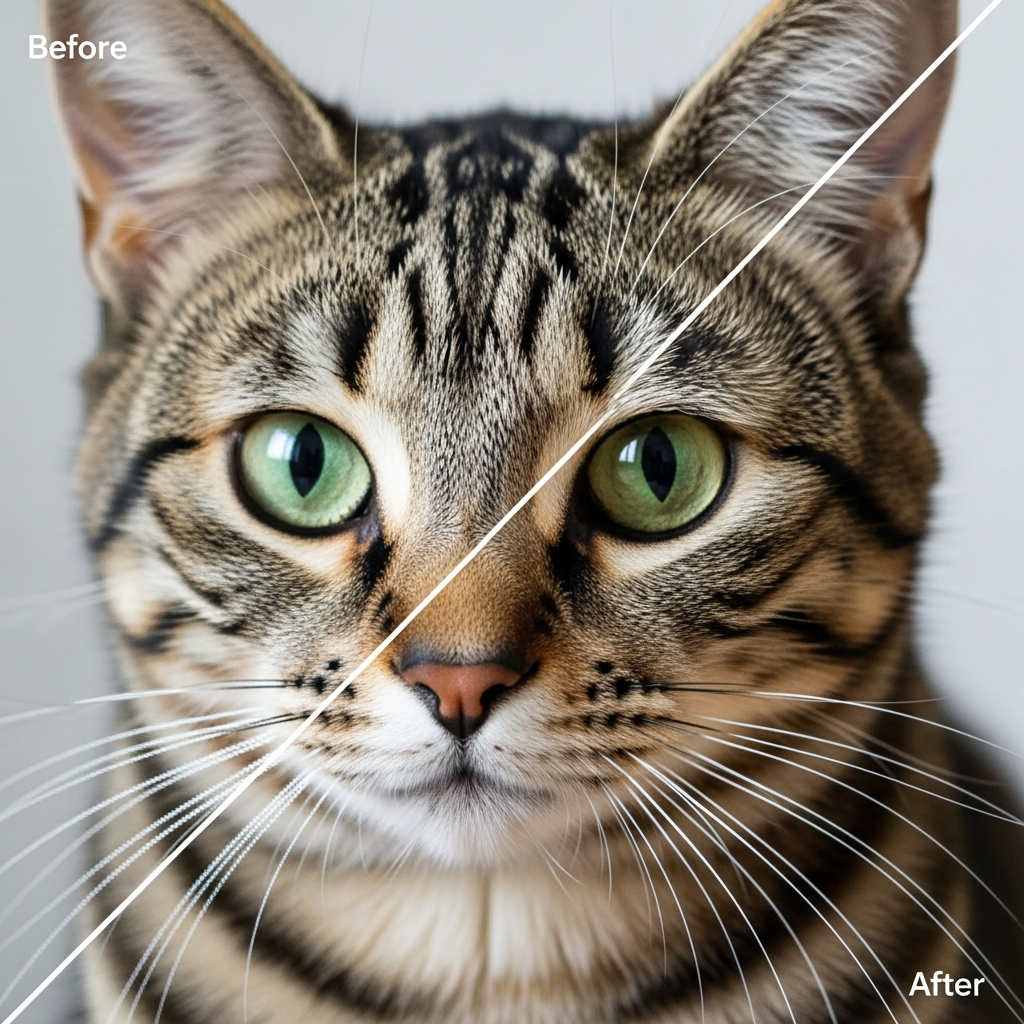
After

Before
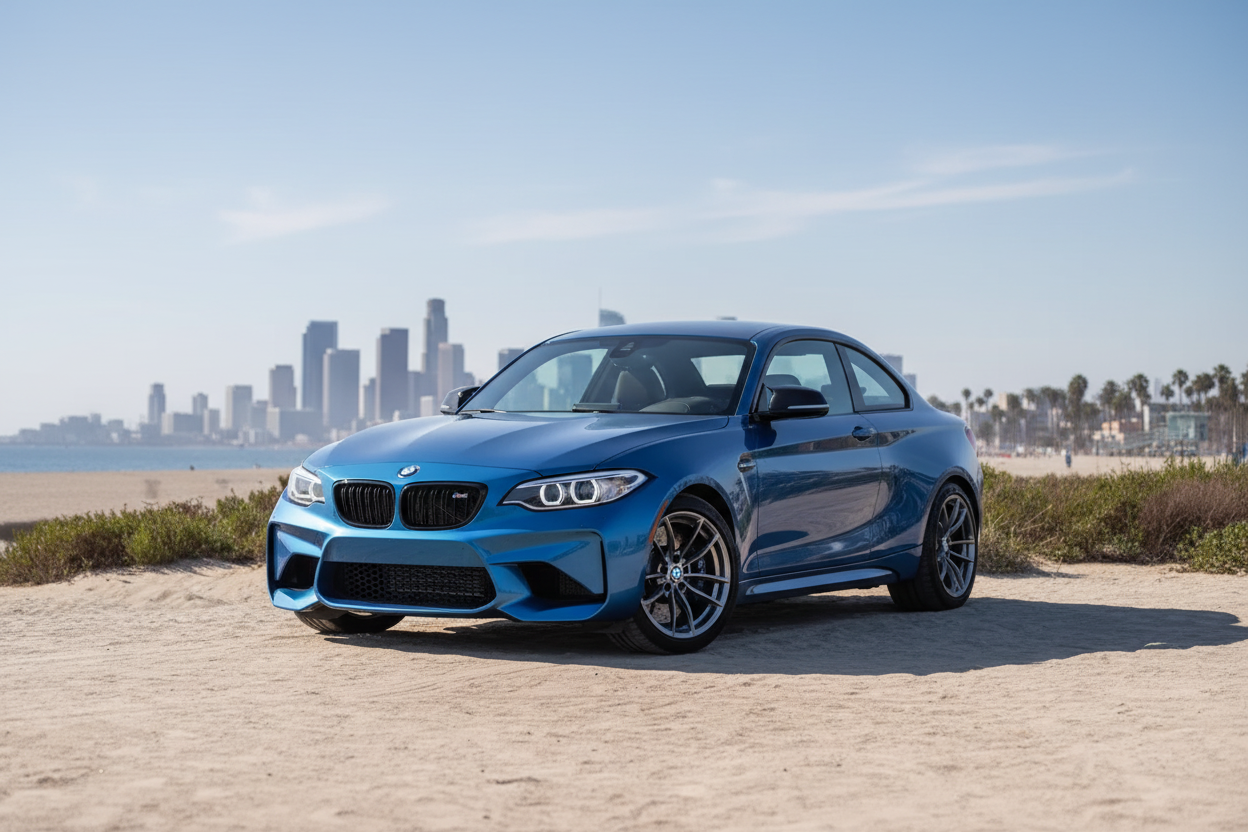
Remix
Combine elements from between one and four images into new images. For example, merge a directory of photos of models with a directory of images of a new line of clothing, and update your online store to showcase your latest inventory in just minutes.


Detail Preservation
Maintain crisp edges and fine textures while dramatically increasing resolution.
Noise Reduction
Simultaneously remove noise and artifacts while upscaling for cleaner results.
Saved Separately
Download your enlarged photo or find it in Saved Photos. Your original stays unchanged.
Print-Quality Resolution from Low-Res Images
You have a perfect photo, but it's too small for printing or professional use. Traditional upscaling creates blurry, pixelated results.
AI upscaling analyzes image structure and intelligently reconstructs missing detail—increasing resolution up to 8,192 pixels on the long edge, with up to 10× enlargement, while enhancing textures and edges. The result looks naturally high-resolution, not artificially enlarged.
This matters most for old digital photos (taken on early cameras with 2-3 megapixels), social media images downloaded at low resolution, screenshots that need to become presentation graphics, and scanned documents requiring clarity improvements.
David needed to print a 24×36 poster of his grandmother's portrait, but his only copy was a 640px Facebook download. Standard enlargement created visible pixelation. After AI upscaling to 2400px, he printed the poster at a professional lab—the print showed clear facial details and smooth skin tones with no artificial sharpening halos or digital noise.
When upscaling doesn't help: If your original image is severely out of focus or heavily motion-blurred, upscaling cannot create sharpness that never existed. AI enhancement can reconstruct or change fine details, so review your result at full size before delivery. Start with the sharpest version available.
Upload your low-resolution image and see how much printable detail the AI can recover.