AI Object Removal
Remove unwanted objects seamlessly from your photos
Eliminate photobombers, unwanted objects, or distracting elements from your images while maintaining natural-looking backgrounds.
Edit
Make professional-level edits to any image — generated or captured — using simple natural-language instructions. Remove unwanted elements, intelligently crop, change the season, or perform just about any other type of edit you can put into words.
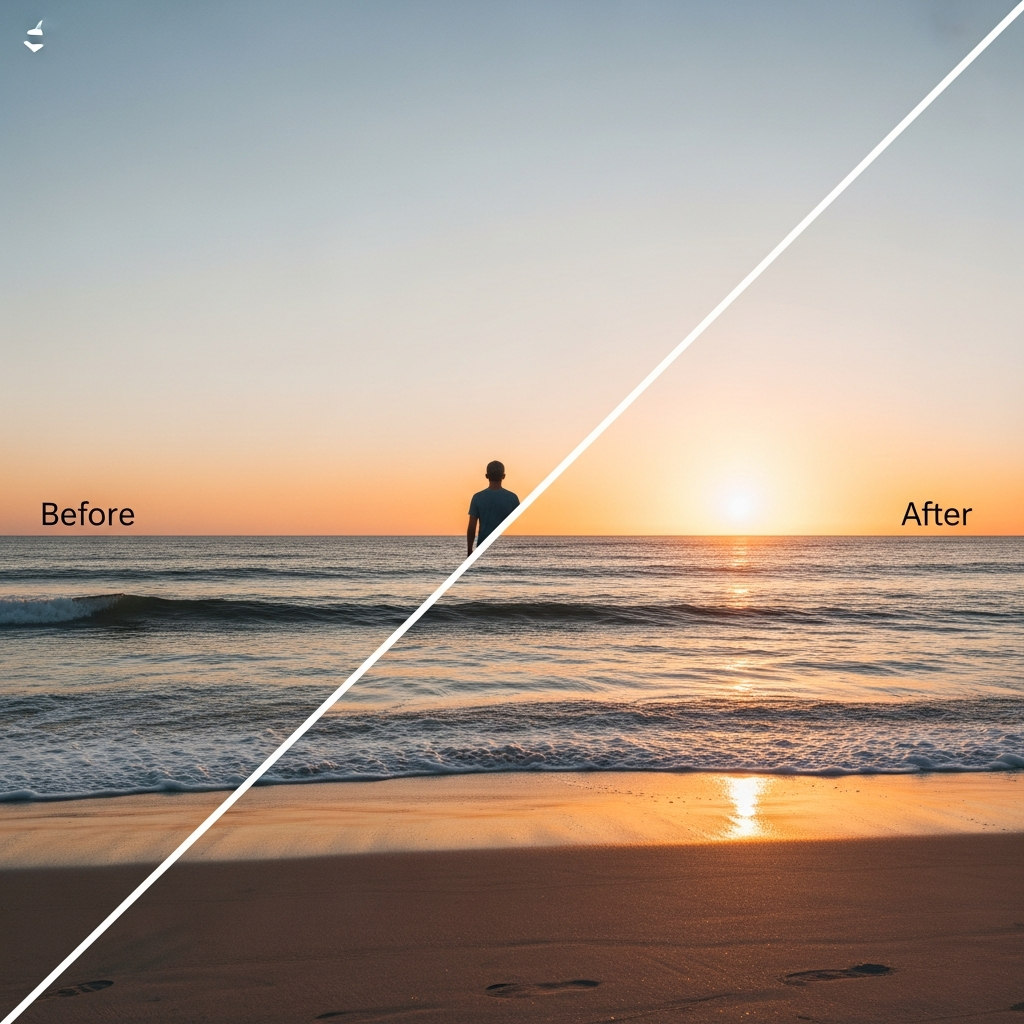
After

Before

Remix
Combine elements from between one and four images into new images. For example, merge a directory of photos of models with a directory of images of a new line of clothing, and update your online store to showcase your latest inventory in just minutes.


Content-Aware Fill
Intelligently reconstruct backgrounds based on surrounding context for seamless results.
Precise Selection
Advanced edge detection ensures clean removal without affecting desired elements.
Multiple Objects
Remove multiple objects in a single operation while maintaining image coherence.
Clean Photos Without Reshooting
A perfect photo ruined by background people, visible clutter, power lines, or unwanted objects. Reshooting isn't always possible.
AI object removal analyzes surrounding context and intelligently fills the removed area—preserving textures, matching lighting, continuing patterns naturally. Remove photobombers from vacation shots, power lines from landscapes, watermarks from images, trash bins from property photos, or any distracting element that pulls attention from your subject.
The technology works best on backgrounds with repeatable patterns (sky, grass, walls, water) where the AI can extend existing textures convincingly. Complex backgrounds with unique architectural details or intricate patterns require more careful selection but still produce usable results.
Jennifer photographed her product lineup for her online store, but her home office appeared in the background—visible desk, shelves, personal items. She needed clean white backgrounds but couldn't afford a studio. After removing the background clutter, her product photos looked professionally shot against clean contexts, dramatically improving her store's visual consistency.
When removal creates problems: If the object you're removing is extremely large (covering 40%+ of the image) or sits in front of critical unique detail, the AI may struggle to convincingly reconstruct what was behind it. Better to crop the composition than attempt impossible reconstruction.
Upload your photo and select what to remove—see how cleanly the AI fills the space.