Apr 10, 2026
Best Free AI Picture Generators: Top Tools Tested in 2026
Choosing the right free AI image generator can feel overwhelming with so many options flooding the market. Whether you need quick social media graphics, product mockups, or artistic illustrations, the tools available today rival paid software in quality and ease of use. The key is matching the generator to your specific workflow—some excel at photorealistic images, others shine with creative illustrations, and a few handle both with equal finesse.
Quick Answer:
The best free AI picture generators include DALL-E 3 (via Bing), Midjourney's limited free tier, and Stable Diffusion-based platforms like DreamStudio. These tools offer high-quality image generation without upfront costs, though free tiers come with monthly credit limits and watermarks. The right choice depends on your style preferences—whether you prioritize photorealism, artistic control, or speed—and how many images you generate monthly.
This article walks you through the landscape of free AI image generation tools, breaking down their strengths, limitations, and ideal use cases. You'll discover what separates a truly free generator from one that requires payment after initial credits expire, how to maximize free credits for maximum output, and which tools work best for specific creative goals—from e-commerce product shots to social media content. By the end, you'll have a clear framework for selecting the generator that fits your needs without burning through a budget.
Table of Contents
- What Makes a Free AI Image Generator Worth Using
- Top Free AI Image Generators Compared Side by Side
- How to Create AI Images for Free: Step-by-Step Process
- Free AI Image Generators for Specific Use Cases
- Limitations You'll Face with Free AI Image Generators
- Weezard: Professional AI Photo Editing Beyond Image Generation
- Frequently Asked Questions About Free AI Picture Generators
- Choosing Your Free AI Picture Generator in 2024
What Makes a Free AI Image Generator Worth Using
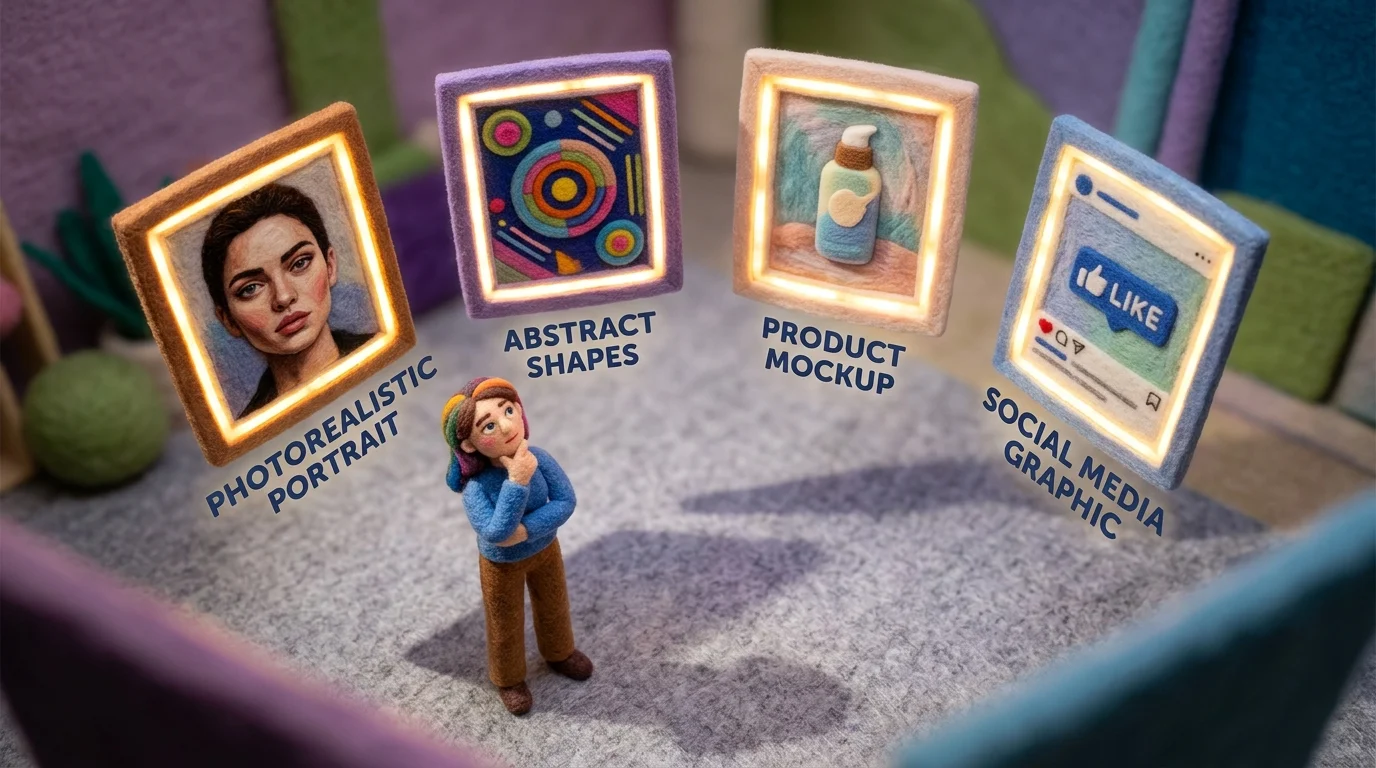
The difference between a genuinely useful free AI image generator and one that frustrates you comes down to a handful of practical factors. Resolution quality sits at the top—most tools generate images at 1K or lower by default, which works fine for social media but falls apart when you need print-ready assets. According to PixExact's analysis, high-resolution generators producing 4K output are essential for applications like billboards or large-format prints, where pixelation becomes immediately visible.
Credit systems are equally critical. Free tiers vary wildly: Leonardo AI offers 150 tokens daily (the most generous), while others cap you at 5-10 generations per day. Understanding your monthly output needs determines whether a tool's free tier actually serves you or just teases you with limitations.
Speed matters more than people expect. Modern generators deliver results in 3-30 seconds, a dramatic leap from early 2022 models that took 60+ seconds per image. This difference compounds when you're iterating on designs.
Finally, ease of use separates tools that feel intuitive from those requiring a learning curve. The best free image generators balance powerful controls with straightforward interfaces—you shouldn't need a tutorial just to generate your first image. Prioritize based on your actual use case: photorealistic product shots demand different tools than stylized illustrations or social media graphics.
Top Free AI Image Generators Compared Side by Side
| Tool | Best For | Free Credits/Limits | Max Resolution | Generation Speed | Ease of Use |
|---|---|---|---|---|---|
| Google Gemini | Quick iterations, photorealism | 20 images/day | 1024×1024 | 3-5 seconds | Very Easy |
| Craiyon | Unlimited exploration, no signup | Unlimited (watermarked) | 768×768 | 45-60 seconds | Easy |
| Canva Magic Media | Design integration, templates | 50 generations/month | 1024×1024 | 10-15 seconds | Very Easy |
| Freepik AI | Diverse model access, quality control | 20 generations/day | 1024×1024 | 8-12 seconds | Easy |
| Leonardo AI | Token-based flexibility, consistency | 150 tokens daily | 1024×1024 | 5-10 seconds | Moderate |
| Bing Image Creator | Microsoft ecosystem integration | 100 boosts/month | 1024×1024 | 15-20 seconds | Easy |
Google Gemini stands out for speed and accessibility. According to AlloyPress's testing, the Imagen 3 model generates images in just a few seconds, making it ideal when you need rapid prototyping or quick visual references. The 20-image-per-day limit feels generous for casual users, and the interface requires zero learning curve—type your prompt, hit generate, done. No watermarks on the free tier, which matters if you're sharing outputs directly with clients or on social media.
Craiyon takes the opposite approach: unlimited free image creation with no account required. Per Fritz AI's analysis, the platform generates nine images per prompt in 45-60 seconds, letting you explore variations without worrying about credit depletion. The tradeoff is slower generation times and watermarks on free outputs. This works perfectly if you're experimenting with prompts or building a mood board where speed isn't critical.
Canva Magic Media deserves consideration if you're already designing within Canva's ecosystem. According to ZPlatform.ai, the free plan offers 50 AI generations monthly, though advanced model selection requires paid upgrades. The real advantage: seamless integration with templates, fonts, and design elements. You generate an image, drop it into your design, and iterate without switching windows. For social media creators and small business owners, this workflow efficiency often outweighs raw generation limits.
Freepik AI balances variety with daily limits. Twenty free generations daily with access to multiple generation models—though the free tier locks you into "Auto" model selection. This matters less for beginners but frustrates power users wanting to test specific models like FLUX or Imagen. The platform's strength lies in its model diversity on paid plans, making it a natural upgrade path as your needs grow.
When choosing among these free image creators, match your workflow to the tool's strengths. Need speed and no friction? Gemini wins. Want unlimited exploration? Craiyon. Designing within a suite? Canva. Testing multiple models? Freepik. The best free AI picture generator isn't universal—it's the one that fits your actual usage pattern, not the one with the biggest headline numbers.
How to Create AI Images for Free: Step-by-Step Process
Creating AI-generated images doesn't require technical expertise or expensive software. Here's how to generate AI images free using any of the major platforms:
1. Select Your Generator
Choose a tool that matches your workflow. Gemini offers speed with minimal friction, Craiyon provides unlimited exploration, and Canva integrates seamlessly if you're designing layouts. Each platform handles the technical complexity behind the scenes—you just need to decide what matters most: simplicity, model variety, or design integration.
2. Craft Your Prompt
The quality of your AI-generated image depends almost entirely on prompt engineering and clarity. Be specific about what you want: instead of "a dog," try "a golden retriever sitting on a wooden dock at sunset, photorealistic, 8k." Include style references ("in the style of Studio Ghibli"), composition details ("wide-angle shot"), and mood ("warm, nostalgic lighting"). Vague prompts produce generic results; detailed prompts unlock the generator's potential.
3. Refine with Best Practices
Avoid contradictory instructions. Don't ask for "photorealistic anime"—pick one aesthetic. Use positive language ("vibrant colors" beats "not dull"). Test variations by tweaking one element at a time, so you understand what actually moves the needle. Most free plans give you enough monthly credits to experiment without overthinking every prompt.
4. Generate and Review
Hit generate and wait. Most free tools produce results in 10–60 seconds. Review the output against your prompt. If it misses the mark, adjust your wording rather than starting from scratch. Platforms typically show multiple variations, so compare them before downloading.
5. Download and Export
Once satisfied, download at the highest resolution your plan allows. Free tiers often cap at 1K quality; paid upgrades unlock 4K. Save in PNG for transparency or JPG for smaller file sizes. You now have a usable asset ready for social media, design projects, or further editing.
Free AI Image Generators for Specific Use Cases
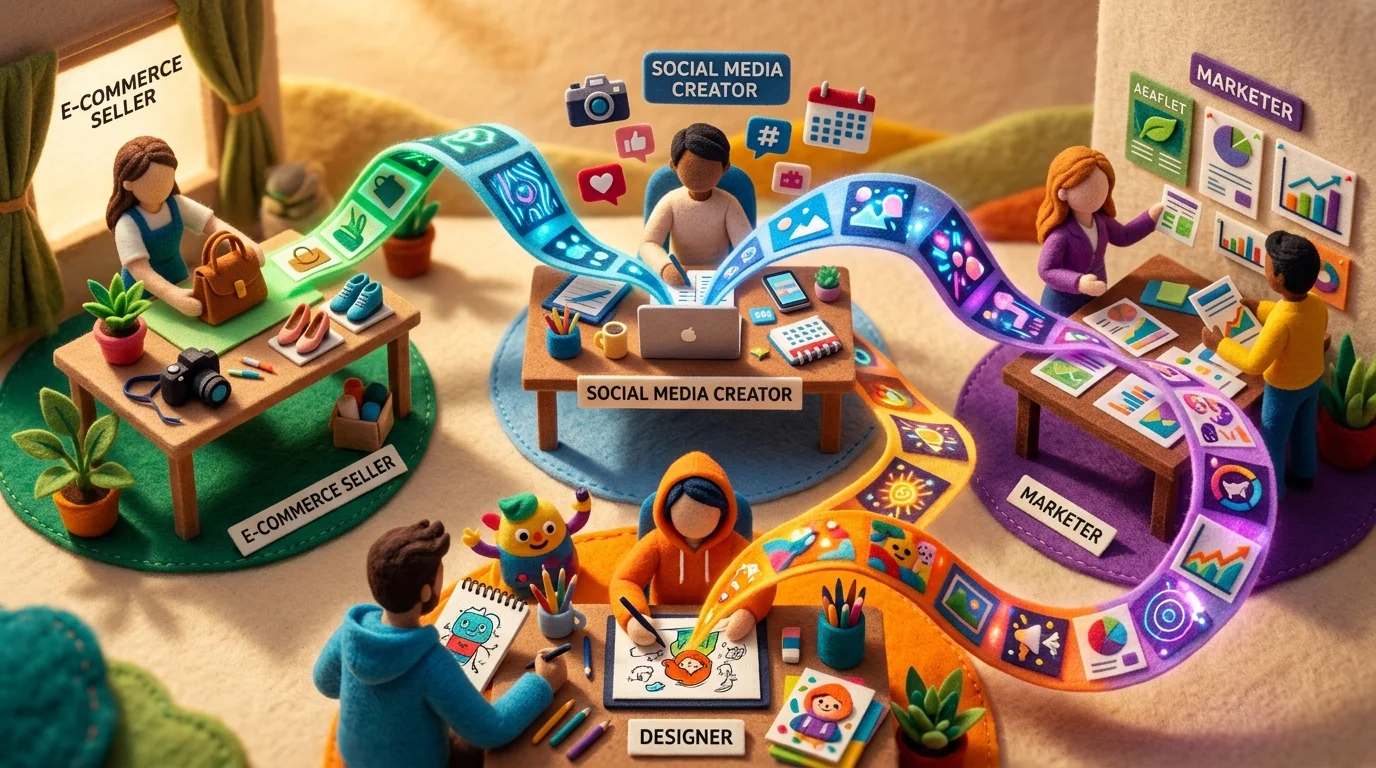
Not every free AI picture generator excels at everything. The best choice depends on what you're actually trying to create—and understanding your specific use case cuts through the noise of feature-heavy platforms that don't match your workflow.
Social Media Content Creation
If you're building Instagram feeds, TikTok thumbnails, or LinkedIn graphics, you need speed and consistency. Platforms like Midjourney's free tier or DALL-E's free credits work well, but they're credit-limited. For sustained social media production, tools with higher monthly allowances and preset templates shine. Look for generators that offer style consistency across batches—the ability to regenerate similar aesthetics without starting from scratch saves both time and credits.
Product Mockups and E-Commerce
E-commerce teams and small business owners benefit from generators that handle clean backgrounds and realistic product placement. Free AI art generators with background removal or replacement features let you visualize products in lifestyle contexts without expensive photoshoots. The ability to export at 4K resolution matters here; low-resolution mockups undermine credibility.
Artistic Exploration and Illustration
Artists and designers using these tools for inspiration or illustration alternatives need fine control over style. Platforms supporting detailed prompts—where you can specify art movements, color palettes, and composition—give you the creative latitude that generic generators lack. Batch generation features let you explore variations quickly without burning through credits on single iterations.
Marketing Materials and Ads
Campaign creators need diversity and fast iteration. Free tiers with reasonable monthly credit allotments let you test multiple visual directions before committing budget to paid tools. Look for generators that produce on-brand results consistently—ones where your second-best output is still usable, not just the first-choice image.
Illustration Alternatives for Designers
When clients can't afford custom illustration, an artificial intelligence art generator free option bridges the gap. Seek tools balancing artistic quality with ease of use; complex prompt syntax defeats the purpose if you're under deadline pressure.
Match the tool to the job. A generator optimized for photorealism struggles with abstract art. One built for speed sacrifices fine detail control. Testing a few free credits across your specific use case reveals which platform actually fits your workflow—not which one has the most hype.
Limitations You'll Face with Free AI Image Generators
Free AI image generators deliver remarkable value, but they come with real constraints that matter depending on your use case. Understanding these tradeoffs upfront prevents frustration and helps you decide whether a free tier actually serves your needs or if upgrading makes sense.
Resolution caps are the most immediate limitation. Most free tiers max out at 1024×1024 pixels, suitable for web graphics and social media but inadequate for print materials, large displays, or professional portfolios. If you're generating images for anything beyond screens, you'll hit this ceiling quickly.
Daily or monthly credit limits create another friction point. Free users typically receive a modest monthly allowance—often 5 to 25 credits depending on the platform. A single high-resolution generation might consume multiple credits, meaning your creative exploration ends before you've tested meaningful variations. Paid plans unlock 200+ monthly credits, enabling genuine iteration.
Generation speed favors paying customers. Free users sit in lower-priority processing queues, so your image might take minutes to render while premium subscribers see results in seconds. When you're working under deadline, this delay compounds across multiple attempts.
Commercial use restrictions vary significantly. While most leading free AI image generators no longer add visible watermarks, licensing terms differ. Adobe Firefly explicitly permits commercial use on its free tier since it's trained exclusively on licensed content, making it safer for business projects. Other platforms restrict commercial applications to paid plans, creating legal ambiguity if you're monetizing your work.
These limitations don't disqualify free tools—they simply define their best applications. Personal projects, experimentation, and low-stakes content thrive on free tiers. Professional workflows and commercial output typically demand paid upgrades.
Weezard: Professional AI Photo Editing Beyond Image Generation
While free AI image generators excel at creating original visuals from text prompts, they often leave you with raw output that needs refinement. This is where the workflow becomes incomplete—you've generated an image for free, but polishing it into a professional-quality asset requires additional tools and skills.
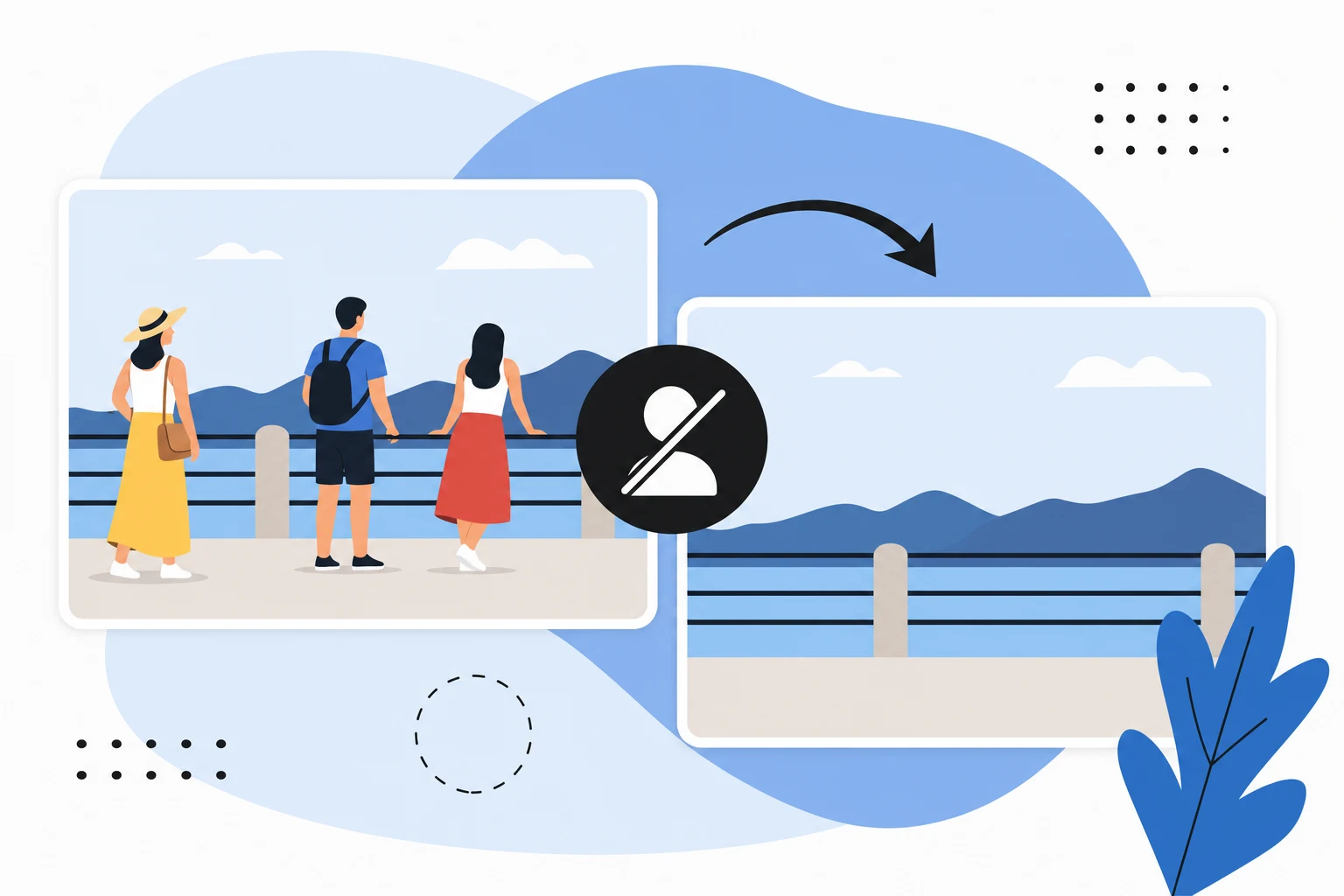
Weezard bridges this gap by offering AI-powered photo editing capabilities that transform both AI-generated and existing photos into publication-ready results. The platform specializes in practical editing tasks like intelligent object removal, background enhancement, and detail refinement—the kind of work that typically demands manual Photoshop expertise or expensive professional services.
The free tier provides 5 monthly credits, enough to test core features without commitment. This aligns perfectly with a complementary workflow: create images for free using a dedicated generator, then use Weezard's free allowance to remove distracting elements, clean up backgrounds, or enhance details. For users who need consistent editing capacity, the Pro plan ($30/month) delivers 200 monthly credits and unlocks 4K exports—ideal for commercial projects or high-volume content creation.
What sets Weezard apart is its focus on practical problems. Real estate professionals, for example, use it to depersonalize listing photos by removing furniture and clutter in seconds rather than hours of manual work. E-commerce sellers clean product shots without watermarks on the free tier. Content creators enhance AI-generated images to match their brand aesthetic.
The platform's professional tone and straightforward interface mean you're not learning complex software—you're solving specific editing challenges efficiently. Combined with free image generation tools, Weezard fills the production gap between creation and publication.
Frequently Asked Questions About Free AI Picture Generators
Can I use free AI-generated images commercially?
Yes, but it depends on the platform's terms. Most free AI image generators allow commercial use of images you create, though some restrict it to paid-tier users. Always check the specific tool's licensing agreement before using generated images in client work, marketing campaigns, or products. Weezard, for example, permits commercial use across all plans, making it suitable for real estate agents, e-commerce sellers, and content creators who need to monetize their output.
Do I need to create an account to generate AI images free?
Not necessarily. Many platforms offer preview modes without signup, letting you test quality before committing. However, saving and downloading images typically requires registration. This minimal friction means you can evaluate whether free AI image generation suits your workflow in minutes, not hours.
What's the difference between free and paid tiers?
Free plans usually cap monthly credits, limit output resolution to 1K quality, and restrict advanced features. Paid plans unlock higher resolution (up to 4K), remove watermarks, increase generation speed, and provide priority support. The free tier is genuinely useful for experimentation; the paid tier serves professionals who need consistent capacity and premium output.
How long does image generation take?
Most tools generate images in 15–60 seconds, depending on complexity and server load. Paid plans often prioritize processing, delivering results faster. This speed matters when you're generating multiple images for content batches.
Can I edit AI-generated images after creation?
Absolutely. Free AI image gen tools create raw outputs that benefit from refinement. Removing unwanted elements, adjusting backgrounds, or enhancing details transforms a good generated image into publication-ready work. Many creators combine free generation with editing tools to maximize quality without expensive software.
What quality can I expect from free generators?
Free tiers produce visibly good results for most use cases—social media, blog headers, mockups, and concept visualization. However, fine details and photorealism improve significantly on paid plans. Test your specific use case with the free allowance before upgrading.
Is there a learning curve?
No. Modern free AI image generators use intuitive interfaces: write a description, click generate, download. You're not learning software; you're describing what you want.
Choosing Your Free AI Picture Generator in 2024
The best free AI image generator isn't universal—it depends entirely on what you're building. If you need design integration and pre-built templates, Canva's AI tools embed seamlessly into existing workflows. If you want maximum generations without signup friction, Craiyon delivers unlimited free access. If photorealism and fine detail matter most, Midjourney's free trial (though limited) outperforms most free alternatives. DALL-E 3 suits creators who prioritize safety and consistency; Stable Diffusion appeals to technical users wanting local control.
Here's the practical framework: start with your constraint. Do you need bulk processing? Test a free images generator with batch capabilities. Are you generating for social media or print? Resolution limits matter differently for each. Do you want editing integration afterward? Weezard pairs well with any generator—refining raw outputs into polished assets takes minutes.
The honest truth: free tiers are genuinely useful but intentionally limited. You'll hit credit caps, resolution ceilings, or watermarks. That's by design. Rather than frustration, treat it as a filter. Spend your free allowance testing 2–3 tools with your actual use case. The one that feels frictionless—where you forget you're using AI—is your winner. Upgrade only when free constraints slow your real work.

Ready to jump in?
Upload a photo, describe a change and review the result. Try 1 credit after signup and email verification.