Mar 20, 2026
Copy and Paste Fonts: How to Use Stylish Text Generators Online

Copy and paste fonts have revolutionized how people express themselves online. These stylized text generators transform ordinary letters into visually striking designs—bold, italic, cursive, fancy, and decorative variations—all without requiring software installation or technical skills. Whether you're crafting social media captions, designing email signatures, or personalizing forum posts, these tools deliver instant results by converting standard text into Unicode characters that render as unique fonts across platforms.
Quick Answer: Copy and paste fonts are online text generators that instantly convert regular text into stylized versions (bold, cursive, decorative, etc.). You type your message, select a font style, and copy the result directly into social media, emails, or any digital platform—no design software needed. They work because they use Unicode characters rather than actual font files, ensuring compatibility everywhere.
This article explores everything you need to know about using these generators effectively. We'll cover how they actually work, walk you through using them step-by-step, showcase popular options, and reveal insider tips for standing out on social media. Whether you're a content creator wanting to elevate your brand presence or simply someone tired of plain text, understanding copy and paste fonts opens new creative possibilities for making your words visually memorable and distinctly yours.
Table of Contents
- How Copy and Paste Font Generators Work
- Types of Font Styles Available in Text Generators
- Step-by-Step Guide to Using a Font Copy and Paste Tool
- Best Use Cases for Stylized Text Generators
- Advantages and Limitations of Using Copy and Paste Fonts
- Accessibility and Readability Considerations
- Common Questions About Copy and Paste Fonts
- Elevate Your Digital Presence With Stylized Text
How Copy and Paste Font Generators Work
At their core, font generators operate through a surprisingly elegant mechanism that requires no software installation or design expertise. When you type text into these tools, they don't actually change the font file itself—instead, they replace your standard letters with special Unicode characters that visually resemble different fonts. Unicode is a standardized encoding system that includes hundreds of thousands of characters, with over 137,000 characters currently available that can be used to create distinctive fonts. This distinction is crucial: you're not downloading or installing anything. You're simply swapping one set of characters for another.
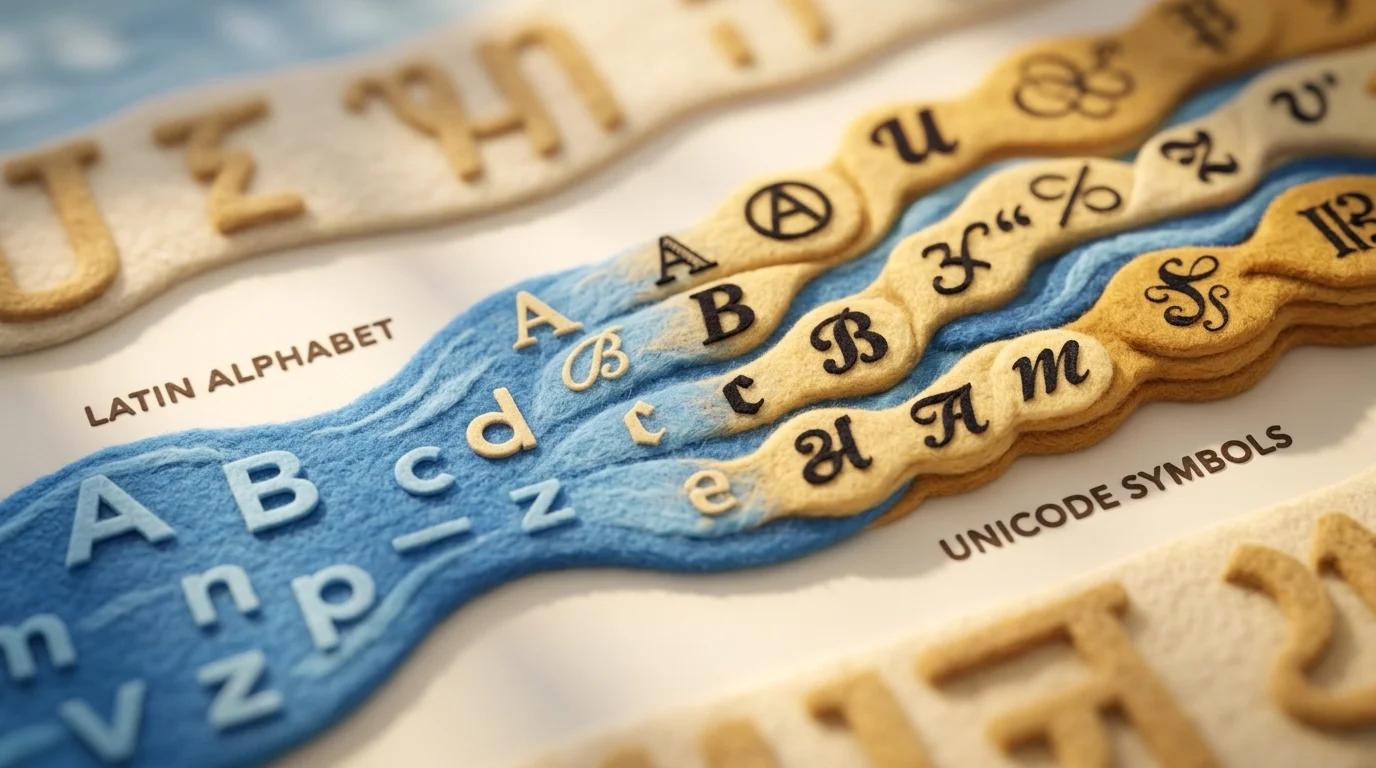
Here's how the process unfolds in practice. When you input "Hello" into a font changer tool, the generator analyzes each letter and pulls from specific Unicode blocks—like Letterlike Symbols or Mathematical Alphanumeric Symbols—to find visually similar alternatives. For example, a regular "H" might become "𝐇" (bold), "𝘏" (italic), or "ℌ" (decorative). The generator outputs this transformed text, which you then copy and paste directly into social media, emails, or any digital platform.
What makes this system universally compatible is that Unicode characters are standardized across all devices and browsers. Whether someone views your text on an iPhone, Android, Windows PC, or Mac, those special characters render consistently because they're part of the same universal character set. The platform doesn't need to have a specific font installed—it simply displays the Unicode character as designed. This eliminates the common problem with traditional fonts, where fancy typefaces fail to display if the recipient's device lacks that font file. Copy and paste fonts bypass this entirely by using characters that already exist everywhere, making your stylized text truly portable and reliable across any digital platform.
Types of Font Styles Available in Text Generators
Text generators offer far more variety than most people realize. When you use a font changer tool, you're not limited to a single aesthetic—you're accessing dozens of distinct style categories, each designed for different contexts and visual impact.
Bold and Italic Variations form the foundation of most generators. A bold text generator transforms standard letters into heavier, more prominent versions (like 𝐇𝐞𝐥𝐥𝐨), perfect for emphasis in social media captions or headlines. Italic variants add elegance and slope, ideal for quotes or poetic content. Many generators combine these, offering bold-italic hybrids for maximum visual weight.
Strikethrough and Superscript/Subscript styles serve functional purposes. Strikethrough text (H̶e̶l̶l̶o̶) works for showing corrections or crossed-out ideas, while superscript and subscript are useful for mathematical notation or footnotes without formatting limitations.
Script and Cursive Fonts deliver sophistication. These flowing, handwriting-inspired styles convey elegance and personality—common in wedding announcements, creative portfolios, or premium brand messaging. Unicode provides multiple script variations, from casual cursive to formal calligraphy.
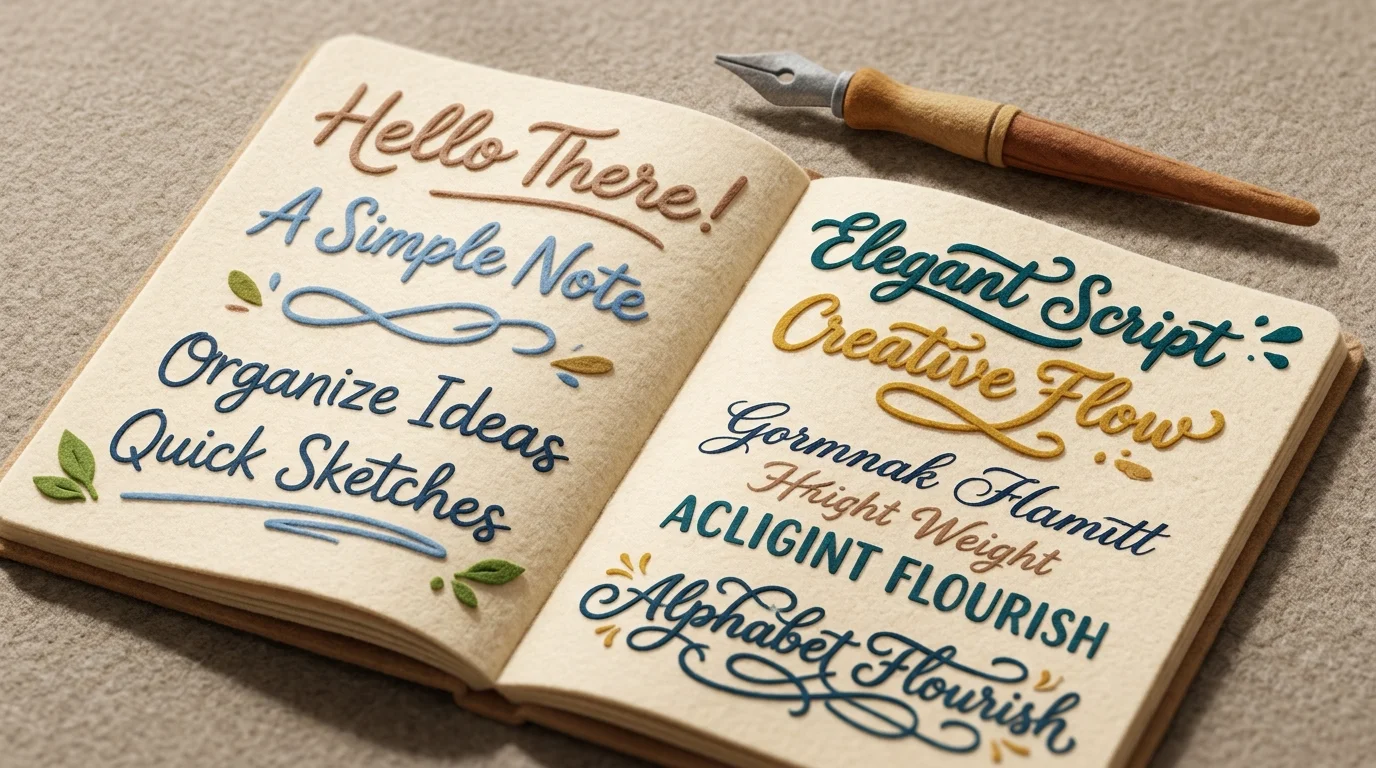
Bubble Letters and Decorative Symbols inject playfulness. These rounded, chunky characters (ℌ𝔢𝔩𝔩𝔬) appeal to younger audiences and casual contexts like gaming usernames or fun social posts. Mathematical alphanumeric symbols expand this category further, offering Fraktur, double-struck, and monospace variations.
Small Caps present a professional alternative, rendering lowercase letters as tiny uppercase forms—useful for headers or formal writing without sacrificing readability.
Popular platforms like LingoJam and TextEditor.com offer between 30 to 210 different style variations, giving you substantial creative flexibility. Each style serves a purpose: bold for authority, script for elegance, decorative for personality. Understanding which style matches your message ensures your text doesn't just look different—it communicates the right tone.
Step-by-Step Guide to Using a Font Copy and Paste Tool
Using a font copy and paste tool is straightforward, even for beginners with no design experience. Here's how to transform ordinary text into stylized lettering in just a few clicks.
1. Enter Your Text
Start by typing or pasting your message into the input field. Most generators feature a simple text box at the top of the page. Type whatever you want to stylize—a username, social media caption, heading, or any short phrase. You'll typically see a character limit (usually 100–500 characters), which is plenty for most uses. The text you enter serves as the foundation; everything that follows builds on this input.
2. Browse Available Font Styles
Once your text is entered, the generator displays previews of your message in different styles. Scroll through the options to find what matches your needs. You might see a bold font generator offering heavy, authoritative lettering, a bold writing generator with thick strokes, or a bold lettering generator with decorative embellishments. Each preview shows exactly how your text will look, removing any guesswork.
3. Select Your Preferred Style
Click or tap the style you want to use. The generator highlights your selection, and that styled version becomes ready for copying. Consider the context: professional platforms favor clean, readable styles, while creative spaces welcome playful decorative fonts.
4. Copy the Styled Text
Look for a "Copy" button next to your chosen style. Click it—most tools copy the text to your clipboard instantly. You'll often see a confirmation message like "Copied!" indicating success.
5. Paste Into Your Desired Platform
Navigate to where you want to use the text: a social media post, email, document, or messaging app. Right-click and select "Paste," or use Ctrl+V (Windows) or Cmd+V (Mac). Your stylized text appears instantly, preserving all the formatting from the generator.
That's it. No downloads, no software, no technical barriers—just input, select, copy, and paste.
Best Use Cases for Stylized Text Generators
Stylized text generators shine brightest when visual impact matters but character limits constrain you. Instagram bios exemplify this perfectly. With only 150 characters to work with, a bold letter generator transforms those precious few words into something that stops the scroll. According to marketing research from social media platforms, profiles with visually structured bios see higher interaction rates because users scan formatted text faster. A fitness coach's bio reading "💪 𝓕𝓘𝓣𝓝𝓔𝓢𝓢 𝓒𝓞𝓐𝓒𝓗" commands attention without burning through characters, while a standard font version gets lost in the feed noise.
Discord communities thrive on personality. Usernames and messages using a font copy paste tool let members stand out in crowded servers. A gamer might use a bold font generator to create a username like "𝙷𝚊𝚕𝚘 𝙻𝚘𝚛𝚍" that feels more distinctive than plain text, signaling identity and creativity within the community.
TikTok video captions benefit similarly. Creators overlay stylized text on videos to emphasize key moments or jokes. The contrast between standard platform text and a decorative letter generator makes captions pop, especially when they're part of trending formats or duets.
Dating app profiles use stylized fonts to convey personality before anyone reads a word. A witty bio in an elegant script font feels more intentional and charming than generic text. Similarly, gaming usernames across platforms like Twitch or Steam leverage font generators to create memorable handles that stick in viewers' minds.
Email signatures and creative writing projects represent professional applications. A consultant's signature in a refined font style projects polish without seeming unprofessional, while fiction writers use stylized text in manuscripts or promotional materials to evoke mood or genre.
The common thread: wherever you want text to work harder visually—whether constrained by character limits, competing for attention, or establishing tone—stylized fonts deliver impact without requiring design skills.
Advantages and Limitations of Using Copy and Paste Fonts
Copy and paste font tools deliver genuine convenience, but they're not a universal solution. Understanding their strengths and constraints helps you deploy them strategically rather than defaulting to them everywhere.
| Advantage | Limitation |
|---|---|
| Instant results—no design software or learning curve | Limited customization; you're locked into preset styles |
| Completely free and accessible from any browser | Readability suffers on small screens or certain devices |
| Works across platforms (social media, messaging, email) | Inconsistent rendering—fonts may display differently depending on the user's device or app |
| Unleashes creative expression without technical skills | May appear unprofessional in formal or corporate contexts |
| No installation, no accounts required for basic use | Unicode-dependent; some platforms strip stylized characters |
The real power lies in knowing when to deploy them. A bold text generator excels for Instagram bios, TikTok captions, Discord usernames, and dating profiles—spaces where personality and visual distinction matter. A fancy letter generator transforms casual communication into something memorable without demanding design expertise.
However, avoid stylized fonts in professional emails, legal documents, academic submissions, or anywhere readability is non-negotiable. Mobile users especially struggle with ornate Unicode characters; accessibility suffers when form overshadows function. Similarly, platforms like LinkedIn or formal business communications demand restraint—a refined serif font in your email signature reads polished, but excessive decoration reads gimmicky.
The sweet spot: use copy and paste fonts where they enhance personality and capture attention, but default to standard text when clarity, professionalism, or broad device compatibility matters. They're a creative tool, not a replacement for thoughtful communication.
Accessibility and Readability Considerations
Stylized text generators create a visual appeal that standard fonts can't match, but this beauty comes with real accessibility costs. Screen readers—software that helps visually impaired users navigate digital content—don't interpret fancy fonts the way humans do. According to research on Unicode text conversion, screen readers read each Unicode-styled character individually, announcing "mathematical bold italic small m" instead of simply "m," rendering the text incomprehensible for users relying on assistive technology.
The stakes are significant. Approximately 39 million people worldwide are blind, with an additional 246 million experiencing moderate to severe visual impairment. Many depend on screen readers for digital access, meaning your decorative text could exclude them entirely.
Best practices for responsible use:
- Provide plain text alternatives. When using a bold letter generator or copy and paste fonts in important contexts, include standard text versions nearby—especially in captions, alt text, or email signatures.
- Test across devices. Ornate Unicode characters render inconsistently on mobile browsers and older platforms. Always preview your stylized fonts on multiple devices before publishing.
- Avoid overuse. Deploy fancy fonts sparingly—a single Instagram bio or Discord username benefits from visual distinction, but an entire paragraph becomes unreadable and inaccessible.
- Skip stylized fonts in critical content. Accessibility requirements aren't optional for official announcements, legal documents, or instructional material.
The principle is simple: enhance, don't obstruct. Stylized text works best as a decorative accent, not the primary communication method.
Common Questions About Copy and Paste Fonts
Are copy and paste fonts safe to use?
Yes, reputable font generators are safe. They don't require downloads or installations—they work entirely in your browser using Unicode characters. The risk comes from untrusted third-party sites that might contain malware or ads. Stick with established platforms, and you'll avoid problems. Your device never stores anything suspicious; the text is simply rendered differently.
Do stylized fonts work on all devices?
Not uniformly. Unicode characters display inconsistently across older phones, some email clients, and legacy browsers. A font that looks perfect on your iPhone might appear as boxes or garbled symbols on Android or desktop. Always test before publishing important content. Social media platforms (Instagram, Twitter, TikTok) handle Unicode well, but messaging apps and email are riskier.
Can I use copy and paste fonts commercially?
Absolutely. Since these fonts use standard Unicode characters, there are no licensing restrictions. You can use them in business profiles, marketing materials, product listings, and client communications without permission or payment. The only caveat: ensure your chosen font changer tool itself has a legitimate license if you're using it professionally.
Why don't some fonts display correctly?
Rendering depends on whether the user's device has the required Unicode font installed. Rare or decorative character sets might not exist on older systems. Additionally, some platforms deliberately strip certain Unicode characters for security reasons. Testing across devices before publishing is non-negotiable.
How do I choose the best font for my audience?
Consider readability first. Decorative fonts work for headers and bios but fail for body text. Match the style to your brand voice—elegant scripts suit luxury brands, while bold letters suit gaming or entertainment. Always prioritize accessibility: if your audience includes people using screen readers, provide plain text alternatives alongside stylized versions.
Elevate Your Digital Presence With Stylized Text
Copy and paste fonts offer a fast, free way to infuse personality into your digital communications—no design skills required. By transforming plain text into bold, cursive, or decorative styles, these tools let you stand out on social bios, messaging apps, and creative projects in seconds. A bold font generator can turn a simple "Welcome" into a striking headline that captures attention, while script and monospace variants add flair to usernames or captions. These Unicode-based characters work across most platforms, making them accessible and easy to share. Still, readability matters: overly stylized fonts may look impressive but can hinder comprehension, especially for users relying on screen readers or viewing on older devices. Always test your text across platforms and prioritize clarity when engaging broad audiences. Experiment with different styles to align with your brand tone—whether playful, professional, or edgy. The best way to find your voice is to try a few variations and see what resonates. Explore a text generator today and discover how small typographic changes can make a big impression.


Ready to jump in?
Upload a photo, describe a change and review the result. Try 1 credit after signup and email verification.