Mar 22, 2026
Free Face Swap Tools: How to Swap Faces Without Spending Money

Face swapping has evolved from a niche special effects technique into an accessible digital tool that anyone can use to create entertaining content. Whether you're looking to swap faces in photos for fun, create social media content, or explore creative possibilities, understanding how this technology works and where to find free solutions is increasingly valuable. Face swapping works by using AI algorithms to detect facial features in one image and seamlessly blend them into another, producing surprisingly realistic results.
Quick Answer:
You can swap faces for free using web-based AI tools that require no installation or subscription—simply upload your images and let the AI handle the technical work. Most platforms offer limited free credits monthly, making it possible to swap faces for free before upgrading to paid plans if you need more advanced features or higher resolution outputs.
In this guide, you'll discover practical methods to swap faces without spending money, learn which free tools deliver the best results, and understand the limitations you might encounter. We'll walk through the entire process from selecting the right tool to troubleshooting common issues, ensuring you can confidently create quality face swaps regardless of your technical experience level.
Table of Contents
- Top Free Face Swap Tools and Apps Available Today
- How to Swap Faces for Free: Step-by-Step Process
- Comparing Free vs. Premium Face Swap Solutions
- Common Challenges When Using Free Face Swap Tools
- Safety and Privacy Considerations for Free Face Swap Services
- Creative Uses for Free Face Swap Technology
- Choosing the Right Free Face Swap Solution for Your Needs
Top Free Face Swap Tools and Apps Available Today
Finding the right face swap freeware can be overwhelming with so many options available, but several standout tools deliver professional results without requiring payment. The best free face swap applications combine ease of use with genuine quality, though each has distinct strengths depending on your platform preference and technical comfort level.
Reface remains one of the most accessible options for casual users. According to AppBrain, the app has been downloaded over 150 million times globally, making it the most popular face swapping solution available. The free plan includes watermarks on outputs, but the experience is straightforward—upload a photo and select a target image, and the AI handles the rest. Premium features start at just $3.99/month, making it affordable if you want to remove watermarks and access higher resolution exports.
Higgsfield offers a genuinely free tier with 5 daily face swap generations that reset every 24 hours. This makes it perfect for casual experimentation without any financial commitment. The web-based interface requires no installation, and results are processed quickly. The limitation is the daily cap, but for users who swap faces occasionally rather than constantly, this model works well.
FaceSwap.dev caters to users willing to invest technical effort for maximum control. This open-source desktop application runs on Windows, macOS, and Linux, giving you complete autonomy over the face swapping process. There's no subscription, no watermarks, and no daily limits—but setup requires comfort with command-line interfaces and GPU configuration. It's the choice for power users who prioritize control over convenience.
Weezard provides a professional alternative for those seeking higher quality outputs. As an AI photo editor, it offers 5 free credits monthly with access to all editing tools, including face swapping capabilities. The platform supports up to 4K quality on paid plans and includes features like bulk editing and generation history, making it suitable for both hobbyists and professionals who need reliable, high-resolution results without watermarks.
| Tool | Platform | Free Tier | Key Strength | Best For |
|---|---|---|---|---|
| Reface | Web, iOS, Android | Yes (watermarked) | User-friendly, instant results | Social media content creators |
| Higgsfield | Web | Yes (5/day limit) | No watermarks, quick processing | Casual experimentation |
| FaceSwap.dev | Desktop (Windows, macOS, Linux) | Yes (unlimited) | Complete control, open-source | Technical users, batch processing |
| Weezard | Web | Yes (5 credits/month) | Professional quality, 4K output | Quality-focused creators |
Each tool excels in different scenarios. Choose Reface for simplicity and social sharing, Higgsfield for watermark-free casual use, FaceSwap.dev for technical control, and Weezard when output quality matters most. Most free options provide enough monthly allowance to explore the technology before deciding whether a paid upgrade suits your workflow.
How to Swap Faces for Free: Step-by-Step Process
The process of swapping faces for free follows a consistent workflow across most platforms, though the interface and speed vary. Understanding the core steps helps you achieve better results regardless of which tool you choose.
Step 1: Prepare Your Images
Start by selecting two high-quality photos—one containing the face you want to swap in, and another where you want that face to appear. Image quality matters significantly; clear, well-lit photos with frontal or near-frontal face angles produce the cleanest swaps. Avoid heavily filtered or low-resolution images, as they confuse the AI's face detection. Ensure both faces are clearly visible and roughly similar in size for optimal alignment. This preparation step takes just a few minutes but dramatically improves final results.
Step 2: Upload to Your Chosen Platform
Navigate to your selected face swap tool and upload both images. Most free tools accept JPG, PNG, and WEBP formats. The upload process is straightforward—drag and drop files or click to browse your device. Wait for the platform to process and detect faces in both images; this typically takes 5–15 seconds depending on server load and image resolution.
Step 3: Select and Align Faces
Once uploaded, the tool automatically detects faces and highlights them. You'll usually see a preview showing which face will be swapped where. Some platforms let you manually adjust face alignment using sliders or drag controls to ensure proper positioning. This step is crucial—misaligned faces result in distorted or unnatural-looking swaps. Take time to fine-tune the alignment until the preview looks balanced.
Step 4: Apply Processing
Initiate the swap by clicking the process or generate button. The AI analyzes facial features, expressions, and lighting conditions, then blends the swapped face into the target image. Processing time ranges from 10 seconds to 2 minutes depending on image resolution and platform load. Higher-quality outputs take longer but deliver more realistic results.
Step 5: Review and Export
Examine the final result carefully. Check for natural blending, proper skin tone matching, and realistic lighting. If the result doesn't meet expectations, adjust alignment settings and reprocess. Once satisfied, download your image. Most free tools offer standard resolution exports; paid upgrades unlock 4K quality if you need professional-grade output.
Pro Tip: Experiment with different source images if your first attempt looks unnatural. Sometimes a slightly different angle or lighting condition produces dramatically better results without requiring any tool adjustments.
Comparing Free vs. Premium Face Swap Solutions
The decision between free face swap freeware and paid solutions depends on your usage patterns, output quality requirements, and workflow volume. Free tools excel for casual experimentation and entertainment, but serious creators and professionals quickly discover limitations that justify upgrading.
| Feature | Free Tools | Weezard Pro |
|---|---|---|
| Monthly Credits | 5–50 | 200 |
| Output Quality | 1K maximum | Up to 4K |
| Processing Speed | 30–120 seconds | Priority queue (10–30 sec) |
| Customer Support | Community forums | Priority email support |
| Watermarks | Often present | None |
| Advanced AI Tools | Limited set | All features included |
| Generation History | 7–30 days | Unlimited |
Free face swap solutions work perfectly if you swap faces occasionally for social media jokes or personal projects. The learning curve is minimal, and you'll understand core mechanics without financial commitment. However, free tiers impose strict monthly credit limits—typically 5 to 50 credits per month—meaning you'll hit the ceiling quickly if you process multiple images weekly.
Output quality becomes the critical differentiator. Free platforms cap resolution at 1K, which looks adequate on mobile but pixelates on desktop or when printed. If you're creating content for professional portfolios, real estate listings, or client deliverables, 4K output from premium solutions like Weezard Pro becomes essential. The watermarks embedded in free exports also disqualify them for commercial use.
Processing speed matters less for one-off projects but compounds across bulk workflows. Free tools queue requests during peak hours, sometimes taking 2+ minutes per image. Paid plans prioritize your submissions, reducing wait time to seconds. For photographers processing 50+ images monthly, this efficiency gain saves hours.
Support availability reveals another gap. Free tools offer community help forums where responses arrive in days, if at all. Premium subscribers receive priority email support from actual specialists who solve problems in hours. When a critical export fails before a deadline, this difference justifies the subscription cost alone.
When to upgrade: If you process more than 10 images monthly, need 4K exports, or require watermark-free results, premium plans pay for themselves through time savings and professional output quality. Start free to validate the workflow, then scale to paid when your needs exceed the tier's limits.
Common Challenges When Using Free Face Swap Tools
Free face swapping tools deliver impressive results, but they come with real limitations that become apparent once you start using them regularly. Understanding these constraints helps you decide whether to work around them or upgrade to a paid solution.
Resolution and watermark restrictions form the most visible barrier. Free platforms cap output at 1K quality, which looks acceptable on social media but fails for professional work. Print materials, real estate listings, and portfolio pieces demand higher fidelity. Many free services also embed watermarks on exports, making them unsuitable for client deliverables or commercial content. You're essentially limited to personal entertainment unless you accept degraded quality or visible branding.
Accuracy drops with complex scenarios. Free algorithms struggle when faces appear at sharp angles, in poor lighting, or when multiple faces occupy the frame. A straightforward headshot swap works flawlessly, but group photos, profile shots, or images with occlusion (glasses, hats, partial faces) often produce misaligned eyes, blurred edges, or completely failed swaps. You'll spend time retrying with different angles or cropping images to isolate single faces—inefficient when processing batches.
Processing speed becomes a bottleneck at scale. Free tools queue requests during peak hours, sometimes requiring 2+ minutes per image. If you're swapping faces for free across dozens of photos, this compounds quickly. Paid services prioritize submissions, reducing wait times to seconds. For photographers or content creators handling 10+ images monthly, this efficiency gap translates to hours of wasted time.
Feature limitations restrict creative control. Free versions offer basic swap functionality but lack advanced options like intensity adjustment, selective blending, or batch processing. You're locked into one-size-fits-all results with no customization. Premium tiers unlock these tools, letting you fine-tune outputs to match your vision.
Support gaps leave you stranded. Free tools rely on community forums where responses arrive slowly, if at all. When a critical export fails before a deadline, you have no recourse. Paid plans include priority email support from specialists who solve problems in hours.
Safety and Privacy Considerations for Free Face Swap Services
When using free face swapping tools, understanding what happens to your images after upload is essential. Most reputable platforms automatically delete uploaded photos from their servers after processing—typically within 24 to 48 hours. However, not all services operate with the same transparency or security standards, making it crucial to review privacy policies before uploading anything sensitive.
The core risk lies in data retention and third-party sharing. According to research on face-swapping app security, many free tools claim to delete photos after processing, yet their privacy policies often lack specific details about data retention timelines and how images are actually used. Some services have been documented collecting and selling user data to advertisers, exposing users to unexpected privacy breaches.
Key safeguards when using free face swap services:
- Check deletion policies explicitly. Look for platforms that guarantee automatic deletion within a defined timeframe (24–48 hours is standard).
- Avoid uploading identifiable or sensitive photos. Never use images containing personal documents, financial information, or photos of others without consent.
- Review privacy policies for third-party sharing clauses. Search for language about data sales, advertising partnerships, or analytics tracking.
- Use a VPN if privacy is paramount. This masks your IP address and adds an encryption layer between you and the service.
- Test with non-critical images first. Before processing important photos, experiment with generic or throwaway images to assess the platform's security posture.
Free tools often lack the encryption infrastructure and compliance certifications (like GDPR or SOC 2) that paid services maintain. If you're processing photos regularly or handling sensitive content, upgrading to a premium solution with explicit privacy guarantees and dedicated support offers meaningful protection. For casual, one-off face swapping with public or non-sensitive images, reputable free platforms remain safe—provided you follow basic precautions.
Creative Uses for Free Face Swap Technology
Face swapping has transcended novelty status to become a legitimate creative tool across multiple domains. Whether you're building social media presence, experimenting with visual storytelling, or simply having fun, free face swap technology opens possibilities without requiring investment.
Social Media Content Creation remains the dominant use case. Content creators leverage face swapping to produce viral TikTok and Instagram Reels that generate higher engagement than conventional posts. By swapping faces with celebrities, historical figures, or friends, creators craft shareable moments that resonate with audiences. According to Market Growth Reports, over 1.1 billion video content creators globally were active in 2024, driving adoption of face swap tools for social media platforms.
Entertainment and Comedy Projects benefit significantly from accessible face swapping. Filmmakers and comedians produce parody videos, funny skits, and humorous comparisons by swapping faces between actors or public figures. The technology enables rapid prototyping of comedic concepts without expensive post-production workflows.
Profile Picture Experimentation lets users test different looks or personas without permanent changes. Professionals might swap their face into formal settings, while casual users explore fantasy scenarios—all reversible and consequence-free.
Fashion and Style Visualization helps users preview how they'd appear with different hairstyles, makeup looks, or accessories by swapping faces between reference images and their own photos.
Event Documentation allows photographers to create composite memories—placing attendees' faces into scenic backgrounds or group photos where they weren't physically present.
Educational and Historical Content enables creators to visualize historical figures in modern contexts or demonstrate historical events through face swapping, making educational material more engaging.
These applications demonstrate that free face swap tools deliver genuine creative value for casual and semi-professional use cases, provided you understand their technical limitations and privacy considerations.
Choosing the Right Free Face Swap Solution for Your Needs
Free face swapping has matured into a genuinely useful creative tool, but success depends on matching the right solution to your specific use case. If you're experimenting with entertainment content, testing ideas before investing in professional editing, or simply having fun with friends, free face swap tools deliver excellent results without financial commitment. The key is understanding what each platform excels at and where its limitations become constraints.
For casual users and hobbyists, browser-based or mobile apps offer immediate gratification—no downloads, no learning curve, just upload and swap. These work beautifully for social media content, profile pictures, and one-off creative experiments. However, if you're producing content regularly or need polished output for professional contexts, the limitations of free tiers become apparent quickly. Watermarks, resolution caps at 1K quality, processing delays, and limited editing controls accumulate into friction.
This is where premium solutions like Weezard bridge the gap. Rather than jumping straight to expensive desktop software, Weezard's free plan lets you test advanced AI editing capabilities—including face swapping alongside object removal, retouching, and background work—with genuine 4K output quality and no watermarks on paid plans. For creators moving beyond casual experimentation, upgrading to a paid tier unlocks batch processing, priority support, and the advanced features that separate hobbyist work from professional-grade results.
Your decision framework is straightforward: start free to explore, scale up when you hit your tool's ceiling. Free face swapping is absolutely viable for most creative goals—just be honest about whether you need polish or just fun.
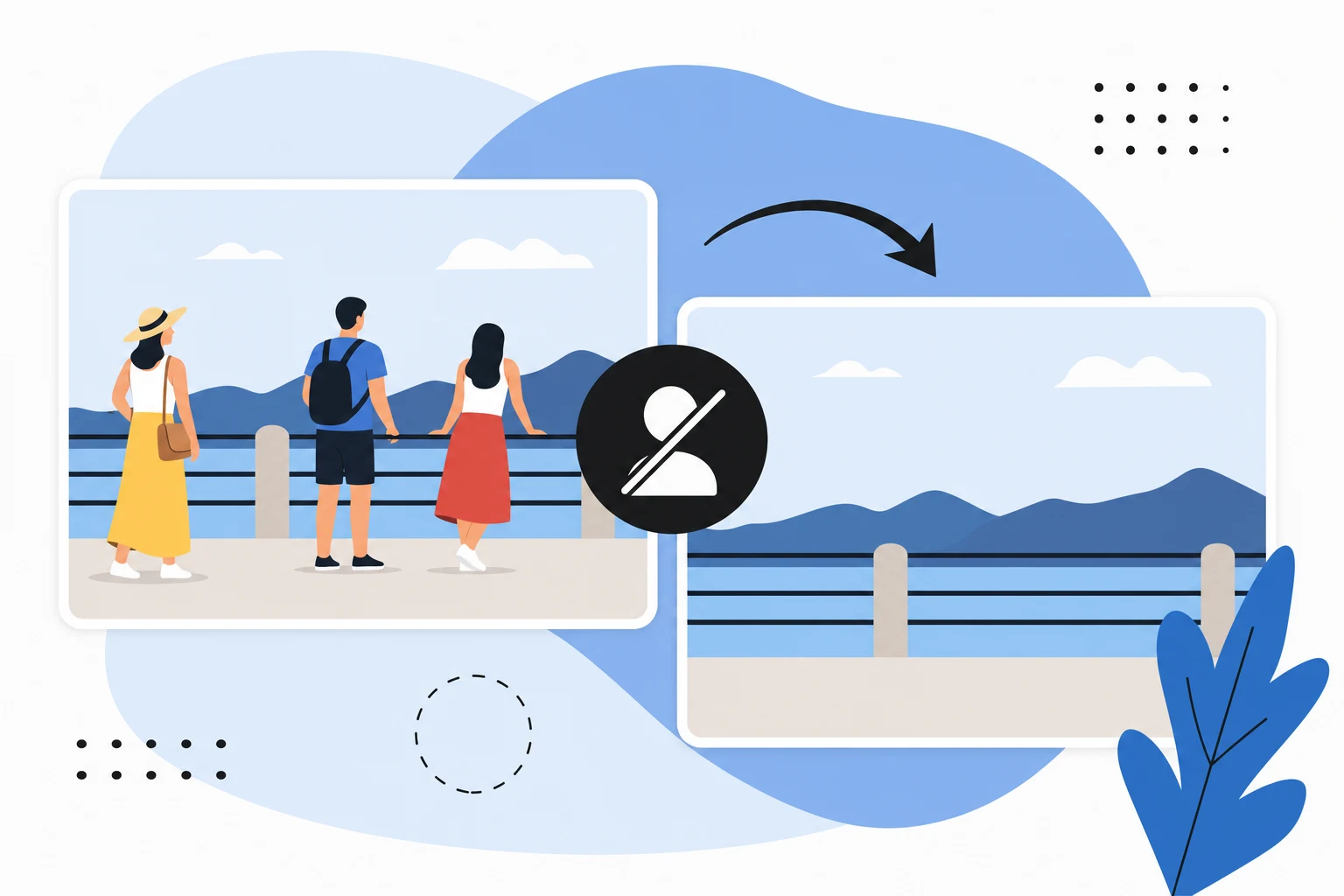

Ready to jump in?
Upload a photo, describe a change and review the result. Try 1 credit after signup and email verification.