Mar 19, 2026
How AI Photo Generators Create Professional Images in Seconds
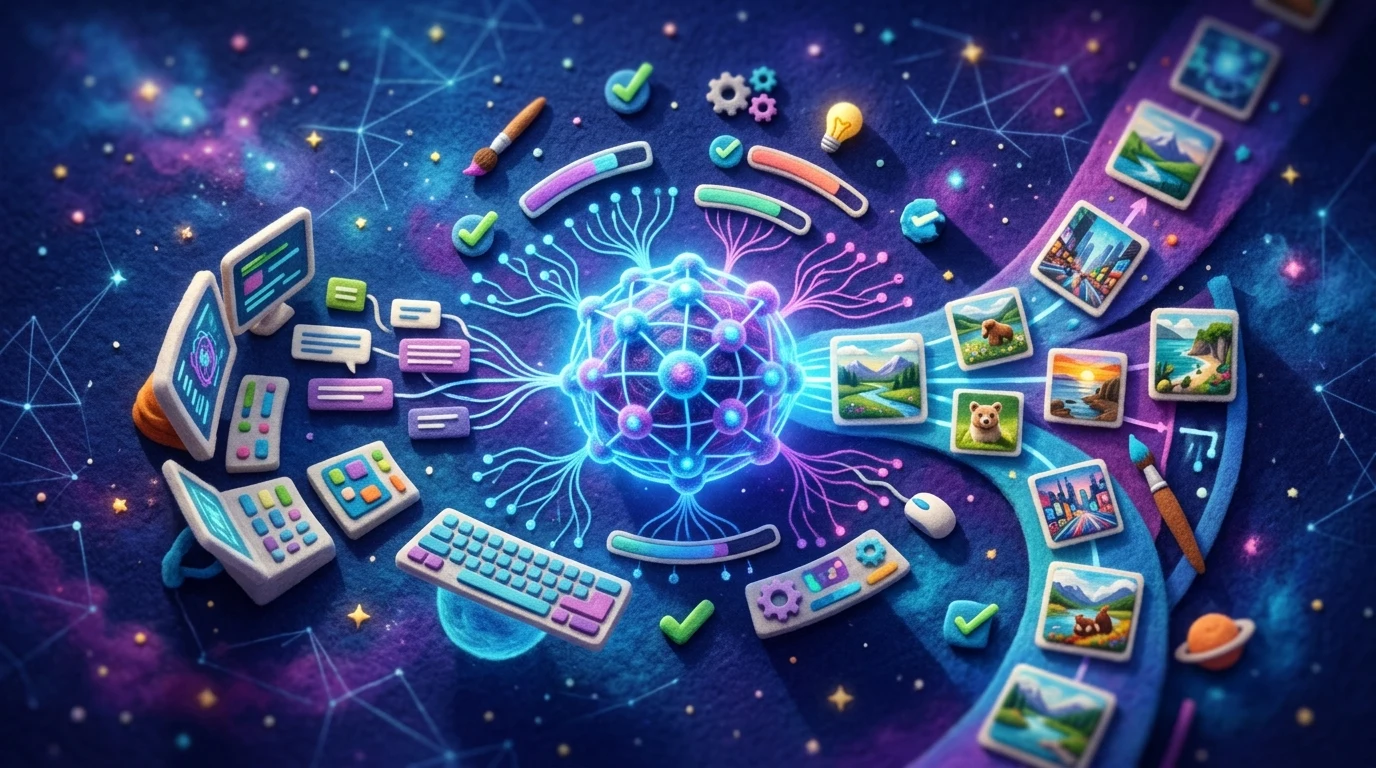
AI photo generators are transforming how professionals and creators produce high-quality imagery. These intelligent systems leverage deep learning algorithms to analyze visual patterns, understand composition principles, and generate or enhance images with remarkable precision. Unlike traditional photo editing, which requires manual adjustment of every element, artificial intelligence handles complex transformations automatically—removing unwanted objects, adjusting lighting, retouching imperfections, or completely reimagining scenes in seconds.
Quick Answer: AI photo generators are software tools powered by machine learning that automatically create, edit, or enhance images by analyzing visual data and applying intelligent transformations. Their primary benefit is speed and accessibility—professional-grade results without requiring design expertise or hours of manual work.
The technology works by training neural networks on millions of images, allowing these systems to recognize patterns, predict optimal edits, and execute them with consistency. Whether you're a real estate agent decluttering listing photos, a marketer needing product shots, or a photographer looking to streamline post-production, these tools handle the heavy lifting. This article explores how AI photo generators operate, the practical applications driving their adoption, and how they're reshaping creative workflows across industries.
Table of Contents
- The Technology Behind AI Image Generation
- Top Use Cases for AI Photo Generators Across Industries
- Free vs. Paid AI Photo Generators: What You Get at Each Level
- Step-by-Step Guide to Generating Your First AI Image
- Key Features That Separate Advanced AI Generators from Basic Tools
- Limitations and Ethical Considerations of AI-Generated Images
- Choosing the Right AI Photo Generator for Your Needs in 2025
The Technology Behind AI Image Generation
At its core, AI image generation relies on neural networks—mathematical systems loosely inspired by how human brains process information. These networks learn patterns by analyzing vast datasets of images. According to research on text-to-image models, systems like those powering modern artificial intelligence generated images are trained on datasets containing millions to billions of image-text pairs, with LAION-5B being one of the largest open datasets containing more than 5 billion paired images and descriptions.
The learning process works like this: the network examines thousands of images and their associated descriptions, gradually understanding visual concepts—how light behaves, how objects relate spatially, what textures and colors typically appear together. This training enables the system to recognize patterns humans might miss and predict what a completed image should look like based on incomplete or corrupted versions.
When you submit a request to an AI photo generator, the system doesn't retrieve a pre-made image from a database. Instead, it generates something entirely new by reversing a mathematical process called diffusion. Think of it like this: imagine starting with pure noise and gradually refining it into a coherent photograph. The AI learns to remove noise step-by-step, guided by your input—whether that's a text description, an existing photo to edit, or a specific style reference.
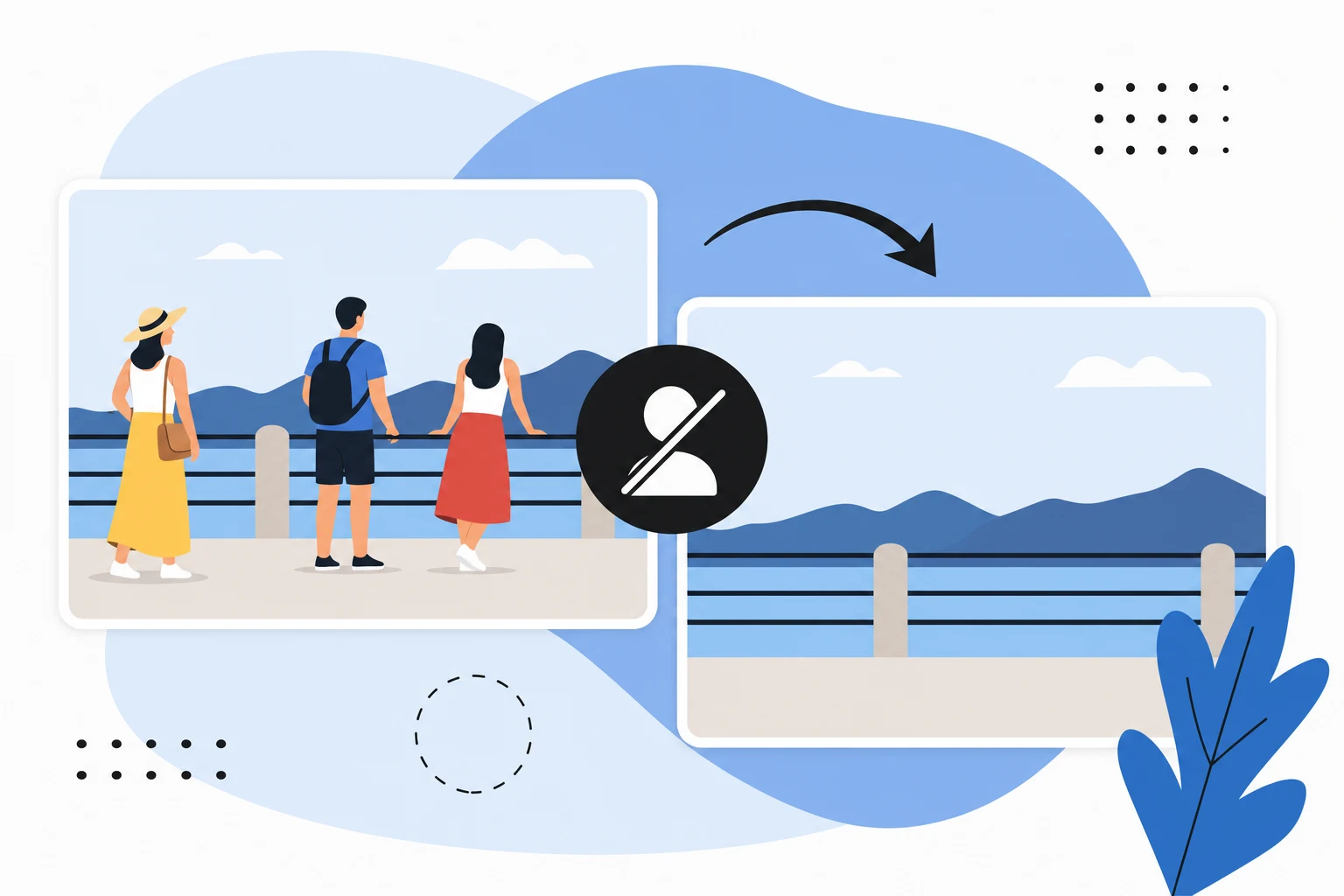
For practical applications like those in Weezard's real estate photo editing tools, the process works slightly differently. Rather than generating from scratch, the network analyzes your uploaded photo, identifies unwanted elements (cluttered furniture, parked cars, reflections), and intelligently fills those areas with contextually appropriate pixels. The AI understands surrounding textures, lighting, and perspective to make removals look seamless and natural.
This technology transforms what once required hours of manual Photoshop work into a seconds-long automated process, making professional-grade image enhancement accessible to anyone.
Top Use Cases for AI Photo Generators Across Industries
Real estate agents have discovered one of the most practical applications for AI image generation: depersonalizing and enhancing listing photos at scale. Properties marketed with AI-enhanced visuals have seen a 22% rise in sales, and the reason is straightforward—97% of buyers consider listing photos critical to their search decisions. Instead of scheduling expensive reshoot sessions, agents now upload cluttered interiors or dated furniture to tools like Weezard's object removal feature, which intelligently removes unwanted elements and restores clean backgrounds in seconds. A single agent managing 50 listings can process bulk edits in minutes rather than hours, freeing time for client calls and showings.
E-commerce businesses face relentless pressure to scale product photography without ballooning costs. By 2026, 40% of e-commerce images will be AI-generated, reflecting a fundamental shift in how retailers approach catalog production. Traditional product photography averages $39 per image; AI tools start at $0.45 per image, delivering 80-90% cost savings while maintaining professional quality. Brands can now generate lifestyle mockups, background variations, and seasonal product presentations without hiring photographers or renting studio space.
Content creators and marketing teams leverage AI picture generators to produce social media assets, blog graphics, and campaign visuals on demand. Rather than waiting days for design revisions, teams generate multiple concept variations in minutes, test them with audiences, and iterate based on performance data. This speed advantage compounds: a designer who once produced five banner variations per week now produces fifty, enabling data-driven creative optimization that wasn't previously feasible.
Design agencies use AI art generators as a collaborative tool between human creativity and machine efficiency. Designers sketch concepts, refine them with AI assistance, and deliver polished work faster while maintaining artistic control. The technology handles repetitive rendering tasks—background refinement, color correction, perspective adjustment—freeing designers to focus on conceptual and strategic decisions that require human judgment.
The common thread across these industries is the same: AI photo generators eliminate bottlenecks in production pipelines, reduce specialized labor costs, and democratize professional-quality output for teams without dedicated photography or design resources.
Free vs. Paid AI Photo Generators: What You Get at Each Level
The decision between free and paid AI photo generators hinges on three practical factors: how many images you need to create, what quality you require, and whether you need priority support. Understanding these trade-offs helps you choose the tier that matches your workflow without overpaying for features you won't use.
Free AI image generators serve as excellent entry points. They let you test the technology, experiment with prompts, and understand whether AI-assisted image creation fits your process. However, free tiers come with meaningful constraints. Most offer limited monthly credits—typically 5 to 10—which translates to just a handful of images before you hit a paywall. Output quality is usually capped at 1K resolution, suitable for web thumbnails and social media previews but inadequate for print, large displays, or professional portfolios. Free plans also exclude advanced features like watermark removal, bulk processing, and priority customer support.
Paid plans remove these bottlenecks. A professional-grade subscription like Weezard's Pro plan ($30/month) provides 200 monthly credits, enabling consistent production workflows. You gain access to 4K resolution output—essential for high-end design work, real estate photography, and marketing materials. Advanced features unlock bulk editing capabilities, generation history tracking, and priority support, which matter when deadlines are tight.
| Feature | Free Tier | Pro Tier ($30/month) |
|---|---|---|
| Monthly Credits | 5 | 200 |
| Max Resolution | 1K | 4K |
| Watermark | Yes | No |
| Bulk Processing | No | Yes |
| Priority Support | No | Yes |
| Advanced Tools | Limited | Full Access |
The cost-per-image calculation reveals the value proposition. At $30/month for 200 credits, you're paying roughly $0.15 per image—far cheaper than hiring a photographer or designer for comparable output. For hobbyists creating a few images monthly, free remains sensible. For agencies, e-commerce teams, and content creators producing dozens of assets weekly, paid plans become cost-effective investments that accelerate project timelines and reduce outsourcing expenses.
Step-by-Step Guide to Generating Your First AI Image
Getting started with an AI photo generator doesn't require technical expertise or lengthy setup. Most platforms, including Weezard, offer free preview options that let you test the workflow immediately—no account creation needed. This means you can experiment with the core process before committing to a paid plan.
Step 1: Access the Tool
Navigate to the platform's homepage and locate the upload or preview section. Free users can typically process a sample image without signing up. This low-friction entry point lets you understand how the system works before investing time in account creation. You'll see a drag-and-drop interface or file browser ready to receive your image.
Step 2: Upload Your Image
Select a photo from your device or drag it directly into the designated area. The tool accepts common formats like JPG, PNG, and WEBP. Ensure your image is clear and well-lit for optimal results—AI photo generators perform better with higher-quality source material. Processing usually begins automatically or after clicking a "Process" button.
Step 3: Choose Your Processing Model
Most platforms offer multiple AI models optimized for different tasks. For object removal or background adjustments, select the recommended model (often labeled as "fastest" or "most accurate"). This choice affects processing speed and output quality. Experiment with different models to see which suits your needs.
Step 4: Download and Review
Once processing completes, preview the result before downloading. Check resolution options—free plans typically cap at 1K quality, while paid tiers unlock 4K exports. Download your finished image and compare it against the original to assess the transformation.
Pro tip: Start with simple edits (object removal, background cleanup) before attempting complex manipulations. These foundational tasks teach you how the AI interprets your images and help you develop intuition for what works best.
Key Features That Separate Advanced AI Generators from Basic Tools
The difference between a basic AI photo generator and a professional-grade platform lies in features designed for efficiency, consistency, and scale. While free tools handle single-image edits adequately, advanced systems unlock capabilities that matter when you're processing dozens of photos regularly or managing team workflows.
Batch processing and bulk edits stand out as game-changers for professionals. Instead of uploading one image at a time, you can process 10, 20, or 50 photos simultaneously with identical settings. Real estate agents depersonalizing listing photos, e-commerce teams standardizing product backgrounds, or photographers retouching portfolios save hours per week through this single feature. The AI applies consistent adjustments across your entire batch, eliminating the tedious repetition of manual tweaks.
Preset templates accelerate decision-making. Rather than adjusting parameters from scratch, you select a pre-configured style—"clean real estate," "vibrant product shot," "professional headshot"—and the artificial intelligence images are generated with optimized settings. This consistency matters for brand identity and workflow speed, especially when multiple team members contribute edits.
Generation history and priority support address practical pain points. History lets you revisit previous edits, compare versions, and reapply successful adjustments to new images. Priority support means your questions get answered quickly, not days later, reducing downtime when you hit technical snags.
HD and 4K export options deliver the resolution professionals demand. Print materials, large displays, and high-end portfolios require quality beyond 1K. Advanced plans unlock these resolutions without watermarks, making your final deliverables client-ready immediately.
These features transform AI photo generators from creative toys into production tools—essential for anyone processing images as part of their regular workflow.
Limitations and Ethical Considerations of AI-Generated Images
AI photo generators excel at speed and consistency, but they're not magic. Complex, highly specific requests—unusual angles, intricate architectural details, or niche professional contexts—often produce inconsistent results. The artificial intelligence image generator may struggle with hands, facial expressions in extreme poses, or maintaining precise object placement across multiple frames. These aren't bugs; they're inherent limitations of how neural networks learn from training data. Understanding what the tool cannot do prevents frustration and wasted credits.
Copyright and training data present thornier challenges. Many AI art generators train on billions of images scraped from the internet without explicit consent from original creators. While the U.S. Copyright Office has maintained that works created purely by machines lack copyright protection without substantial human creative input, the legal landscape remains contested. If you're generating images commercially, assume you bear some responsibility for ensuring your use doesn't infringe existing rights.
Disclosure matters legally and ethically. Many jurisdictions and platforms now require you to disclose when images are AI-generated, especially in advertising, journalism, or official communications. Passing off generated imagery as authentic photography without disclosure can damage trust and expose you to liability.
Finally, bias in AI models is real. These systems learn from human-created data, which carries human prejudices. An artificial intelligence image generator might produce skewed representations of demographics, professions, or cultural contexts. Review outputs critically, especially for client work where representation accuracy matters.
These limitations don't disqualify AI photo generators—they simply demand informed, ethical use.
Choosing the Right AI Photo Generator for Your Needs in 2025
The right AI photo generator depends entirely on your workflow, budget, and volume. If you're experimenting—testing whether AI-generated images fit your creative process—start with a free tool. These platforms let you generate a handful of images monthly at lower resolution, perfect for prototyping without financial commitment. They answer a fundamental question: does this technology solve your problem?
For regular professional use, paid plans make economic sense. A subscription typically unlocks higher resolution outputs, bulk processing, priority support, and removal of watermarks. Real estate agents processing dozens of listings monthly, e-commerce teams refreshing product catalogs, or content creators producing weekly visuals benefit from predictable monthly credits and faster generation speeds.
Enterprise teams managing large-scale operations should evaluate solutions offering API access, custom model training, and dedicated support. The technology evolves rapidly—what impressed you six months ago may feel outdated today. Rather than committing based on feature lists alone, test tools hands-on with your actual content. Upload a sample photo, review the quality, check processing speed, and assess whether the interface matches your thinking.
Start with a free preview. Most platforms require no signup, letting you see results instantly. This 5-minute investment clarifies whether you're ready to upgrade or need to explore alternatives.

Ready to jump in?
Upload a photo, describe a change and review the result. Try 1 credit after signup and email verification.