Apr 6, 2026
How to Swap Faces in Photos: The Complete Guide to Face Swapping Technology
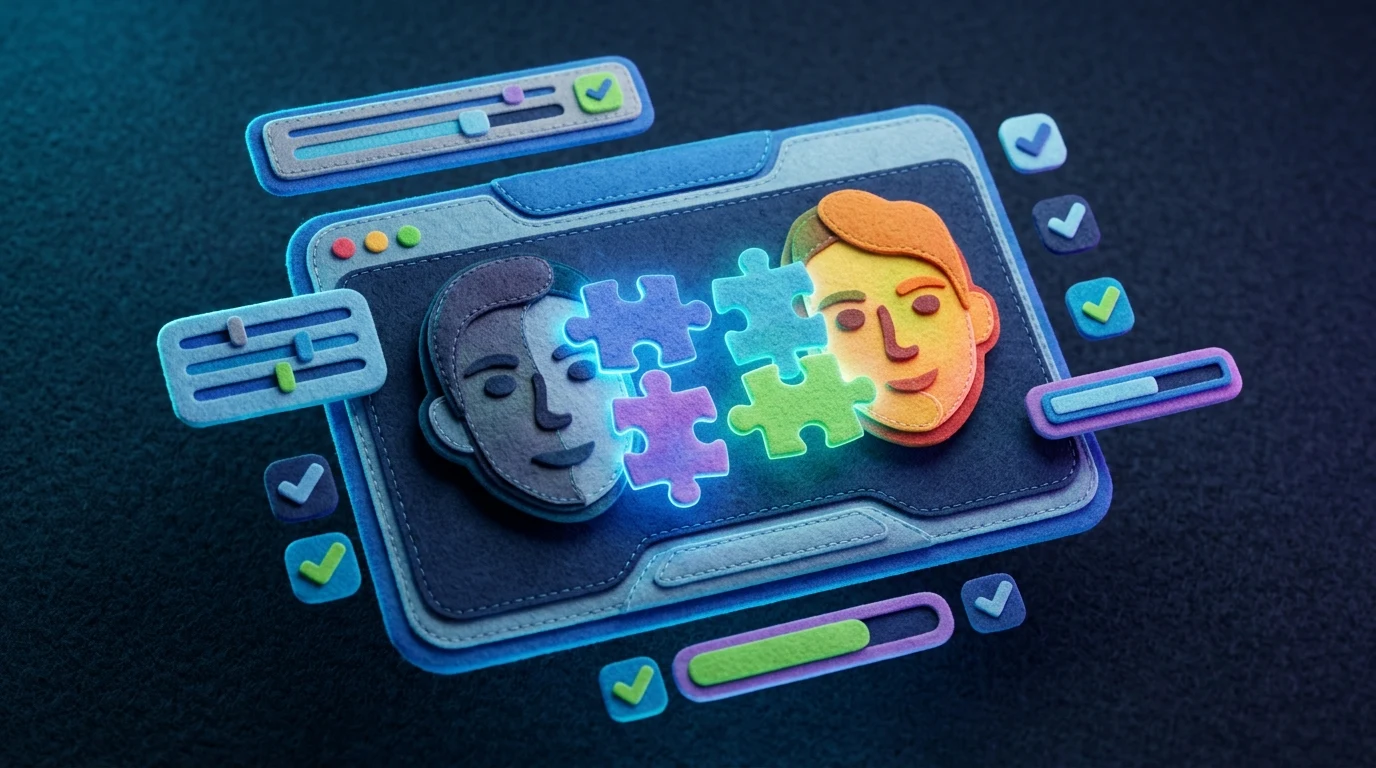
Face swapping has evolved from a niche digital trick into an accessible tool that millions of people use daily. Whether you're creating funny content for social media, testing how you'd look with a different hairstyle, or exploring creative projects, the technology behind face swapping is more intuitive than you might think. At its core, it's about replacing one person's face with another's in a photograph using AI algorithms that map facial features and blend them seamlessly.
Quick Answer: Face swapping is the process of digitally replacing one person's face with another in a photo using artificial intelligence. People use it for entertainment, creative projects, profile pictures, and professional applications like marketing mockups. Modern tools make this possible in seconds without requiring technical expertise.
This guide walks you through everything you need to know about photo face swapping—from understanding the underlying technology to mastering different methods available online. You'll discover that the simplest approaches use dedicated web apps where you upload two images and let AI handle the heavy lifting, while more advanced techniques give you granular control over blending, positioning, and quality. Whether you're interested in quick, one-click solutions or tools that offer professional-grade results, we've covered the spectrum of options available today.
Table of Contents
- Face Swapping Methods: From Simple Online Tools to Advanced AI Solutions
- Best Online Face Swap Tools: Free and Paid Options Compared
- Step-by-Step Guide: How to Create Realistic Face Swaps
- Face Swap Technology: AI, Deepfakes, and Quality Factors
- Fun Applications and Creative Uses for Face Swapping
- Face Swap Safety, Ethics, and Privacy Considerations
- Face Swapping for Live Video and Real-Time Applications
- Choosing the Right Face Swap Solution for Your Needs in 2024
Face Swapping Methods: From Simple Online Tools to Advanced AI Solutions
Face swapping technology comes in three distinct flavors, each suited to different needs, skill levels, and quality expectations. Understanding these categories helps you choose the right approach for your project.
Online Web-Based Tools represent the most accessible entry point. These platforms require nothing beyond a web browser and two images—upload your photos, click a button, and the AI handles the rest. The appeal is immediate: no installation, no learning curve, no account creation (often). Quality varies, but modern web tools deliver surprisingly polished results within seconds. The trade-off is limited customization; you're working within preset parameters, and processing happens on someone else's servers, which raises privacy considerations if you're working with sensitive images.
Mobile Applications occupy the middle ground, offering more control than web tools while remaining user-friendly. Apps like FaceApp and Snapchat filters have popularized face swapping on smartphones, where you can adjust positioning, blending intensity, and sometimes swap multiple faces in one image. Mobile solutions benefit from direct access to your phone's camera and gallery, making batch processing smoother. However, many apps monetize aggressively through subscriptions or watermarks on high-resolution exports.
Professional AI Software caters to creators and businesses demanding precision. Desktop applications and advanced platforms provide granular controls over facial mapping, lighting correction, and seamless blending. These tools often integrate with existing workflows in photo editing suites, allowing you to combine face swapping with retouching, color grading, and other enhancements. The learning curve steepens, but results can be indistinguishable from professional photography.
The face swap apps market reflects this diversity—growing rapidly as smartphone penetration expands globally. Your choice depends on whether you prioritize speed and simplicity, mobile convenience, or professional-grade output. For casual entertainment or quick creative projects, online face swap tools deliver instant gratification. For serious work, professional software justifies the investment and learning time.
Best Online Face Swap Tools: Free and Paid Options Compared
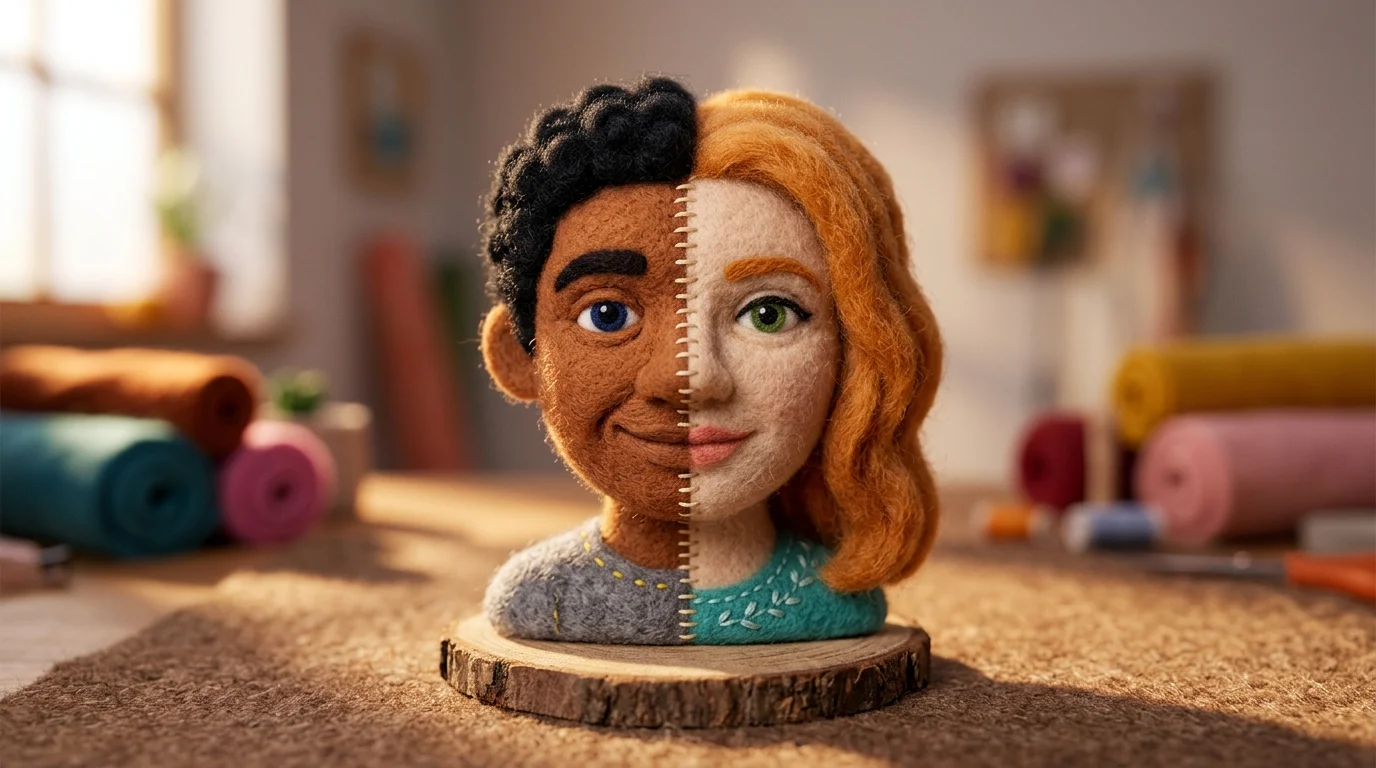
The landscape of face swapping platforms has matured significantly, offering solutions across every budget and skill level. Whether you're exploring a free face swap website for casual entertainment or investing in professional-grade software, understanding what each category delivers helps you make an informed choice.
| Tool | Pricing | Ease of Use | Output Quality | Best For |
|---|---|---|---|---|
| Reface | Free (watermarked) / $3.99/month | Very Easy | Good | Quick social media content |
| FaceMagic | $9.99/month | Easy | Excellent | Realistic swaps, batch processing |
| DeepSwap | $9.99/month (20 credits) | Easy | Very Good | Video face swaps, animations |
| Weezard | Free (5 credits) / $30/month | Very Easy | Excellent | Professional editing, HD/4K exports |
| Photoshop (with plugins) | $20.99/month | Moderate | Professional | Integration with existing workflows |
| Zao | Free / Premium options | Very Easy | Good | Mobile-first, entertainment focus |
Free online face swap tools dominate the entry-level market. These platforms prioritize accessibility—no downloads, no steep learning curves. Most operate through a simple upload-and-swap workflow: select source and target images, adjust positioning if needed, and download the result. The trade-off is predictable: watermarks on free tiers, limited resolution, and processing queues during peak hours. These work perfectly for memes, profile pictures, and quick creative experiments.
Mid-tier paid subscriptions ($3.99–$9.99 monthly) remove watermarks and unlock higher resolutions, typically up to 4K. Processing becomes faster, and you gain access to batch operations—swapping multiple faces across dozens of images in one session. Tools in this range often include mobile apps alongside web platforms, giving you flexibility to edit on the go. The quality jump from free to paid is noticeable; lighting blending improves, and artifacts around facial edges diminish substantially.
Professional platforms like Weezard and Photoshop integrations cater to creators who need precision and workflow integration. At $30/month, Weezard provides 200 monthly credits with no watermarks, priority processing, and generation history. These solutions excel when face swapping is one component of a larger editing project—you can combine swaps with retouching, background removal, and color grading without switching applications. The learning curve is steeper, but results are indistinguishable from manual editing.
Mobile-exclusive apps like Zao and Reface leverage smartphone convenience, offering direct camera access and gallery integration. They're ideal if you primarily create content on your phone, though desktop versions typically offer more granular controls.
Your choice ultimately depends on output requirements and workflow. Casual creators find free platforms sufficient; content creators benefit from mid-tier subscriptions; professionals justify premium software through time savings and integration capabilities.
Step-by-Step Guide: How to Create Realistic Face Swaps
Creating your first face swap is straightforward once you understand the workflow. Most modern face swap programs follow a consistent process: upload source images, identify faces, apply the swap, and refine the result. Here's how to execute it successfully.
1. Prepare Your Photos
Select two high-quality images—one containing the face you want to use (source) and one where you want to place it (target). Lighting consistency matters significantly; faces photographed under similar conditions blend more naturally. Ensure both images are at least 1080p resolution for acceptable output quality. Avoid heavily filtered or heavily shadowed photos; the AI performs better with clear, frontal facial angles.
2. Upload to Your Face Swap Program
Open your chosen platform (whether a free online tool or professional software like Weezard). Drag and drop both images into the designated upload area, or click to browse your device. Most tools process files within seconds. You'll see thumbnails confirming successful upload before proceeding.
3. Select and Confirm Faces
The AI automatically detects faces in both images. Review the highlighted facial regions—they should align with actual faces. If detection misses a face or flags the wrong person, manually adjust the selection box. This step prevents swapping the wrong individuals and ensures the algorithm targets the correct source and destination faces.
4. Adjust Blending Settings
Access advanced options if available. Look for controls like "blend strength," "edge smoothing," or "lighting adjustment." These parameters determine how seamlessly the swapped face integrates with the target image. Start with default settings; increase smoothing if edges appear jagged, or reduce blend strength if the swapped face looks artificially pasted.
5. Generate and Preview
Click "Generate" or "Process." Processing time ranges from 5 seconds to 2 minutes depending on image resolution and server load. Once complete, examine the preview carefully—check for color matching around the neck, eye alignment, and natural expression. If results disappoint, adjust settings and regenerate.
6. Export Your Result
Download the final image in your preferred format (JPG for sharing, PNG for transparency). Higher-tier subscriptions unlock 4K exports and watermark removal. Save locally before sharing to preserve original quality.
The entire process typically takes 3–5 minutes from upload to download. Patience during the preview stage prevents wasted exports; small adjustments yield dramatically better final results.
Face Swap Technology: AI, Deepfakes, and Quality Factors
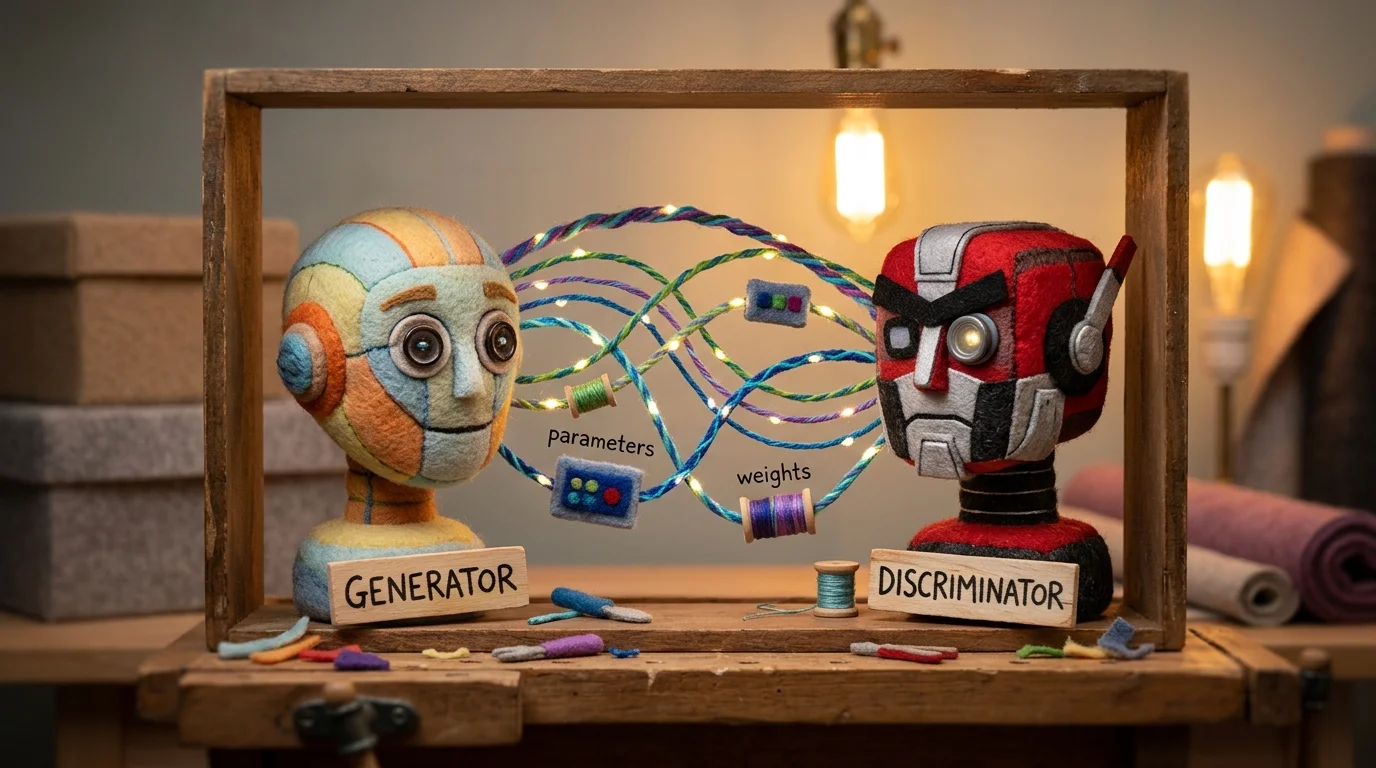
Modern face swapping relies on sophisticated machine learning models, primarily Generative Adversarial Networks (GANs), which have revolutionized how convincingly faces can be digitally manipulated. These neural networks work in tandem—one generates synthetic face variations while another evaluates their realism—creating a feedback loop that produces increasingly authentic results. The technology doesn't simply copy and paste; it analyzes facial geometry, skin texture, lighting conditions, and micro-expressions to blend a swapped face so seamlessly that distinguishing it from authentic content becomes genuinely difficult.
The distinction between face swapping and deepfakes often blurs in popular discourse, but they serve different purposes. Face swapping focuses on exchanging two faces in a single image or video with the goal of creating recognizable, usually humorous results. Deepfakes, by contrast, aim for deception—they're designed to make someone appear to say or do something they never did, often with malicious intent. Both leverage similar AI algorithms, but the intent and application differ fundamentally. Understanding this distinction matters because the ethical implications diverge sharply.
Several factors determine whether a face swap looks realistic or obviously artificial. Resolution quality stands first—lower-resolution source and target images produce noticeably worse blends. Lighting consistency is equally critical; if the source face has harsh shadows while the target image features soft, diffused light, the mismatch becomes immediately apparent. Skin tone matching requires the AI to analyze and adjust color profiles; failures here result in visible neck lines or mismatched complexions. Head pose and angle matter too—swapping a face shot straight-on onto a profile view creates anatomical impossibilities that trained eyes catch instantly.
Processing power directly impacts output quality. According to research on generative adversarial networks, advanced models produce results that are remarkably difficult to distinguish from authentic content. However, limitations persist. Extreme angles, partially obscured faces, or unusual lighting conditions still challenge even state-of-the-art algorithms. Faces with distinctive features—scars, tattoos, or unusual proportions—sometimes swap poorly because training datasets contain fewer examples of such variations. Real-world usage reveals that while AI face swapping has become impressively capable, it remains most reliable when working with well-lit, frontal facial images in standard conditions.
Fun Applications and Creative Uses for Face Swapping
Face swapping has transcended its origins as a novelty trick to become a legitimate creative tool for entertainment, social media, and artistic expression. The technology's accessibility means anyone with a smartphone can experiment with switched faces in photos, turning ordinary moments into hilarious content or compelling visual stories.
Entertainment and Social Media remain the dominant playground for face swapping fun. Swapping your face onto a celebrity's body creates instantly shareable content—imagine your face on a red carpet photo or in a movie scene. Meme creation has become an art form unto itself, with users swapping faces between friends, family members, and pop culture figures to craft jokes that resonate across social platforms. TikTok and Instagram have amplified this trend, with face swap videos generating millions of views as creators layer humor, nostalgia, or absurdity into their edits.
Artistic and Creative Projects showcase the technology's deeper potential. Photographers use face swapping to explore identity, create surreal self-portraits, or experiment with conceptual themes. Filmmakers and content creators incorporate face swaps into music videos, comedy sketches, and short films where the visual gag or narrative twist depends on seamless facial substitution. Wedding photographers have even begun offering playful face swap options—imagine the bride and groom swapping faces in a formal portrait for a lighthearted keepsake.
Historical and Educational Applications add another dimension. Enthusiasts swap historical figures' faces onto modern bodies to visualize how historical personalities might appear today, sparking conversations about time, culture, and identity. Face swapping also enables creative costume design visualization and character development for artists planning projects.
The key to successful fun face swaps lies in choosing images with good lighting, clear facial features, and compatible angles. While imperfections sometimes enhance the humor, understanding the technology's strengths—and its quirks—helps you create genuinely entertaining results rather than obviously artificial ones.
Face Swap Safety, Ethics, and Privacy Considerations
Face swapping technology exists in a gray zone where technical capability often outpaces ethical guardrails and legal frameworks. While the tools themselves are neutral, their application raises serious questions about consent, misuse, and the erosion of trust in visual media.
Consent and Misuse Risks
The fundamental ethical issue is straightforward: using someone's face without permission is inherently problematic. A face replacing app can create convincing images of people in situations they never consented to—from embarrassing scenarios to defamatory content. Non-consensual intimate deepfakes represent the most harmful application, weaponizing face swap technology to humiliate, harass, or blackmail individuals. Recognizing this threat, lawmakers have responded. The U.S. TAKE IT DOWN Act criminalizes non-consensual intimate deepfakes and requires platforms to remove them within 48 hours of a report, while the EU AI Act mandates clear labeling for all deepfakes starting August 2, 2025.
Detection and Trust Erosion
The paradox of modern deepfakes is that humans struggle to identify them. Humans can correctly identify high-quality deepfake videos only 24.5% of the time, according to Bright Defense research, while overall detection accuracy averages just 55.54%—barely above chance. This gap between technical sophistication and human perception creates a credibility crisis: as face swapping becomes more seamless, distinguishing authentic footage from manipulated content becomes nearly impossible for casual viewers.
Privacy and Biometric Data
Face swapping relies on facial recognition and biometric analysis, raising privacy concerns independent of the swapping itself. Twenty-three states have enacted biometric privacy rules requiring consent before facial recognition technology is used, with Illinois' BIPA law allowing individuals to sue companies for $1,000–$5,000 per violation.
Responsible Use Guidelines
Use face swapping only with explicit consent from all parties involved. Clearly label manipulated images and videos. Avoid creating content designed to deceive, defame, or impersonate. Understand that entertainment value doesn't justify ethical violations—humor at someone's expense without permission crosses a line. When in doubt, ask yourself whether the person whose face you're using would approve of the final result.
Face Swapping for Live Video and Real-Time Applications
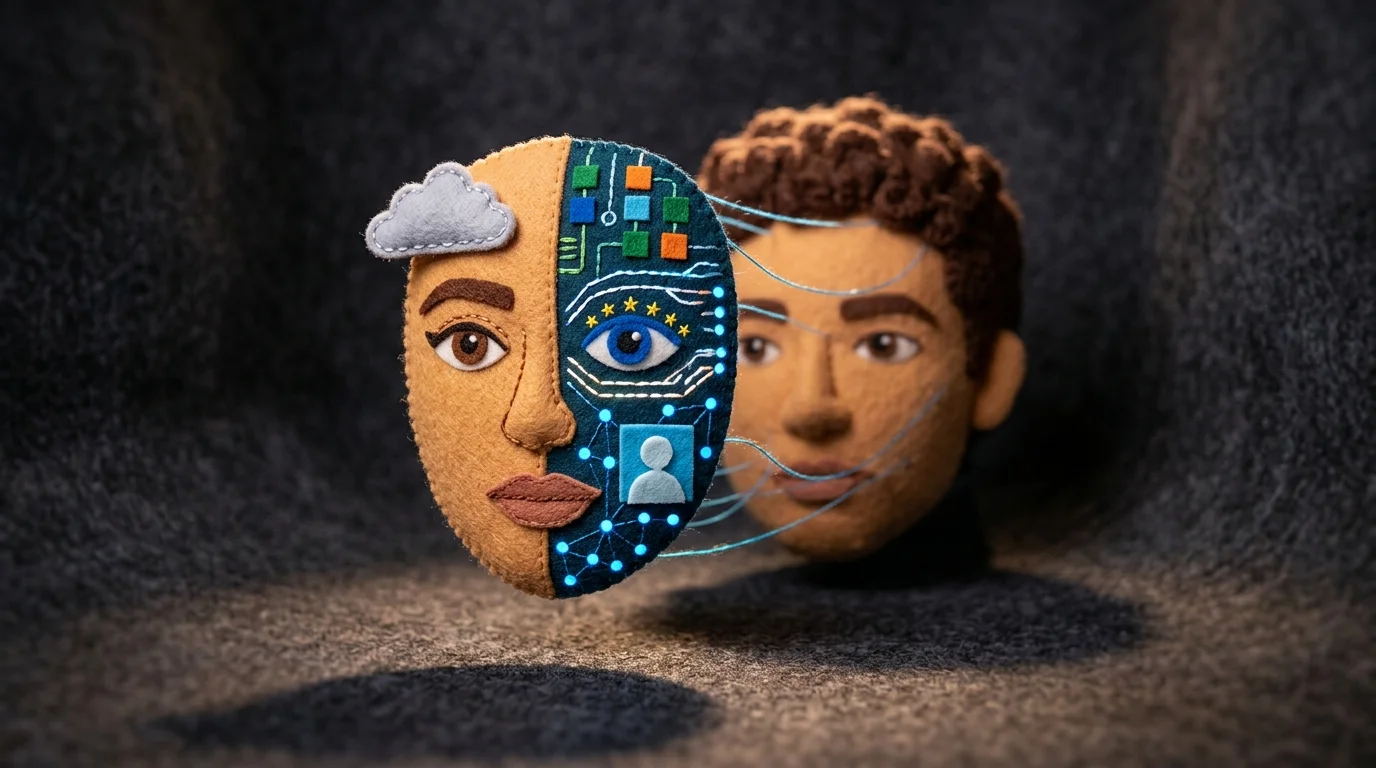
Live face swapping transforms video calls, streaming sessions, and real-time broadcasts by allowing you to swap faces instantaneously without post-processing delays. Unlike traditional face swapping that requires uploading static images and waiting for rendering, real-time technology processes video frames as they're captured, enabling seamless integration into platforms like Zoom, OBS, or streaming software.
The mechanics rely on lightweight neural networks optimized for speed rather than maximum detail. Deep-Live-Cam 2.1 exemplifies this approach by enabling real-time face swapping using just a single source image, requiring no training datasets or extensive processing time, making live face swap technology accessible for streaming and video calls. The system analyzes your source face once, then continuously maps its features onto incoming video frames at 24-60 fps, depending on your hardware.
Hardware Requirements
Real-time performance demands adequate processing power. A modern GPU (NVIDIA RTX 3060 or better) handles smooth swaps at 1080p resolution. CPU-only systems struggle with latency, typically introducing 2-5 second delays that break the illusion of liveness. RAM requirements hover around 8GB minimum, though 16GB provides comfortable headroom for multitasking.
Supported Platforms
Most live face swap tools integrate as virtual camera drivers or OBS plugins, making them compatible with any video conferencing or streaming platform. Twitch, YouTube Live, Discord, and Zoom all support these integrations without requiring special permissions—the software simply presents itself as a camera source.
The trade-off between quality and speed remains the core constraint. Live swaps prioritize responsiveness over photorealism; expect slightly softer edges and less precise blending compared to offline processing, but the real-time responsiveness makes the minor quality sacrifice worthwhile for interactive applications.
Choosing the Right Face Swap Solution for Your Needs in 2024
Your choice of face swap application depends entirely on what you're trying to accomplish. Casual social media users who want quick, shareable results benefit most from free online tools—they require no installation, no technical knowledge, and deliver acceptable quality in seconds. Content creators and streamers gravitate toward real-time solutions, accepting slightly lower photorealism in exchange for the ability to perform live face replacement AI during broadcasts or video calls. Professional photographers and designers, meanwhile, need the precision and output quality that offline desktop software or specialized AI photo editing platforms provide.
The gap between these tiers has narrowed considerably. What once required expensive software and hours of manual work now happens automatically through machine learning. An AI photo face swap tool can process images in minutes rather than days, and the quality floor has risen dramatically—even free options produce convincing results that would have seemed impossible five years ago.
Start by asking yourself three questions: How much time do you have? What quality level matters? Do you need real-time performance or batch processing? Your answers map directly onto the solution categories covered throughout this guide. For high-quality, flexible photo manipulation beyond just face swapping, Weezard's AI photo editor offers professional-grade results without the learning curve—perfect for anyone wanting polished output without specialized software expertise.
The technology will continue advancing, but the fundamental principle remains: choose the tool that matches your workflow, not the one with the most features.

Ready to jump in?
Upload a photo, describe a change and review the result. Try 1 credit after signup and email verification.