Apr 7, 2026
How to Try on Hairstyles Before Getting a Haircut
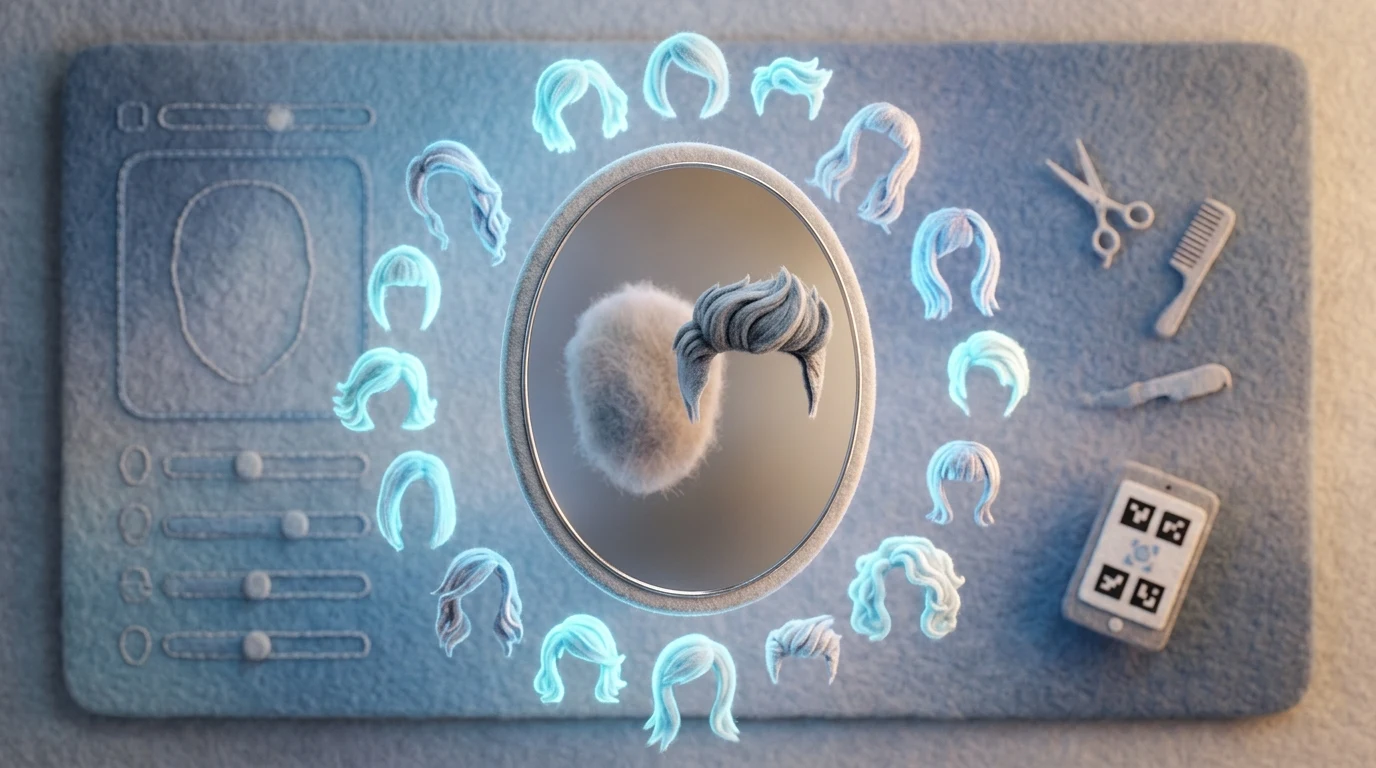
Imagine sitting in a salon chair, scissors poised, only to realize moments later that the style you've chosen doesn't suit your face shape or hair texture. The frustration is real—and expensive. Modern technology has transformed this anxiety into opportunity. Hair try-on applications use artificial intelligence and augmented reality to let you preview virtually any hairstyle on your own photo before you commit to the cut. This shift from guesswork to visualization has fundamentally changed how people approach their appearance.
Quick Answer: Hair try-on applications are digital tools that use AI and AR technology to simulate different hairstyles on your photograph in real-time. They let you experiment with cuts, colors, and styles instantly, eliminating the uncertainty of major hair decisions and helping you communicate your vision clearly to your stylist.
The beauty of this technology lies in its accessibility. Where salon consultations once required imagination and trust, you now have concrete visual proof of what you'll look like with a new style. Whether you're considering a dramatic bob, adding layers, or going blonde, these haircut applications show you the result before any scissors touch your head. The frustration of committing to a cut without seeing the outcome first has given way to confidence-backed decisions. This democratization of style preview has made professional-quality consultations available to anyone with a smartphone, removing barriers between inspiration and execution.
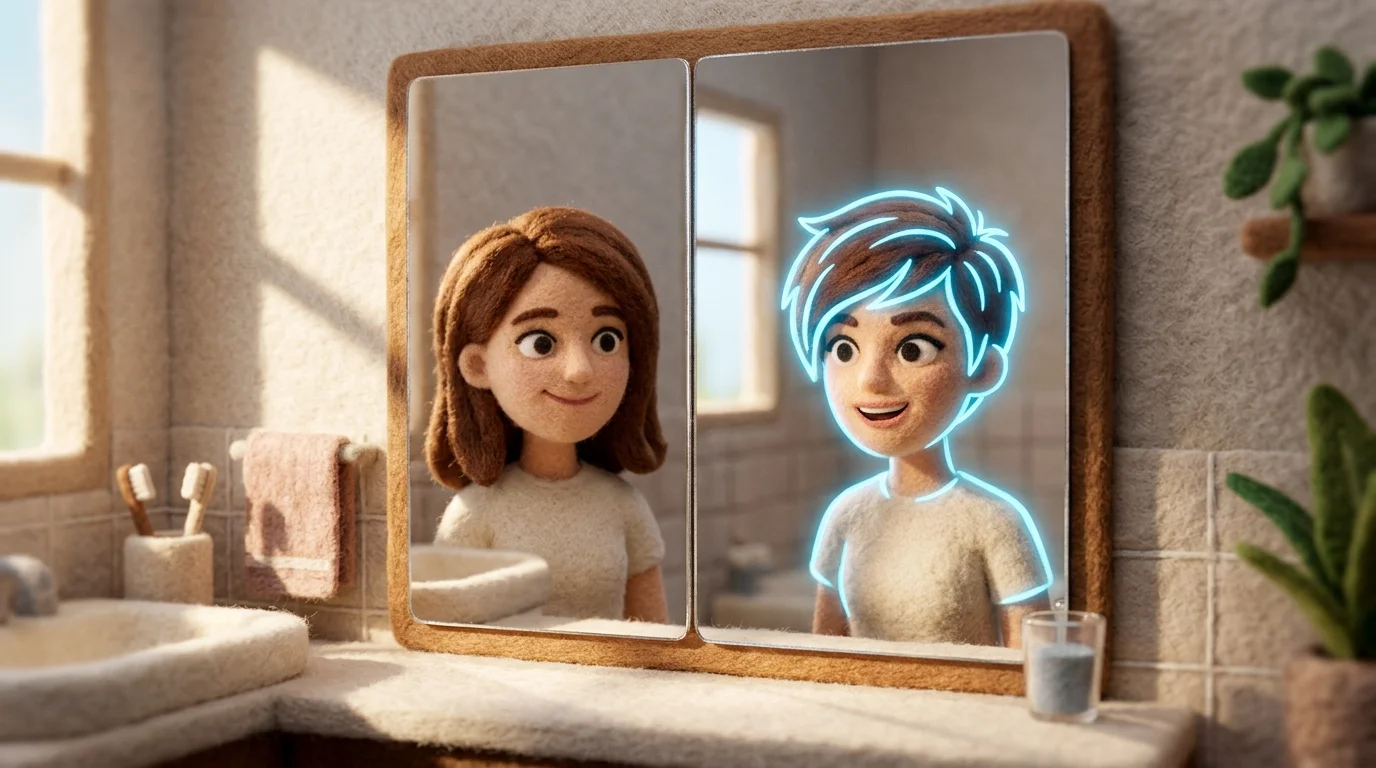
Table of Contents
- Top Hair Try-On Applications and Tools Available Today
- Step-by-Step Guide to Using Hair Try-On Apps Effectively
- Key Features to Look for in a Quality Hair Application
- Maximizing Results: Using Hair Try-On Apps with Professional Stylists
- Alternatives and Complementary Methods for Trying on Hairstyles
- Making Confident Hair Decisions With Modern Technology
Top Hair Try-On Applications and Tools Available Today
The landscape of hair visualization technology has expanded dramatically, offering users multiple pathways to preview their next cut or color before committing. These applications range from lightweight smartphone tools to comprehensive beauty platforms, each with distinct strengths depending on your needs and comfort level with technology.
YouCam Makeup stands out as one of the most accessible entry points, offering over 150 virtual hairstyles that you can layer onto your photo in real-time. The interface prioritizes simplicity—upload a selfie, swipe through options, and see results instantly. This makes it ideal for users who want quick experimentation without learning curves, though the hairstyle library skews toward trendy, shorter cuts rather than comprehensive coverage across all hair lengths and textures.
The Right Hairstyles AI takes a different approach by generating personalized previews in under 10 seconds. Rather than selecting from a fixed gallery, this application for haircut uses AI to create variations based on your specific features and current hair characteristics. This makes it particularly valuable when you're seeking a style tailored to your face shape rather than just browsing generic options. The speed of generation means you can test multiple variations of the same cut with different lengths or layers without frustration.
For those seeking deeper analysis, MyAvana offers hair analysis capabilities that go beyond visualization. The app provides photo-based analysis for $29 or lab testing for $99, examining porosity and texture to recommend styles that actually work with your hair's natural properties. This bridges the gap between virtual try-on and practical wearability—you're not just seeing how a style looks, but whether your hair can realistically support it.
Weezard, an AI photo editor, provides hair visualization as part of its broader image enhancement toolkit. Beyond hairstyle preview, it enables background adjustments and photo retouching, making it useful if you want to see your new cut within a complete style context—imagine previewing a haircut alongside updated makeup or outfit changes. The platform prioritizes privacy, automatically deleting processed images after 24 hours.
L'Oréal's Beauty Genius represents enterprise-level sophistication, having processed over 400,000 consultations. It combines AI analysis with expert recommendations, offering not just visualization but professional guidance on whether a style suits your hair type and lifestyle. This appeals to users who want validation from beauty expertise alongside digital preview.
The choice between these tools depends on your priorities. Need quick browsing? YouCam Makeup delivers speed. Want personalized recommendations? The Right Hairstyles AI adapts to your features. Seeking scientific backing for your decision? MyAvana provides data. Looking for a comprehensive style preview? Weezard integrates hair visualization into broader image editing. Each application fills a specific niche within the hair try-on ecosystem, so your ideal choice depends on whether you prioritize speed, personalization, scientific insight, or integrated styling.
Step-by-Step Guide to Using Hair Try-On Apps Effectively
Step 1: Prepare Your Photo
Start with a clear, straight-on selfie taken in natural lighting. According to BeautyPlus's guidance on hairstyle apps, natural light helps AI systems clearly detect facial features, skin tone, and edges around the hairline, while harsh shadows or artificial lighting can confuse the algorithm and reduce realism. Position your head centered in the frame, with your face fully visible and hair pulled back or to one side so the app can see your entire hairline and face shape. Avoid wearing hats, glasses, or heavy makeup that might interfere with feature detection.
Step 2: Upload and Select Your Hairstyle
Open your chosen hair try-on app and upload the photo. Browse the hairstyle library by filtering for length, texture, and color that interest you. Most apps organize styles by face shape or hair type, which narrows your search quickly. The Right Hairstyles processes photos and applies chosen cuts in 10 seconds or less, allowing you to compare multiple looks without losing momentum.
Step 3: Compare Multiple Variations
Don't settle on the first preview. Try on at least three to five different styles—vary the length, layers, and color. This comparison reveals which directions genuinely suit your features versus which ones you were simply curious about. Pay attention to how each style frames your face shape and complements your skin tone.
Step 4: Interpret the Results Critically
Remember that app previews show idealized versions under controlled conditions. The AI may smooth skin, perfect lighting, or simplify texture in ways a real haircut won't. Use the preview as a direction indicator rather than a guarantee. Notice which styles make you feel confident in the preview—that emotional response matters more than pixel-perfect accuracy.
Step 5: Communicate with Your Stylist
Screenshot your top two or three choices and bring them to your consultation. Show your stylist the previews and explain what attracted you: the length, the layers, the movement. Discuss how the style works with your hair texture, maintenance requirements, and lifestyle. Your stylist can adjust the preview's vision to account for your hair's actual behavior and growth patterns, creating a realistic adaptation rather than a direct copy.
Key Features to Look for in a Quality Hair Application
When evaluating a haircut application, several technical and practical features separate tools that deliver genuine value from those that waste your time. The most reliable apps prioritize accuracy in preview rendering, which means the AI should handle length and shape adjustments convincingly. However, virtual haircut apps are fairly accurate for testing length, shape, and general color, but they struggle with texture, volume, and movement—so temper your expectations accordingly. The final result still depends on real-life styling factors like your hair's natural behavior, humidity response, and how your stylist interprets the preview.
Range and diversity of hairstyle options matter enormously. A quality hair cutting application should offer hundreds of styles across different lengths, face shapes, and aesthetic categories. Limited libraries force you into compromises rather than genuine exploration. Look for apps that let you filter by length, texture type, or face shape—these features save time and surface styles you might not have considered otherwise.
Upload flexibility and output quality directly impact usability. The best apps accept multiple photo angles (front, side, back) and allow you to adjust lighting or background if needed. High-resolution exports matter too, especially if you're printing screenshots for your stylist. Some applications compress images aggressively, making fine details impossible to discuss with confidence.
| Feature | Why It Matters | Red Flag |
|---|---|---|
| AI accuracy on texture | Predicts how your actual hair will move | Only shows smooth, idealized results |
| Style library size | More options = better match for your preferences | Fewer than 100 styles available |
| Photo upload options | Multiple angles reveal how styles frame your face | Single front-facing photo only |
| Export resolution | Clarity for stylist consultation | Watermarked or compressed outputs |
| User interface | Faster previewing means better comparisons | Clunky, slow, or confusing navigation |
Ease of use shouldn't be underestimated. An intuitive interface lets you test multiple styles quickly without frustration. If you're spending more time navigating menus than exploring hairstyles, the app is working against you rather than for you.
Maximizing Results: Using Hair Try-On Apps with Professional Stylists
The gap between a virtual preview and what actually happens in the salon chair is real—and bridging it requires intentional communication with your stylist. Hair try-on applications are powerful consultation tools, but they work best when treated as conversation starters rather than guarantees.
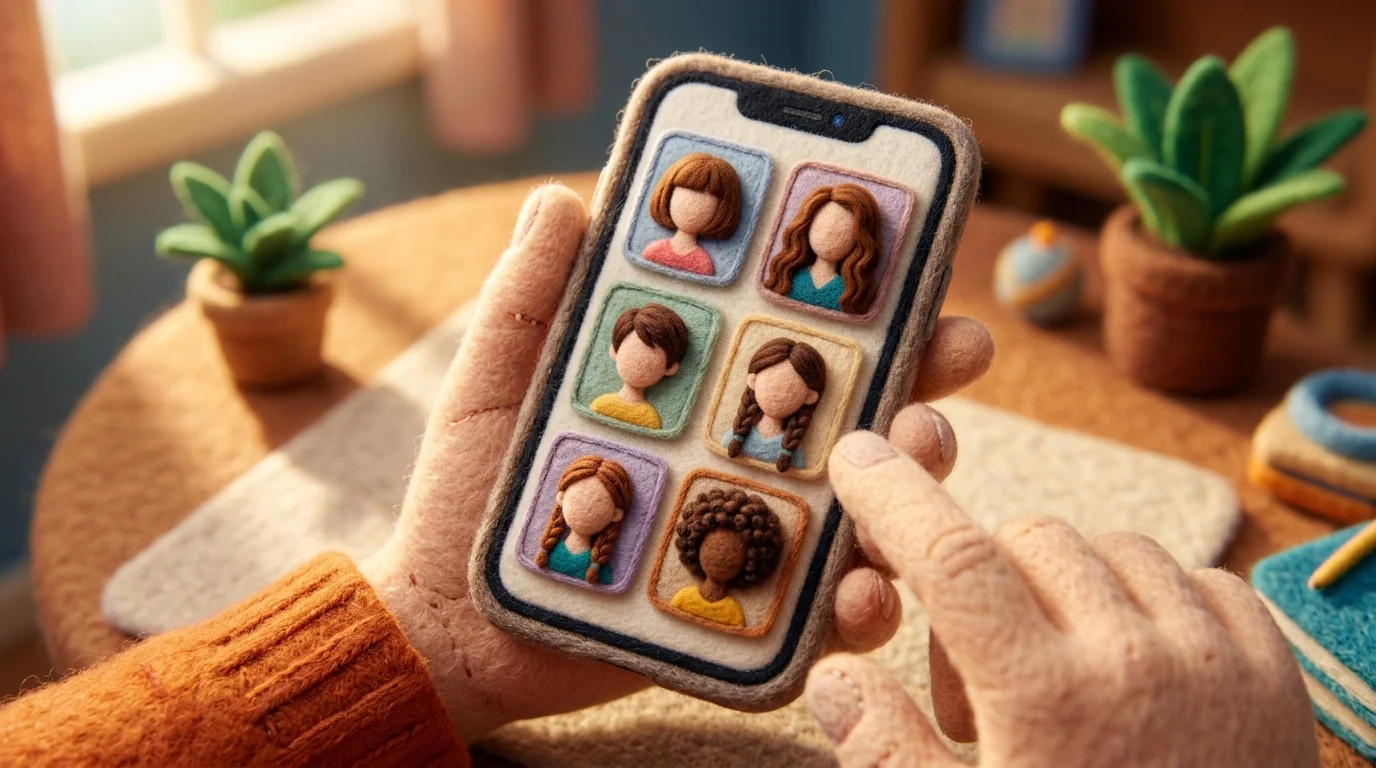
Before your appointment, save 3-5 styles from your application hairstyle exploration that genuinely appeal to you. Export them at the highest resolution available, then bring them—either printed or on your phone—to your consultation. This shifts the dynamic from "I want this exact look" to "I'm drawn to these elements: the length, the texture, the way it frames the face." Your stylist can then assess whether those specific qualities translate to your hair type, face shape, and lifestyle.
Be explicit about texture and movement. AI renderings often show idealized, smooth results that don't account for natural curl patterns, frizz, or how your hair actually behaves when wet. Tell your stylist: "This preview shows sleek waves, but I have naturally curly hair—how would this style work with my texture?" This conversation prevents disappointment and opens pathways to realistic adaptations.
Discuss maintenance honestly. A style that looks effortless in a virtual try-on might require 20 minutes of styling daily. Ask your stylist about blow-dry time, product needs, and styling difficulty before committing. The app showed you what's possible; your stylist helps you understand what's sustainable for your routine.
Finally, acknowledge the limits of AI rendering. According to industry research on AR beauty platforms, virtual try-on increases confidence by 2.4x when shade rendering feels realistic and trustworthy—but no app perfectly predicts how your specific hair will respond to cutting and coloring. Use the technology to narrow your choices and build confidence, then trust your stylist's expertise to execute something beautiful that works with your actual hair.
Alternatives and Complementary Methods for Trying on Hairstyles
While hair style apps offer convenience, traditional and hybrid approaches remain invaluable for comprehensive preview strategies. Physical inspiration boards—whether Pinterest collections, magazine clippings, or salon swatches—let you assess how styles photograph in real lighting and across diverse hair types. This tactile method catches details that digital renderings sometimes miss, particularly texture and movement in natural conditions.
Consulting directly with your stylist before any haircut remains the gold standard. Experienced stylists can evaluate your face shape, hair density, and lifestyle in person, then suggest realistic adaptations that apps cannot predict. Bring your curated images, but frame them as conversation starters rather than exact blueprints. A skilled stylist translates "I like this vibe" into something that actually works with your hair's behavior.
Getting honest feedback from trusted friends bridges the gap between app confidence and real-world perception. People who see you regularly notice subtleties—how a style frames your features, whether it suits your coloring—that you might overlook in a selfie. Their perspective grounds your decision before you commit.
The most effective approach combines methods: use hair do try-on technology to narrow your choices and build confidence, create a physical mood board to verify your instincts, then discuss everything with your stylist. This layered strategy accounts for both the creative possibilities apps reveal and the practical expertise only human consultation provides. No single tool tells the complete story; together, they do.
Making Confident Hair Decisions With Modern Technology
Hair try-on technology has fundamentally shifted how people approach one of their most visible personal decisions. Rather than relying solely on intuition or salon photographs, you now have the ability to test dozens of styles on your own face before committing to scissors. This shift from guesswork to informed experimentation removes much of the anxiety that surrounds haircuts.
The most effective approach combines digital exploration with human expertise. Start by experimenting with multiple hair cutter apps to understand which styles genuinely resonate with you and suit your features. These previews build confidence and clarity about your preferences. Then bring your curated selections to your stylist—not as rigid demands, but as visual references that spark conversation. A skilled cutter can evaluate your hair's texture, growth patterns, and lifestyle to adapt those ideas into something that actually works for you in practice.
The real power emerges when you stop treating apps and stylists as competing authorities. Apps excel at showing creative possibilities; stylists excel at translating those possibilities into reality. Your job is to bridge the gap by doing the homework upfront. Spend time with the visualization tools, get feedback from people who see you regularly, then walk into your appointment armed with clarity about what you want to try.
Ready to experiment? Download a hair try-on app today and spend 15 minutes testing three or four styles you've been curious about. You might surprise yourself with what works—and you'll definitely walk into your next salon visit with more confidence than you've ever had before.


Ready to jump in?
Upload a photo, describe a change and review the result. Try 1 credit after signup and email verification.