Mar 23, 2026
How to Use Face Swap Technology: Complete Guide to AI Face Swapping
Face swap technology has evolved from Hollywood movie magic into an accessible tool anyone can use on their smartphone or computer. What once required expensive software and professional expertise now runs on artificial intelligence, making it possible to swap faces in photos and videos within seconds. Whether you're creating fun social media content, testing how you'd look with a different hairstyle, or exploring creative projects, understanding how this technology works—and how to use it safely—is essential.
Quick Answer:
Face swap technology uses artificial intelligence to detect and replace faces in images or videos with another face. It analyzes facial features, maps them precisely, and blends the swapped face seamlessly into the original image. The technology has become mainstream through mobile apps and web-based editors that require no technical skills to operate.
At its core, an AI face swap works by using deep learning algorithms trained on thousands of face images. These algorithms identify key facial landmarks—eyes, nose, mouth, jawline—then map and morph one face onto another while preserving natural lighting, skin tone, and expression. The result is a convincingly realistic swap that looks like the person actually appeared in that photo or video.
This guide covers everything you need to know: practical applications beyond just having fun, step-by-step instructions for popular tools, and why this technology has exploded in popularity across social media platforms and creative industries. You'll learn what makes certain face swaps look realistic, common mistakes to avoid, and which tools work best for different needs.
Table of Contents
- The Technology Behind AI Face Swapping
- Practical Applications: Where Face Swap Technology Is Used Today
- Step-by-Step Guide: How to Swap Faces Using Modern AI Tools
- Comparing Top Face Swap Tools and Platforms
- Best Practices and Tips for Professional-Quality Face Swaps
- Ethical Considerations and Legal Guidelines for Face Swapping
- Getting Started with Face Swap: Your Next Steps
The Technology Behind AI Face Swapping
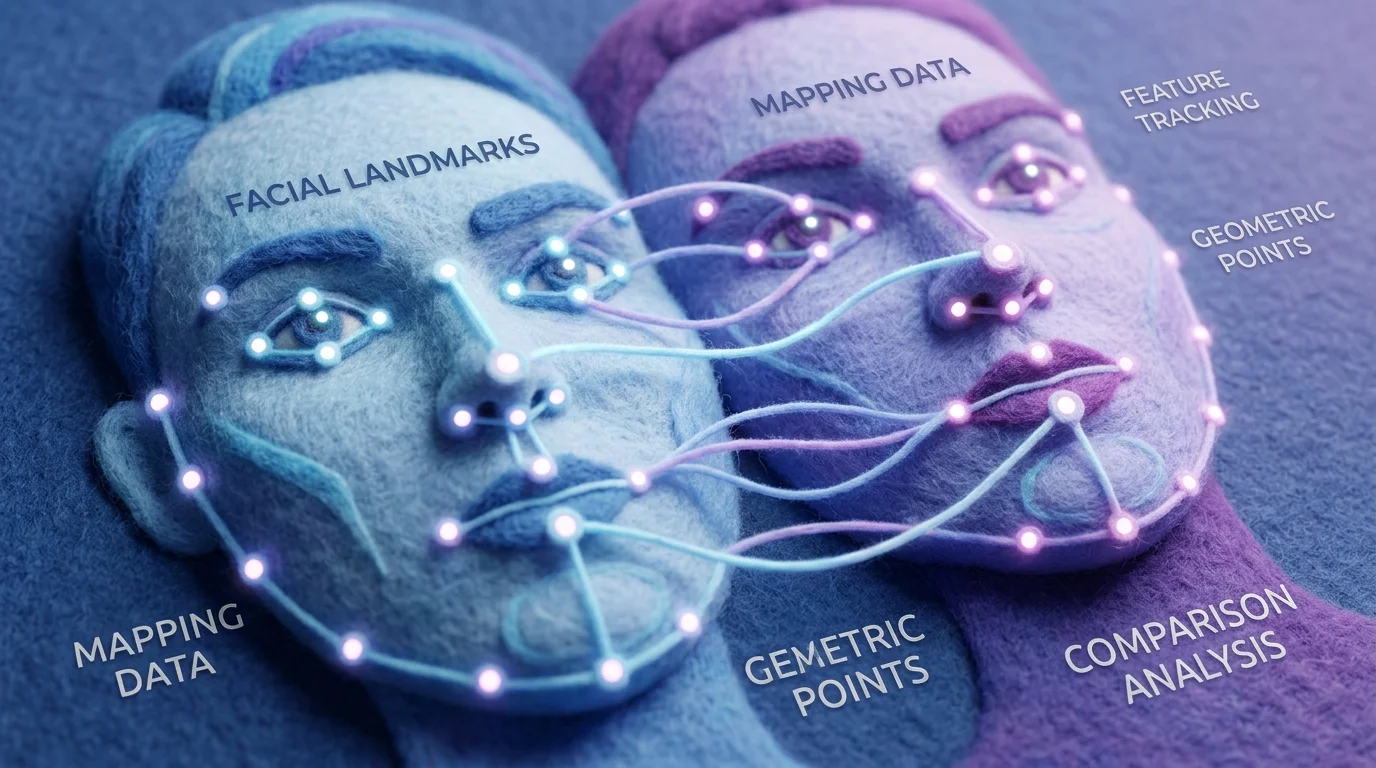
Modern face swap technology relies on deep learning neural networks trained on millions of facial images. These systems learn to identify and extract precise facial landmarks—the eyes, nose, mouth, cheekbones, and jawline—then map one face onto another with remarkable accuracy. The process happens in milliseconds, yet the computational sophistication behind it is substantial.
The core mechanism involves three interconnected steps. First, facial detection algorithms locate and isolate faces in your image or video. Second, the system analyzes facial geometry and features, creating a mathematical representation of how that specific face is structured. Third, advanced blending algorithms merge the swapped face seamlessly, matching skin tone, lighting conditions, and even micro-expressions to the original photograph.
What makes modern face swapping so effective is the use of generative adversarial networks (GANs)—a type of artificial intelligence architecture where two neural networks compete with each other. One network generates realistic face swaps while another critiques them, pushing quality higher with each iteration. This adversarial process produces results that fool the human eye because the system has learned what genuinely convincing facial integration looks like.
Enhanced facial recognition accuracy has reached impressive levels, with leading systems achieving up to 98% accuracy in face matching even under challenging conditions like varied lighting and different head angles. This precision is why modern face swapping tools produce results that look authentic rather than obviously manipulated.
The technology's rapid improvement stems from exponential growth in computing power and training data availability. What required expensive workstations five years ago now runs smoothly on smartphones and web browsers, democratizing what was once a specialized technical skill.
Practical Applications: Where Face Swap Technology Is Used Today
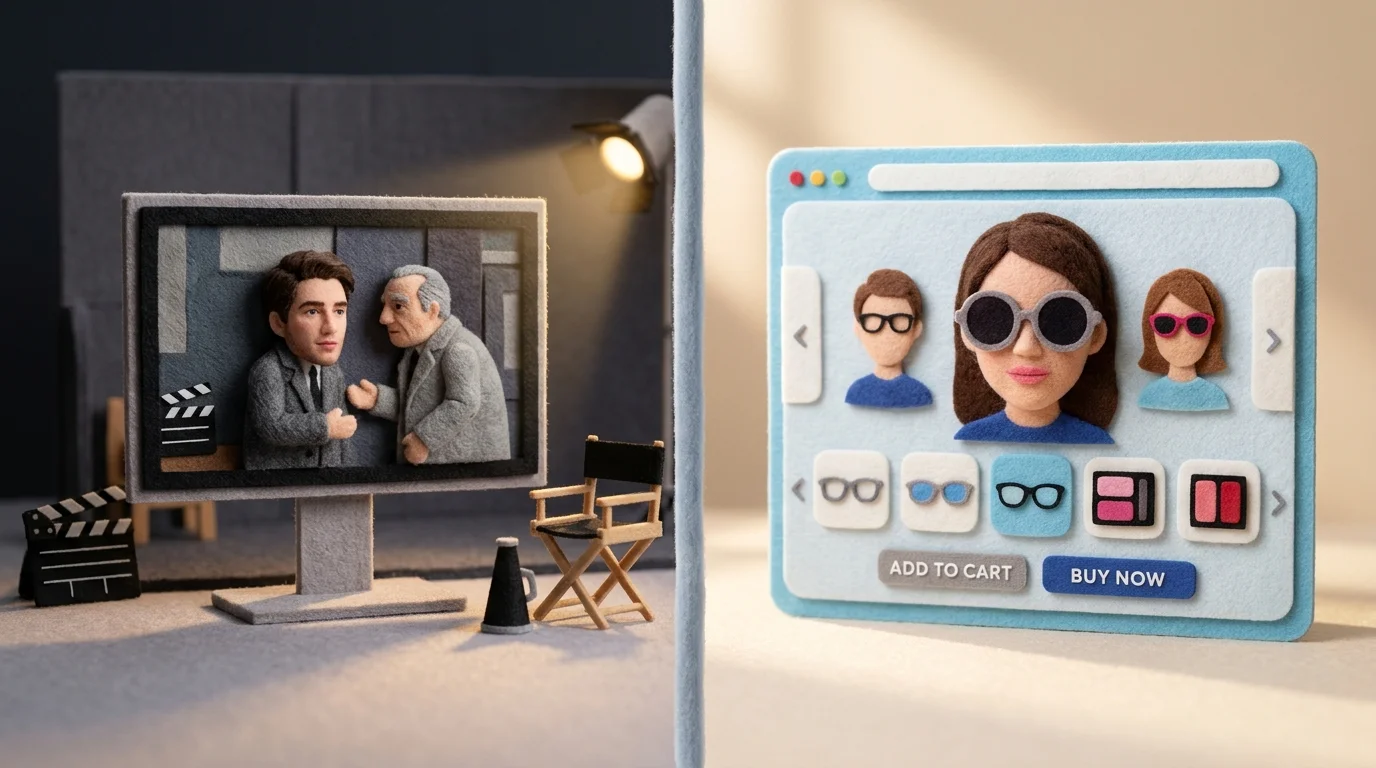
Face swapping has moved far beyond novelty filters and entertainment gimmicks. Today, the technology powers legitimate, high-value applications across multiple industries where precision and authenticity matter.
Entertainment and Film Production represents the most visible use case. Lucasfilm demonstrated this when they brought back a young Luke Skywalker in The Mandalorian and The Book of Boba Fett, using deep learning-based face swap techniques to recreate Mark Hamill's youthful appearance alongside voice synthesis technology. This approach proves cost-effective for complex tasks like digital de-aging or creating posthumous performances for legacy characters—work that would otherwise require expensive prosthetics, reshoots, or CGI reconstruction from scratch.
Digital Marketing and Social Media leverage face swap technology to create personalized, engaging content. Brands use these effects to help audiences visualize themselves in products or scenarios, dramatically increasing interaction rates. In 2024, over 40% of digital marketing campaigns in entertainment and fashion industries incorporated AI-driven face swap effects, with brands achieving up to 50% more engagement compared to traditional advertisements.
Virtual Try-On Experiences allow customers to see how makeup, glasses, hairstyles, or accessories look on their own face before purchasing. This application reduces return rates and increases buyer confidence in e-commerce.
Education and Training uses face swapping to create inclusive learning materials where instructors can appear in multiple contexts or languages, making educational content more accessible and personalized.
Digital Art and Creative Expression empowers artists to experiment with identity, storytelling, and visual narratives in ways previously limited by technical skill or resources. The technology democratizes creative possibilities that were once restricted to professional studios.
These applications demonstrate that face swapping, when used intentionally, solves real problems and creates genuine value—far beyond entertainment novelty.
Step-by-Step Guide: How to Swap Faces Using Modern AI Tools
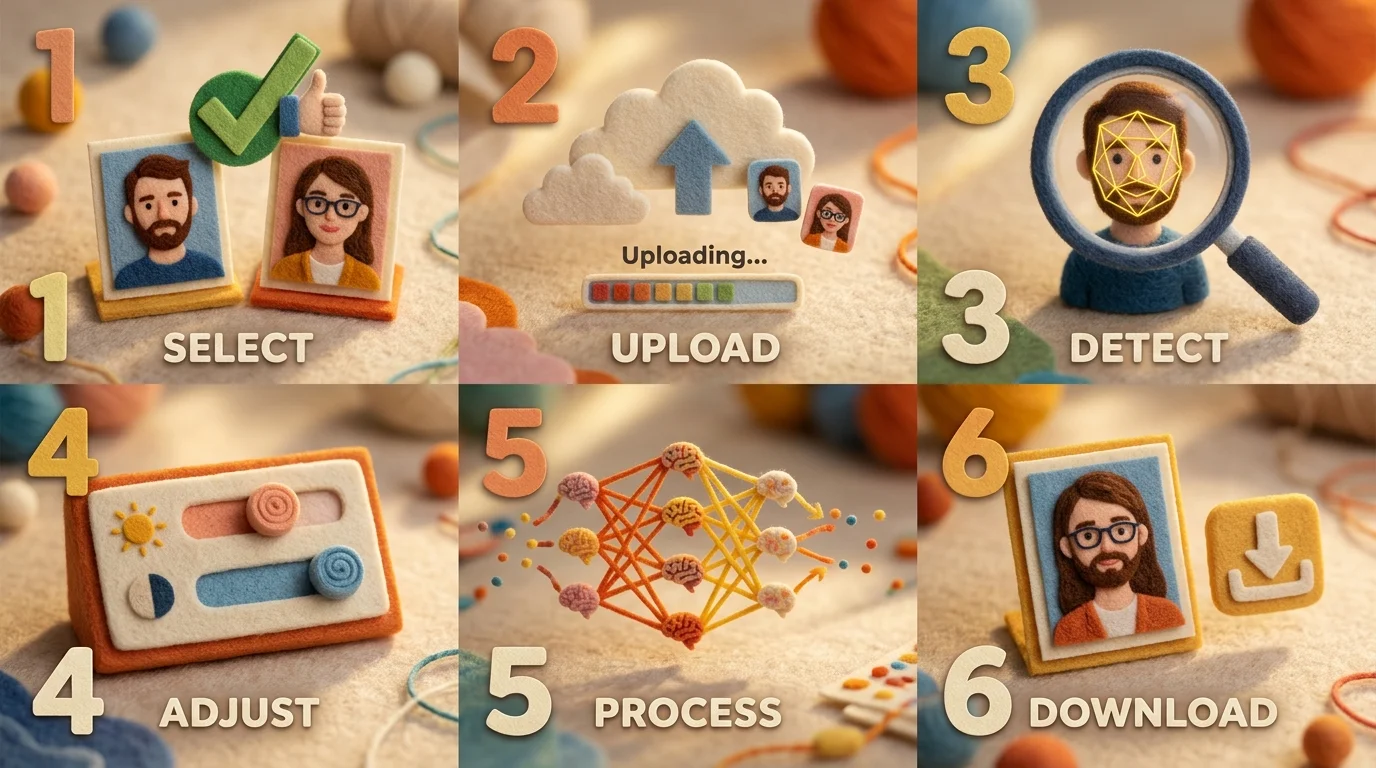
Step 1: Choose Your AI Face Swap Tool
Start by selecting an AI photo editor that supports face swapping. Look for platforms offering intuitive interfaces, good image quality output, and reasonable pricing. Tools like Weezard provide accessible options for beginners, with free credits to test the technology before committing to a paid plan. Check whether the tool supports the image formats you're working with (JPG, PNG, WebP) and offers the resolution quality you need—4K output matters if you're creating professional content.
Step 2: Prepare Your Source Images
Gather two clear, well-lit photos: one containing the face you want to use (source) and one showing where you want to place it (target). Quality matters significantly here. Ensure both images have good lighting, minimal shadows across the face, and clear facial visibility. Avoid extreme angles or profile shots; front-facing or slightly angled portraits work best. The faces should be roughly similar in size and orientation for the most natural results. If your images are low resolution, upscale them first using an AI upscaler to improve swap accuracy.
Step 3: Upload Images to the Platform
Open your chosen AI face swap tool and upload both images. Most modern platforms use drag-and-drop interfaces—simply drop files into the designated area or click to browse your device. Verify the images uploaded correctly and display at full quality before proceeding.
Step 4: Select Faces and Configure Settings
The AI tool will typically detect faces automatically, but you may need to confirm which face is the source and which is the target. Some platforms let you adjust parameters like blending intensity, skin tone matching, or lighting correction. These settings help the swapped face integrate naturally into the target image's lighting conditions and background.
Step 5: Generate and Review
Click the process button and wait for the AI to generate your face swap. Processing time varies—usually 10-30 seconds depending on image resolution and server load. Once complete, preview the result carefully. Check for alignment issues, unnatural blending at edges, or color mismatches.
Step 6: Download and Export
If satisfied, download your final image in your preferred format and resolution. Higher-tier plans typically offer 4K exports without watermarks, while free versions may include watermarks or limit resolution to 1K quality.
Pro Tips for Best Results:
Use images with consistent lighting between source and target. Avoid heavy makeup, glasses, or accessories that obscure facial features in either photo. Test with multiple image pairs to understand how your chosen tool handles different face shapes and skin tones. For professional work, always obtain proper consent from individuals whose faces appear in the final image.
Comparing Top Face Swap Tools and Platforms
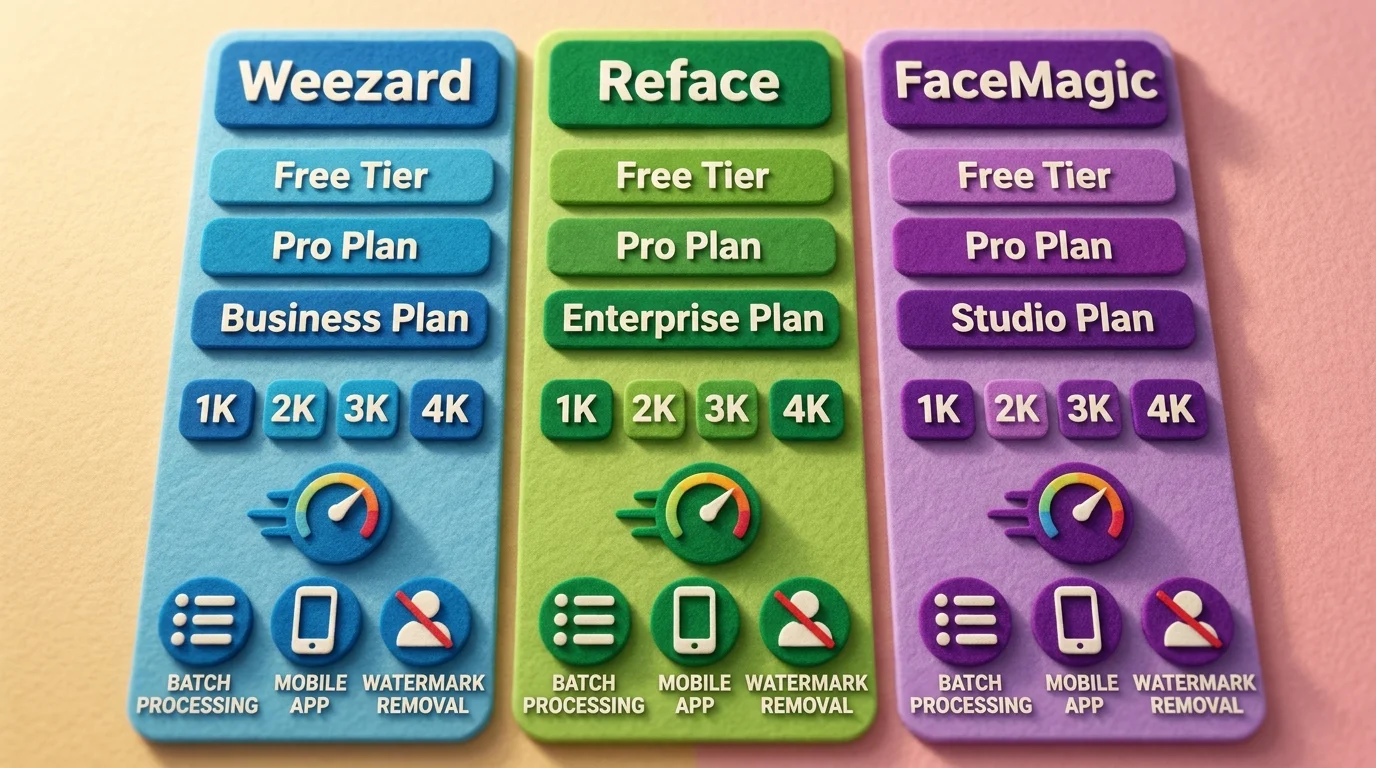
The face swap AI market has fragmented into dozens of options, each targeting different user needs and budgets. Understanding the strengths of leading platforms helps you choose the right tool for your specific use case—whether that's casual entertainment, content creation, or professional editing.
Weezard stands out as a professional-grade solution with flexible accessibility. The free tier provides 5 credits monthly with 1K quality output, making it ideal for testing before committing. The Pro plan at $30/month delivers 200 monthly credits, 4K exports without watermarks, and priority support. This pricing structure appeals to creators who need consistent, high-quality results without breaking the bank. The platform's strength lies in its integration with other AI editing tools, allowing seamless workflows for photo retouching and object removal alongside face swapping.
Competing platforms like Reface and FaceMagic operate on similar subscription models, starting at $3.99 and $9.99 monthly respectively. These tools excel at speed and simplicity—processing happens in seconds, and mobile apps make them accessible anywhere. However, they often impose resolution caps on free tiers and include watermarks that require paid upgrades to remove.
FaceSwapper.ai positions itself at the premium end, with pricing around $29/month. It emphasizes batch processing capabilities and advanced blending algorithms, making it attractive for professionals handling multiple projects. Processing speed varies across platforms: most deliver results within 10-30 seconds, though higher resolutions or complex facial features may extend this timeline.
The key differentiator isn't always price—it's output quality and ease of use. Weezard balances both through intuitive controls and robust processing models. Free tiers across all platforms include watermarks or credit limitations, pushing users toward paid plans once they exceed daily limits. For serious work, subscription-based platforms prove more economical than pay-per-use models that charge $1-3 per generation.
Consider your workflow: casual users benefit from mobile-first apps, while content creators and photographers need desktop software with batch processing and high-resolution exports. Weezard's combination of affordability, quality, and feature breadth makes it particularly suitable for creators transitioning from hobbyist to semi-professional work.
Best Practices and Tips for Professional-Quality Face Swaps
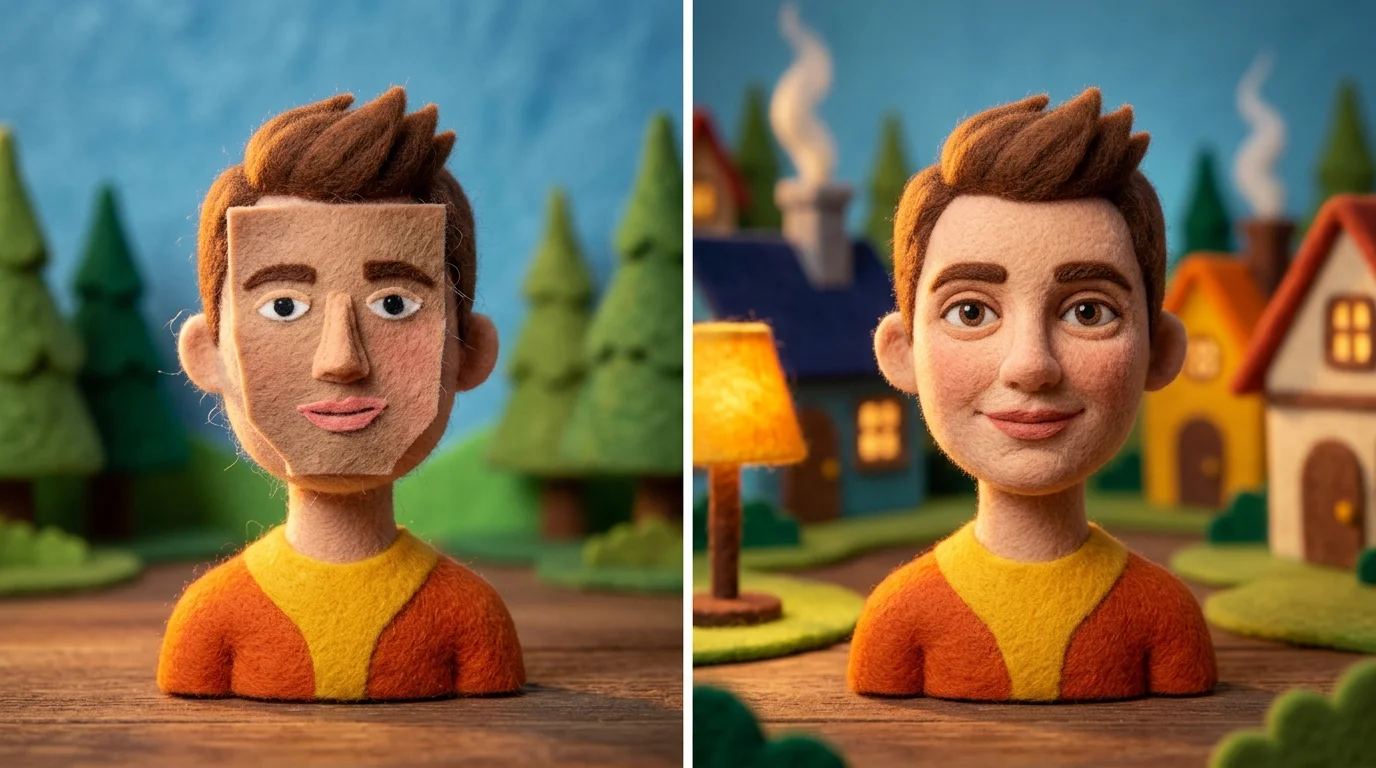
Achieving natural-looking results when you swap faces requires more than just uploading two photos and hitting a button. The quality of your output depends heavily on preparation and technique. Start by selecting source images with matching lighting conditions—if one face is brightly lit and the other is shadowed, the blend will look artificial no matter how advanced the AI is. Frontal or near-frontal angles work best; extreme side profiles or tilted heads create misalignment issues that even sophisticated algorithms struggle to correct seamlessly.
Pay close attention to skin tone and texture consistency. The AI can match colors to a degree, but if the source and target faces have drastically different complexions or one shows heavy makeup while the other doesn't, post-processing becomes necessary. Background consistency matters too—a cluttered or moving background in either image can confuse the detection system and result in blurry edges around the swapped face.
Common mistakes to avoid: Using low-resolution source images (under 400×400 pixels) forces the AI to interpolate details, degrading quality. Attempting swaps between faces with vastly different sizes or proportions often produces distorted results. Ignoring shadows and highlights around the jaw and cheekbones creates an obvious "pasted" appearance.
After generation, invest time in refinement. Most AI editors, including Weezard, offer retouching tools to adjust blending, smooth transitions, and correct minor color shifts. Zoom in and check the hairline, ears, and neck area—these boundaries reveal poor swaps immediately. If edges look soft or feathered, increase sharpness subtly rather than aggressively, which introduces artifacts.
For professional work, batch-test your settings on similar image pairs first. This identifies optimal parameters before processing your final assets, saving time and credits while ensuring consistent quality across multiple swaps.
Ethical Considerations and Legal Guidelines for Face Swapping
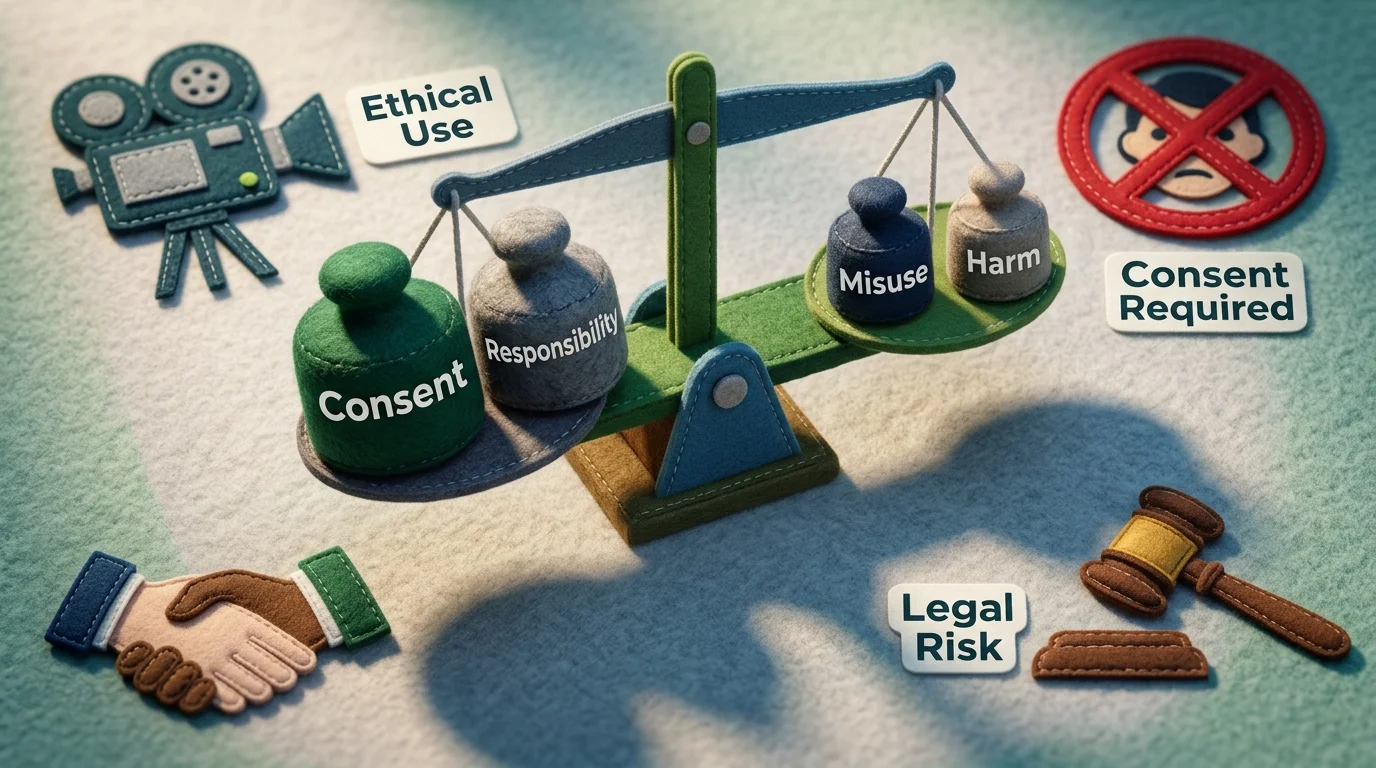
Face swapping technology sits at the intersection of creative expression and potential harm. While AI face swapping tools enable legitimate uses—from entertainment to professional photography—the same technology can be weaponized to create non-consensual deepfakes or spread misinformation. Understanding the ethical and legal landscape is essential for responsible use.
Consent is foundational. Never swap someone's face without explicit permission. This applies whether you're creating content for personal enjoyment or public sharing. Using a person's likeness without consent violates their dignity and, increasingly, the law. According to federal regulations enacted in May 2025, publishing non-consensual intimate imagery—including AI-generated deepfakes—carries penalties of up to three years in prison and substantial fines. Platforms must remove such content within 48 hours upon notice.
The regulatory environment is tightening rapidly. As of early 2026, 46 states have enacted deepfake-related legislation, with 28 specifically addressing political deepfakes. If you're using artificial intelligence face swap technology for any public-facing work, research your jurisdiction's laws first.
Disclosure builds trust. When sharing face-swapped content, clearly label it as edited. This is both ethically sound and practically smart—audiences increasingly expect transparency about AI-generated or manipulated media. Failing to disclose creates credibility damage and legal exposure.
Platform policies matter. Most legitimate AI photo editors, including Weezard, prohibit creating non-consensual intimate imagery or political deepfakes. Violating these terms results in account suspension and potential legal consequences. Use these tools responsibly: create with consent, disclose when appropriate, and respect boundaries. Responsible face swapping strengthens the technology's reputation and protects both creators and subjects.
Getting Started with Face Swap: Your Next Steps
Face swap AI is no longer reserved for tech experts or filmmakers—it's accessible, intuitive, and ready for everyday creators. With tools like Weezard offering 5 free credits to start, you can begin experimenting with AI face swap technology instantly, no commitment required. Whether you're editing photos for fun, storytelling, or creative projects, the key is to start simple, stay ethical, and prioritize consent. High-quality results are within reach when you combine the right tool with responsible use. Explore what's possible, but always remember: great power comes with creative responsibility.

Ready to jump in?
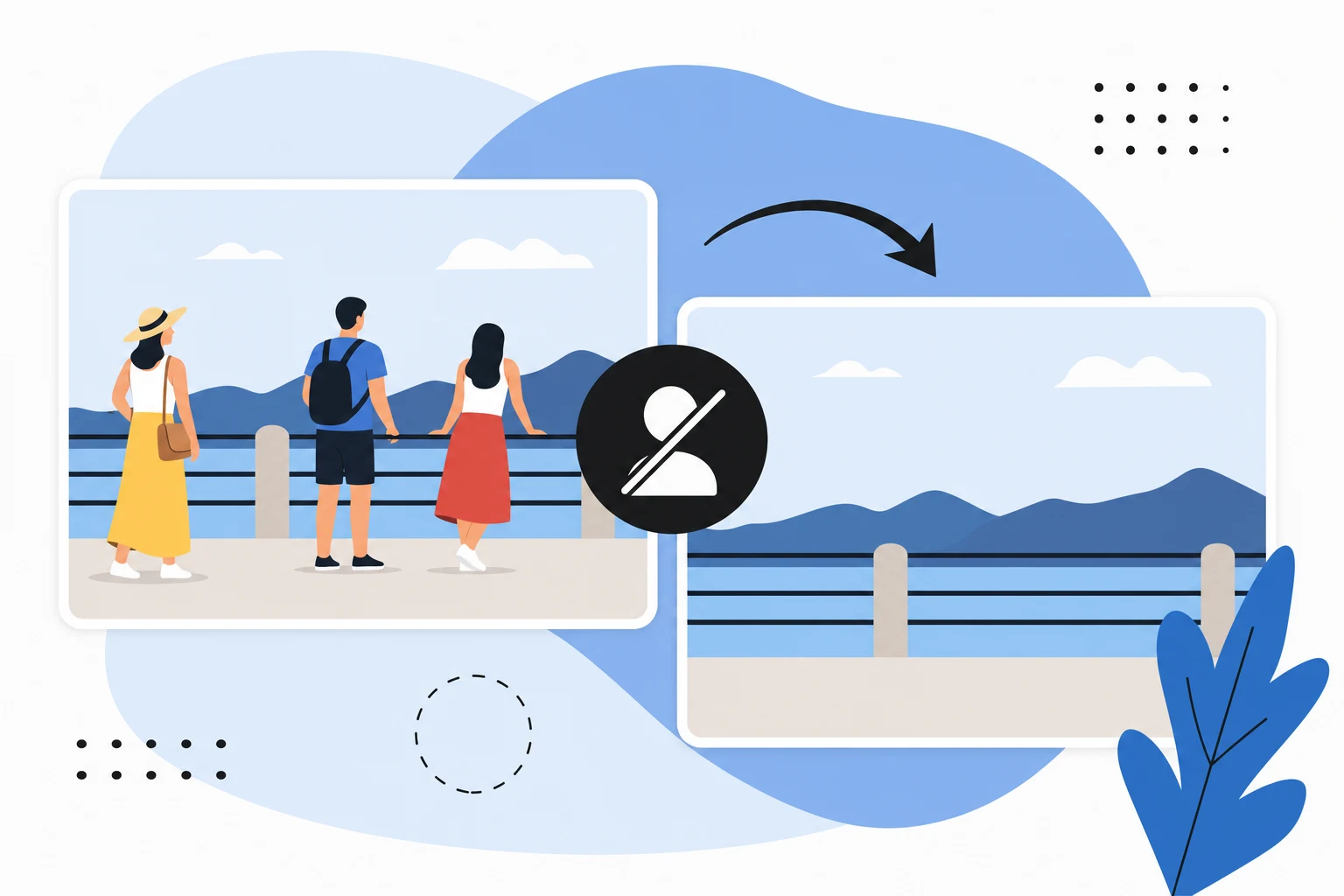
Upload a photo, describe a change and review the result. Try 1 credit after signup and email verification.